

Email Mockup Maker

Email Mockup Maker

Create slick email mockups for your newsletter issues with our free email mockup maker.

All tools

Or paste an image from your clipboard (⌘+V)

I don't know when it happened but Brandbird is now my all-in-one SaaS & social media design tool.

Wilson

Founder Senja.io

Twitter impressions and engagements have increased up to 7000% since I started using BrandBird.

Prathkum

DevRel at APILayer

How It Works

Learn how to create beautiful screenshots with BrandBird.

01

Upload any kind of image, even a boring screenshot.

02

Customize your graphics with easy-to-use presets.

03

Export & Share your beautiful screenshots.

From plain email to stunning mockup

Upload any email or newsletter screenshot and instantly transform it into a polished mockup with gradient backgrounds, device frames, and shadows. Perfect for promoting your newsletter.

Before
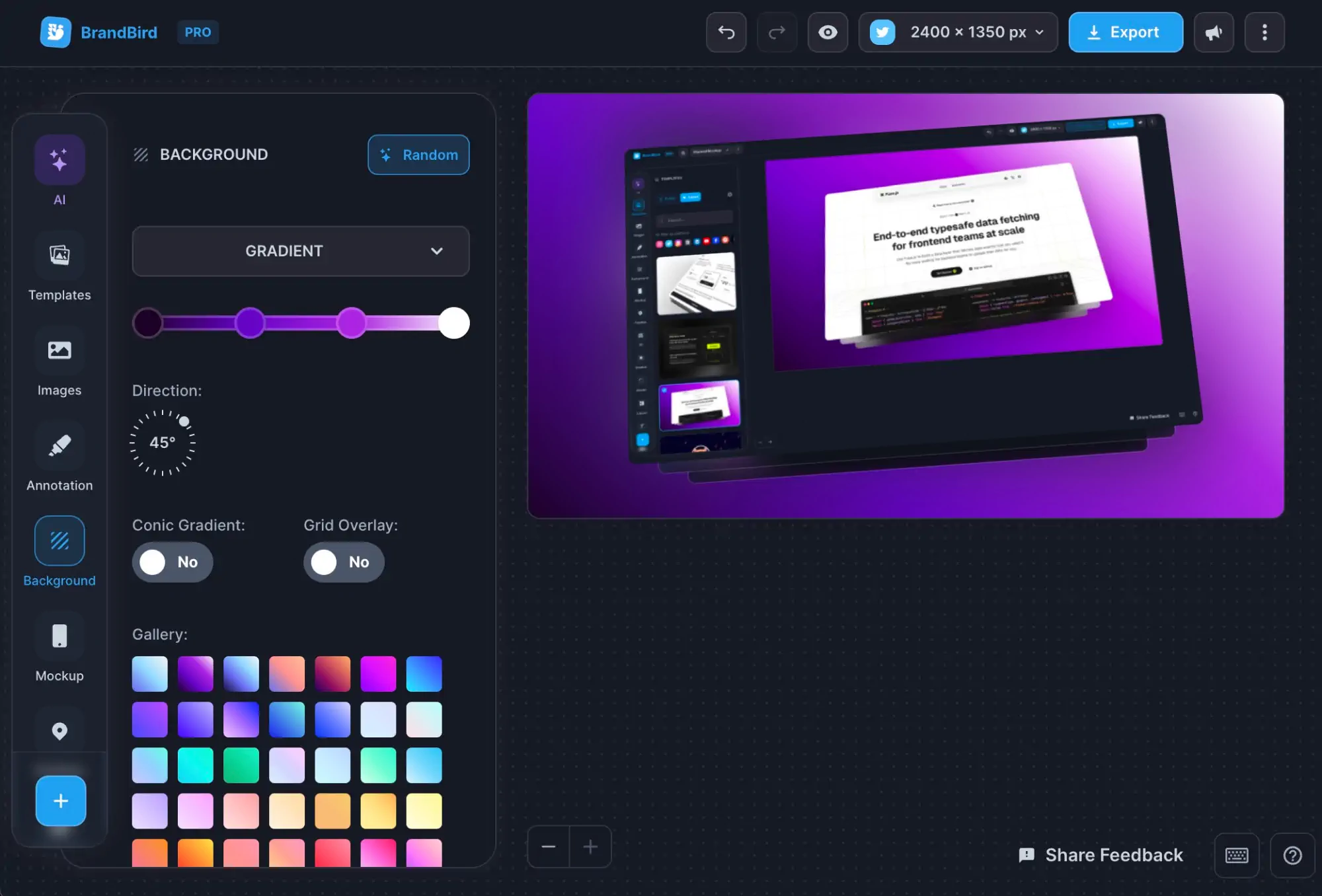
After

Everything you need for email & newsletter mockups

100+ gradient backgrounds

Browser & device frames

Rounded corners & shadows

3D perspective transforms

Social media size presets

Annotations & arrows

Brand kits & watermarks

PNG, JPEG & WebP export

No sign-up required

Related Tools You Might Like

Frequently Asked Questions

What is the Email Mockup Maker?

The Email Mockup Maker is a free online tool to create professional email and newsletter mockups. Turn your email screenshots into beautiful marketing visuals with device frames, backgrounds, and shadows.

How to create a newsletter mockup for marketing?

Upload a screenshot of your email or newsletter, choose a device frame (desktop, tablet, or phone), customize the background and shadows, and export a polished mockup for your landing page or social media.

Is the Email Mockup Maker free?

Yes, the Email Mockup Maker is completely free. Create unlimited email mockups without watermarks or sign-up.

What are the best use cases for email mockups?

Email mockups are perfect for newsletter landing pages, email marketing portfolio pieces, client presentations, social media promotion of newsletter issues, product hunt launches, and blog posts showcasing email campaigns.

Can I showcase my newsletter on social media?

Yes. Create a beautiful mockup of your newsletter issue and share it on Twitter, LinkedIn, or Instagram to promote new editions and attract subscribers.

Which email clients and layouts are supported?

The tool works with any email screenshot — Gmail, Outlook, Apple Mail, Mailchimp, ConvertKit, Substack, or any other client. Simply capture the email and upload the screenshot.

How to make my email mockup look professional?

Use a clean background that complements your email design, add subtle shadows for depth, choose an appropriate device frame, and ensure the email content is clearly readable. Gradient backgrounds work particularly well for newsletter mockups.

Can I use email mockups for my Substack or ConvertKit landing page?

Absolutely. Create mockups of your newsletter issues and add them to your Substack, ConvertKit, Mailchimp, or custom landing page. Visual previews of your email content help convert visitors into subscribers.

Better Screenshots Mockups
With Simple Design Tools.

I don't know when it happened but Brandbird is now my all-in-one SaaS & social media design tool.

Wilson

Founder Senja.io
