Brand Kits
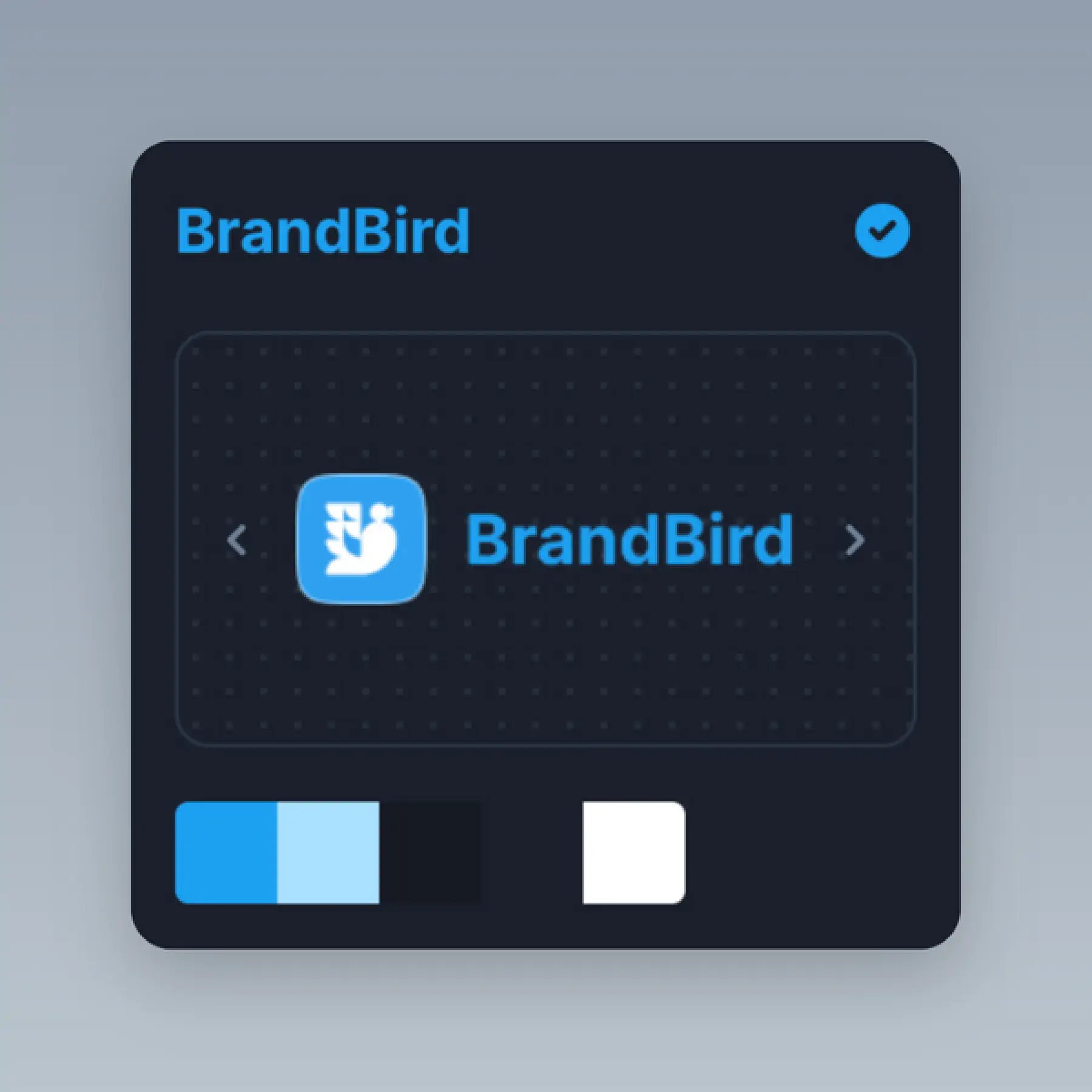
Save your brand identity in one place — watermarks, logos, color palettes, and fonts for consistent social media branding.
How It Works
Learn how to create beautiful screenshots with BrandBird.

01
Upload any kind of image, even a boring screenshot.

02
Customize your graphics with easy-to-use presets.

03
Export & Share your beautiful screenshots.

Customize In 2 Clicks!
Apply backgrounds, 3D effect, mockups, and many more, with a single click.
GIVE IT A TRY...
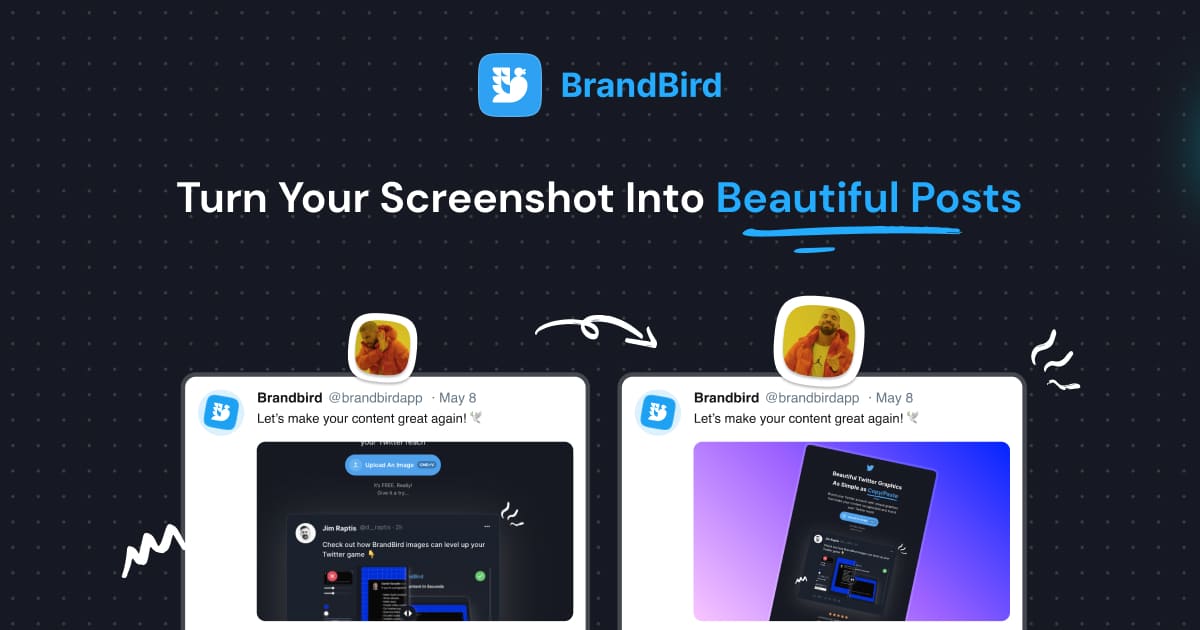
Upgrade your Twitter branding!
Instantly brand your screenshots to make your content recognizable & increase your engagement.
Custom Background
Use solid color, gradients, patterns, or images.
Tilt Your Image
Wow your audience with 3D effects.
BrandBird
@brandbirdapp · 2h
Brandbird.app will become your favorite design tool for Twitter graphics!
500
1k
4k
Frequently Asked Questions
What is a Brand Kit in BrandBird?
A Brand Kit is a saved set of your brand assets — logos, watermarks, color palettes, and fonts — that you can apply to any graphic with one click. It keeps all your social media visuals on-brand without re-uploading assets each time.
How do I set up a Brand Kit in BrandBird?
Open the BrandBird editor, go to the Brand Kit section, and upload your logo, watermark, and brand colors. Once saved, you can apply them instantly to any new graphic you create.
Can I save multiple Brand Kits for different clients?
Yes. BrandBird Pro lets you create and save multiple Brand Kits, making it easy to switch between client brands when creating graphics for different products or companies.
How does a Brand Kit help with consistent social media branding?
By saving your colors, fonts, and logos in one place, every graphic you export automatically matches your visual identity. Consistency builds brand recognition and trust across platforms like Twitter, LinkedIn, and Instagram.
Can I include custom fonts in my Brand Kit?
BrandBird supports a wide range of fonts for annotation layers and text overlays. Save your preferred fonts in your Brand Kit so they are always pre-selected when you create new graphics.