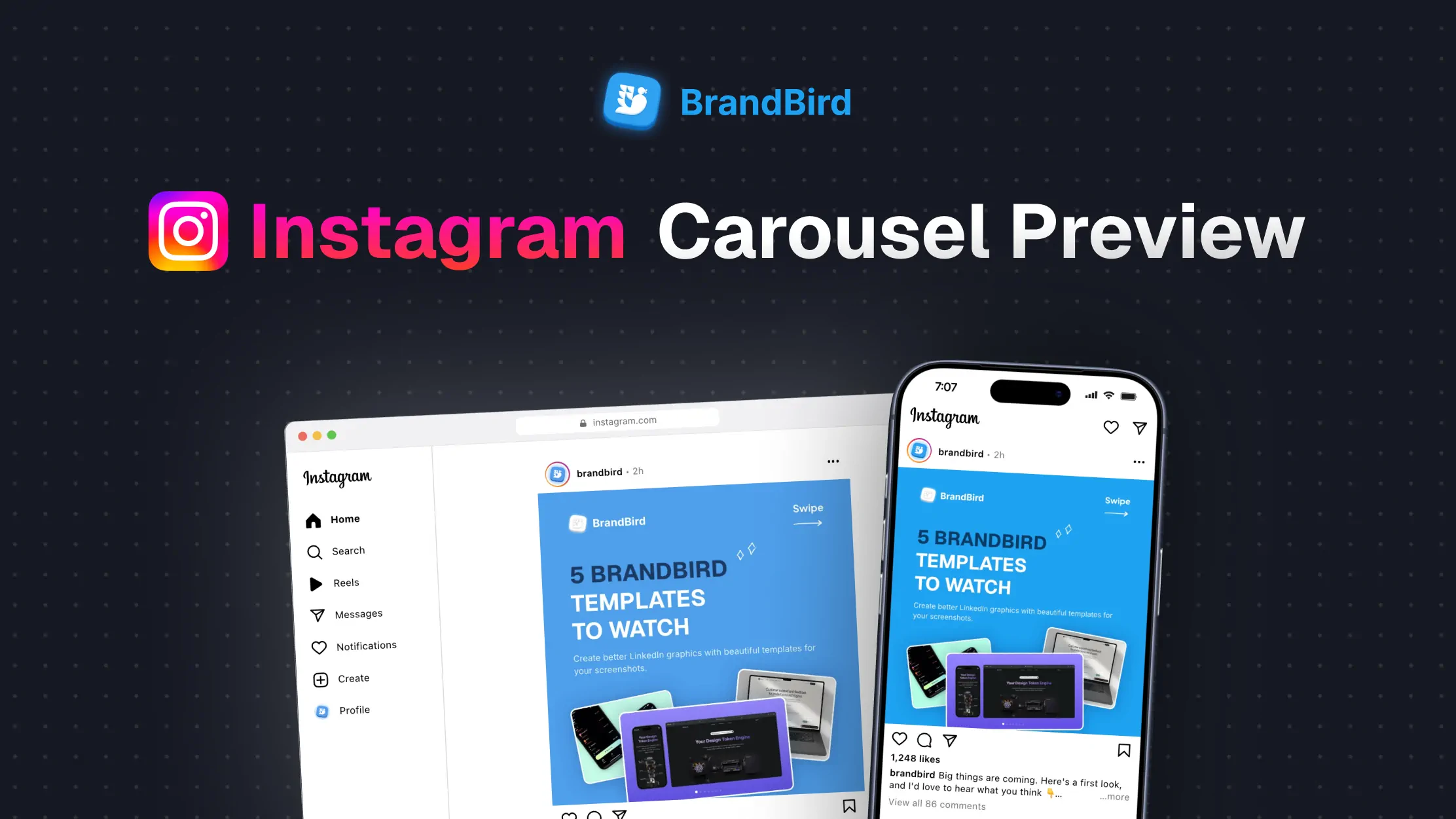

Instagram Post Preview
Preview your Instagram post before it goes live. Add your image and caption, then check the crop and caption cut-off on phone and desktop. Free, private, and no sign-up required.
Loading...
Want a better-looking post?
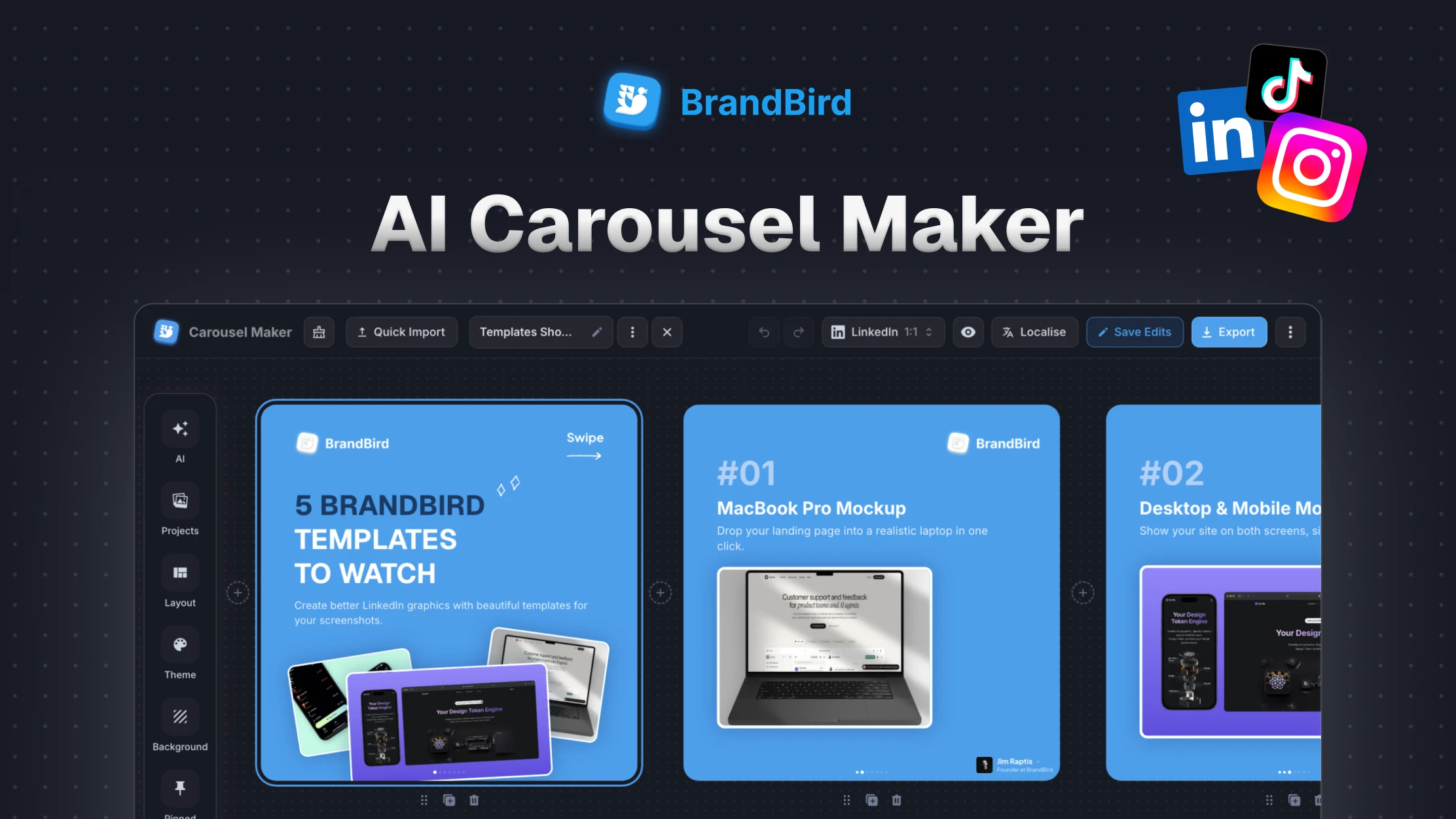
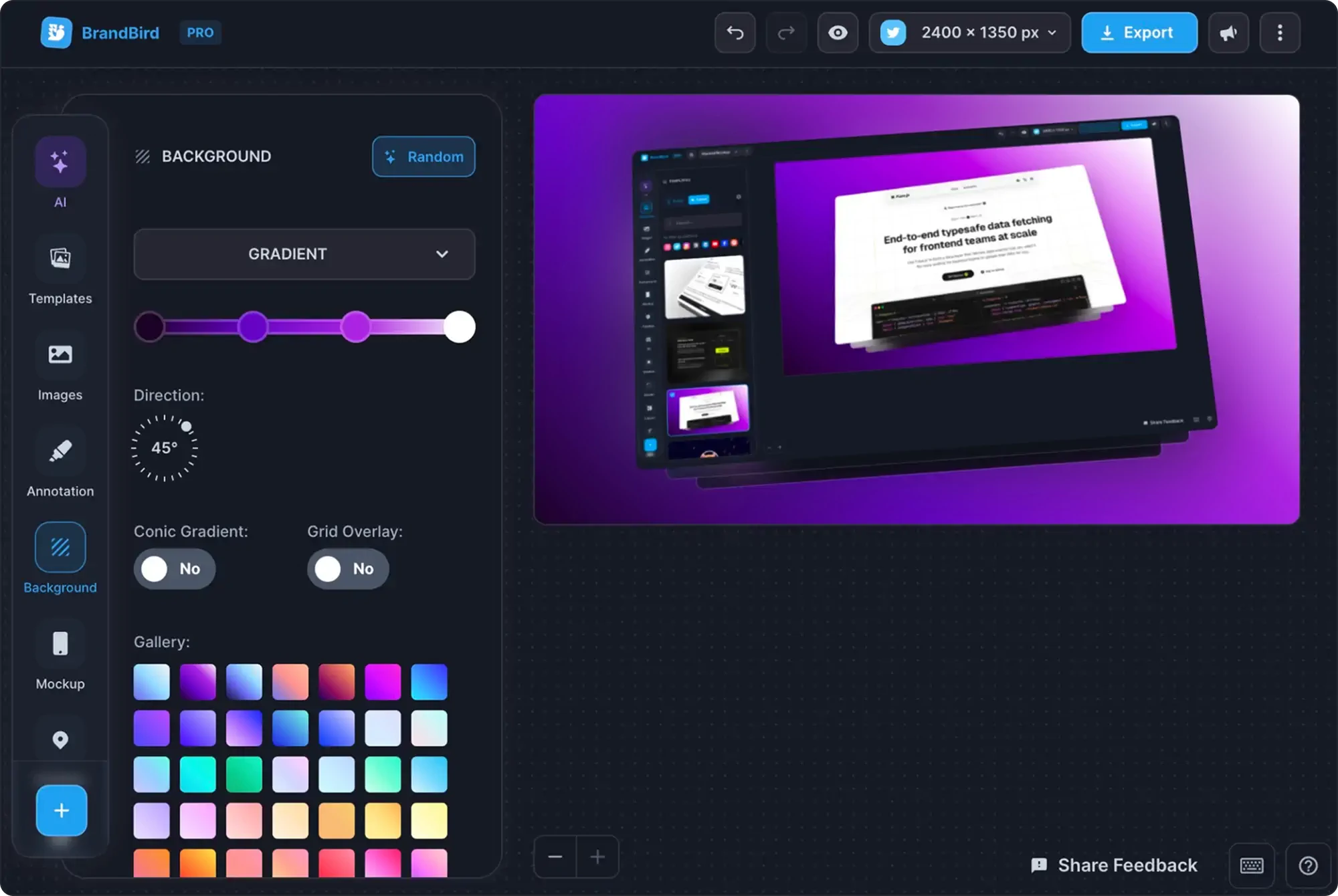
Turn screenshots and images into polished social graphics with backgrounds, mockups, and text.
How to Preview an Instagram Post
Step 1
Upload your image
Drop it in, or paste it from your clipboard.
Step 2
Write the caption
See where it gets cut off with “more”.
Step 3
Check the feed
Review phone and desktop, in light and dark mode.
Instagram Post Sizes
| Format | Size | Best for |
|---|---|---|
| Portrait (4:5) | 1080 × 1350 px | Most feed space, the safest default |
| Tall portrait (3:4) | 1080 × 1440 px | Matches the profile grid |
| Square (1:1) | 1080 × 1080 px | Clean, works everywhere |
| Landscape (1.91:1) | 1080 × 566 px | Wide photos and banners |