
OG Image Generator
Create Open Graph images for link previews on Twitter, LinkedIn, Facebook and more. Customize title, description, logo, and background, then export at 1200×630.
All tools
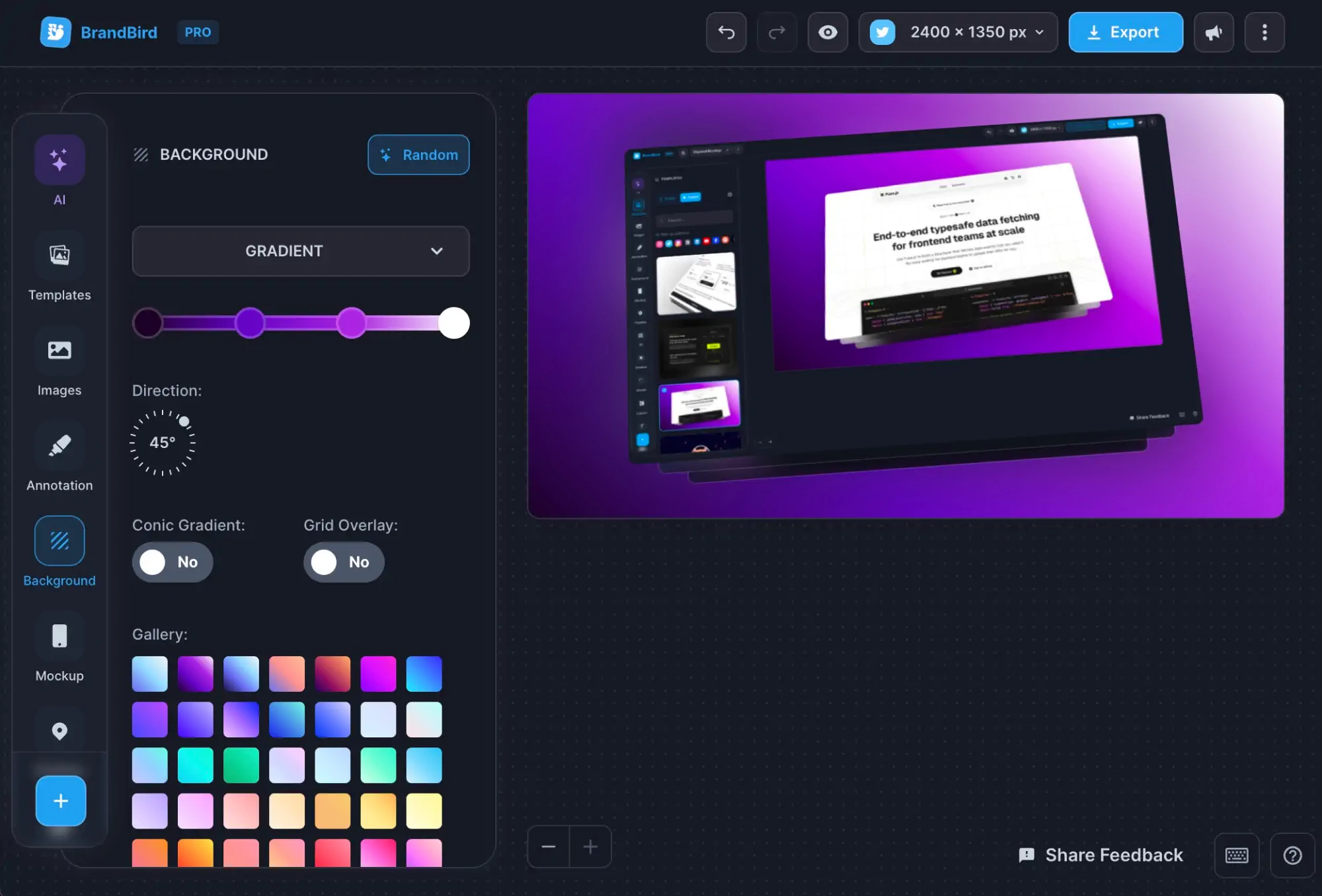

A Powerful Screenshot Editor
BrandBird turns your screenshots into beautiful graphics.
Layout
Copies
Images
Background
What is an OG image?
An OG (Open Graph) image is the preview graphic shown when someone shares your link on social media. It's controlled by the og:image meta tag in your HTML. A well-designed OG image makes your links stand out in feeds and can significantly boost click-through rates.
Platform
Size (px)
Aspect Ratio
Twitter / X
1200 × 628
1.91 : 1
LinkedIn
1200 × 627
1.91 : 1
Facebook
1200 × 630
1.91 : 1
Slack
1200 × 630
1.91 : 1
Discord
1200 × 630
1.91 : 1
How to add your OG image
<head>
<meta property="og:title" content="Your Page Title" />
<meta property="og:description" content="Your description" />
<meta property="og:image" content="https://yoursite.com/og.png" />
<meta property="og:url" content="https://yoursite.com" />
<meta name="twitter:card" content="summary_large_image" />
</head>
// app/layout.tsx (App Router)
export const metadata = {
openGraph: {
title: "Your Page Title",
description: "Your description",
url: "https://yoursite.com",
images: [
{
url: "https://yoursite.com/og.png",
width: 1200,
height: 630,
},
],
},
twitter: {
card: "summary_large_image",
},
};
// app/routes/_index.tsx
export const meta = () => {
return [
{ property: "og:title", content: "Your Page Title" },
{ property: "og:description", content: "Your description" },
{ property: "og:image", content: "https://yoursite.com/og.png" },
{ property: "og:url", content: "https://yoursite.com" },
{ name: "twitter:card", content: "summary_large_image" },
];
};
---
// src/layouts/Layout.astro
const { title, description, image } = Astro.props;
---
<head>
<meta property="og:title" content={title} />
<meta property="og:description" content={description} />
<meta property="og:image" content={image} />
<meta property="og:url" content={Astro.url} />
<meta name="twitter:card" content="summary_large_image" />
</head>
<!-- +page.svelte -->
<svelte:head>
<meta property="og:title" content="Your Page Title" />
<meta property="og:description" content="Your description" />
<meta property="og:image" content="https://yoursite.com/og.png" />
<meta property="og:url" content="https://yoursite.com" />
<meta name="twitter:card" content="summary_large_image" />
</svelte:head>
// nuxt.config.ts
export default defineNuxtConfig({
app: {
head: {
meta: [
{ property: "og:title", content: "Your Page Title" },
{ property: "og:description", content: "Your description" },
{ property: "og:image", content: "https://yoursite.com/og.png" },
{ property: "og:url", content: "https://yoursite.com" },
{ name: "twitter:card", content: "summary_large_image" },
],
},
},
});
Related Tools You Might Like

I don't know when it happened but Brandbird is now my all-in-one SaaS & social media design tool.
Wilson
Founder Senja.io