
A free online tool to crop your images in seconds. Supports JPG, PNG or GIF images.
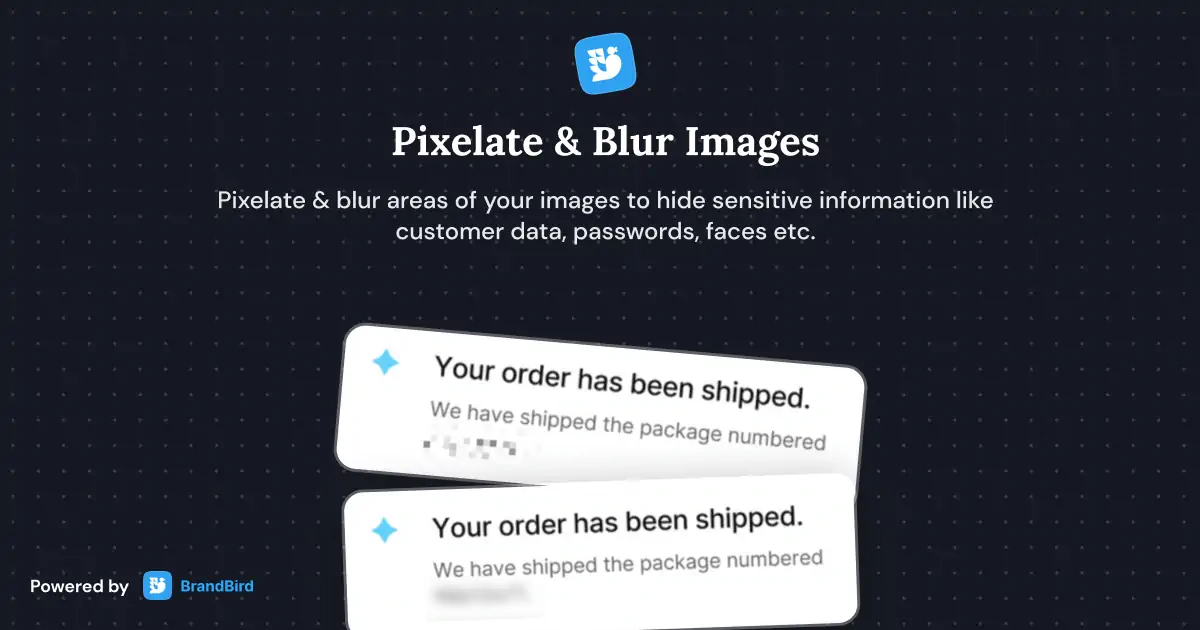
Use the free image blur tool to hide sensitive information from your graphics.
Use the free image pixelate tool to hide sensitive information from your graphics.
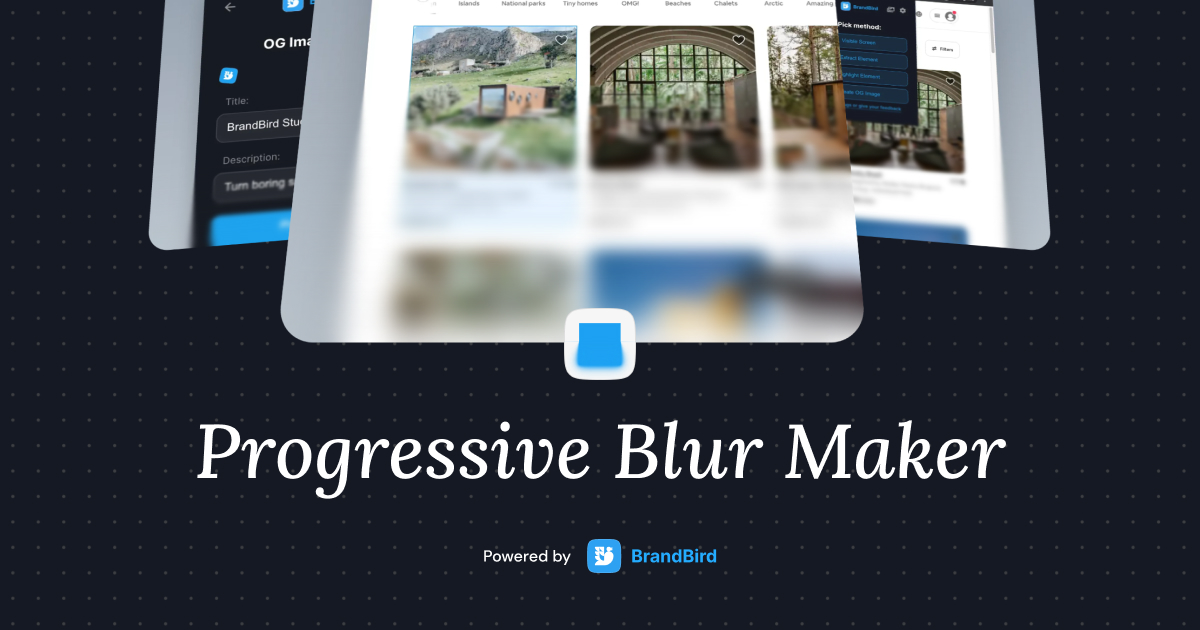
A free online tool to add progressive blur to your mockups, UI screens, and images. Supports PNG, JPEG, WebP images.

Upload any screenshot and instantly beautify it with backgrounds, shadows, and device frames. No design skills needed.
Create unique watermark logos for your personal & product brand and protect your social media content.
BrandBird's Crop Image tool is a fast, free online image cropper that runs entirely in your browser. No uploaded data leaves your device, ensuring complete privacy while you crop JPG, PNG, and WebP images.
1. Upload your image to the Crop Image tool. 2. Drag the crop handles to select the area you want to keep. 3. Click export to download your cropped image. For additional editing, you can open it directly in BrandBird Studio.
Yes. All image processing happens locally in your browser. Your images are never uploaded to any server, ensuring complete privacy and security.
Yes. The Crop Image tool supports custom aspect ratios and pixel dimensions, making it easy to crop images to the exact sizes required by Twitter, Instagram, LinkedIn, Facebook, and other platforms.
Yes, the Crop Image tool is completely free with no limits on the number of images you can crop. No sign-up or watermarks.
The tool supports uploading and exporting images in JPG, PNG, and WebP formats. The cropped output maintains the same quality as your original image.
Upload your image, set the crop area to your desired dimensions, and export. For web optimization, choose WebP format for smaller file sizes, or PNG for images that need transparency.
The tool processes one image at a time for precise control over each crop. Upload, crop, and download each image individually for the best results.
I don't know when it happened but Brandbird is now my all-in-one SaaS & social media design tool.
Founder Senja.io

