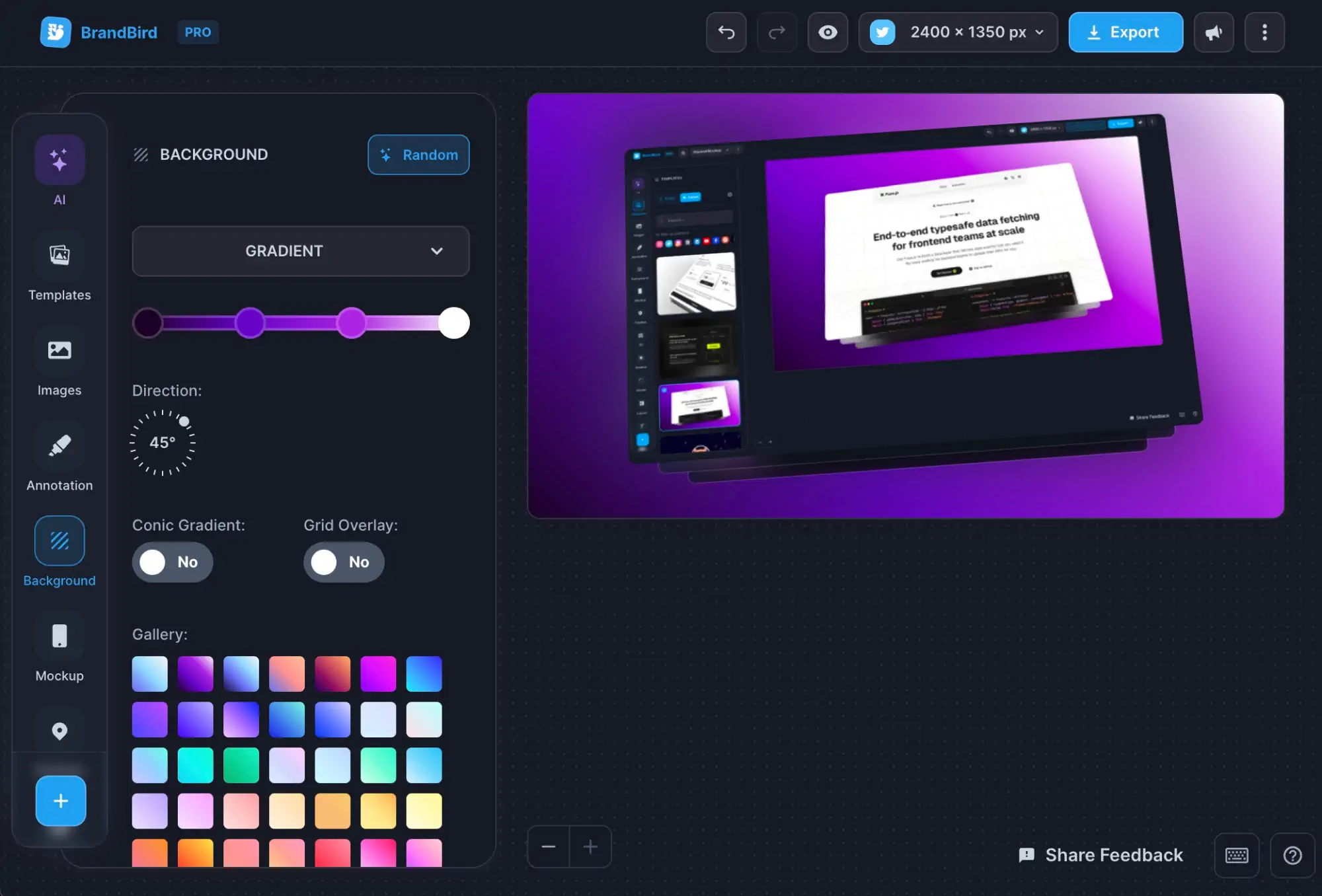
BrandBird Mac App
Capture, organize, and polish screenshots from anywhere on your Mac.
Requires macOS 14 Sonoma or later
Apple Silicon Macs only for now
Capture any area
Select exactly the part of the screen you need, then keep moving without cleaning up crops later.
Keep captures close
Recent screenshots stay in lightweight floating cards, ready to preview, reuse, copy, or open in Studio.
Open in BrandBird Studio
Send any capture into BrandBird Studio to add mockups, annotations, backgrounds, and polished social formats.
Choose a default template
Pick the BrandBird template your captures should open with, so every edit starts in the right format.
Pin captures on screen
Keep important screenshots floating above your workspace while you compare, copy, or reference details.
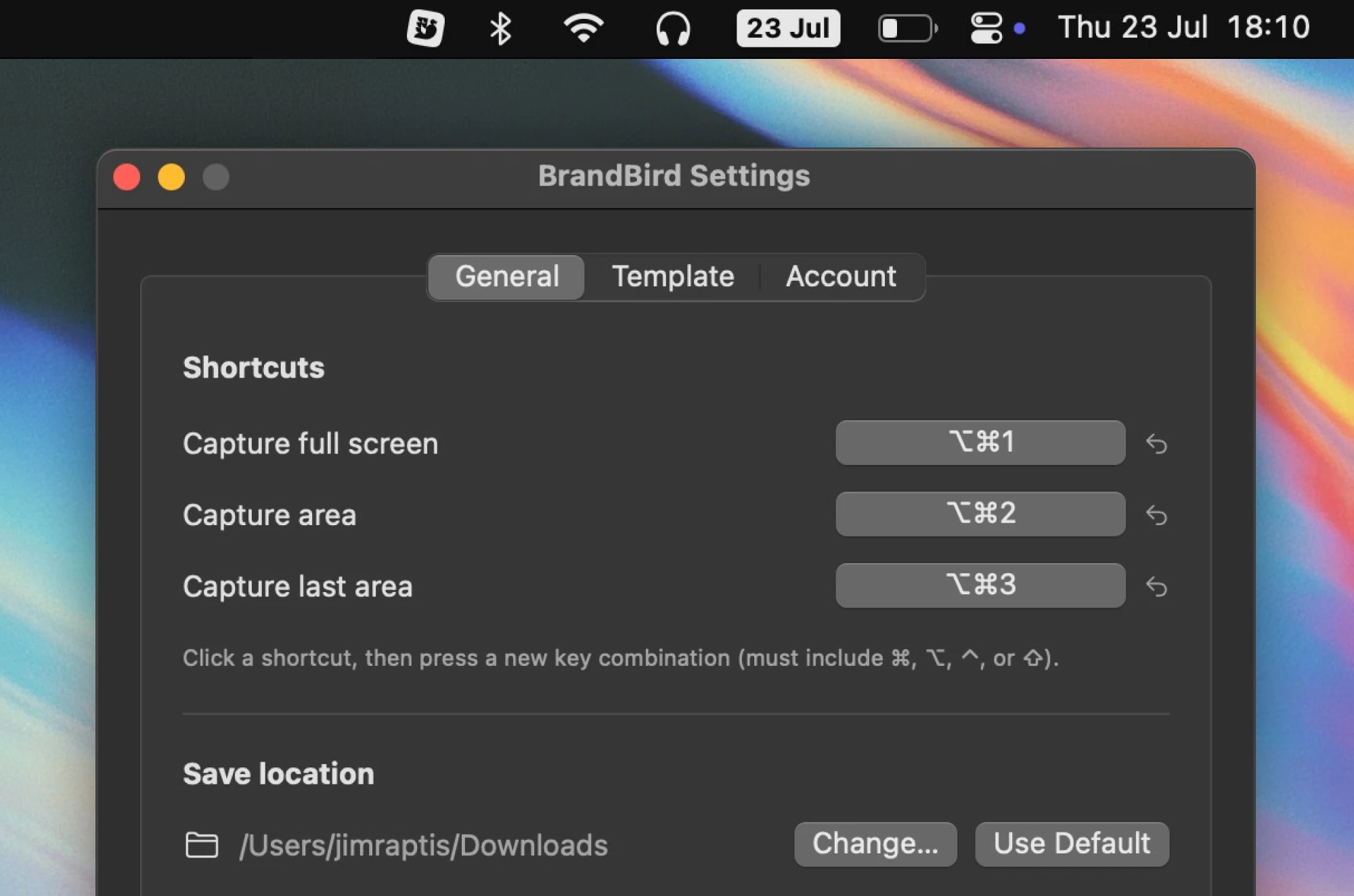
Use global shortcuts
Set capture shortcuts once and grab full-screen, area, or last-area screenshots from anywhere on your Mac.
Frequently Asked Questions
I don't know when it happened but Brandbird is now my all-in-one SaaS & social media design tool.
Founder Senja.io