App StoreScreenshotGenerator
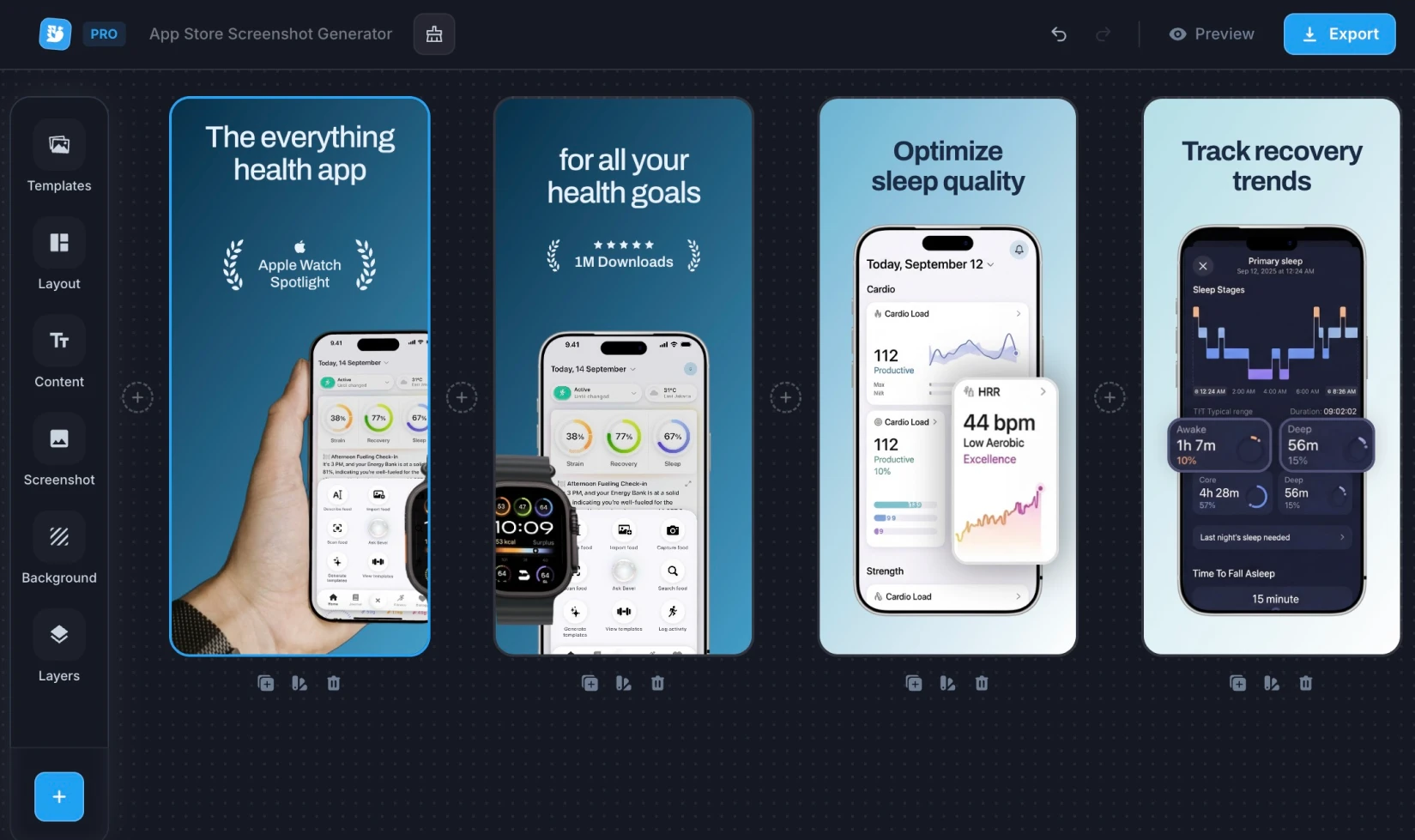
Create stunning App Store screenshots for your iOS app. Add device frames, captions, and backgrounds — download in every required Apple size.

Loved by 10,000+ people from modern companies.

Start from a Template
Pick a professionally designed template and customise it in the editor.
I don't know when it happened but Brandbird is now my all-in-one SaaS & social media design tool.
Wilson
Founder Senja.io
Twitter impressions and engagements have increased up to 7000% since I started using BrandBird.
Prathkum
DevRel at APILayer
Meet Our Features
Easy-to-use. Yet Powerful.
Loved by Creators.
BrandBird is the ultimate screenshot editor for founders, creators, marketters, who value beautiful design.
About BrandBird
Hi fellow creator!
I'm Jim, the founder, designer & engineer behind BrandBird.
For many years, I was struggling to create engaging visuals for my products updates, social media content, and newsletters as a SaaS founder and content creator. The visual creation process felt tedious. Even though I was a professional designer.
I started wondering, how does it feel for a non-designer? It must be a horrible experience!
That's why I built BrandBird. My mission is to help SaaS founders create beautiful graphics with minimal effort even if they have zero design skills!
BrandBird founder

👋
App Store Screenshot Sizes
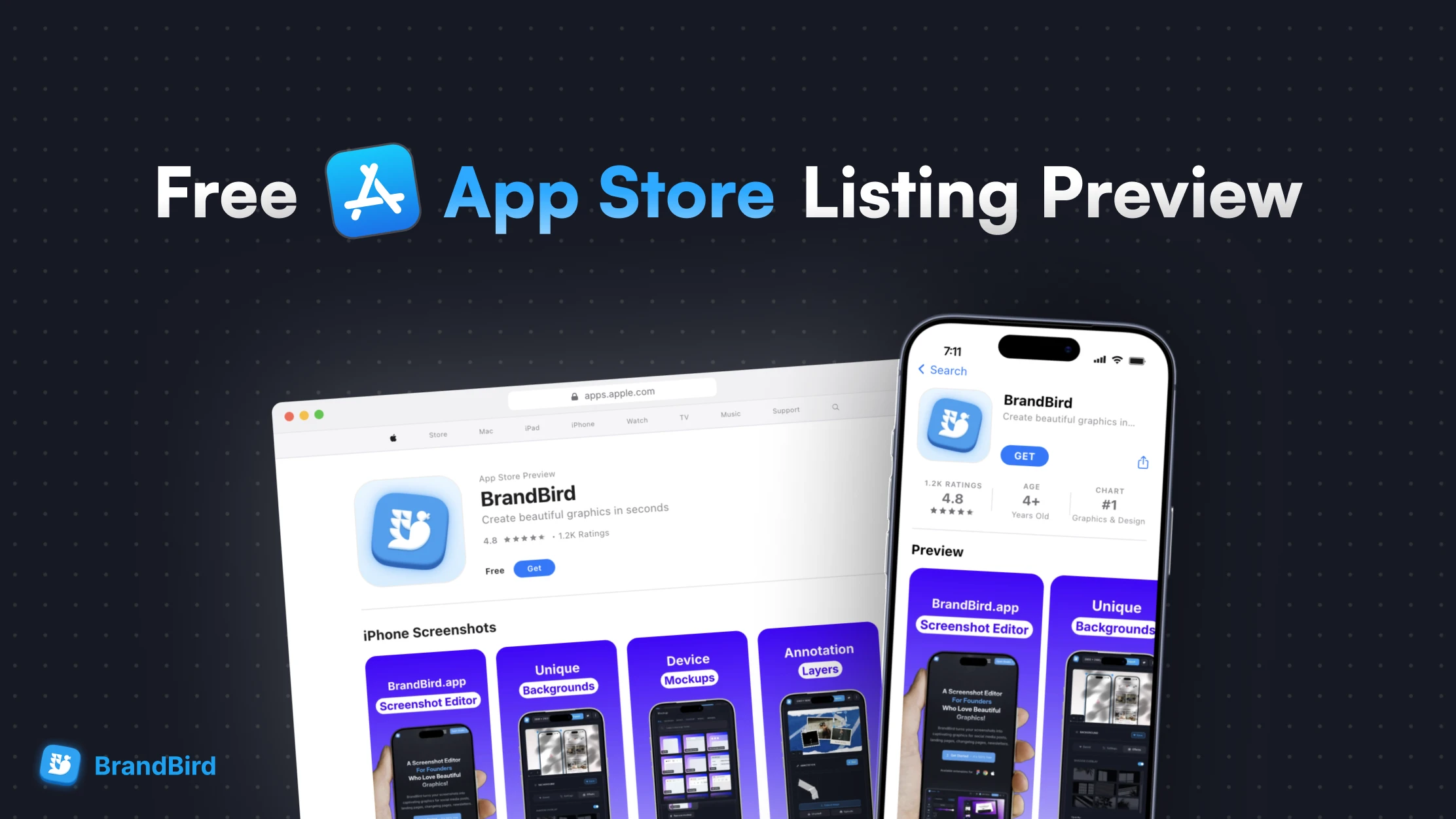
Apple requires specific screenshot sizes for each device type. Upload up to 10 screenshots per size — the first 3 are visible in search results and have the biggest impact on downloads.
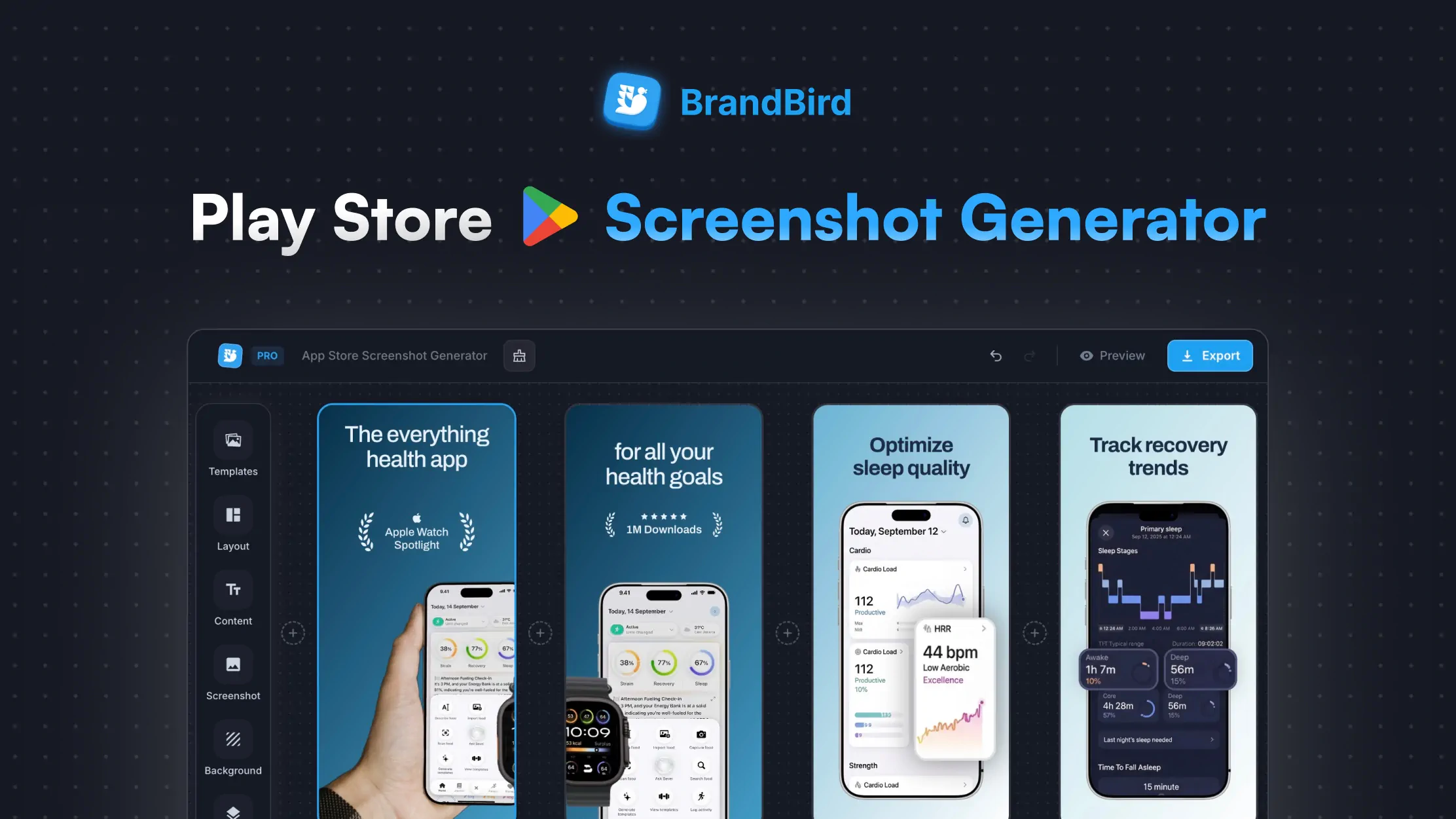
Also publishing on Android? Try our Play Store Screenshot Generator →
Frequently Asked Questions
What sizes do I need for App Store screenshots?
Apple requires screenshots for specific device sizes: 6.7" (1290×2796), 6.5" (1284×2778), 6.1" (1179×2556), and 5.5" (1242×2208) for iPhones. iPad screenshots need 2048×2732, Mac needs 2880×1800, and Apple Watch requires 410×502 or 396×484. Our generator exports in every required size.
How many screenshots can I upload to the App Store?
Apple allows up to 10 screenshots per device size per localization. We recommend using at least the first 3 slots with your strongest selling points, since those appear in search results and can significantly impact download rates.
Can I add text captions to my App Store screenshots?
Yes. Add a headline and subtitle above or below your screenshot. Choose from multiple fonts, adjust size and color, and position text to match your brand. Captions are one of the most effective ways to communicate your app's value at a glance.
Do I need to show a device frame in my App Store screenshots?
No, Apple no longer requires device bezels in screenshots. However, adding a device frame (iPhone, iPad) makes screenshots look more polished and helps users visualize the app on their device. Our tool auto-suggests the correct mockup for each size.
What file format does the App Store require for screenshots?
Apple accepts PNG or JPEG screenshots. Our tool exports high-quality PNG files which are recommended for the best clarity and text sharpness. PNG preserves crisp edges on UI elements and text overlays.
Can I create iPad and Mac screenshots too?
Yes. Switch between iPhone, iPad, Mac, and Apple Watch presets to generate screenshots in every required dimension. The tool automatically suggests the appropriate device mockup for each size — iPad frame for iPad sizes, MacBook for Mac sizes, etc.
How do I make my App Store screenshots stand out?
Use a bold gradient or solid background color, add a concise headline describing the feature shown, and display your app's most impressive screens. Keep text large and readable at thumbnail size. The first 3 screenshots matter most — lead with your strongest value proposition.
Is BrandBird's App Store screenshot generator free?
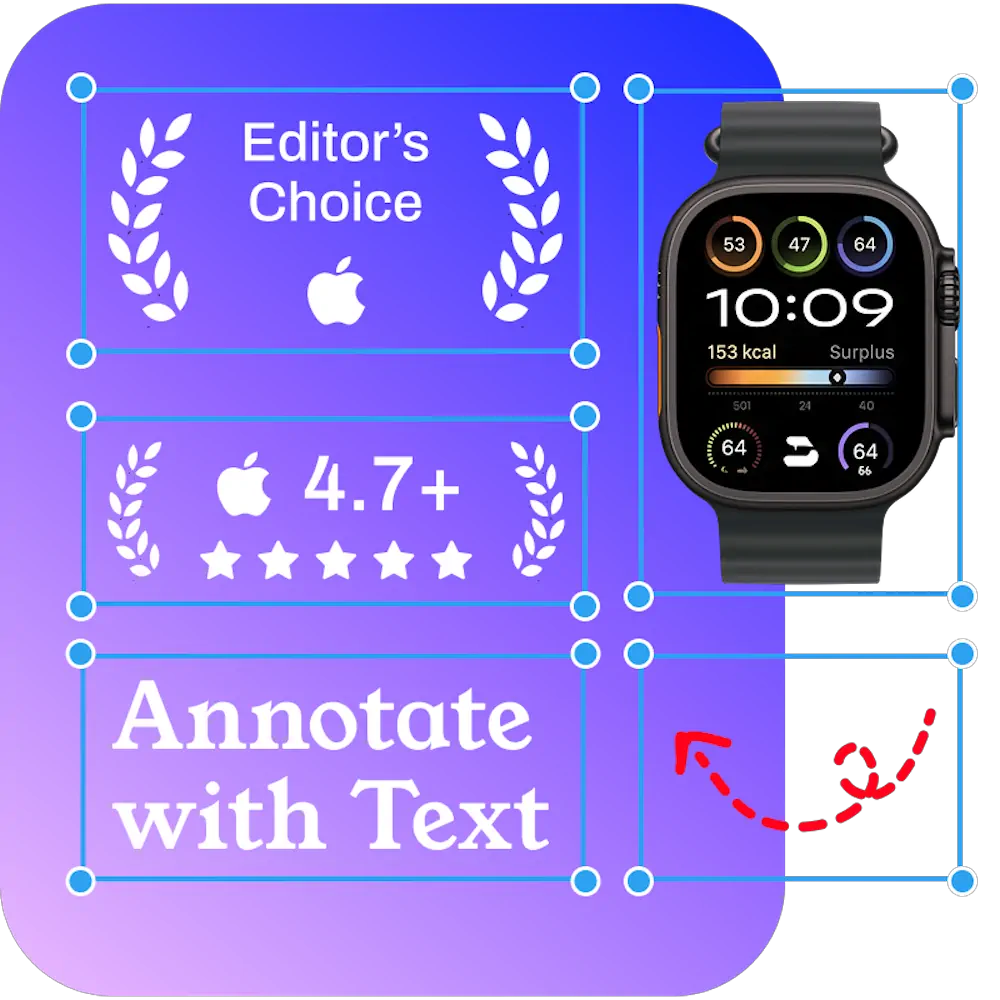
Yes, the generator is completely free. Create and download App Store screenshots with no watermark and no sign-up required. For advanced editing with annotations, highlights, and more backgrounds, you can open your screenshot in BrandBird's full editor.