Progressive Blur Maker
A free online tool to add progressive blur to your mockups, UI screens, and images. Supports PNG, JPEG, WebP images.
A free online tool to add progressive blur to your mockups, UI screens, and images. Supports PNG, JPEG, WebP images.

Use the free image blur tool to hide sensitive information from your graphics.
Use the free image pixelate tool to hide sensitive information from your graphics.

Upload any screenshot and instantly beautify it with backgrounds, shadows, and device frames. No design skills needed.
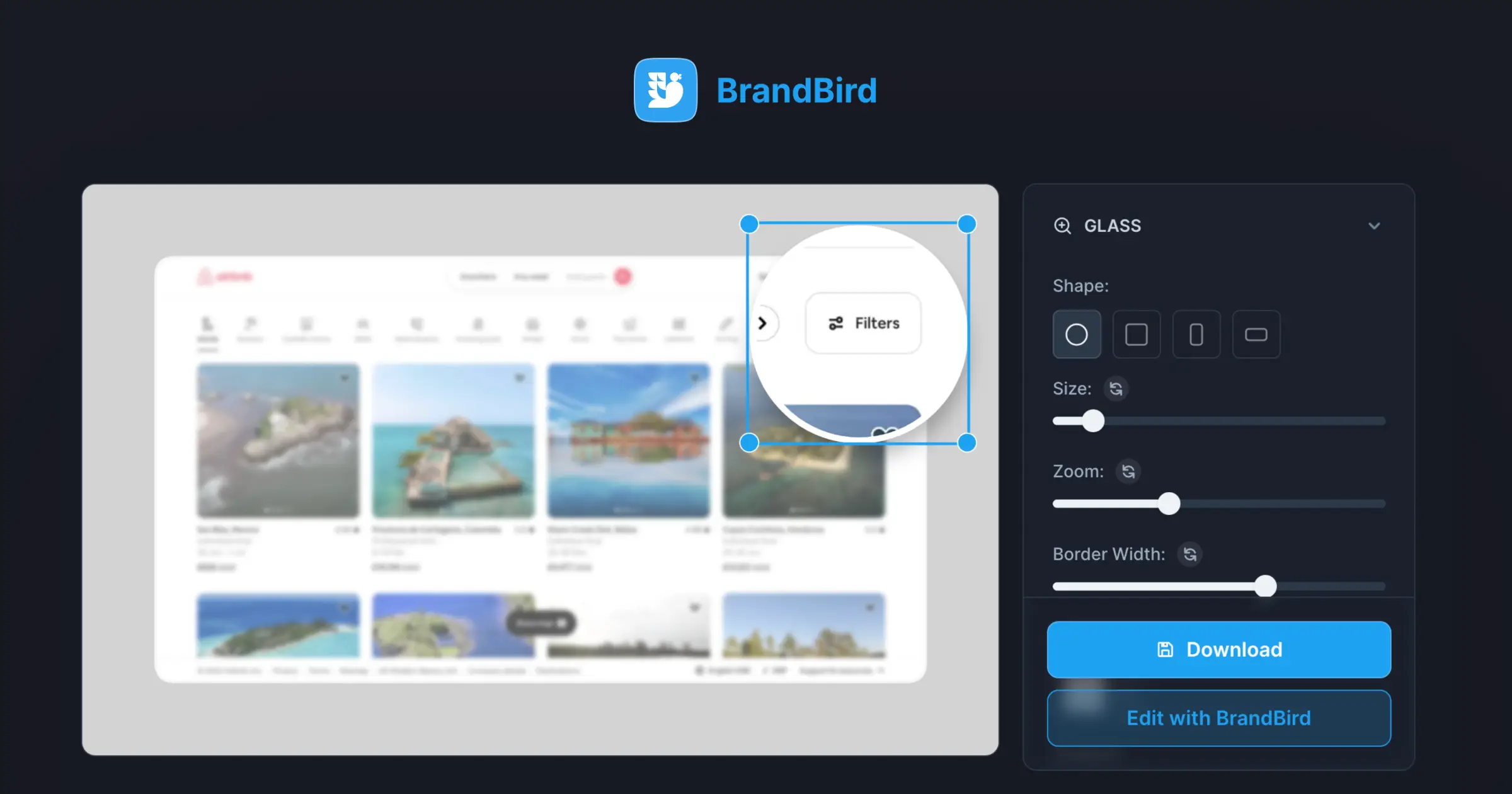
Focus on SaaS features & areas with a magnifier glass effect for better product screenshots.
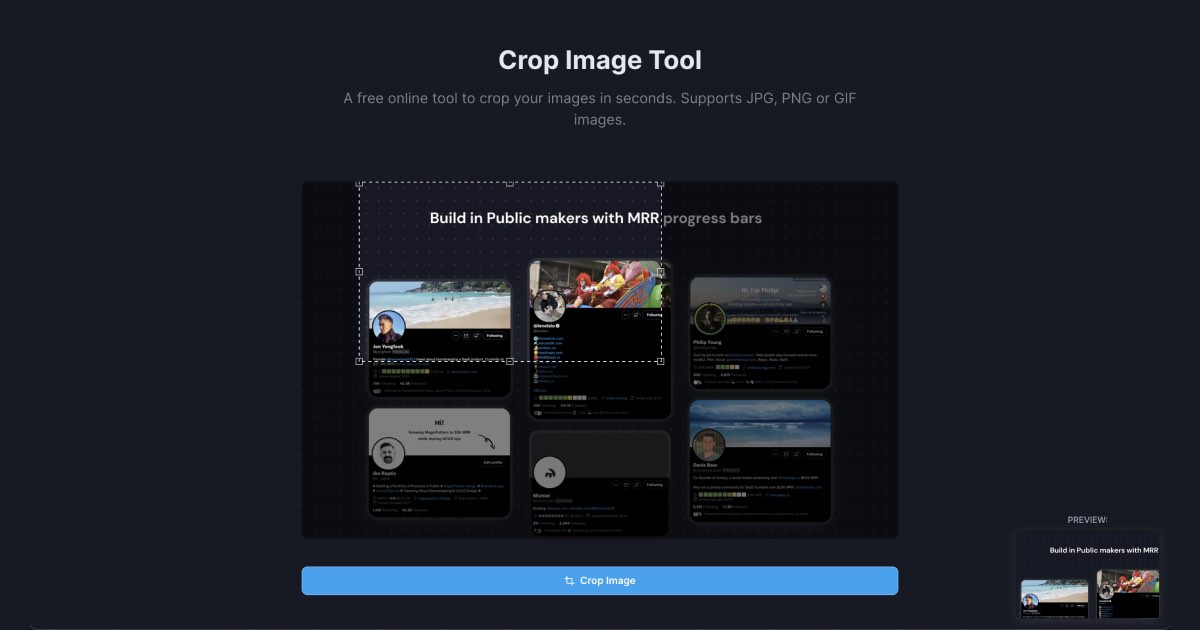
Upload and crop JPG and PNG images online for free. Cut and resize images to any dimension instantly.
Progressive blur is a smooth gradient blur effect that gradually increases in intensity across an image. Unlike standard blur that affects the entire image uniformly, progressive blur transitions from sharp to blurred, creating a natural depth-of-field effect.
Upload your image (PNG, JPEG, or WebP) to BrandBird's Progressive Blur Maker, adjust the blur direction and intensity, preview the effect in real-time, and export the result. No software installation required.
Yes. The Progressive Blur Maker is a completely free online tool. Add smooth gradient blur effects to your images without watermarks or sign-ups.
Progressive blur is perfect for hero images, UI mockup backgrounds, social media graphics, product photography, creating depth-of-field effects, hiding sensitive content gradually, and adding visual hierarchy to busy screenshots.
The tool supports PNG, JPEG, and WebP image uploads. You can export the blurred image in any of these formats.
Use the Progressive Blur Maker to simulate a depth-of-field effect on any flat image. Adjust the blur gradient direction and intensity to draw focus to a specific area of your image, mimicking the bokeh effect seen in professional photography.
Yes. You can set the blur gradient direction — top-to-bottom, bottom-to-top, left-to-right, or right-to-left — and adjust the intensity curve to control how quickly the blur transitions.
Apply a subtle progressive blur to your mockup background to create visual depth and keep the focus on the foreground content. This technique is commonly used in product landing pages and SaaS marketing materials.
I don't know when it happened but Brandbird is now my all-in-one SaaS & social media design tool.
Founder Senja.io