

Tweet to Image
Turn any tweet into a beautiful image, screenshot, for your social media campaigns. Add backgrounds, effects, and different sizes with BrandBird studio.
Turn any tweet into a beautiful image, screenshot, for your social media campaigns. Add backgrounds, effects, and different sizes with BrandBird studio.

Jim Raptis
@d__raptis
1:38 PM · 11 Nov 2021
21
77
590
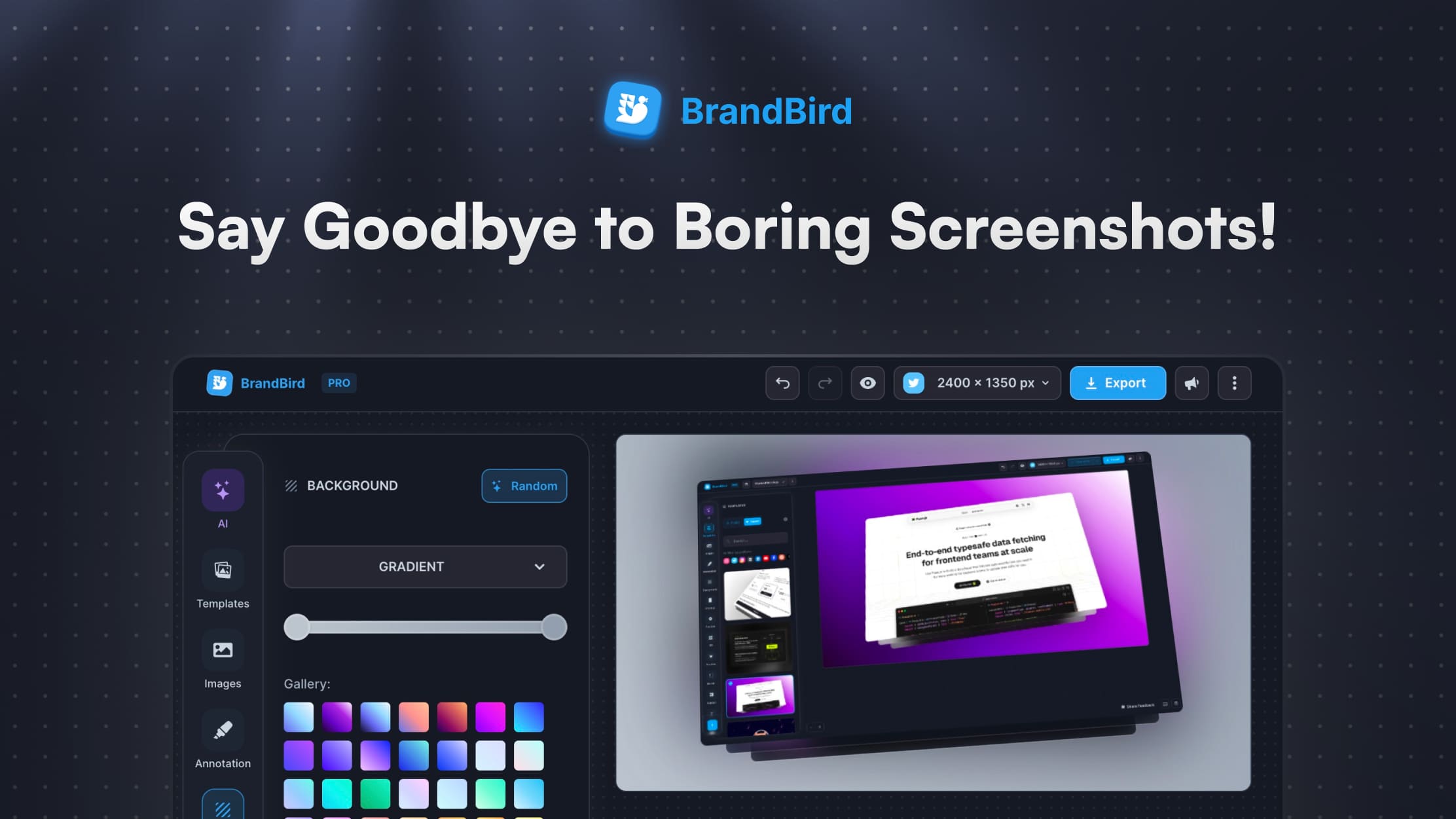
Upload any screenshot and instantly beautify it with backgrounds, shadows, and device frames. No design skills needed.
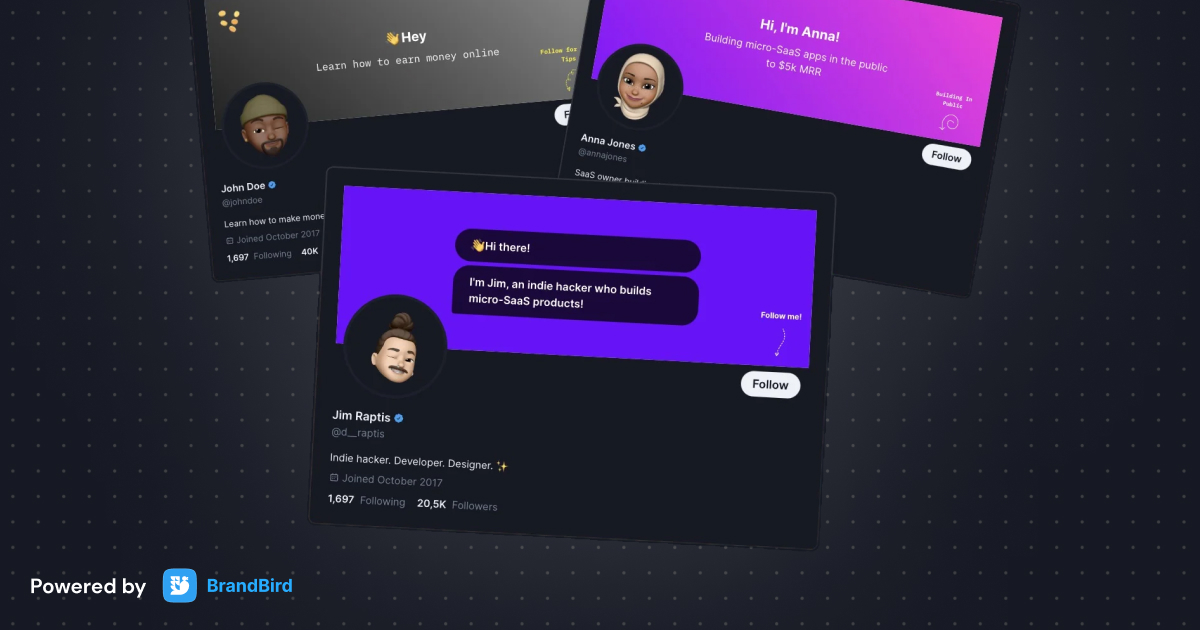
Create custom Twitter (𝕏) banners and profile headers to boost your brand awareness and engagement. Fully customizable and 100% free.
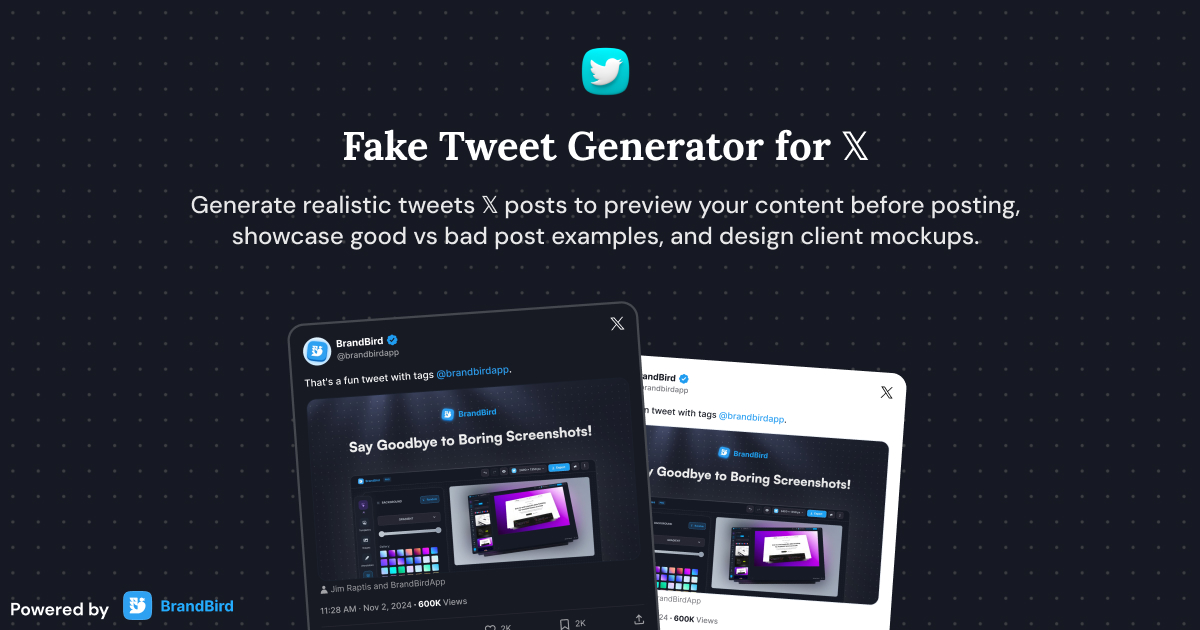
Create realistic Twitter (𝕏) posts instantly and customize all elements of a tweet for presentations and mockups without posting to the actual platform.
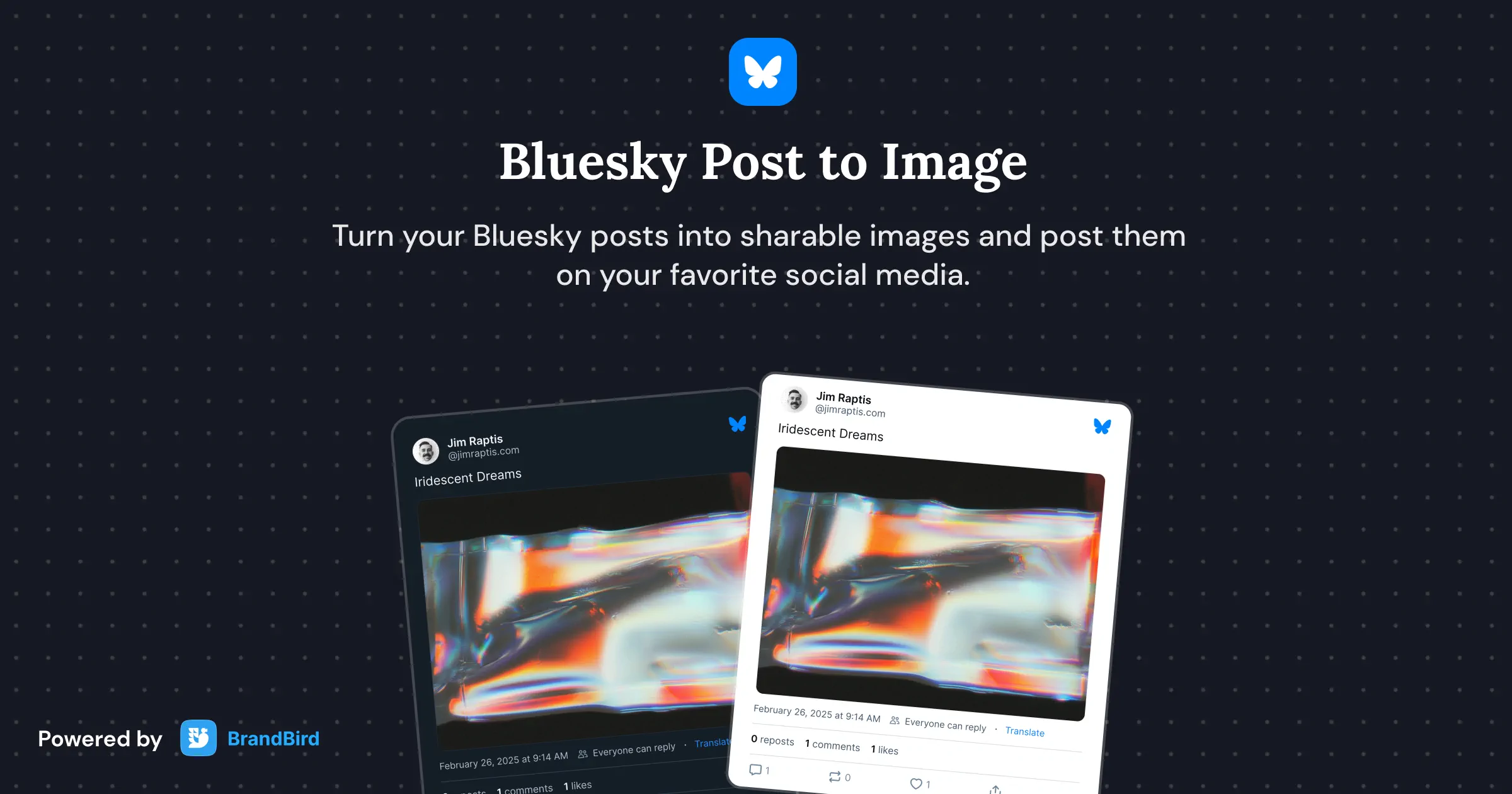
Turn Bluesky posts into beautiful sharable images with customizable themes.
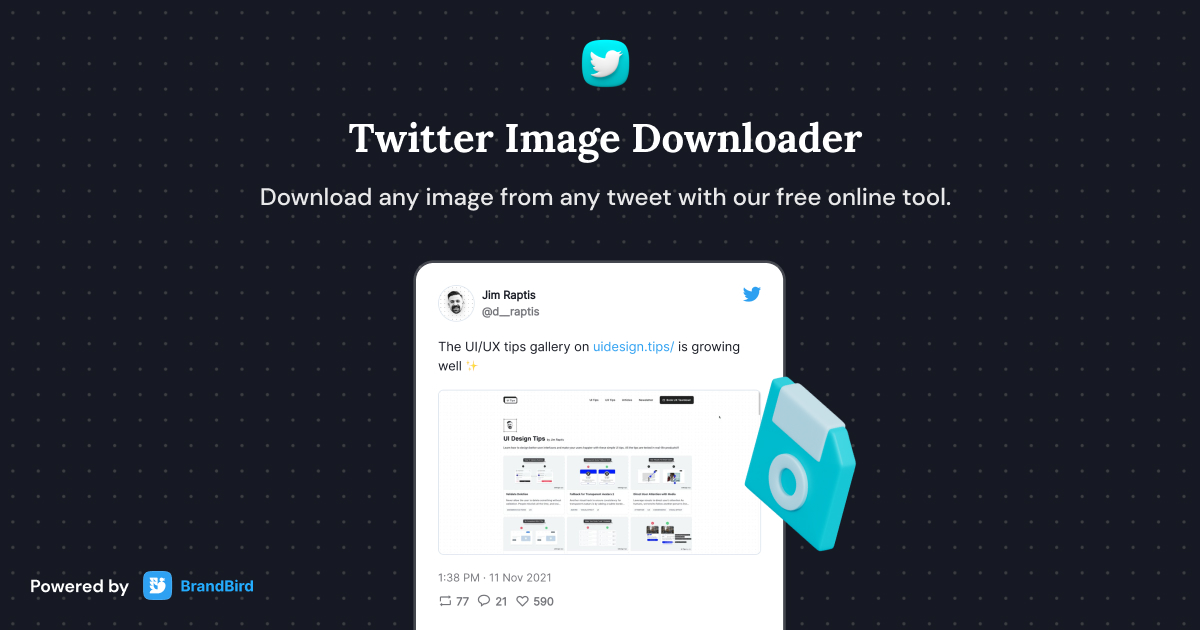
A free online tool to download and save images from tweets and X (formerly Twitter) posts.
I don't know when it happened but Brandbird is now my all-in-one SaaS & social media design tool.
Founder Senja.io
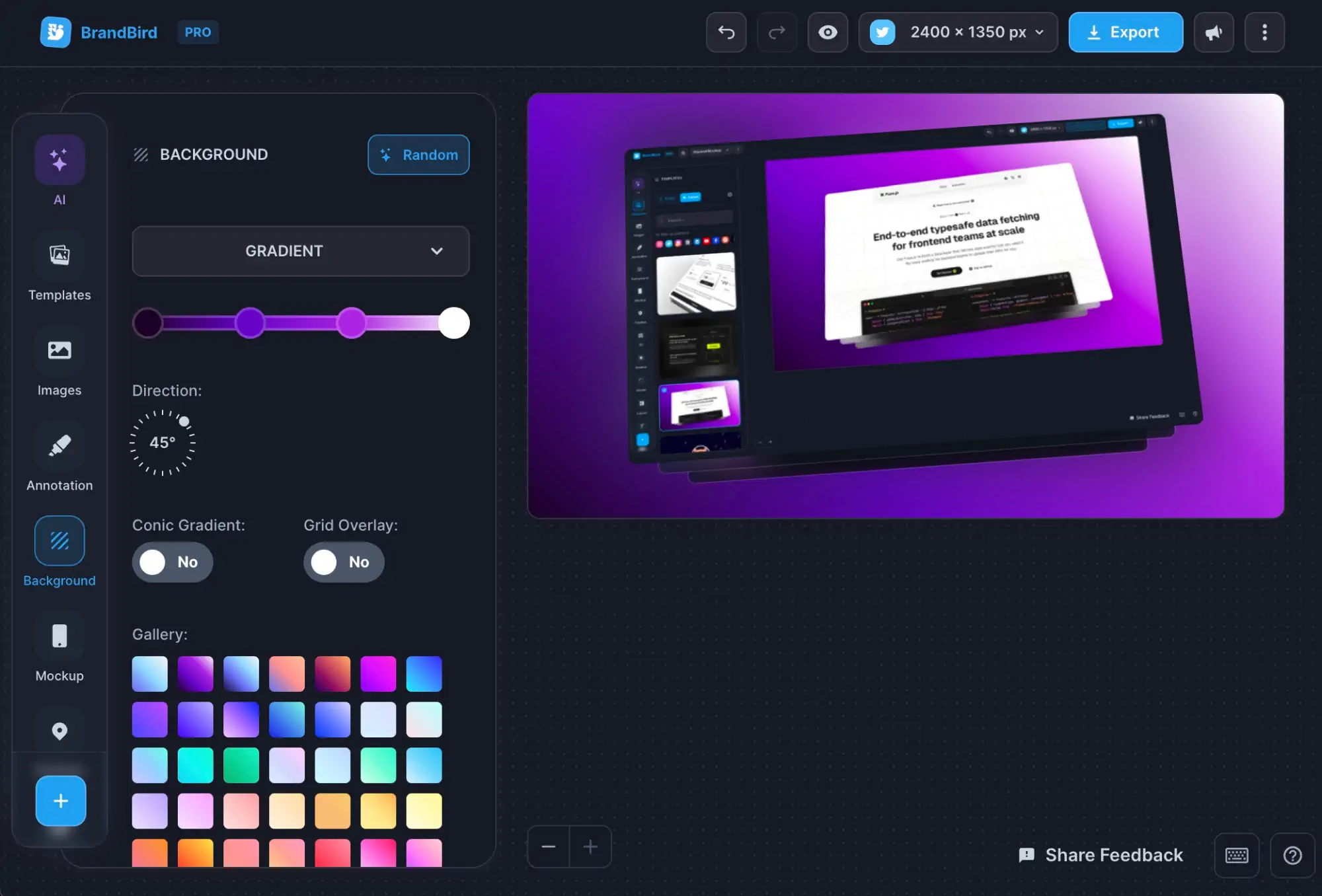
Paste a tweet URL, and the tool fetches the tweet content and renders it as a polished image. Customize the theme, background, and style, then export a beautiful screenshot of the tweet.
Click on the timestamp of any tweet to open it in a new tab. Copy the URL from your browser's address bar — it should look like https://twitter.com/username/status/1234567890.
Convert the tweet to an image using this tool, then upload the exported image to Instagram as a post, story, or reel. Add context in the caption for better engagement.
Convert the tweet to a beautiful image and upload it as a LinkedIn post. This is a great way to cross-promote Twitter content and spark discussion on LinkedIn.
BrandBird's Tweet to Image tool is the best free alternative to poet.so. It offers more customization options, multiple themes, watermark-free exports, and beautiful background options for turning tweets into shareable images.
Yes, it's completely free. Convert unlimited tweets to images with customizable themes and no watermarks.
Yes. Choose from light, dark, and custom themes. Set gradient or solid color backgrounds, adjust padding and border radius, and add your branding for a consistent look across all your tweet screenshots.
The tool exports high-resolution PNG images that look crisp on all screens and social media platforms. The output is optimized for sharing on Instagram, LinkedIn, Facebook, and other platforms.