
Stamp Effect Generator
Wrap your photos or screenshots in a vintage postage stamp frame with perforated edges, paper texture, and three classic sizes.
Wrap your photos or screenshots in a vintage postage stamp frame with perforated edges, paper texture, and three classic sizes.

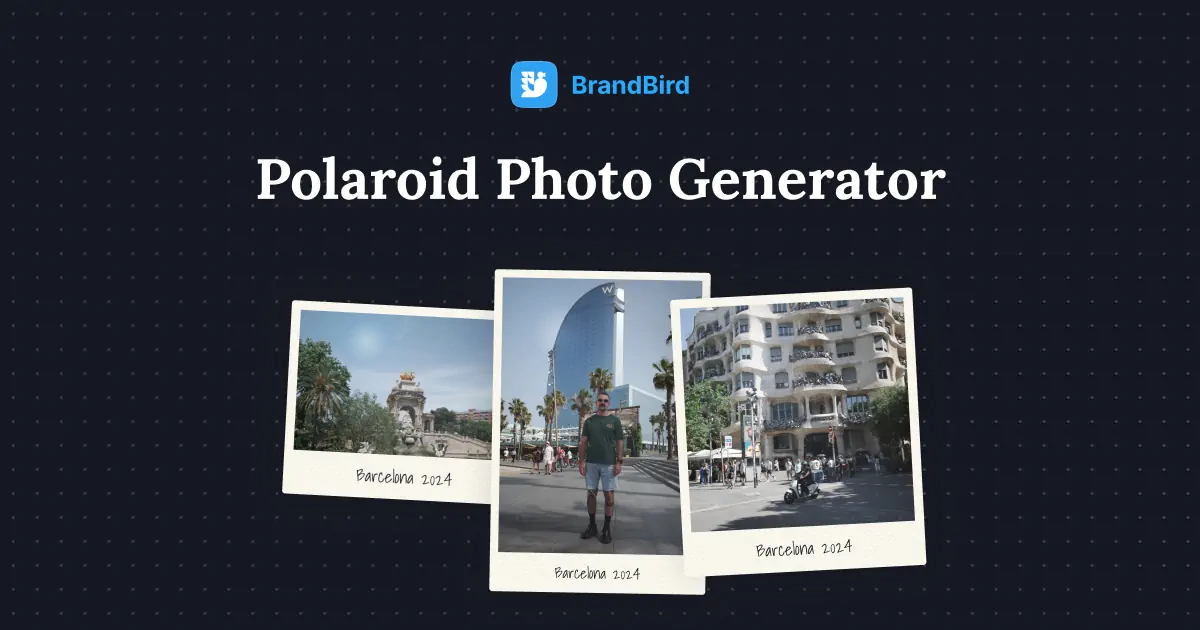
Turn any photo or screenshot into a realistic Polaroid photo with a handwritten message, paper texture, and customizable size.
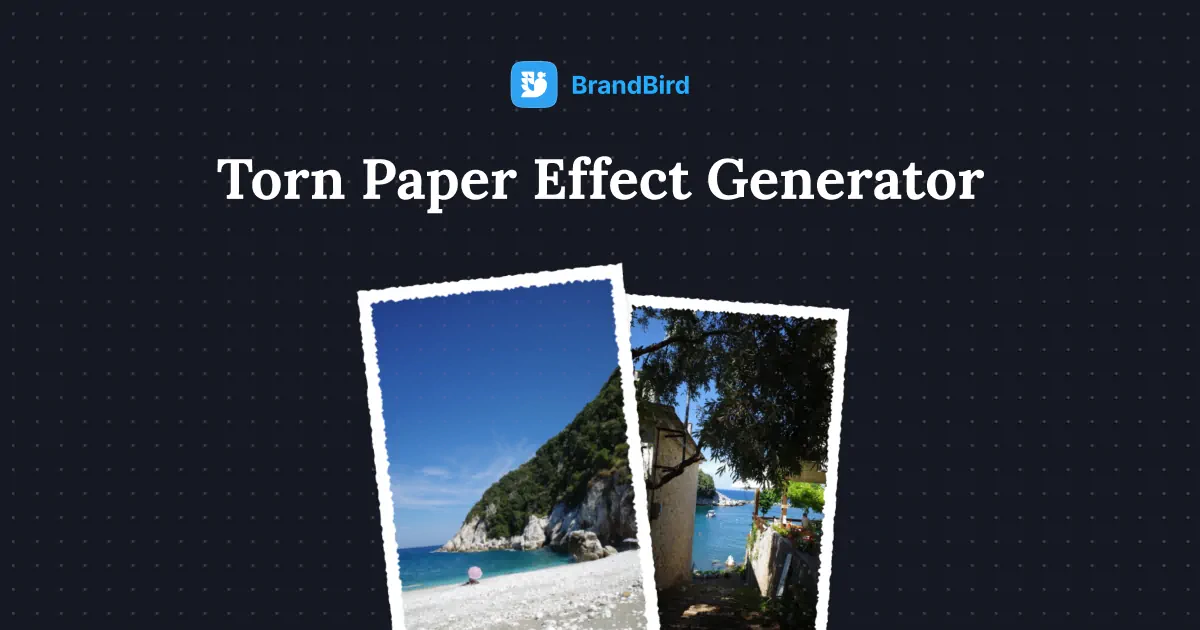
Add a realistic torn paper effect to any image or screenshot with rough edges, paper texture, and adjustable framing.
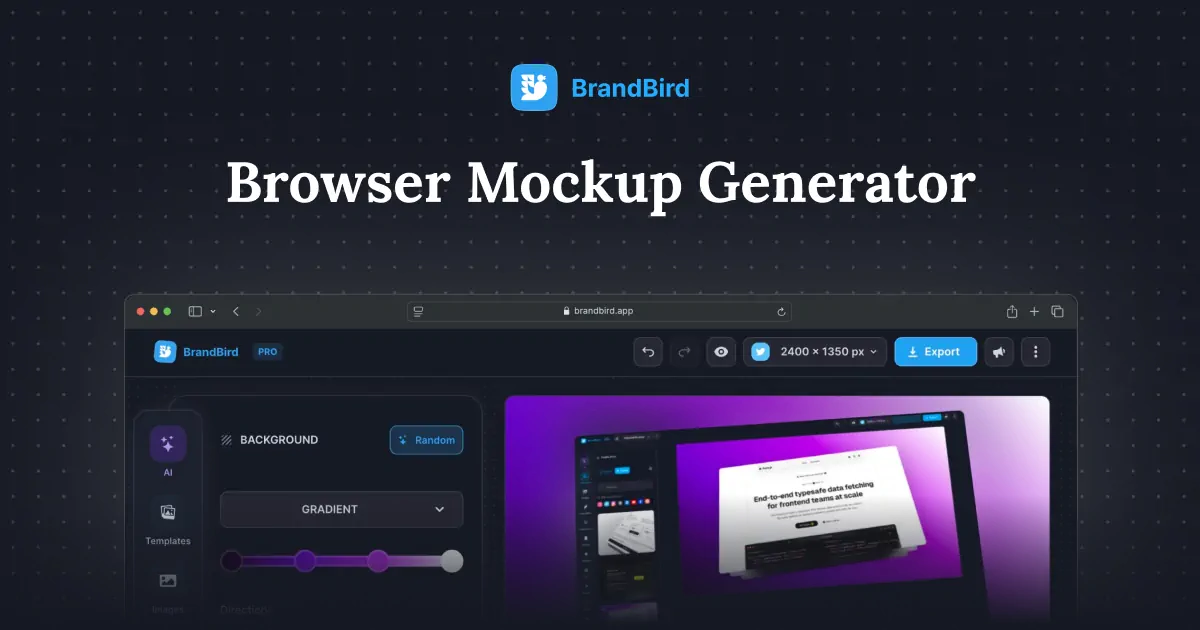
Create professional browser frame mockups for website screenshots, landing pages, and SaaS demos with this free online browser mockup generator.
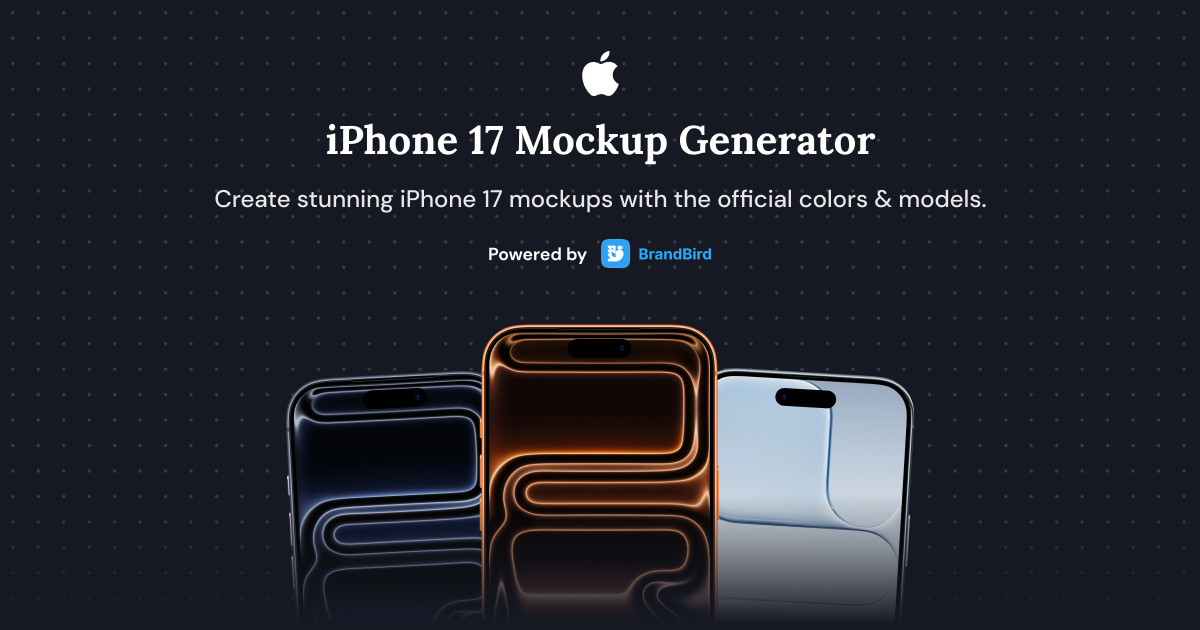
Create stunning iPhone 17, iPhone 17 Air, iPhone 17 Pro, and iPhone 17 Pro Max mockups with this free online generator.

Upload any screenshot and instantly beautify it with backgrounds, shadows, and device frames. No design skills needed.
The stamp effect generator is a free online tool that wraps any photo or screenshot in a vintage postage stamp frame, complete with perforated edges and optional paper texture.
1. Upload your image or paste it from the clipboard. 2. Choose a stamp size — square, wide, or portrait. 3. Toggle paper texture and theme. 4. Click Download PNG to save your stamp image.
Yes. It's completely free with no watermarks, no account required, and unlimited high-resolution PNG exports.
Three classic postage stamp formats: square (1:1), wide landscape, and portrait. Pick the size that best matches your photo's orientation.
Yes. Stamp-style effects are popular for Instagram posts, travel-themed visuals, blog headers, scrapbook-style content, and editorial designs that need a vintage feel.
Yes. Switch between a white stamp frame and a dark variant to match your background or design system.
Yes. Disable the background color in the settings panel to export your stamp with transparency, so you can layer it over any design.
Yes. Images you create with BrandBird's stamp effect generator are yours to use commercially in marketing, social posts, landing pages, presentations, and client work.
I don't know when it happened but Brandbird is now my all-in-one SaaS & social media design tool.
Founder Senja.io
