Play Store Screenshot Generator
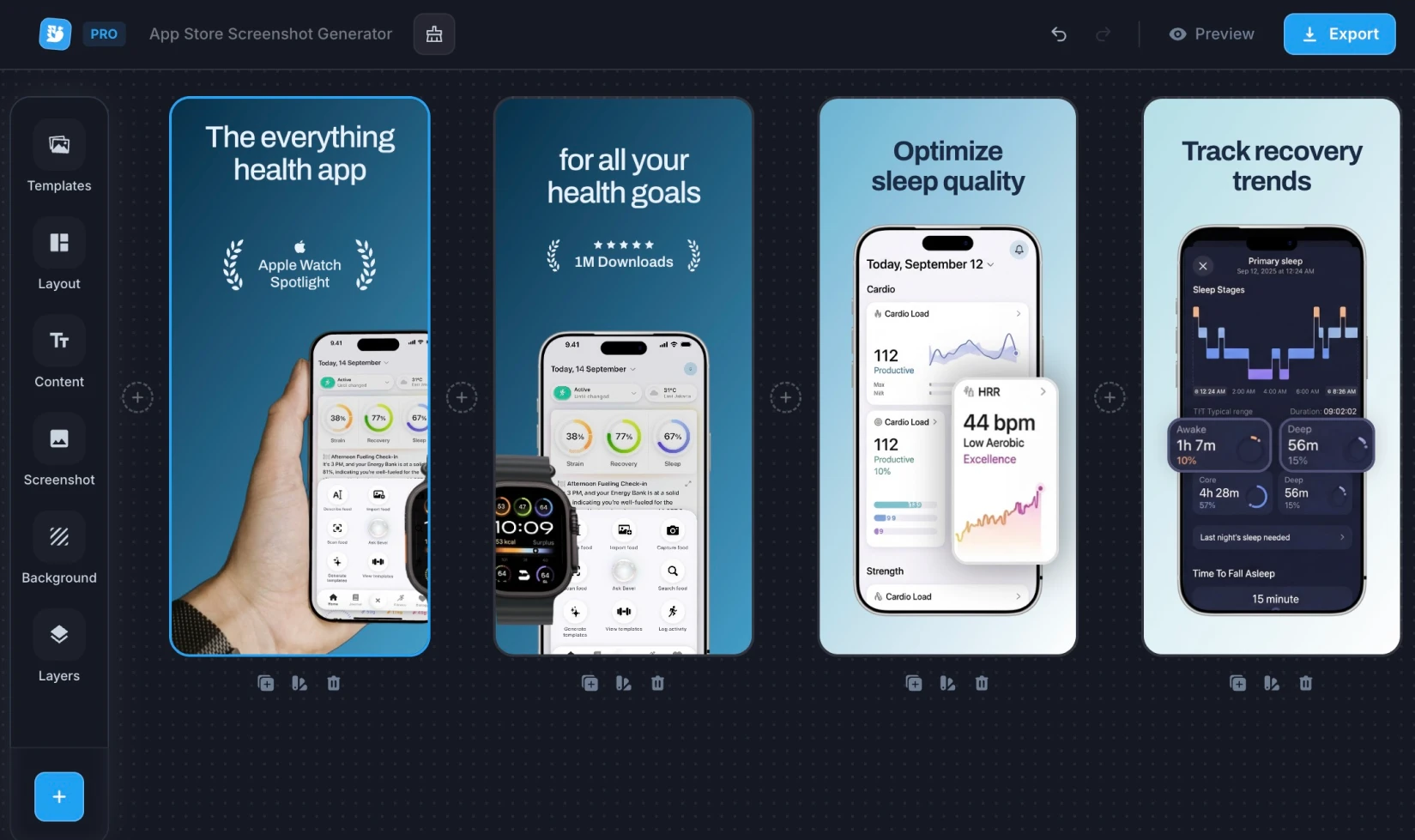
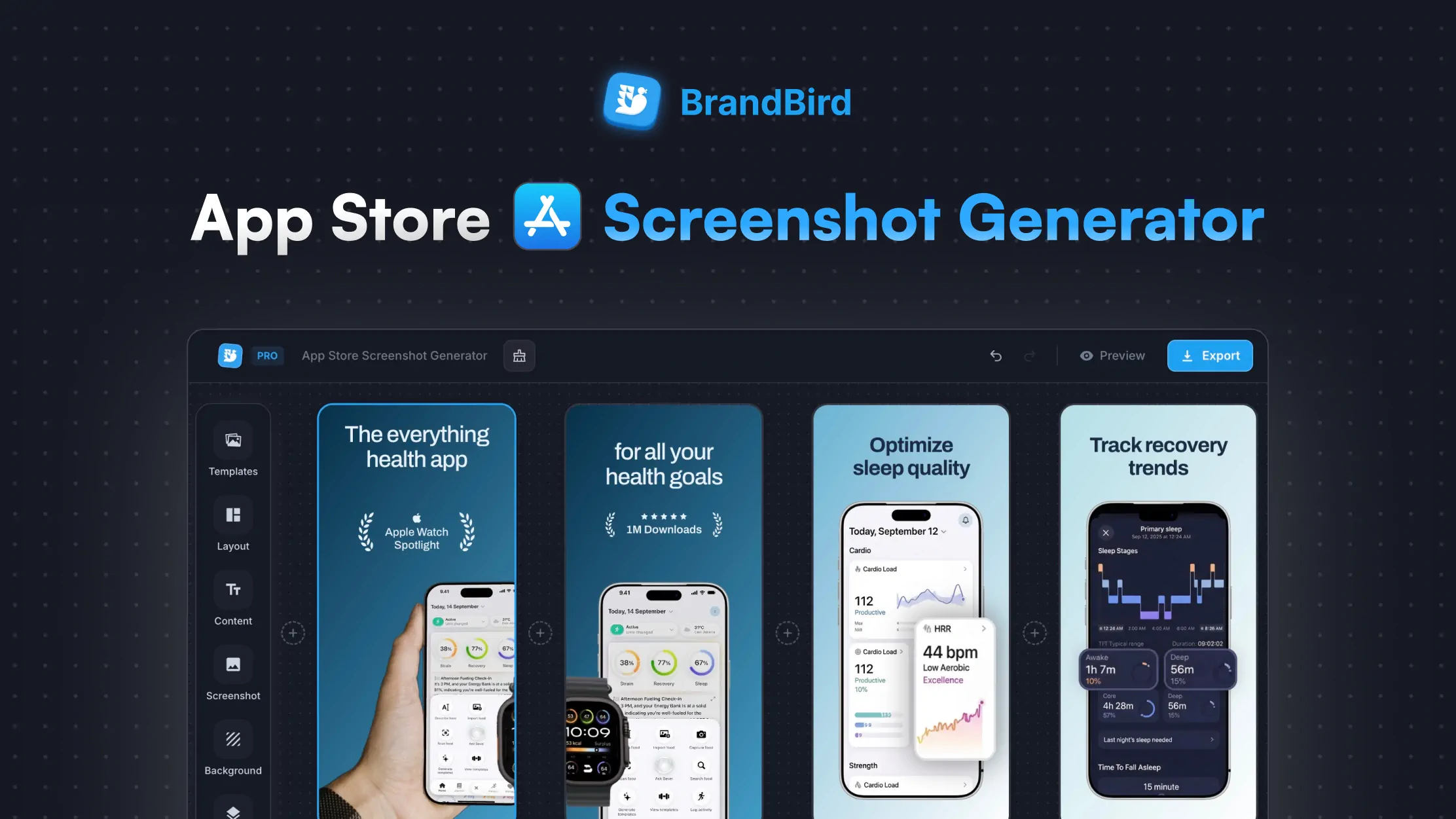
Create professional Google Play Store screenshots for your Android app. Add device mockups, headlines, and branded backgrounds — export in every required size.
Play Store Screenshot Sizes
Google requires screenshots between 320px and 3840px per side. You can upload 2–8 screenshots per device type — the first 3–4 appear in search results and directly affect install rates.
Also publishing on iOS? Try our App Store Screenshot Generator →
Related Tools You Might Like
Frequently Asked Questions
What are the Google Play Store screenshot size requirements?
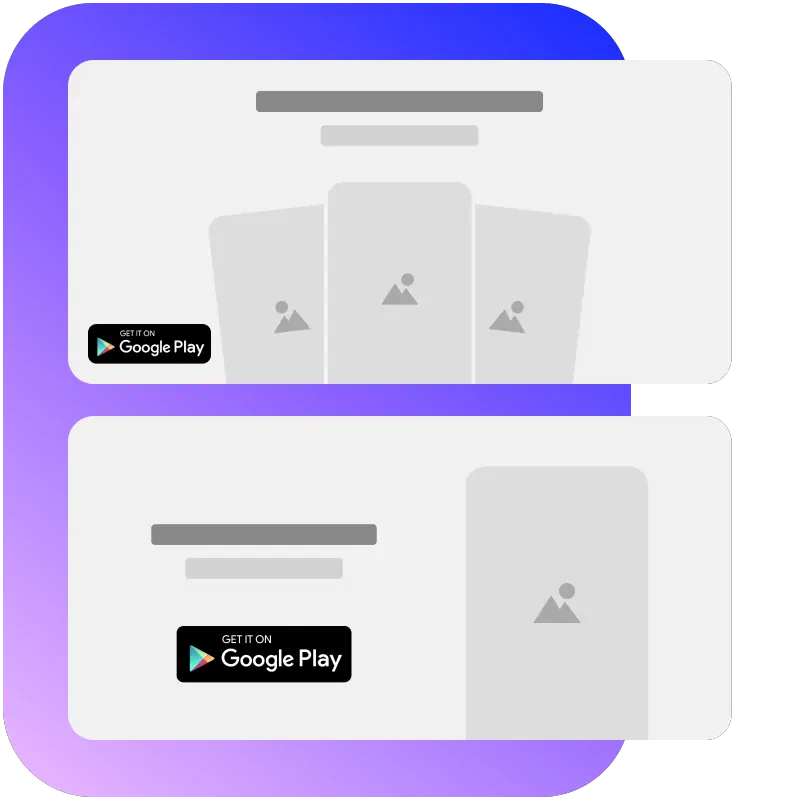
Google requires screenshots between 320px and 3840px per side with a max aspect ratio of 2:1. Standard sizes are 1080×1920 (5" phone), 1440×2560 (6"+ phone), 1200×1920 (7" tablet), and 1920×1200 (10" tablet). The feature graphic is 1024×500.
How many screenshots can I upload to the Play Store?
Google allows 2 to 8 screenshots per device type. We recommend filling all 8 slots — the first 3 to 4 screenshots are visible in search results and heavily influence install conversion rates.
What is a Google Play Store feature graphic?
The feature graphic (1024×500) is the banner image displayed at the top of your Play Store listing when you have a promotional video. Even without a video, it may appear in curated collections. Our tool includes this as a preset so you can design it with matching branding.
Can I add text to my Play Store screenshots?
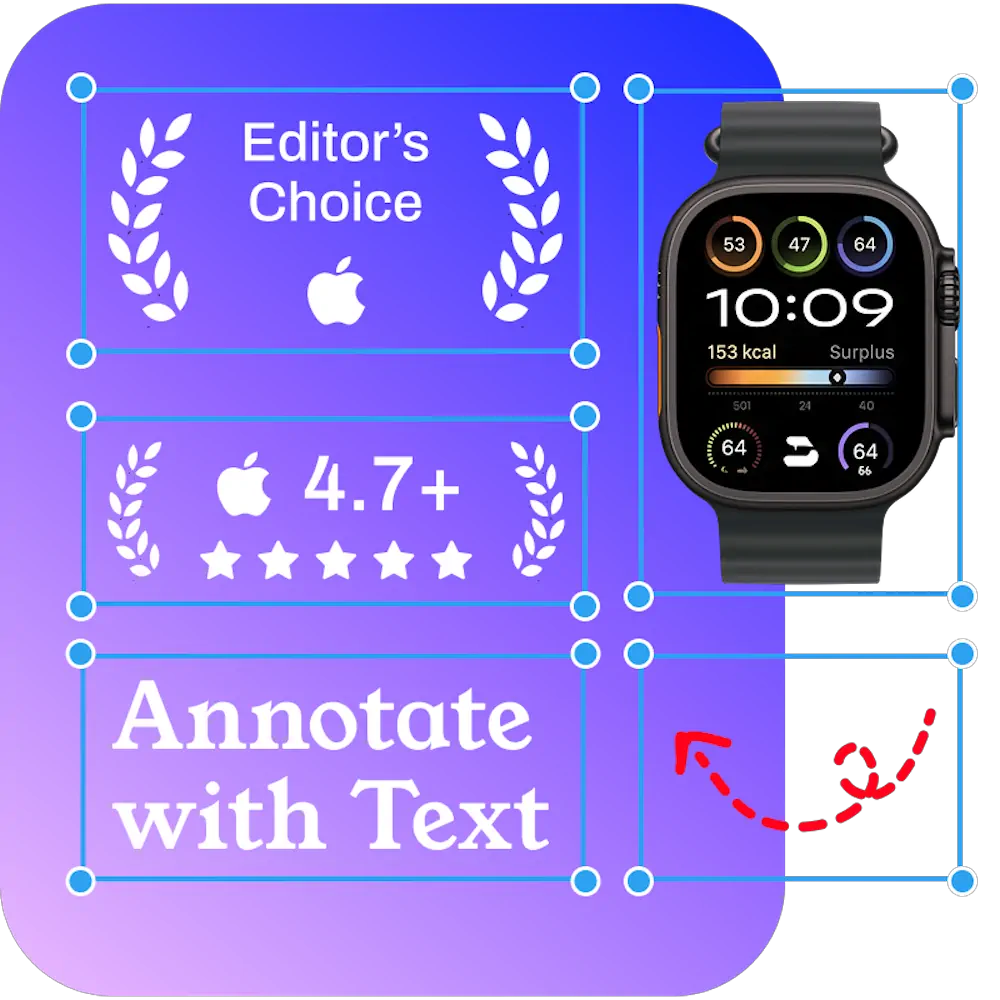
Yes. Add a headline and optional subtitle to explain each feature. Choose fonts, colors, and positioning to match your app's brand. Text overlays are essential for communicating value in the brief moment users browse listings.
Should I use device frames in Play Store screenshots?
It's optional but recommended for phones. A device frame around your app screenshot provides visual context and looks more professional. Our tool auto-suggests the right mockup — Pixel for phone sizes, tablets for tablet sizes, and so on.
What file format does Google Play require for screenshots?
Google Play accepts JPEG or 24-bit PNG with no alpha transparency. Our tool exports PNG files that meet these requirements. Keep file sizes reasonable — Google recommends images under 8MB per screenshot.
Can I create tablet and Chromebook screenshots?
Yes. Switch between phone, 7" tablet, 10" tablet, and Chromebook presets to cover every Google Play device type. Each preset exports at the exact dimensions Google requires, with the appropriate device mockup suggested automatically.
Is BrandBird's Play Store screenshot generator free?
Yes, fully free. Generate and download professional Play Store screenshots instantly — no watermark, no account required. For more advanced editing like annotations and custom overlays, open your screenshot in BrandBird's full editor.