
Browser Mockup Generator
Create professional browser frame mockups for website screenshots, landing pages, and SaaS demos with this free online browser mockup generator.
Create professional browser frame mockups for website screenshots, landing pages, and SaaS demos with this free online browser mockup generator.
Dark Mode
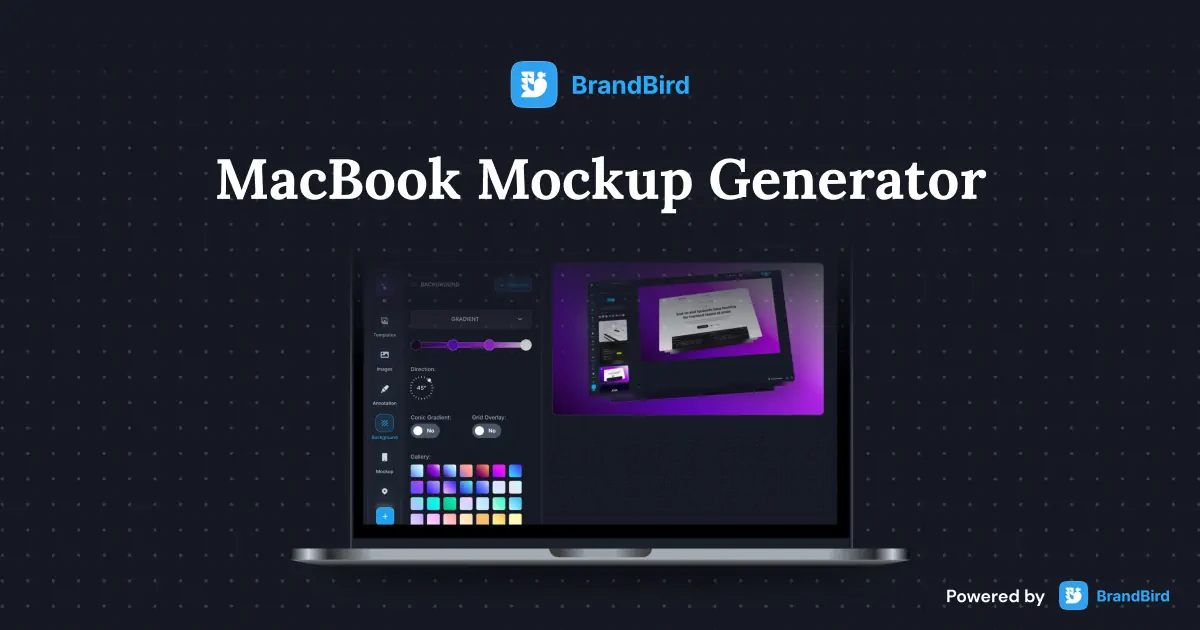
Create stunning MacBook mockups for app screenshots, landing pages, and presentations with this free online laptop mockup generator.
Create beautiful iPad mockups for app screenshots, presentations, and marketing materials with this free online tablet mockup generator.
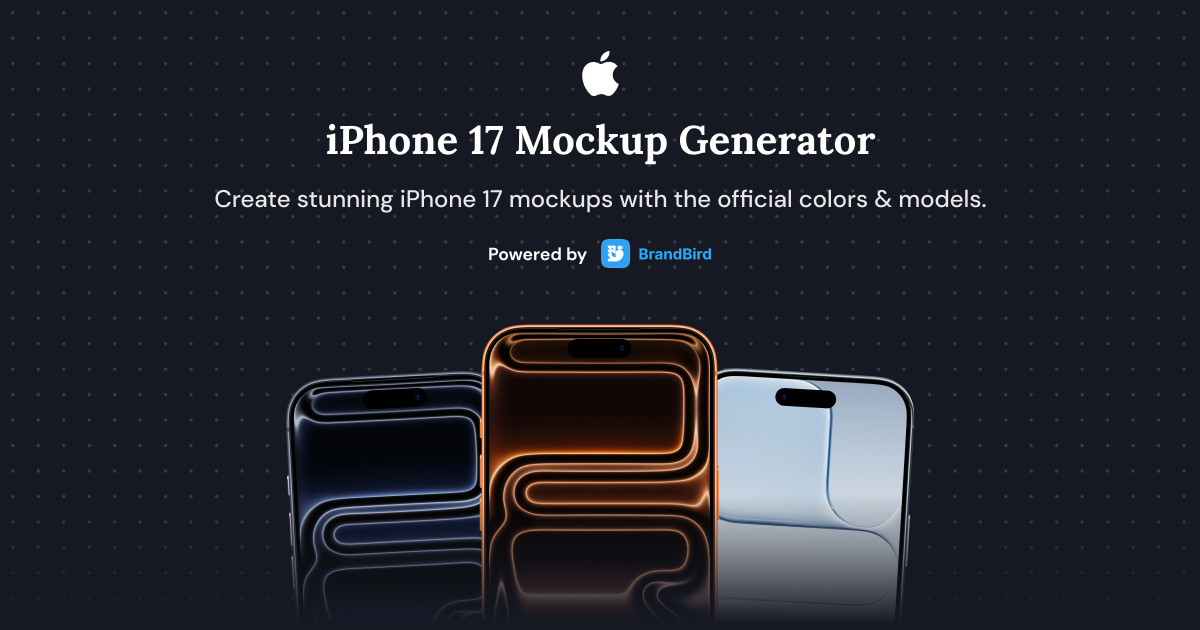
Create stunning iPhone 17, iPhone 17 Air, iPhone 17 Pro, and iPhone 17 Pro Max mockups with this free online generator.

Upload any screenshot and instantly beautify it with backgrounds, shadows, and device frames. No design skills needed.
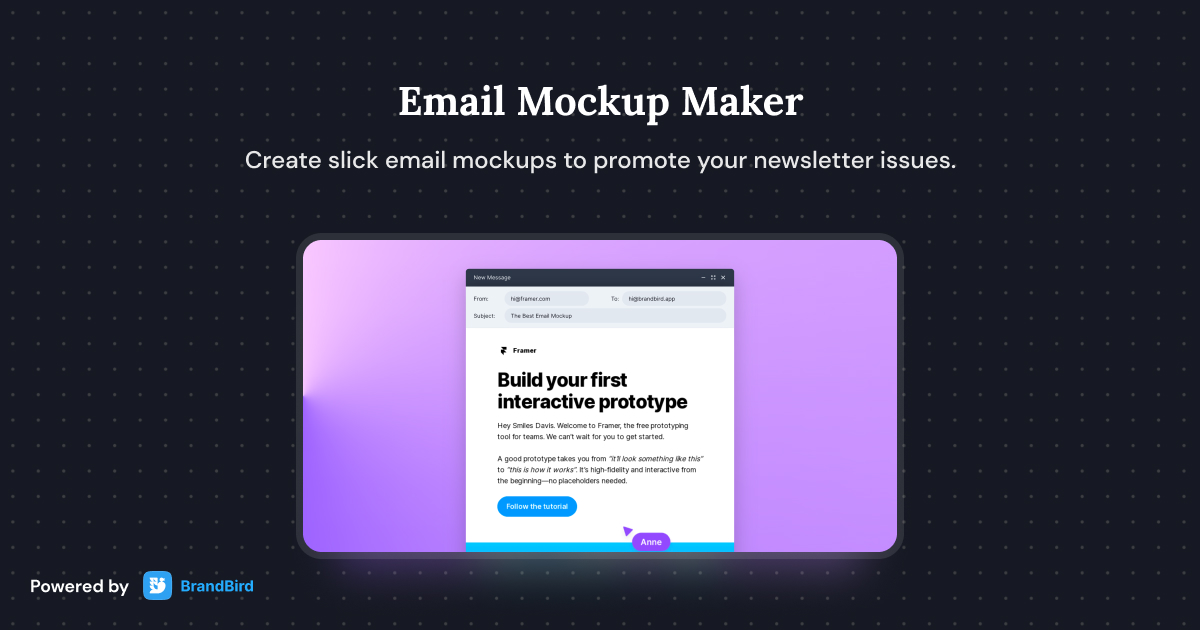
Create slick email mockups for your newsletter issues with our free email mockup maker.
Upload your website screenshot to BrandBird's free browser mockup generator. Choose a browser frame (Chrome, Safari, Firefox, or minimal), toggle dark mode, adjust the border radius and background, then download a high-res PNG — no sign-up or watermark.
Yes. The browser mockup generator is 100% free with unlimited exports and zero watermarks. Create professional website screenshot mockups for landing pages, social media, and portfolios.
Choose from four browser frame styles: Chrome (with favicon and URL bar), Safari (with address bar), Firefox, and a clean minimal frame. Each style supports both light and dark mode.
Upload your product screenshot, select the Chrome or Safari frame for authenticity, set a hero background color, and export. Click 'Edit with BrandBird' for advanced features like 3D perspective, shadows, and branded annotations.
Yes. Toggle 'Remove background' to export a transparent PNG. This is ideal for compositing your browser mockup onto custom landing page hero sections, slide decks, or Figma designs.
BrandBird's browser mockup generator is a top free alternative to Smartmockups and Placeit for website screenshots. It runs in the browser, requires no account, offers multiple frame styles with dark mode, and exports high-res images without watermarks.
Upload your website screenshot, select the Chrome frame, set a vibrant background color that matches your brand, and export the mockup in high resolution. The 2000px output is ready for Twitter, LinkedIn, Product Hunt, and Instagram posts.
Yes. Use the Border Radius slider to go from sharp corners to fully rounded edges, and the Padding slider to control spacing around the browser frame. This gives you full control over the composition and style of your website mockup.
I don't know when it happened but Brandbird is now my all-in-one SaaS & social media design tool.
Founder Senja.io
