Instagram Carousel
Generator

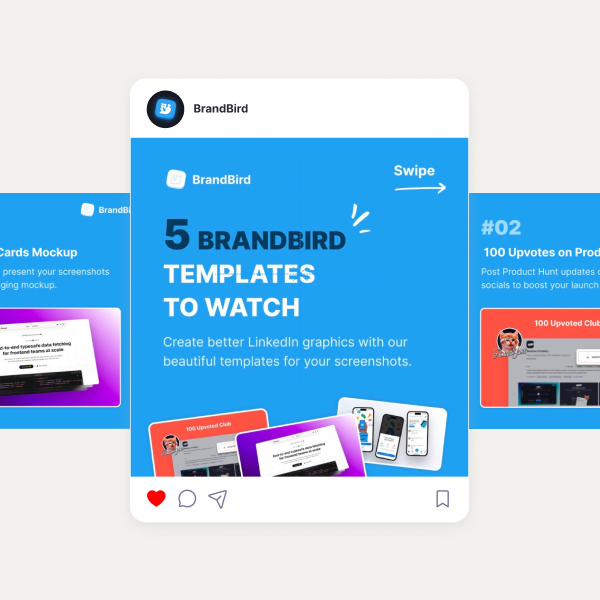
Design swipe-worthy Instagram carousel posts with branded slides, photo grids, stickers, and consistent layouts. Export ordered PNG or JPG images.
Create a Carousel
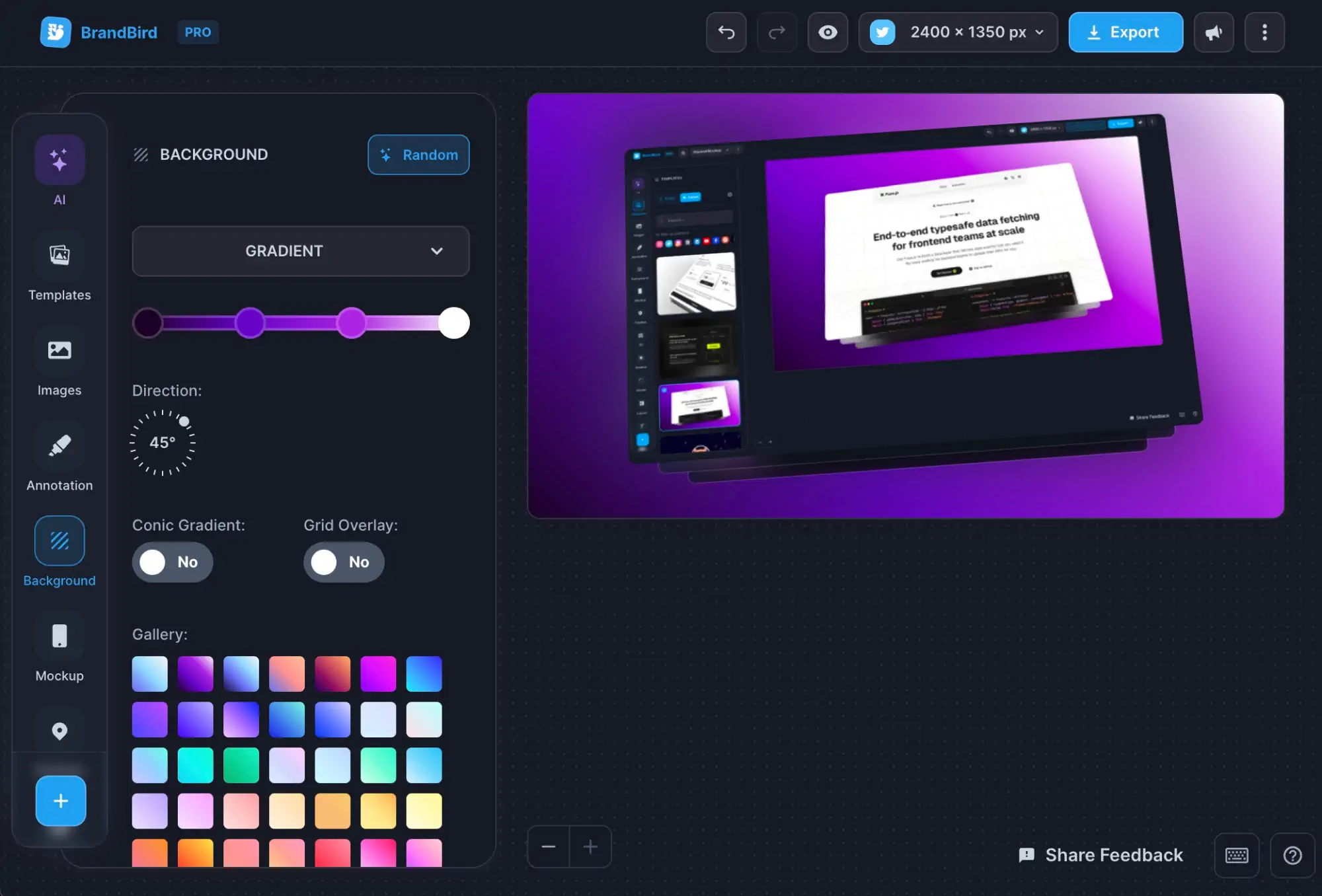
Instagram Carousel Generator editor preview

Loved by 10,000+ people from modern companies.

How to Make a Instagram Carousel

Go from a blank canvas to a polished, ready-to-publish carousel in three steps.

1

Choose a Format

Start with a portrait or square canvas sized for the feed.

2

Design Your Slides

Add your story, style the layout, and keep every slide visually consistent.

3

Export for Instagram

Download a ZIP of numbered slides and select them in order when creating your Instagram post.

Meet Our Features

Easy-to-use. Yet Powerful.
Generate Slides with AI Quick Start

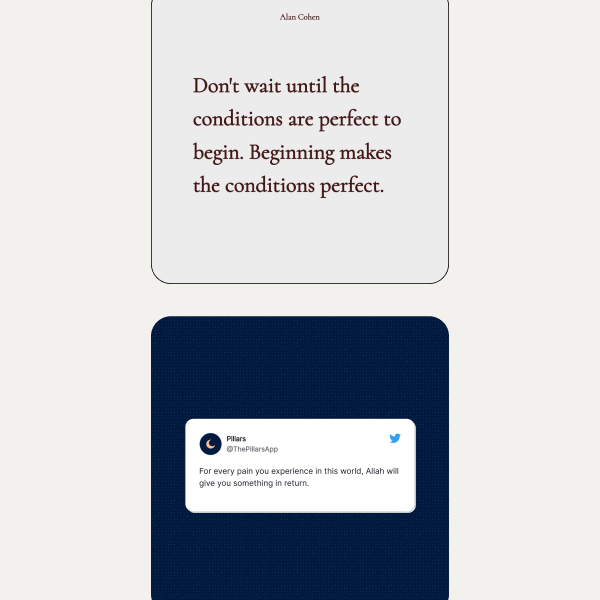
Start from a single topic, paste long-form text, or add an article URL. AI turns it into up to 20 editable slides with a hook, clear story, and focused call to action.

Translate and Localize with AI

Create localized versions without rebuilding your design. AI translates the text across your carousel while every layout, image, and brand style stays in place.

Quick Import Photos into Collage Grids

Upload a batch of images and turn them into ready-made slide layouts. Build flexible collage grids, then fine-tune each image layer, gap, corner radius, and padding.

Use Full Annotation Layers and Icon Packs

Layer text, images, labels, shapes, arrows, and icons to explain every idea clearly. Browse built-in packs for handwritten marks, social icons, stickers, and more.

Pin Your Signature and Next-Slide Arrows

Add your avatar, name, and handle once and keep them aligned across every slide. Pin a next-slide arrow too, with controls for hiding it on the final slide.

Export Ordered Instagram Images

Design at 1080×1350 portrait or 1080×1080 square, then export numbered PNG or JPG slides in a ZIP so they are ready to upload in order.

Instagram Carousel Sizes and Export

Every slide uses the same dimensions, so your carousel stays aligned as people swipe. Portrait fills more vertical feed space, while square is a flexible choice for text and image-led posts.

Format
Size
Aspect ratio
Portrait
1080 × 1350 px
4:5
Square
1080 × 1080 px
1:1

Export format: Ordered PNG or JPG images

Start Designing

Better Screenshots Mockups
With Simple Design Tools.

Frequently Asked Questions

What size is an Instagram carousel post?

Instagram supports 1080×1350 portrait (4:5) and 1080×1080 square. Portrait takes up more space in the feed and generally gets more attention. Every slide in a carousel must share the same aspect ratio, which our presets handle for you.

How many slides can an Instagram carousel have?

Instagram allows up to 20 images or videos in a single carousel post, and BrandBird lets you build up to 20 slides to match.

How do I export my Instagram carousel?

Export as PNG or JPG and you'll get a ZIP with one numbered image per slide, ready to upload in order. If you added extra languages, each language gets its own folder.

Can I add photo grids and stickers?

Yes. Drop in a grid layout (2×2, 1×3, 3×3 and more), upload a photo into each cell, and adjust gap, corner radius, and padding. You also get emoji and the full BrandBird sticker library for playful, on-brand posts.

Can I reuse my brand colors and fonts?

Yes. Pick a saved brand and apply its palette and font across every slide in one click, so your carousels stay consistent without rebuilding them each time.

Is the Instagram carousel generator free?

Yes, you can design and export carousels for free with a small watermark. Pro removes the watermark and unlocks saved projects, slide templates, extra languages, and AI slide generation.

Related Tools You Might Like