
MacBook Mockup Generator
Create stunning MacBook mockups for app screenshots, landing pages, and presentations with this free online laptop mockup generator.
Create stunning MacBook mockups for app screenshots, landing pages, and presentations with this free online laptop mockup generator.
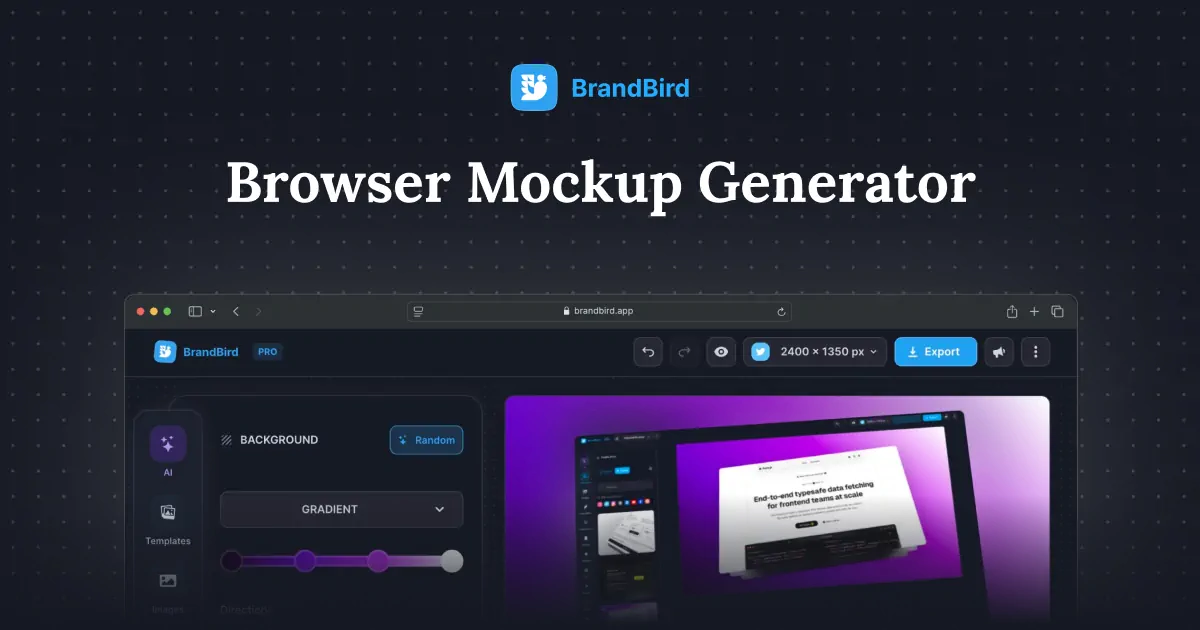
Create professional browser frame mockups for website screenshots, landing pages, and SaaS demos with this free online browser mockup generator.
Create beautiful iPad mockups for app screenshots, presentations, and marketing materials with this free online tablet mockup generator.
Create stunning iPhone 17, iPhone 17 Air, iPhone 17 Pro, and iPhone 17 Pro Max mockups with this free online generator.
Create realistic Apple Watch Ultra 2 and Series 10 mockups for watchOS app screenshots, UI demos, and marketing materials.

Upload any screenshot and instantly beautify it with backgrounds, shadows, and device frames. No design skills needed.
Upload your screenshot or website design to BrandBird's free MacBook mockup generator. Customize the background color, adjust padding, and download a high-resolution PNG — no sign-up, no watermark, no Photoshop required.
Yes. BrandBird's laptop mockup generator is 100% free with unlimited exports and zero watermarks. You can create as many MacBook mockups as you need for your projects.
Upload your dashboard or website screenshot, pick a background that matches your brand, and export in high resolution. Click 'Edit with BrandBird' for advanced features like 3D perspective transforms, shadows, and annotations to make your SaaS hero section stand out.
Yes. Toggle 'Remove background' in the sidebar to export a transparent PNG. This is perfect for compositing your laptop mockup onto custom landing page designs, pitch decks, or Figma files.
BrandBird's MacBook mockup generator is a top free alternative to Smartmockups and Placeit. It runs entirely in the browser, requires no account, produces high-res exports without watermarks, and lets you continue editing in BrandBird Studio for pro-level results.
Upload your UI design screenshot, set a gradient or solid background that complements your work, and export the MacBook mockup in PNG. The high-resolution output is ready to upload directly to Dribbble, Behance, or any portfolio site.
Absolutely. Export your laptop mockup at high resolution and use it in App Store marketing images, Product Hunt gallery shots, or investor pitch decks. The clean MacBook frame gives your product a polished, professional look.
Upload any PNG, JPG, or WebP screenshot. The generator exports at 2000px wide in PNG format. For additional formats (JPEG, WebP, SVG) or custom dimensions, click 'Edit with BrandBird' to open the full Studio editor.
I don't know when it happened but Brandbird is now my all-in-one SaaS & social media design tool.
Founder Senja.io
