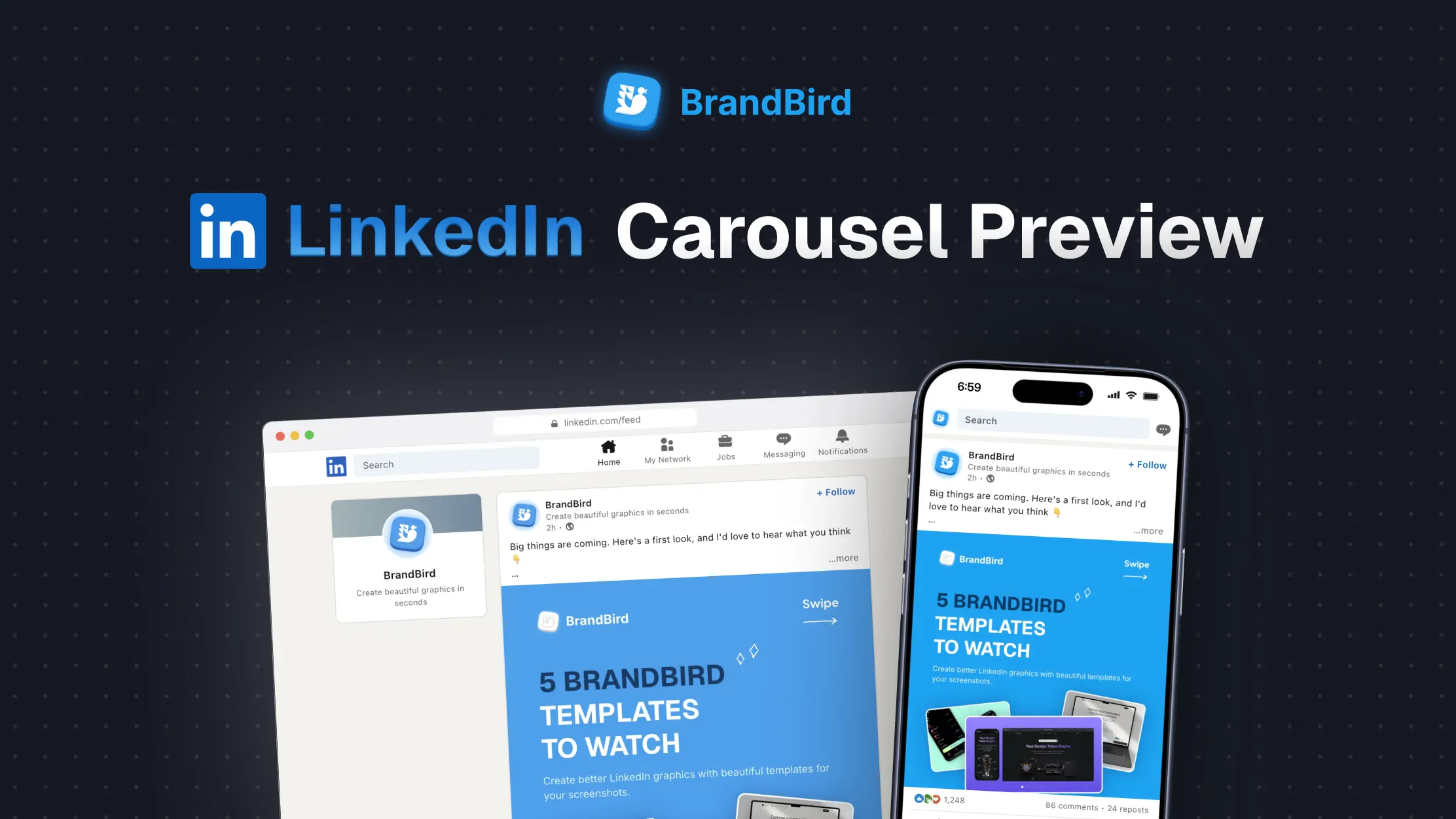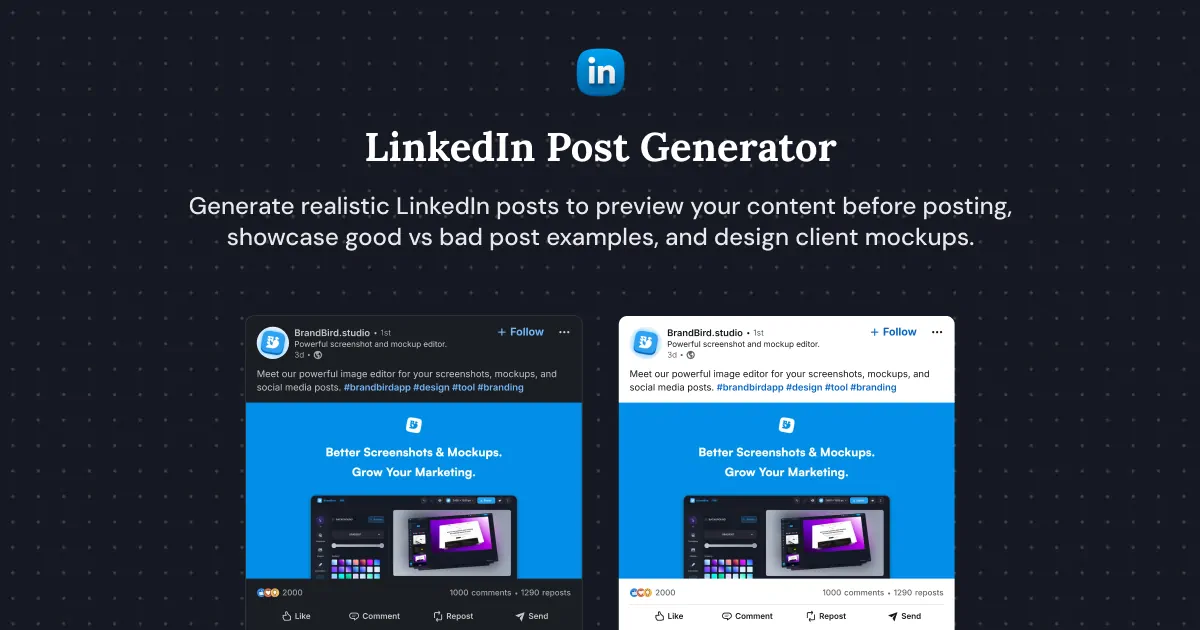

LinkedIn Post Preview
Preview your LinkedIn post before you publish. Add your image and text, then see where the post gets cut off on phone and desktop. Free, private, and no sign-up required.
Loading...
Want a better-looking post?
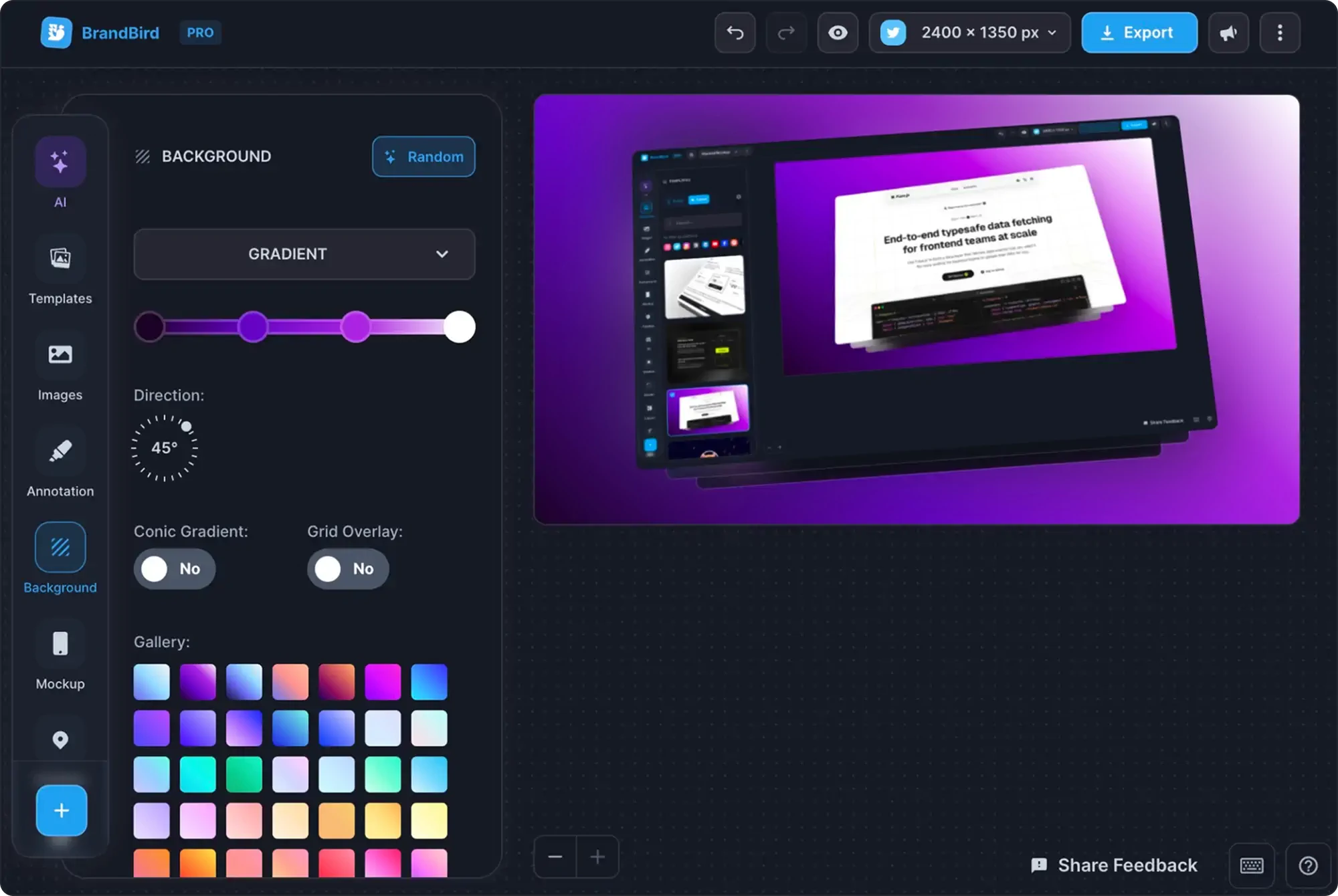
Turn screenshots and images into polished social graphics with backgrounds, mockups, and text.
How to Preview a LinkedIn Post
Step 1
Upload your image
Drop it in, or paste it from your clipboard.
Step 2
Write the post
See where LinkedIn cuts it off with “more”.
Step 3
Check the feed
Review phone and desktop, in light and dark mode.
LinkedIn Post Image Sizes
| Format | Size | Best for |
|---|---|---|
| Portrait (4:5) | 1080 × 1350 px | Most space in the mobile feed |
| Square (1:1) | 1080 × 1080 px | Reliable on mobile and desktop |
| Landscape (1.91:1) | 1200 × 627 px | Link-style and wide images |