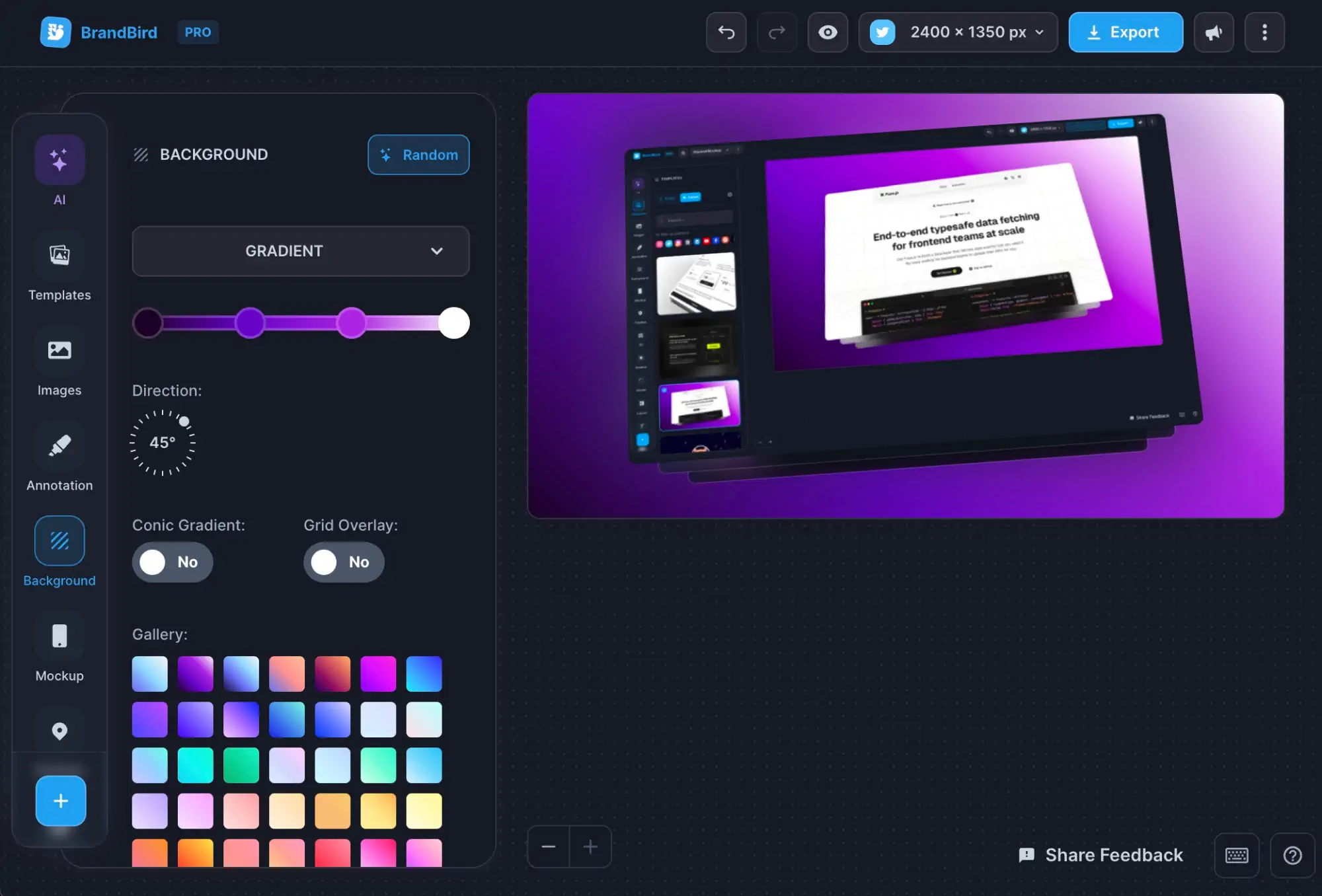
BrandBird Changelog
Explore our most recent updates and enhancements through this collection of tweets.
App Store & Google Play Preview Tools
August 2026
1. Upload your screenshots.
2. Customize the app listing.
3. Preview screenshots in mobile and web stores.
The same feature is also available inside the App Store Screenshot Generator and the Play Store Screenshot Generator, so you can preview your screenshots while you design them.
Auto-Resize Mode
August 2026
No more manual spacing. No more inconsistent margins.
Useful for social media, where exact dimensions don’t matter, but you need a visually pleasing graphic.
Text Highlights
August 2026
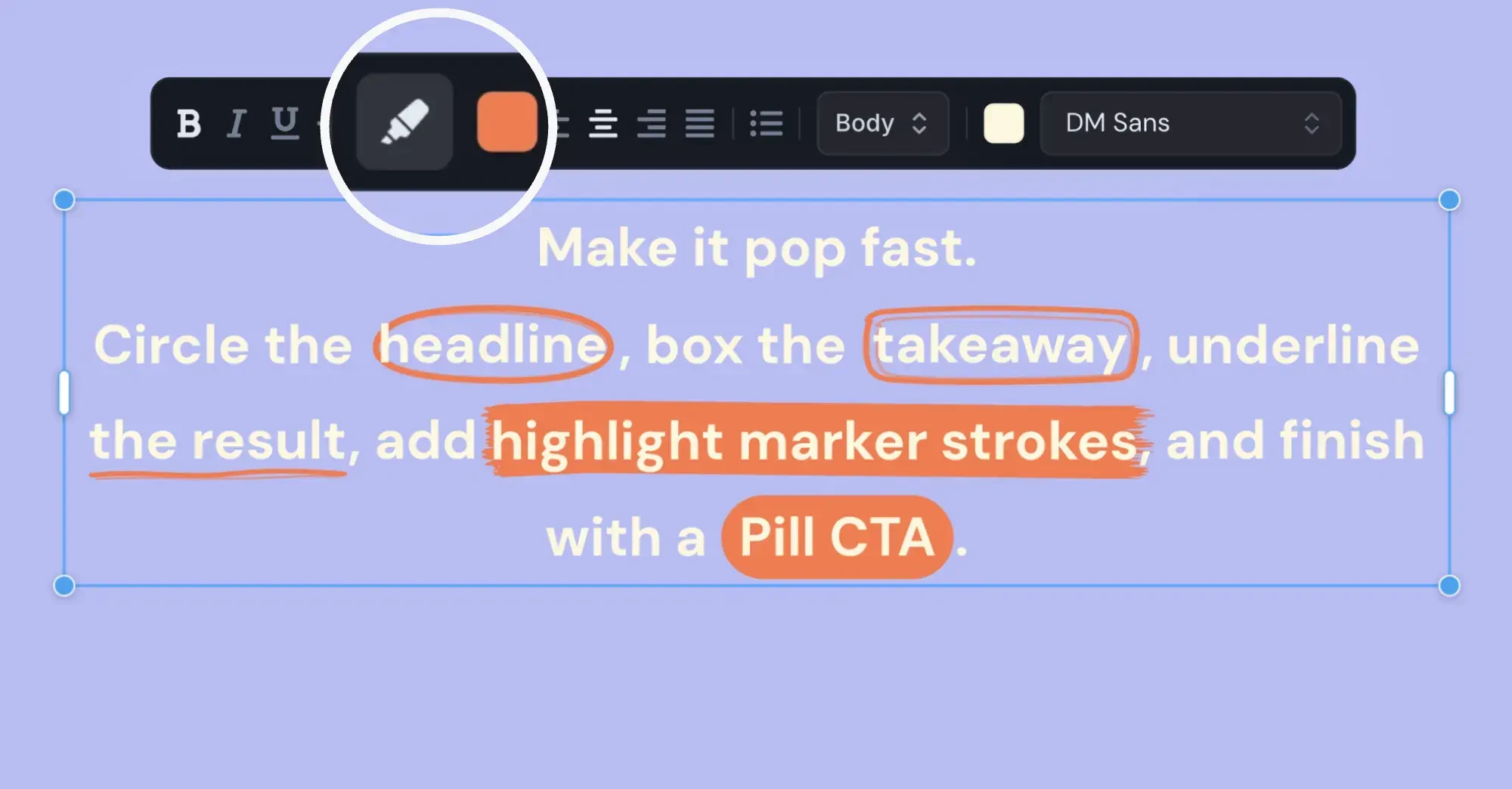
Make important words stand out with new visual styles, like
-
-
-
BrandBird Mac App
July 2026
-
-
-
-
-
App Store Screenshots: Localization
July 2026
-
-
-
-
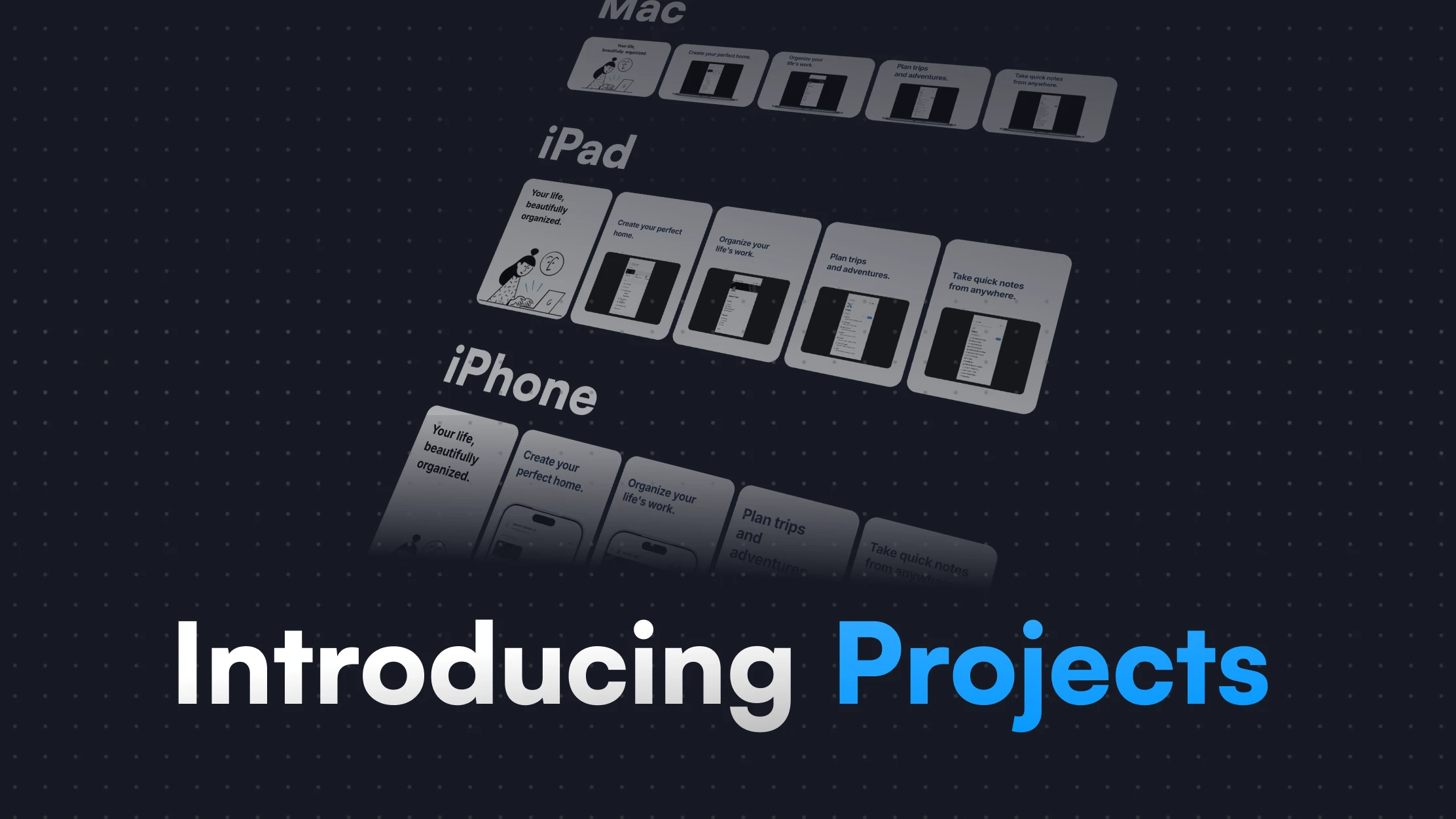
App Store Screenshots: Projects
July 2026
-
-
-
-
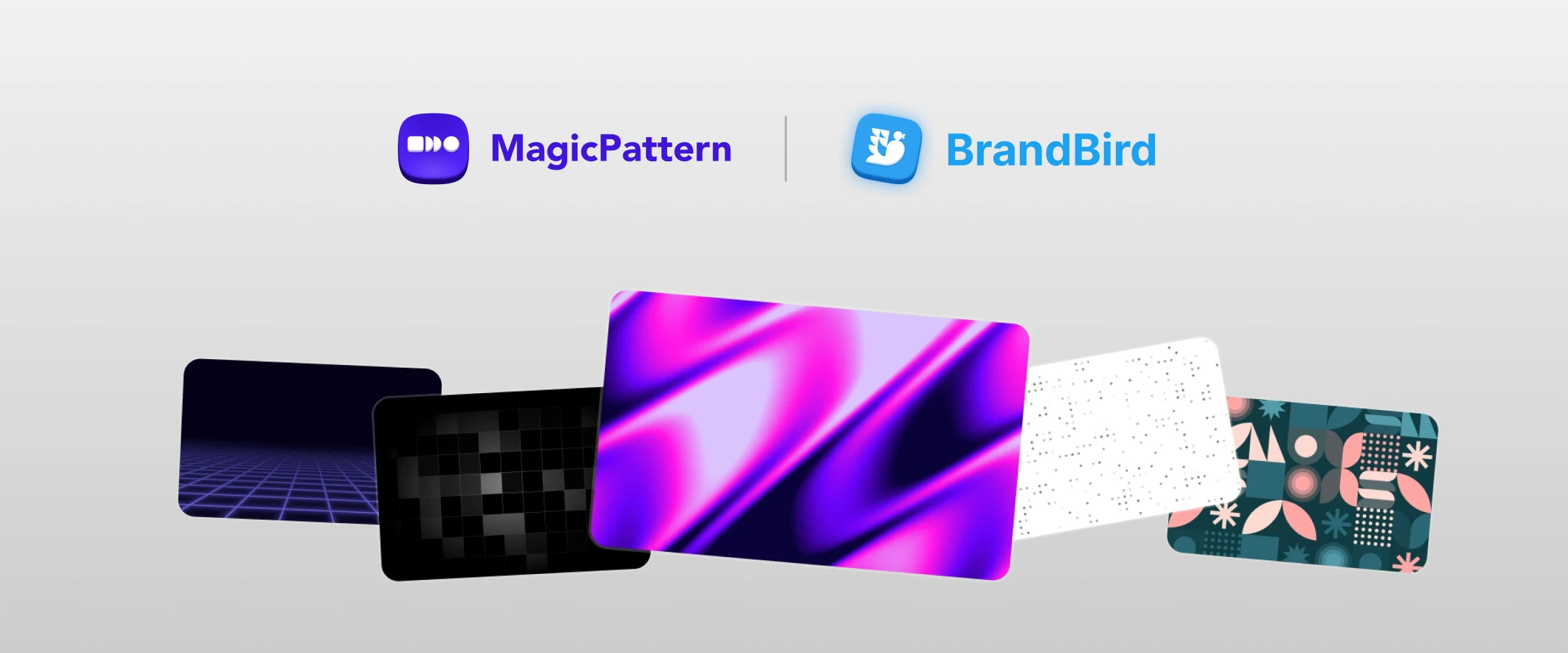
MagicPattern Integration
July 2026
-
-
-
-
3D Device Mockups Tool
May 2026
-
-
-
-
-
-
App Store Screenshots Tool
May 2025
-
-
-
-
-
-
New Arrow Layers
May 15, 2025
Right-click action menu & fixes
December 2025
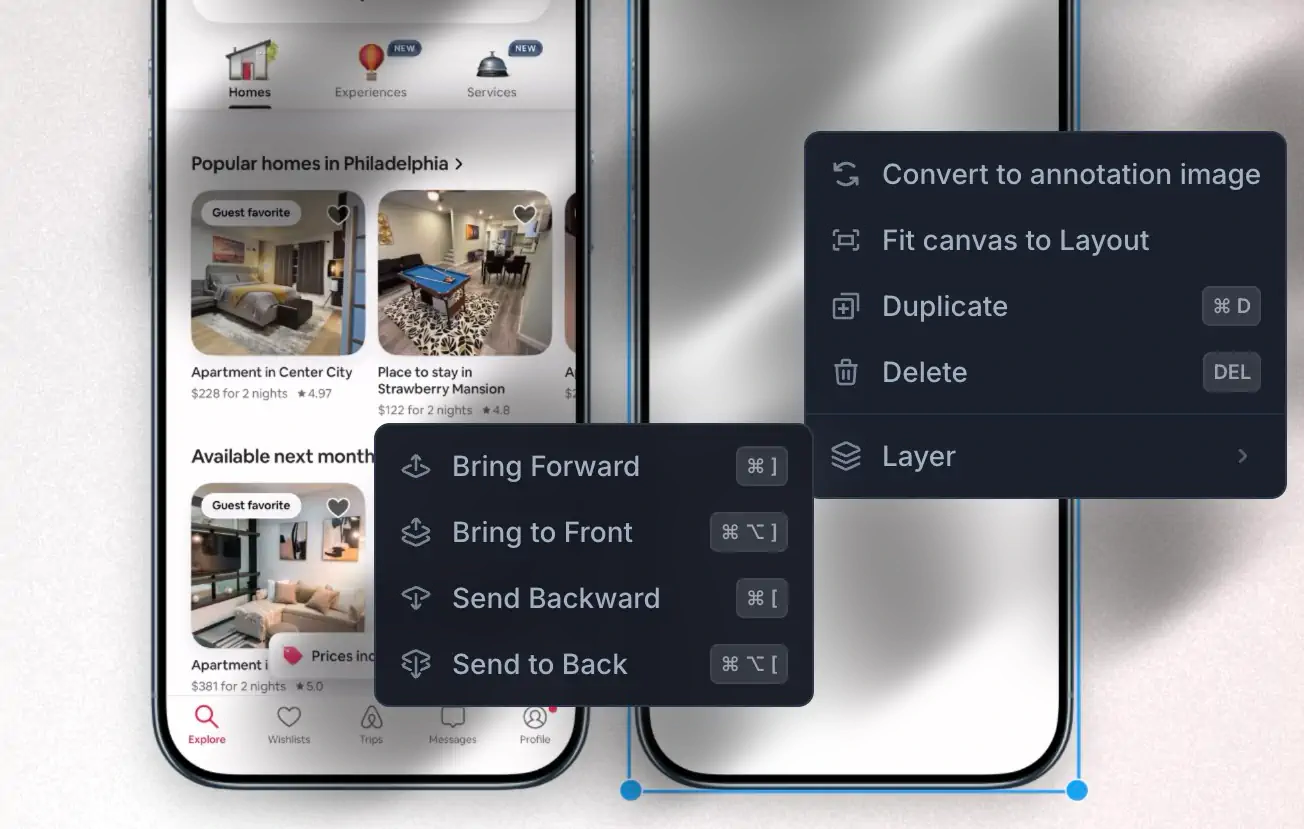
New right-click action menu for layout image and annotation layers.
- Adjust layer order.
- Align layers to page.
- Copy & Paste layer styles.
- Fit canvas size to the current layout.
2. UX imprevements
- Draggable background image to position it perfectly.
- Added new sizing and direction options for Retro, for the applicaple mockups.3. Bug Fixes
- Fixed authentication issue with unnecessary logouts.
- Fix failed export for large custom fonts.
- Fixed mockup sizing issues with "Minimal" mockups.
- Draggable background image to position it perfectly.
- Fixed public templates page loading issues.
iPhone 17 Mockups & Generator
September 2025
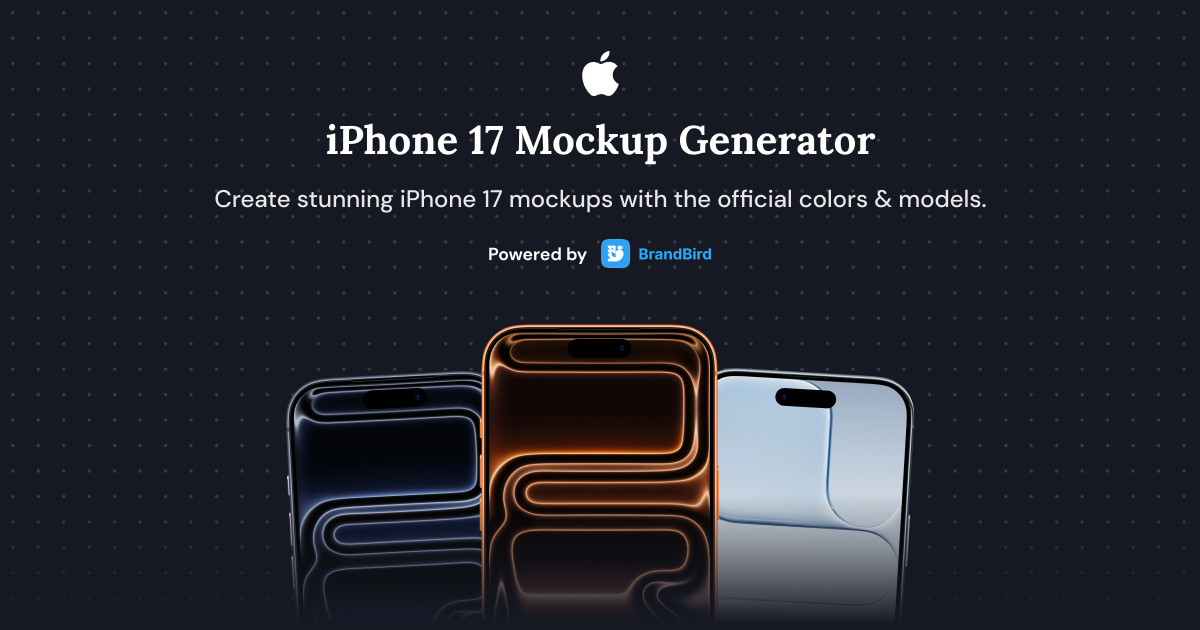
iPhone 17, Air, Pro and Pro Max mockups are here! Create stunning visuals for your app showcases, social media posts, and marketing materials.
You can find them in the Mockup Picker under the "Device" category or use the free iPhone 17 Mockup Generator tool to create custom mockups with your own images.2. Other Fixes
- Fixed bug with disappearing images for free users when refreshing the page.
- Fixed error message for email verification page. Verification happened successfully but the user was seeing an error message.
Instagram Assets & Mockups
August 2025

Introducing the "Torn Paper" and "Stamp" mockups along with new options for Polaroid that allows you to add paper texture and adjust its size now.
Also, we've added realistic Tape & Torn Paper icons to decorate your Instagram posts.2. Testimonials Page
We have a new page to display all the love of our favorite users. Check it here.2. Other Fixes
- Layout option to force same aspect ratio for all images. Useful for visual consistency on Before/After posts.
- Fixed bug with annoying glitch during annotation layers resize.
Conic Gradient Rotation
July 30, 2025
Add a unique background to your content that makes it impossible to ignore.2. Fixed Aspect Ratio Option for images.
Ensure fixed dimensions and prevent resizing while applying templates.3. 3D transform presets
Better 3D transform presets for improved user experience.4. Other Fixes
- Updated paste functionality to work seamlessly with both annotation and layout images
- Fixed light mode display issues with mockups
AI Image Tools
July 18, 2025

AI Image Edits tool
Change colors, add/remove objects, and adapt the style of your images. It's the easiest way to create a cartoon effect or create an impressionist painting from your photos.
Upscale Tool
Enhance the quality of your images with our new AI Upscale tool. Perfect for restoring blurry photos or improving the resolution of your graphics.
Gradient Suggestions
July 11, 2025
Fullscreen Watermarks
May 26, 2025
Remove Backgrounds Faster
March 30, 2025
Perfonmance Improvements
March 26, 2025
Annotations reuse last color
Feb 03, 2025
Hide/Reorder Sidebar Tools
Jan 31, 2025
Save Backgrounds
Jan 20, 2025
Uploads Tab for Assets
Jan 17, 2025
More Background Overlays
Jan 16, 2025
Bluesky Tools
Dec 4, 2024
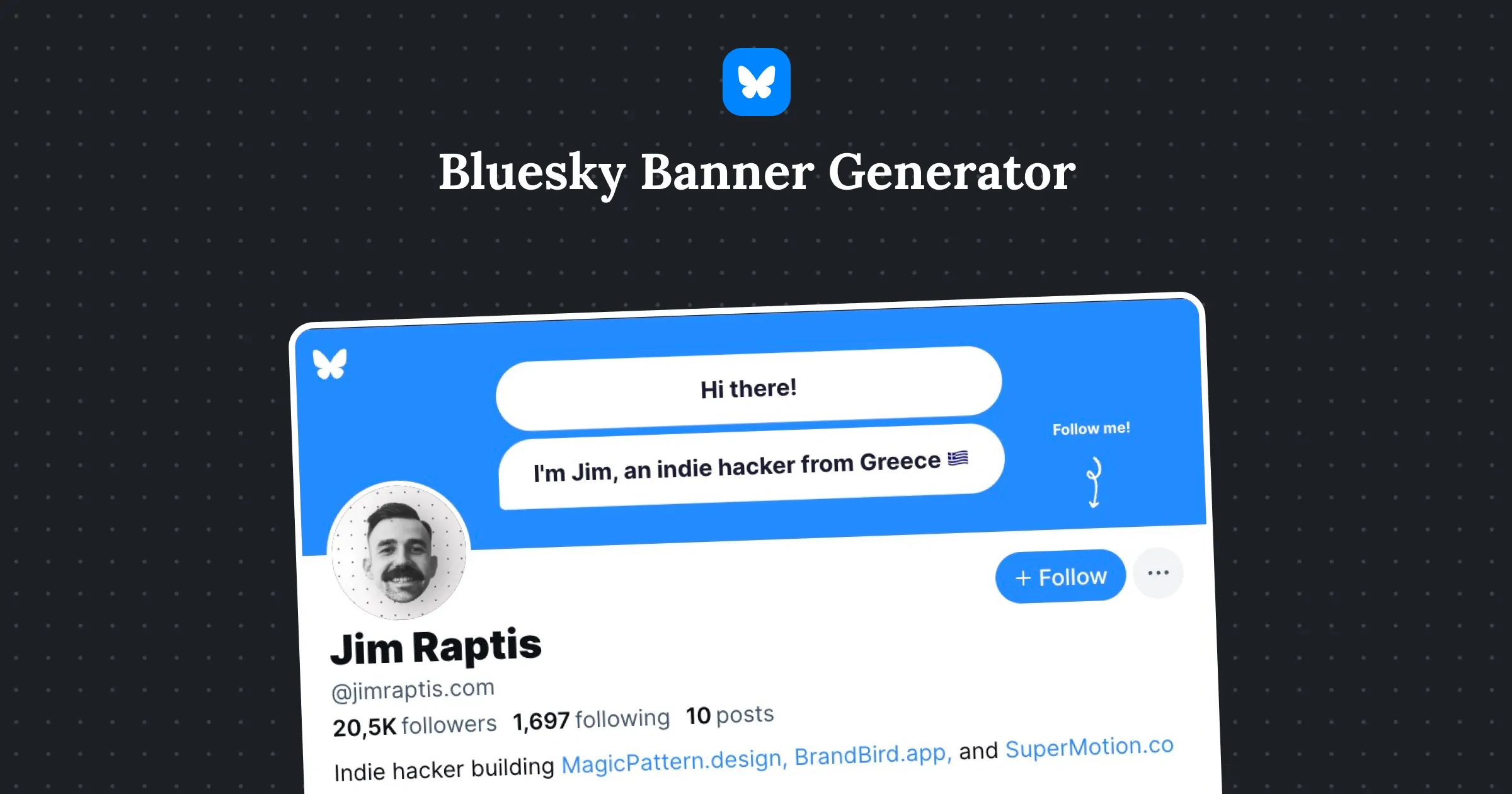
1️⃣ The Header Generator for your Bluesky profile banners.
2️⃣ The Post Preview maker to check your post before publishing
3️⃣ Official image sizes for posts & banners in the studio.
Preview designs on real posts
Nov 26, 2024
Bulk Create Images
Oct 17, 2024
Layer & Group aligment
Oct 15, 2024
Mockup Picker Revamp
Sept 19, 2024
Brand Watermark Creator
Jul 9, 2024
New Blur Tool
Jul 4, 2024
Image Tools Revamp
Jul 3, 2024
Background Grid Patterns
Jan 26, 2024
Image Background Removal
Nov 23, 2023
Font Picker Search
Nov 21, 2023
AI tools
Oct 20, 2023
Popular background Wallpapers
Oct 9, 2023
iPhone 15 mockups
Oct 6, 2023
Custom size presets
Jul 25, 2023
Inline text editing
Jun 28, 2023
More icons
Jun 20, 2023
Wireframe elements layer
Jun 16, 2023
PWA support
May 11, 2023
Import custom fonts
May 5, 2023
QR Code layer
May 4, 2023
Crop tool revamp
Apr 26, 2023
Bulk create from a template
Apr 5, 2023
Start from blank canvas shortcut
Mar 16, 2023
Polaroid mockups
Mar 15, 2023
I don't know when it happened but Brandbird is now my all-in-one SaaS & social media design tool.
Founder Senja.io