LinkedIn Carousel Generator
Create professional LinkedIn document carousels with branded slides, strong hooks, and consistent layouts. Export a ready-to-post PDF in minutes.
Loved by 10,000+ people from modern companies.


How to Make a LinkedIn Carousel
Go from a blank canvas to a polished, ready-to-publish carousel in three steps.
Choose a Format
Start with a portrait or square canvas sized for the feed.
Design Your Slides
Add your story, style the layout, and keep every slide visually consistent.
Export for LinkedIn
Download one multi-page PDF, then upload it to LinkedIn as a document post.
I don't know when it happened but Brandbird is now my all-in-one SaaS & social media design tool.
Founder Senja.io
Twitter impressions and engagements have increased up to 7000% since I started using BrandBird.
DevRel at APILayer
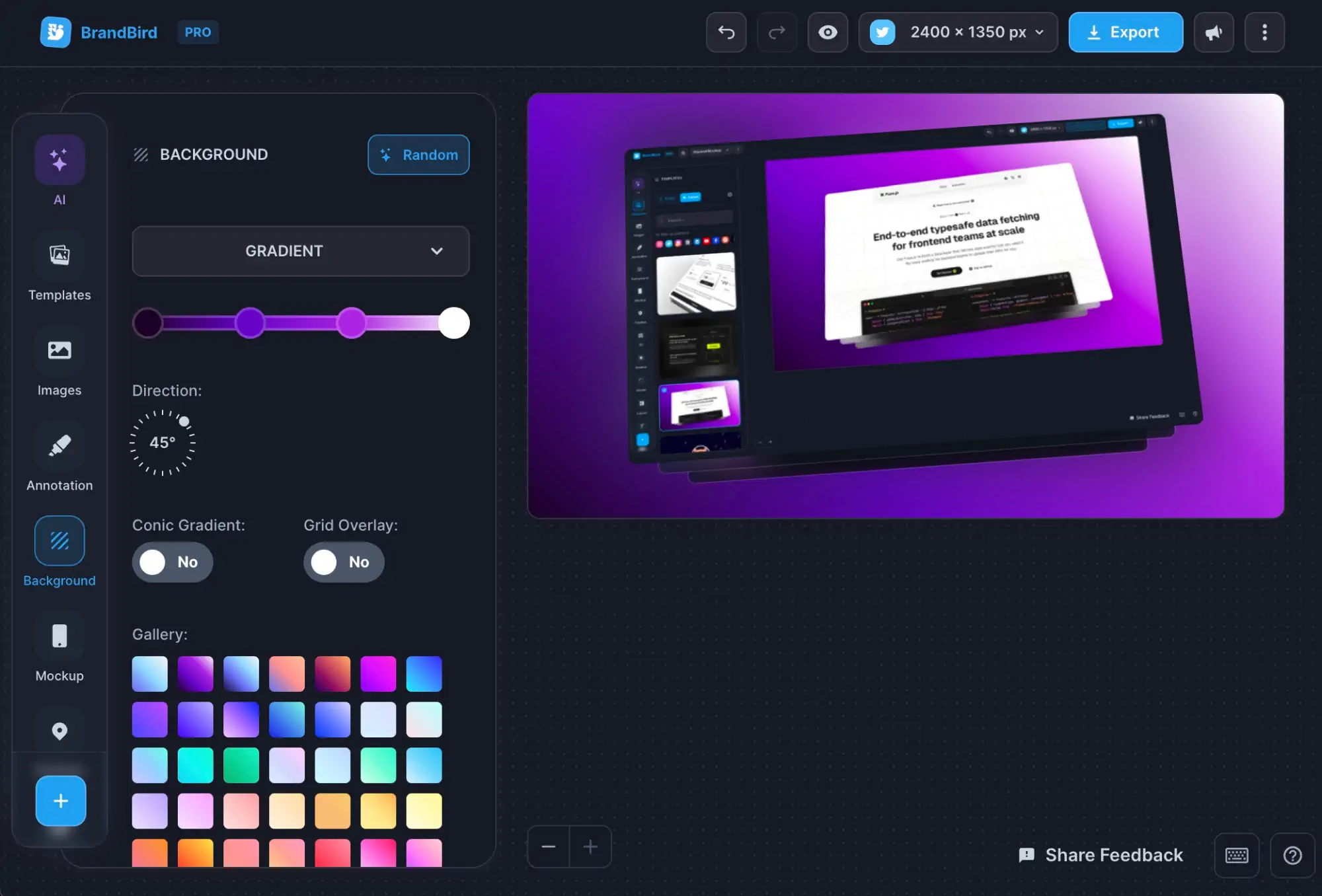
Meet Our Features
Easy-to-use. Yet Powerful.
LinkedIn Carousel Sizes and Export
Every slide uses the same dimensions, so your carousel stays aligned as people swipe. Portrait fills more vertical feed space, while square is a flexible choice for text and image-led posts.
Export format: Multi-page PDF
I don't know when it happened but Brandbird is now my all-in-one SaaS & social media design tool.
Founder Senja.io
Frequently Asked Questions
What size should a LinkedIn carousel be?
LinkedIn document posts look best in portrait at 1080×1350 (4:5), because that fills the most space in the feed. Square 1080×1080 works too. Our generator has both presets built in, and switching between them re-lays out your slides automatically.
How do I post a carousel on LinkedIn?
LinkedIn carousels are document posts. Export your carousel as a PDF, then on LinkedIn click 'Create a post', choose the document icon, upload the PDF, and give it a title. The title shows above the carousel in the feed, so make it count.
How many slides should a LinkedIn carousel have?
Between 7 and 12 slides performs best — enough to tell a story, short enough that people finish it. You can create up to 20 slides in BrandBird. Always make slide 1 a strong hook and the last slide a clear call to action.
Can I add a swipe arrow and my signature to every slide?
Yes. Turn on the pinned 'next slide' arrow and your creator signature (avatar, name, and handle) once, and they appear in the same position on every slide. You can hide the arrow on the last slide and the signature on the cover slide with a single toggle.
Can AI create the slides for me?
Yes. Paste a long post, enter a topic, or drop in a blog URL, and the AI quick start splits it into a hook slide, content slides, and a call-to-action slide. You can then edit every slide by hand.
Is the LinkedIn carousel generator free?
You can design and export carousels for free with a small BrandBird watermark. A Pro plan removes the watermark and unlocks saving projects, reusable slide templates, and AI features.