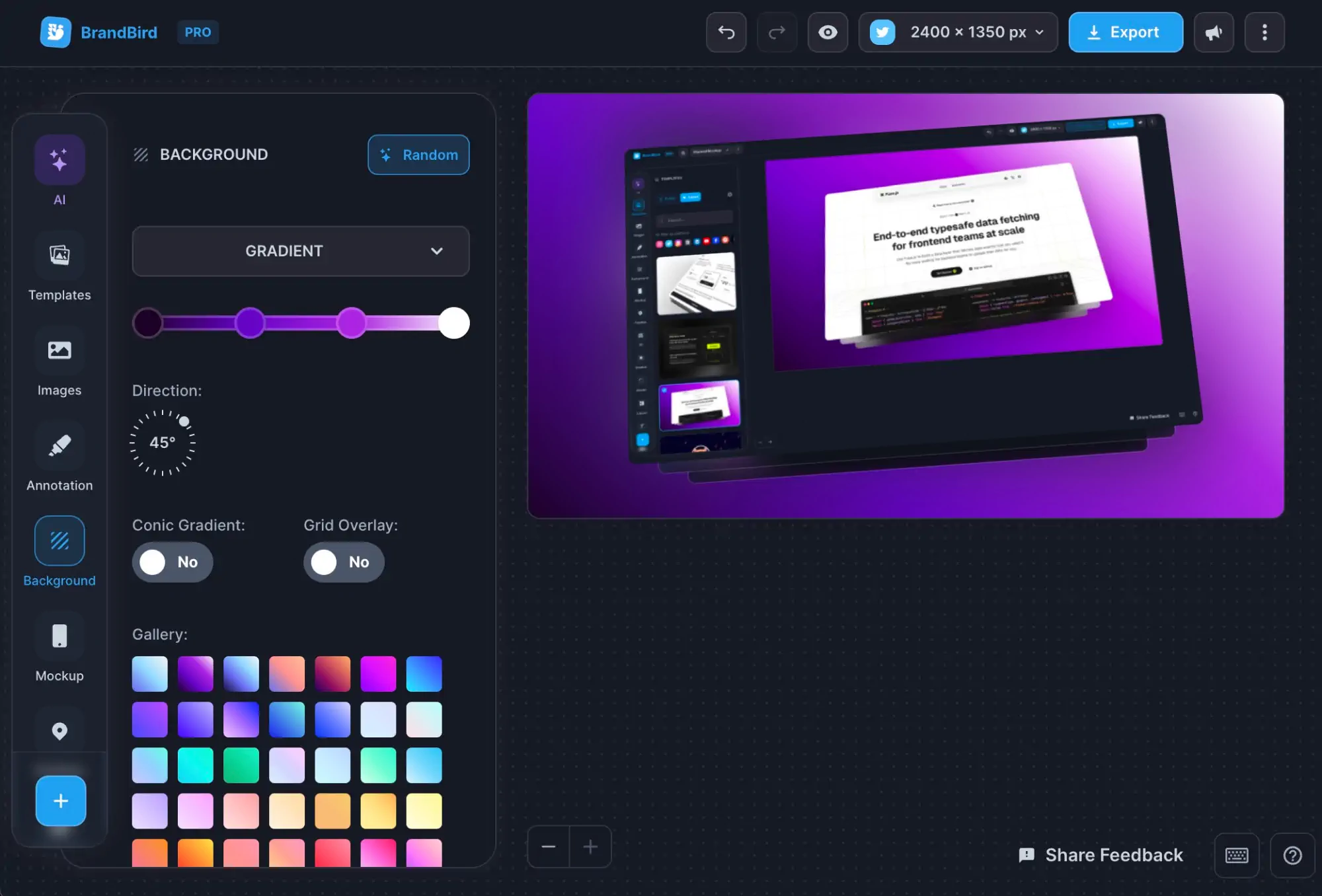
Use the free image blur tool to hide sensitive information from your graphics.

Use the free image pixelate tool to hide sensitive information from your graphics.

A free online tool to add progressive blur to your mockups, UI screens, and images. Supports PNG, JPEG, WebP images.
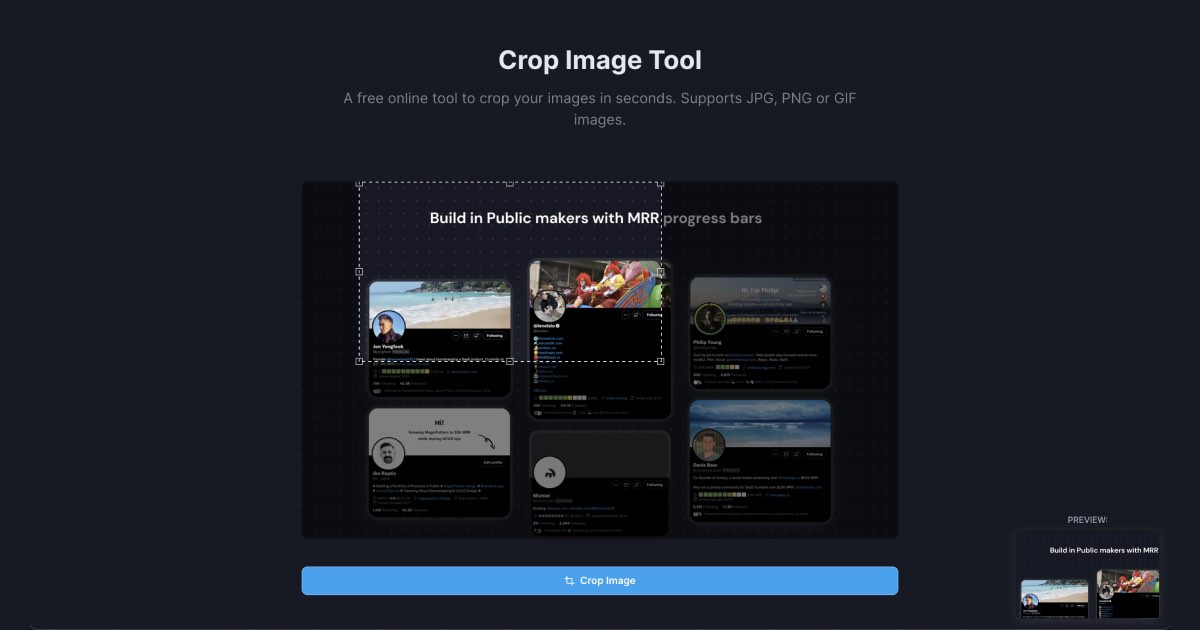
Upload and crop JPG and PNG images online for free. Cut and resize images to any dimension instantly.

Upload any screenshot and instantly beautify it with backgrounds, shadows, and device frames. No design skills needed.
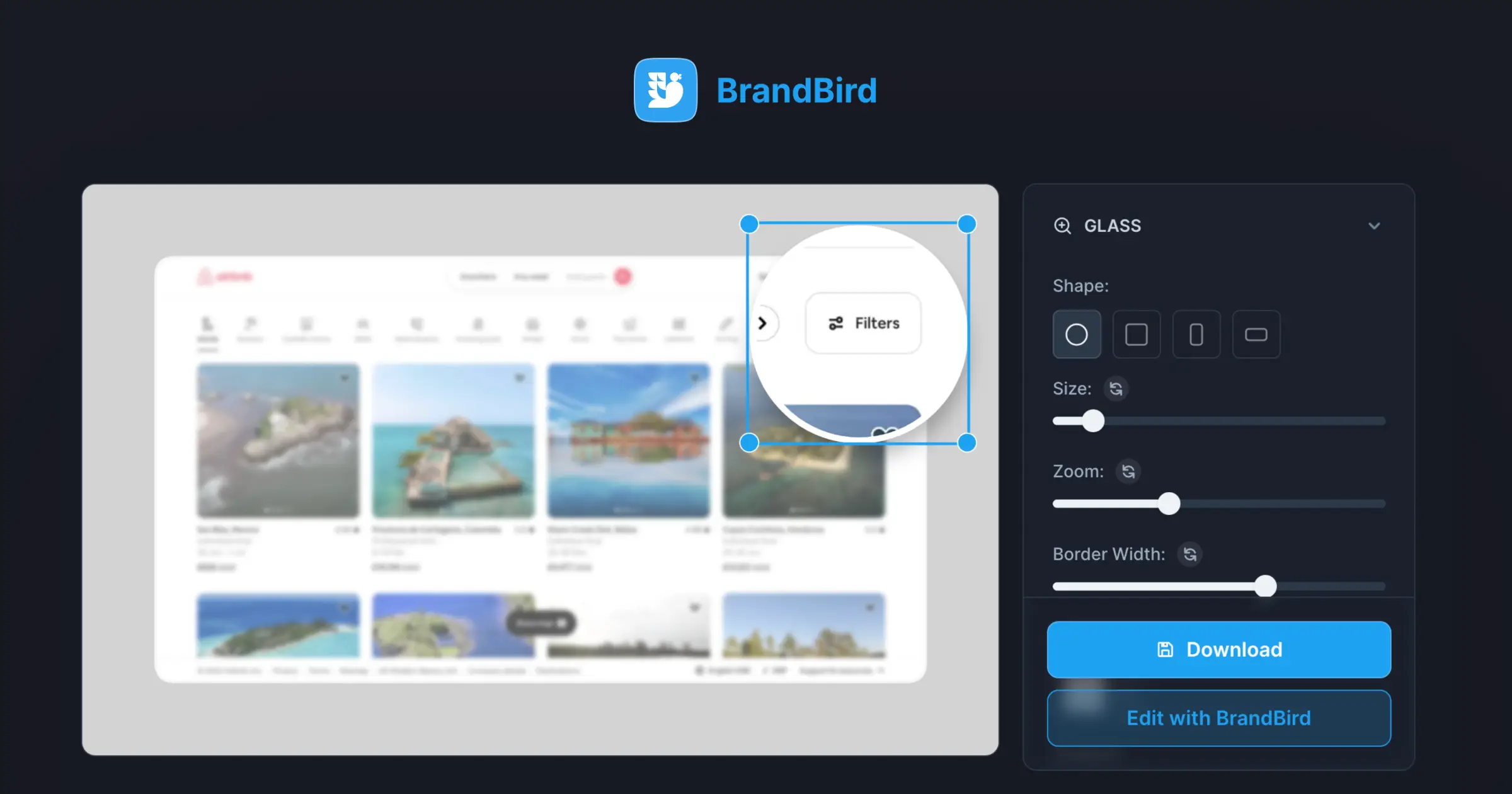
Focus on SaaS features & areas with a magnifier glass effect for better product screenshots.
BrandBird's Blur Image tool lets you selectively blur areas of an image to hide sensitive information, create focus effects, or protect privacy — all in your browser without any server uploads.
1. Upload your image to the Blur tool. 2. Draw a rectangle over the area you want to blur. 3. Adjust the blur intensity and export your image with the sensitive areas hidden.
Yes. All processing happens locally in your browser. Your images are never sent to any external server, ensuring complete privacy.
Yes. Draw multiple blur regions across your image to hide several sensitive areas at the same time before exporting.
Gaussian blur applies a mathematical smoothing function to pixels, blending them with their neighbors. The result is a soft, unfocused effect that makes text and details unreadable while maintaining a natural look.
Yes, it's completely free. Blur as many images as you need with no sign-up, watermarks, or limits.
Upload the screenshot, select the areas containing sensitive data (emails, passwords, personal info), apply blur, and export. The blurred regions hide the information while the rest of the screenshot remains clear.
The tool supports PNG, JPEG, and WebP uploads and exports. The output quality matches the original image with only the selected areas blurred.
I don't know when it happened but Brandbird is now my all-in-one SaaS & social media design tool.
Founder Senja.io