Twitter (𝕏) Header Generator
Create custom Twitter (𝕏) banners and profile headers to boost your brand awareness and engagement. Fully customizable and 100% free.

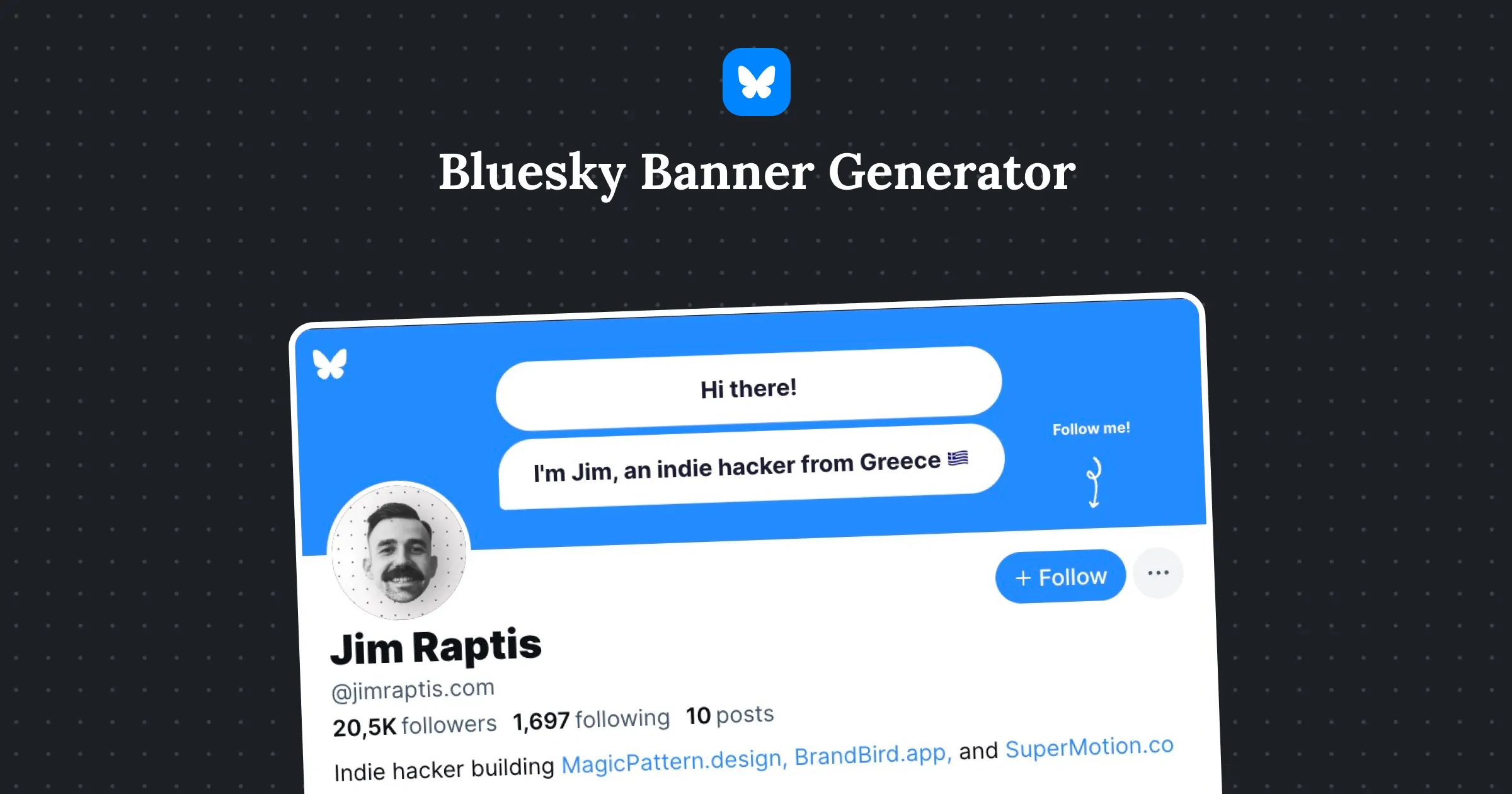
Hi there!
I'm Jim, an indie hacker from Greece 🇬🇷
Follow me!
Jim Raptis
@d__raptis
Indie hacker. Developer. Designer. ✨
Greece
brandbird.app
Joined October 2017
1,697Following
20,5KFollowers
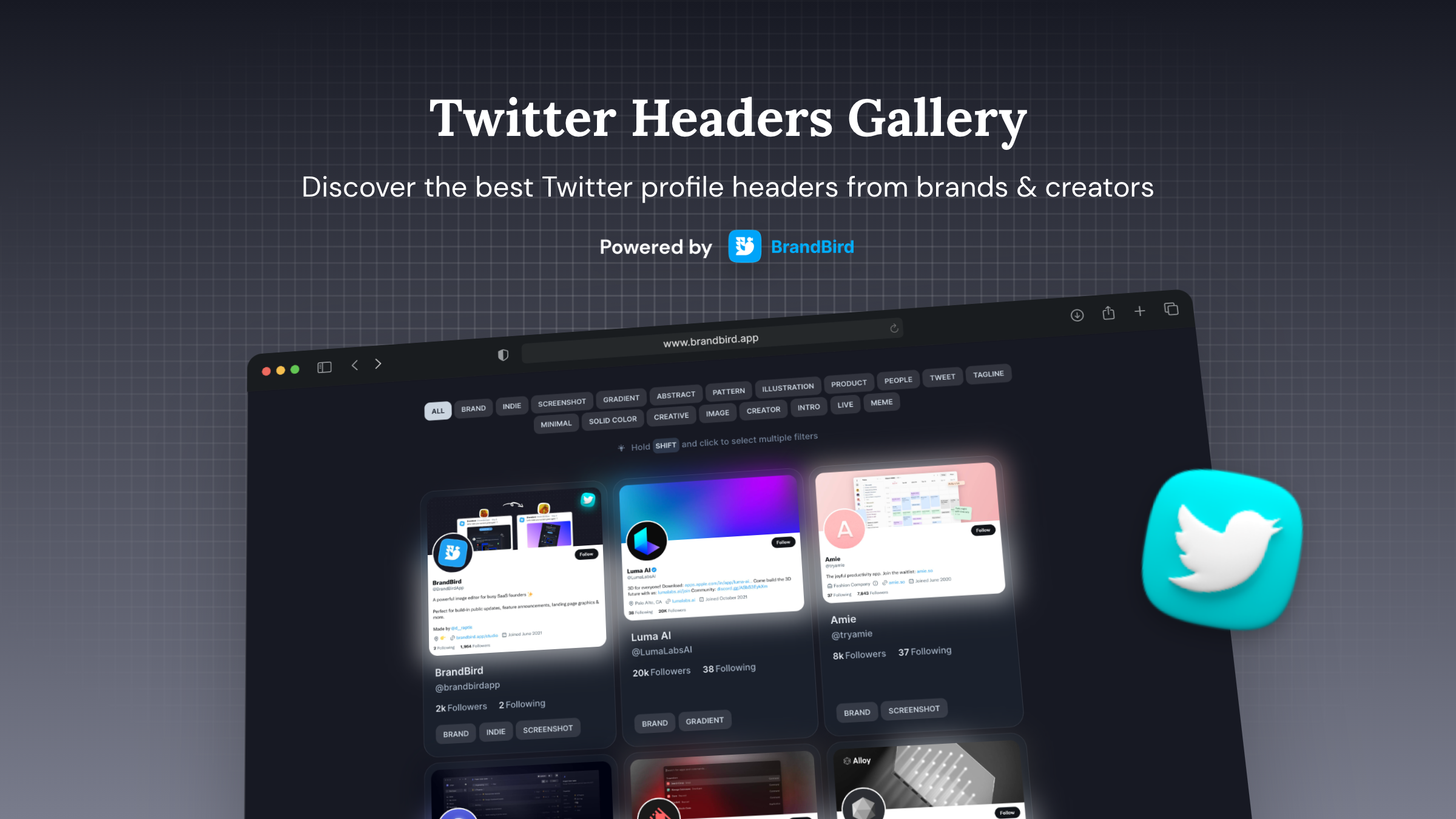
Ready-to-use header templates
👋 Hey
Learn how to earn money online
Follow for More Tips

John Doe
@johndoe
Learn how to make money online! 💰
Greece
brandbird.app
Joined October 2017
1,697Following
40KFollowers
Hi, I'm Anna!
Building micro-SaaS apps in the public
to $5k MRR
Building In Public

Anna Jones
@annajones
SaaS owner building in public 🛠️
Greece
brandbird.app
Joined October 2017
1,697Following
100KFollowers
👋 Hi there!
I'm Jim, an indie hacker who builds micro-SaaS products!
Follow me!

Jim Raptis
@d__raptis
Indie hacker. Developer. Designer. ✨
Greece
brandbird.app
Joined October 2017
1,697Following
20,5KFollowers
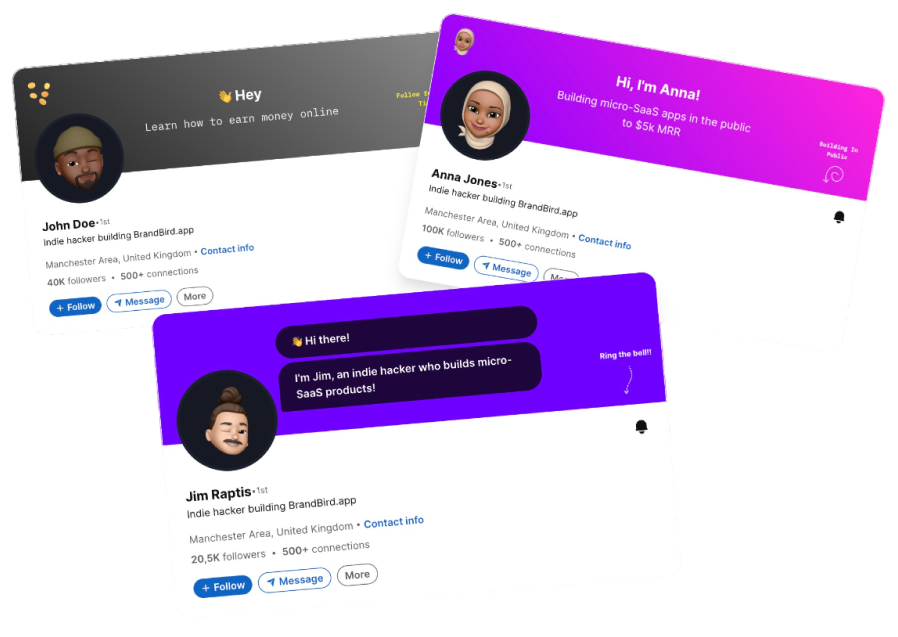
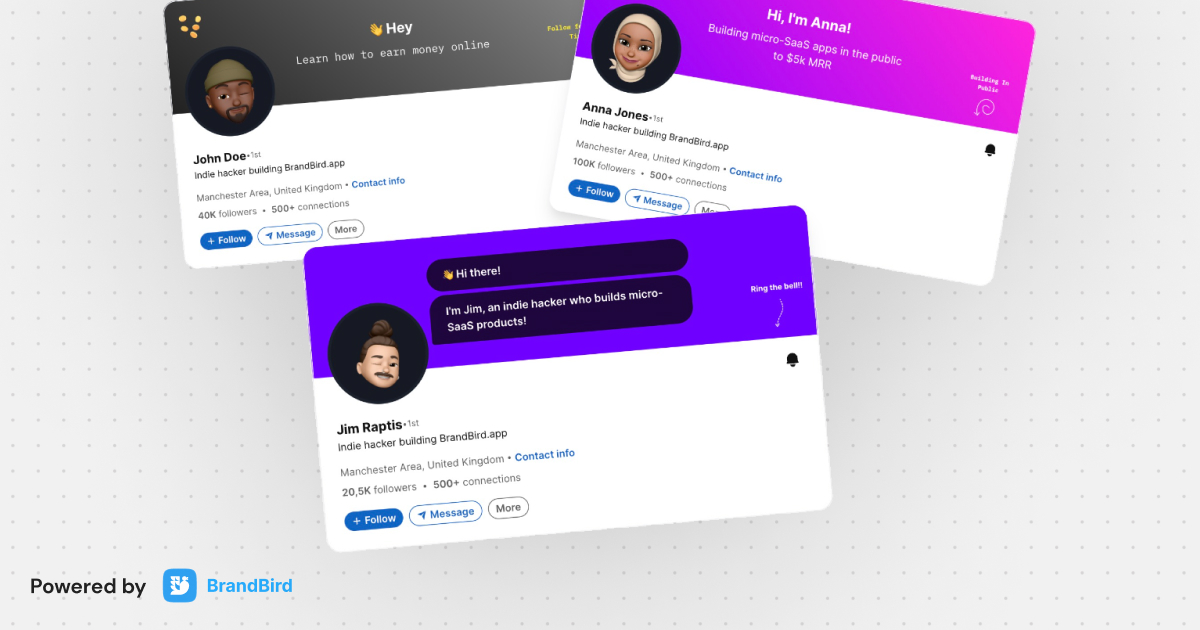
Need A LinkedIn Banner too?
Try out free LinkedIn header maker to create eautiful banners for you LinkedIn profile.

Frequently Asked Questions
How to make a X (formely Twitter) Header?
Use BrandBird's free Twitter Header Generator to create a custom banner. Choose from templates or start from scratch, add your brand colors, text, and logo, then export at the optimal 1500x500 pixel size.
How does the Twitter Header/Banner maker work?
1. Pick a template or start with a blank canvas. 2. Customize the design with your brand colors, text, images, and effects. 3. Export the banner at the perfect 1500x500 Twitter header dimensions.
What are the Twitter header dimensions in 2025?
The recommended X (formely Twitter) header image dimensions are 1500 x 500 pixels with a 3:1 aspect ratio. The file size should be under 5MB, and supported formats include JPG, PNG, and GIF (non-animated).
Why is a clean Twitter header important?
Your Twitter header is the largest visual element on your profile. A professional banner boosts credibility, reinforces your brand identity, communicates your value proposition, and helps convert profile visitors into followers.
How to add text and elements to a Twitter header?
In the Twitter Header Generator, click to add text elements, choose a font and color that match your brand, position the text to avoid overlap with your profile picture area, and add icons or logos for extra visual interest.
Is the Twitter banner maker free?
Yes, the X (formely Twitter) Header Generator is 100% free. Create unlimited custom banners with professional templates, gradients, and design elements at no cost.
What is the best Twitter header design for personal branding?
For personal branding, include your name or tagline, a clean gradient or solid background in your brand colors, and optionally a subtle pattern or product screenshot. Keep it simple and ensure text is readable on both desktop and mobile.
How to create a Twitter banner without Photoshop?
BrandBird's Twitter Header Generator is a free online alternative to Photoshop for creating Twitter banners. It offers pre-designed templates, gradient backgrounds, text editing, and one-click export — all from your browser without installing any software.