LinkedIn Banner Generator
Create custom LinkedIn banners and profile headers to stand out professionally. Fully customizable and 100% free.
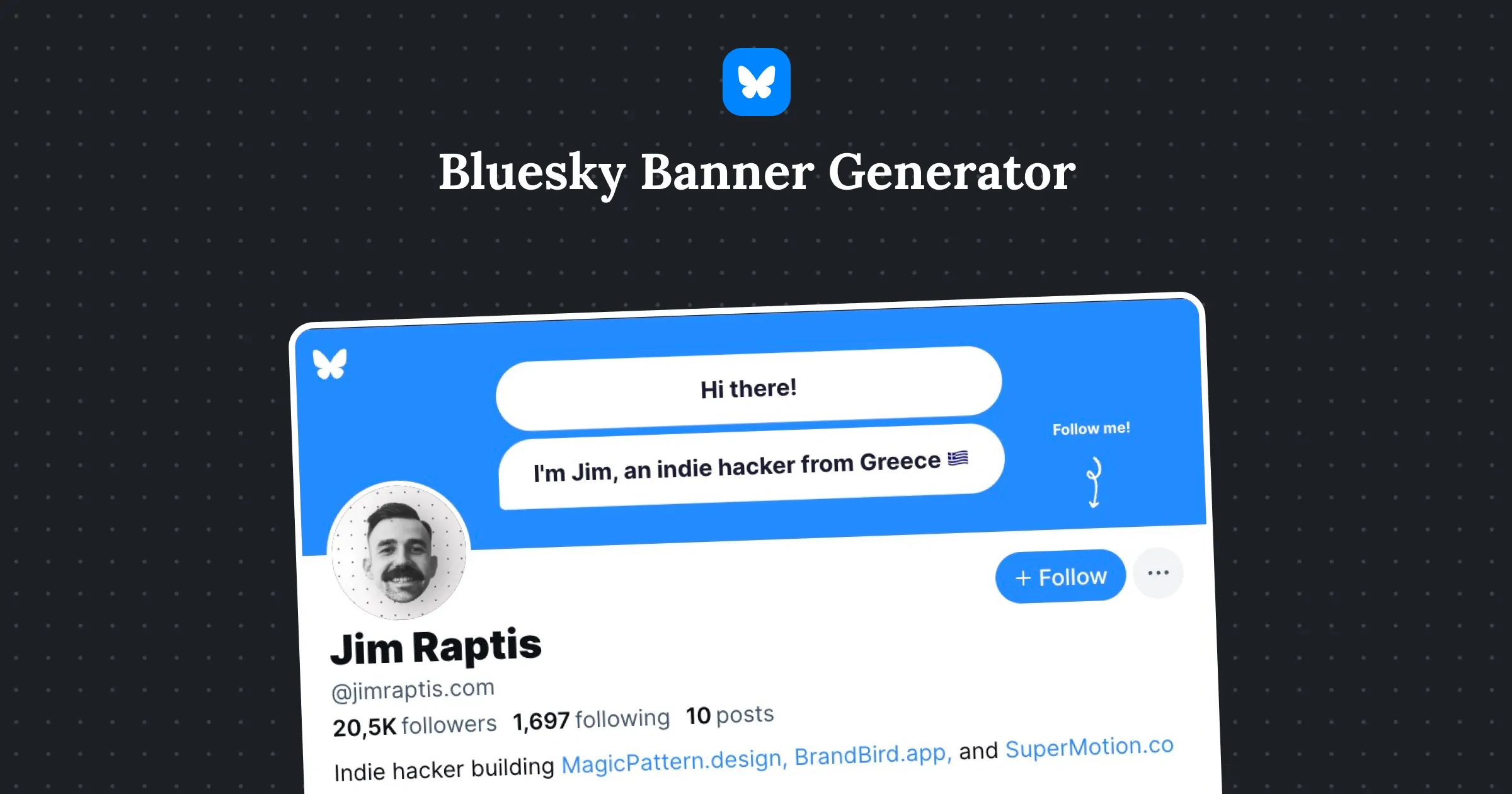
Hi there!
I'm Jim, an indie hacker from Greece 🇬🇷
Ring the bell!!
Jim Raptis
•
1st
Indie hacker building BrandBird.app
Manchester Area, United Kingdom
•
Contact info
20,5Kfollowers
•
500+connections
MagicPattern

BrandBird
Ready-to-use header templates
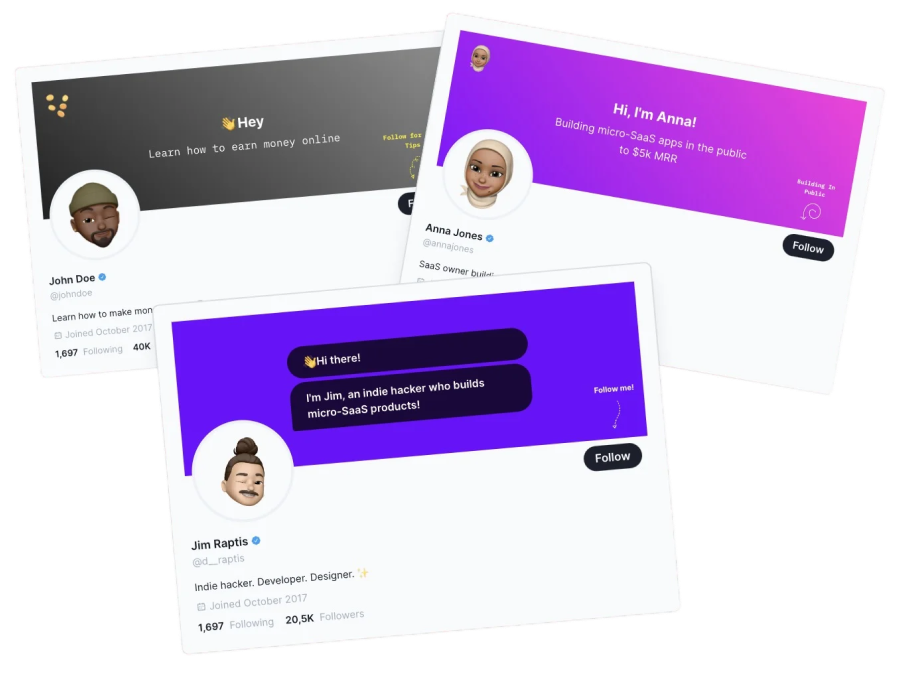
👋 Hey
Learn how to earn money online
Follow for More Tips

John Doe
•
1st
Indie hacker building BrandBird.app
Manchester Area, United Kingdom
•
Contact info
40Kfollowers
•
500+connections

MagicPattern
BrandBird
Hi, I'm Anna!
Building micro-SaaS apps in the public
to $5k MRR
Building In Public

Anna Jones
•
1st
Indie hacker building BrandBird.app
Manchester Area, United Kingdom
•
Contact info
100Kfollowers
•
500+connections

MagicPattern
BrandBird
👋 Hi there!
I'm Jim, an indie hacker who builds micro-SaaS products!
Ring the bell!!

Jim Raptis
•
1st
Indie hacker building BrandBird.app
Manchester Area, United Kingdom
•
Contact info
20,5Kfollowers
•
500+connections

MagicPattern
BrandBird
Need A Twitter Banner too?
Try out free Twitter, X header maker to create eautiful banners for you Twitter, X profile.

Frequently Asked Questions
How to make a LinkedIn Header?
Use BrandBird's free LinkedIn Header Generator to create a professional banner. Choose a template or start from scratch, add your brand colors, text, and imagery, then export at the optimal 1584x396 pixel dimensions.
How does the LinkedIn Header/Banner maker work?
1. Pick a template or start with a blank canvas. 2. Customize the design with your brand colors, headshot, text, and visual elements. 3. Export the banner at the perfect 1584x396 LinkedIn header dimensions.
What are the LinkedIn header dimensions?
The recommended LinkedIn banner size is 1584 x 396 pixels with a 4:1 aspect ratio. Keep important content centered as the edges may be cropped on mobile devices.
Why is a clean LinkedIn header important?
Your LinkedIn header is prime real estate on your profile. A professional banner reinforces credibility, communicates your expertise or value proposition, differentiates you from other professionals, and can drive profile visitors to take action.
How to add text and elements to a LinkedIn header?
In the generator, add text with your title or tagline, choose professional fonts, position elements to avoid overlap with your profile picture, and add your company logo or a call-to-action for maximum impact.
Is the LinkedIn banner maker free?
Yes, the LinkedIn Header Generator is 100% free. Create professional banners with templates, gradients, and brand elements at no cost.
What is the best LinkedIn banner design for job seekers?
For job seekers, include your professional title, key skills or expertise areas, and a clean background in a neutral or industry-appropriate color. Avoid clutter and make sure the text is readable on both desktop and mobile.
How to create a LinkedIn banner without design skills?
BrandBird's LinkedIn Header Generator provides pre-designed templates optimized for professional profiles. Simply select a template, replace the placeholder text with your information, adjust colors to match your brand, and export — no design experience needed.