
iPad Mockup Generator
Create beautiful iPad mockups for app screenshots, presentations, and marketing materials with this free online tablet mockup generator.
Create beautiful iPad mockups for app screenshots, presentations, and marketing materials with this free online tablet mockup generator.
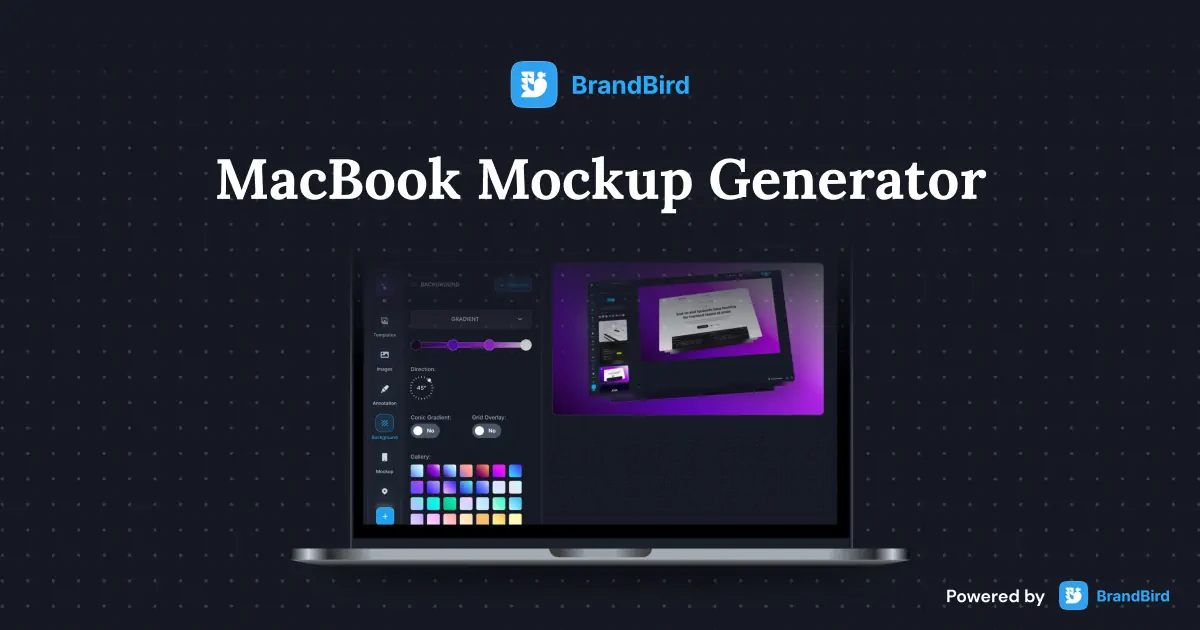
Create stunning MacBook mockups for app screenshots, landing pages, and presentations with this free online laptop mockup generator.
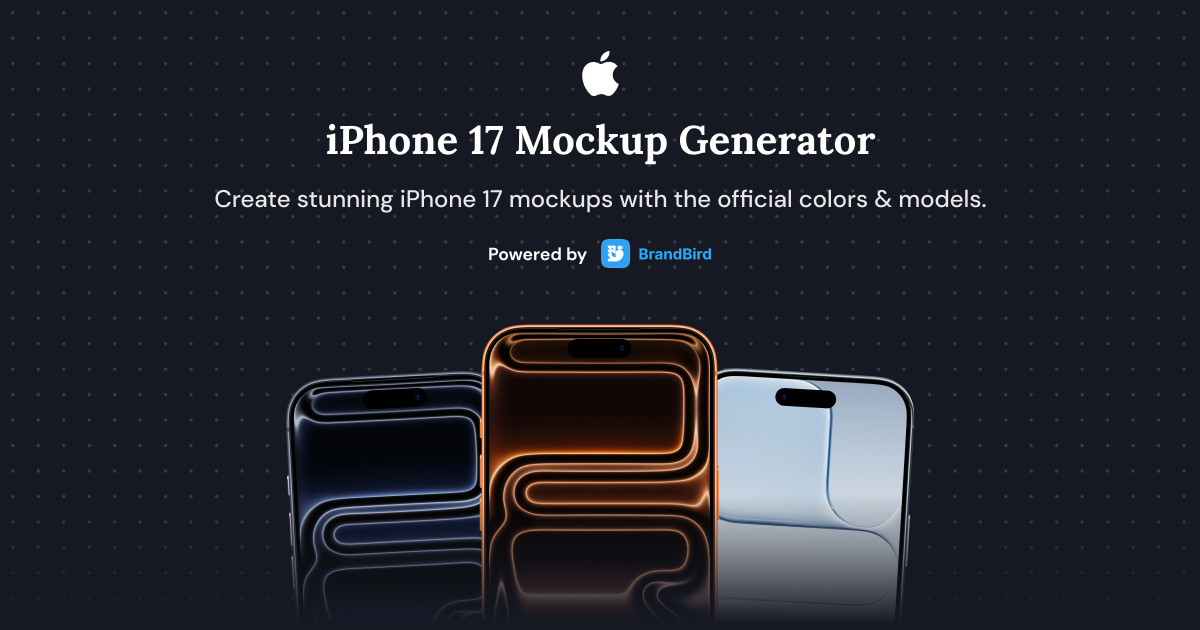
Create stunning iPhone 17, iPhone 17 Air, iPhone 17 Pro, and iPhone 17 Pro Max mockups with this free online generator.
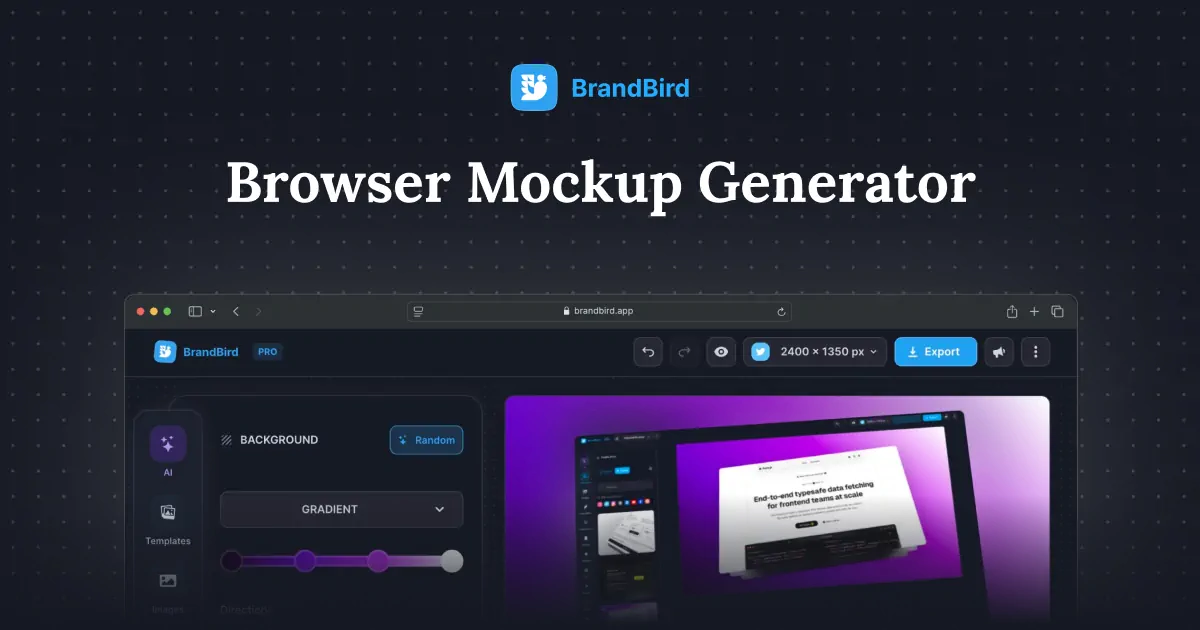
Create professional browser frame mockups for website screenshots, landing pages, and SaaS demos with this free online browser mockup generator.
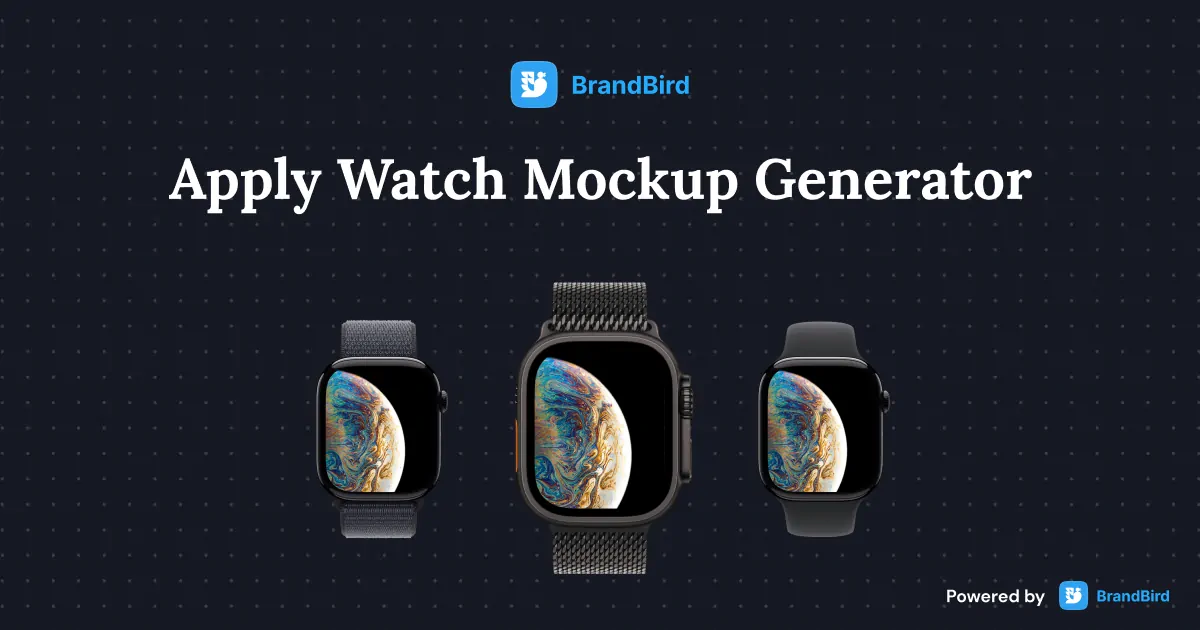
Create realistic Apple Watch Ultra 2 and Series 10 mockups for watchOS app screenshots, UI demos, and marketing materials.
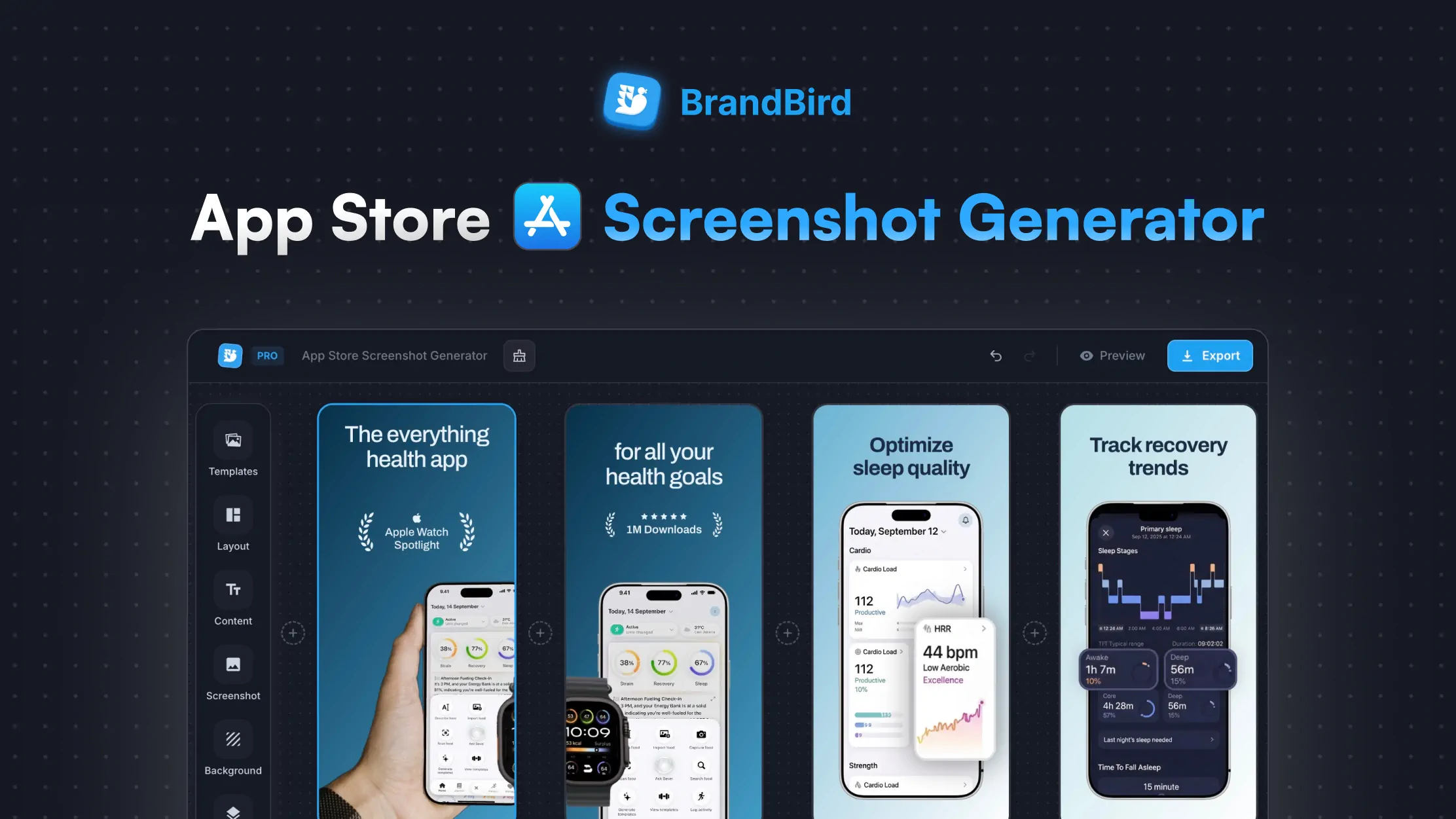
Create stunning App Store screenshots for your iOS app. Add device frames, captions, and backgrounds. Download in every required Apple size.
Upload your app screenshot or tablet UI to BrandBird's free iPad mockup generator. Choose a light or dark iPad frame, set a background color, and download your mockup as a high-resolution PNG — no sign-up or watermark.
Yes. The iPad mockup generator is completely free with unlimited exports and no watermarks. Create as many tablet mockups as you need for app marketing, portfolios, and presentations.
Upload your tablet app screenshots, pick the dark or light iPad frame, set a background that matches your brand, and export in high resolution. Use multiple exports to showcase different screens in your App Store listing.
Yes. Check 'Remove background' to get a transparent PNG export. This lets you drop the iPad mockup into Figma, Canva, Keynote, or any design tool and composite it onto custom backgrounds.
BrandBird's iPad mockup generator is a great free alternative to Placeit and Smartmockups. It works in the browser, needs no account, exports without watermarks, and connects to BrandBird Studio for advanced editing like 3D transforms and annotations.
Upload your product UI screenshot, select the iPad frame style, set a clean solid or transparent background, and export. Paste the high-res PNG directly into Google Slides, Keynote, or PowerPoint for a professional pitch deck.
Yes. Toggle between a light (silver) and dark (space gray) iPad frame to match your app's design aesthetic or your presentation theme. The frame style updates in real time.
Upload any PNG, JPG, or WebP screenshot. The tool exports at 2000px wide in PNG format. For JPEG, WebP, or custom resolutions, click 'Edit with BrandBird' to continue in the full Studio editor.
I don't know when it happened but Brandbird is now my all-in-one SaaS & social media design tool.
Founder Senja.io
