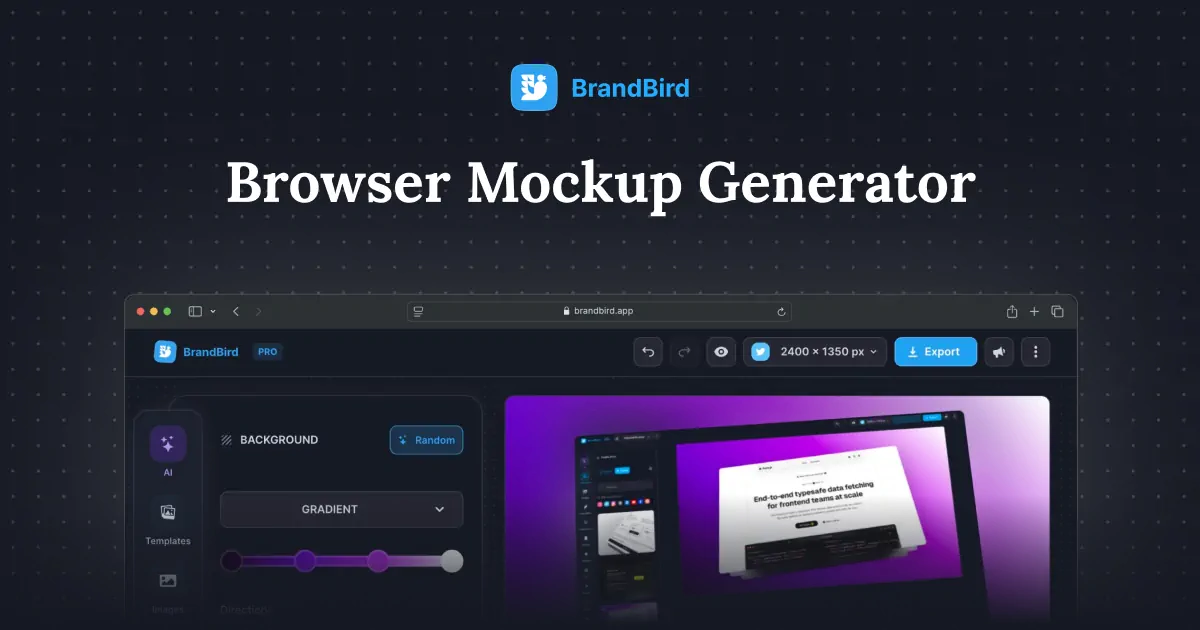
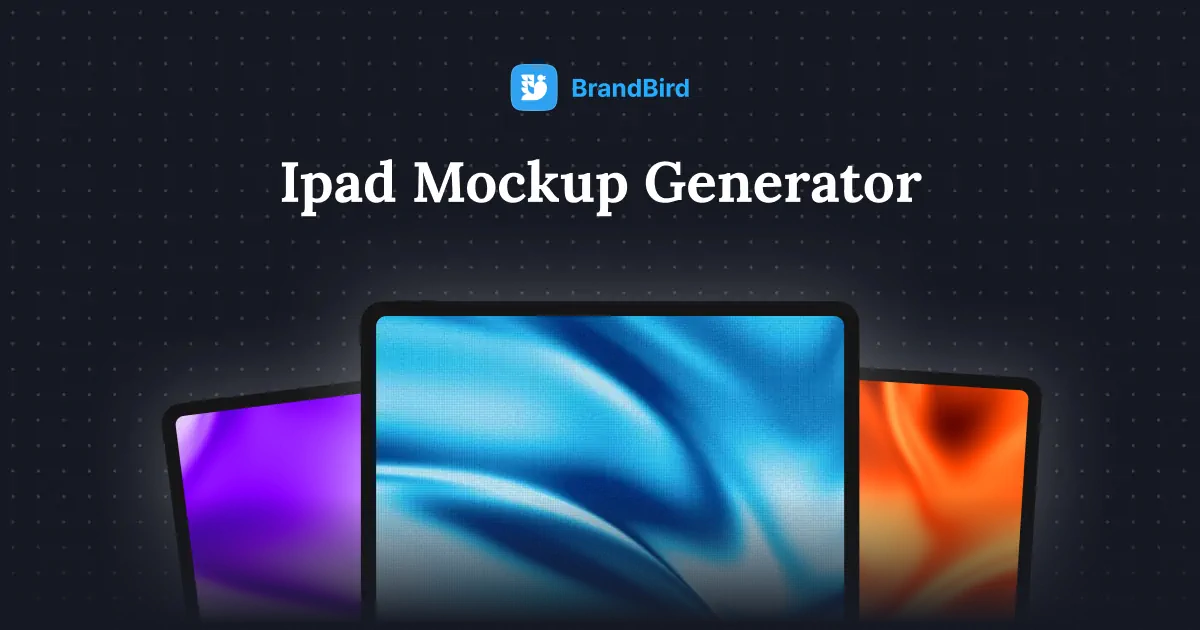
Device Mockups

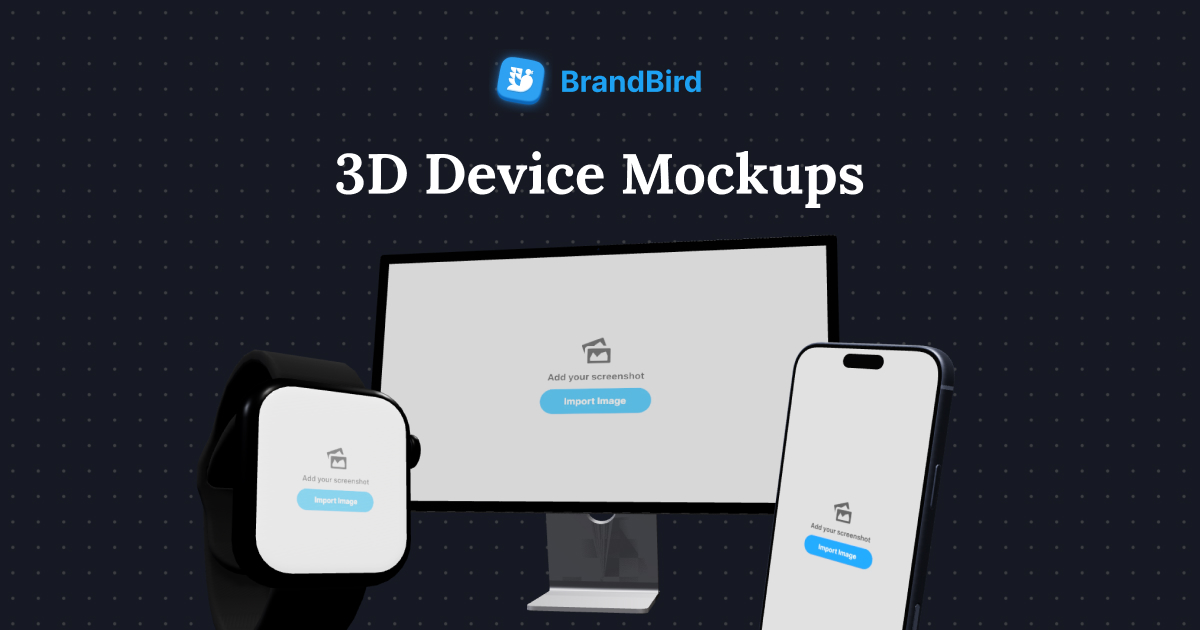
Browse our collection of device mockups — iPhones, iPads, MacBooks, browsers, and more. Pick any mockup, upload your design, and download a polished image in seconds.

All tools

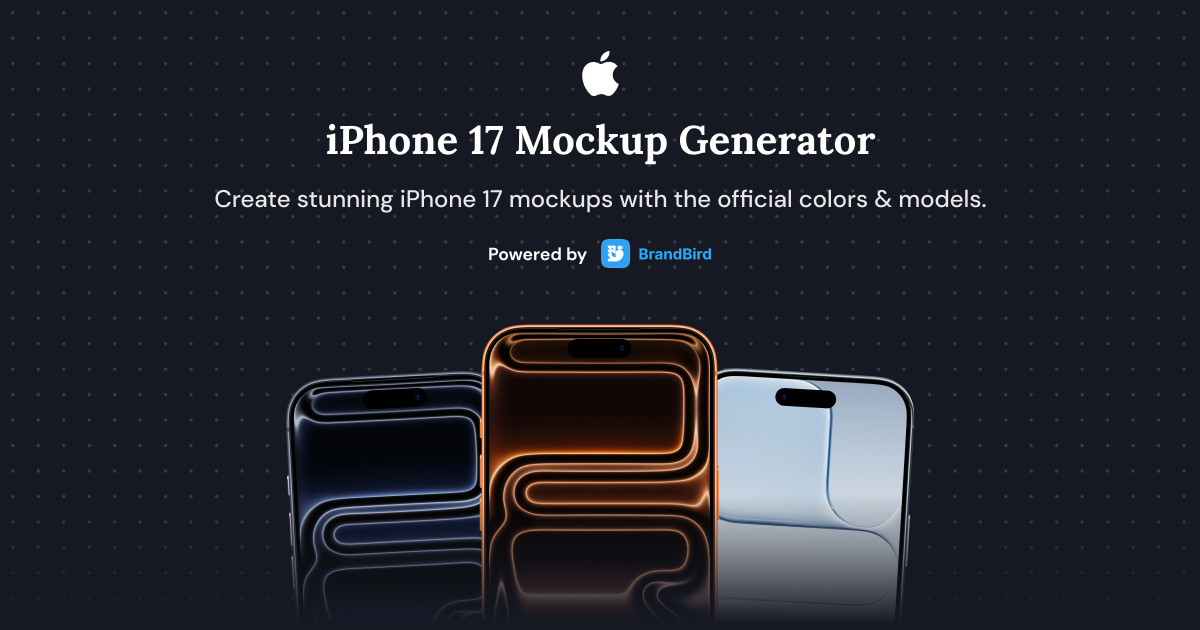
iPhone 17

iPhone 16

iPhone 15

iPhone 14

iPhone 13

iPhone 12

Samsung Galaxy S25

Google Pixel 9 Pro

Nothing 3a

Clay Phone

Apple Watch

iPad with Pencil

iPad

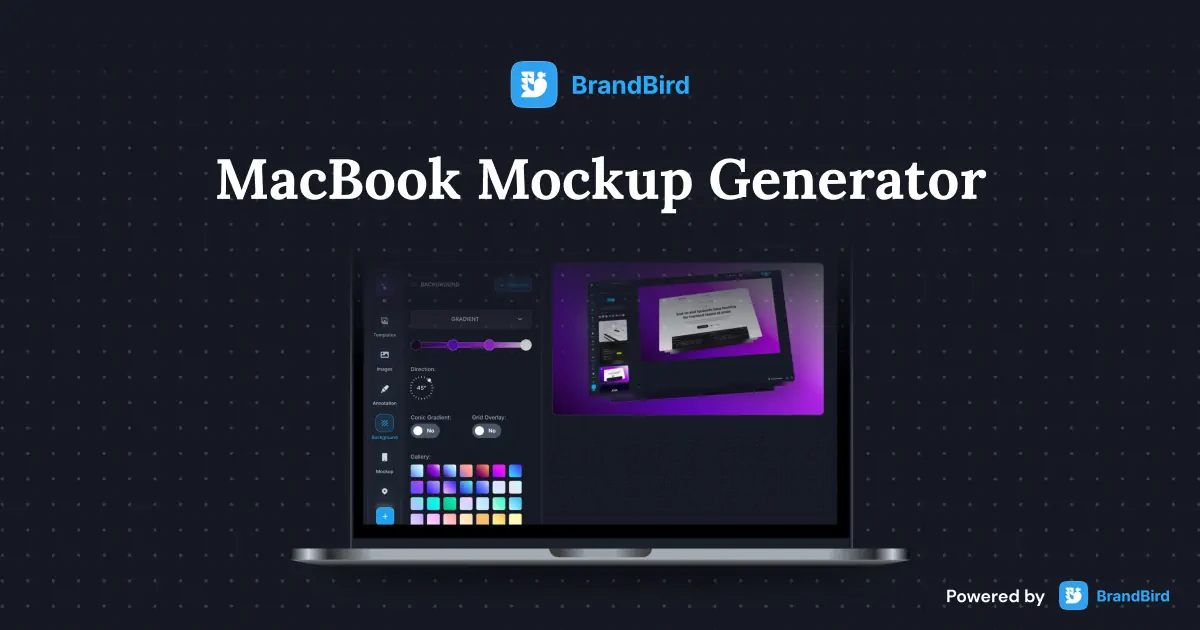
MacBook Pro

MacBook 12

Microsoft Surface

iMac

Pro Display XDR

Chrome

Safari

Firefox

Microsoft Edge

MacBook Pro 14 Left Side

iPhone 17 Right Hand

iPhone 17 Left Hand

MacBook Pro 14 Front

iPhone 17 Left Side

iPhone 17 Right Side

iPhone 17 Angled Left

iPhone 17 Angled Right

iPhone 17

iPhone 17

iPhone

iPad Mini

Apple Watch Ultra

Microsoft Surface Studio Angled

Microsoft Surface Studio Front

Dell UltraSharp Front

Dell UltraSharp Left Side

Frequently Asked Questions

What is BrandBird's device mockup generator?

BrandBird's device mockup generator is a free online tool that lets you place your screenshots, UI designs, or app interfaces into realistic device frames — including iPhones, iPads, MacBooks, Apple Watch, and browser windows. No design skills or software required.

How do I create a device mockup online?

1. Browse the mockup gallery and pick a device (iPhone, iPad, MacBook, browser, etc.). 2. Upload your screenshot or paste it from your clipboard. 3. Customize the background, shadows, and position. 4. Download your polished mockup as PNG, JPEG, or WebP.

Which devices are available in the mockup gallery?

The gallery includes iPhone (15, 16, 17 series), iPad Pro and iPad Air, MacBook Pro and MacBook Air, Apple Watch, Safari and Chrome browser frames, and more. New device frames are added regularly as new models are released.

Is the device mockup generator free to use?

Yes. You can browse the full mockup library, upload your designs, and download high-resolution device mockups for free — no sign-up or watermarks required.

What are device mockups used for?

Device mockups are commonly used for App Store and Google Play listing screenshots, product landing pages, pitch decks and investor presentations, social media marketing graphics, design portfolios on Dribbble and Behance, blog posts and case studies.

Can I customize the background of my device mockup?

Yes. Choose from gradient, solid color, image, or transparent backgrounds. You can also adjust shadows, scaling, and rotation to match your brand style and create professional-looking presentations.

What is the best free alternative to Smartmockups or Mockuphone?

BrandBird's device mockup generator is a top free alternative to Smartmockups, Mockuphone, and MockupWorld. It offers a wide range of Apple and browser device frames, customizable backgrounds, and high-quality exports — all without a paid subscription.

Can I use device mockups for App Store screenshots?

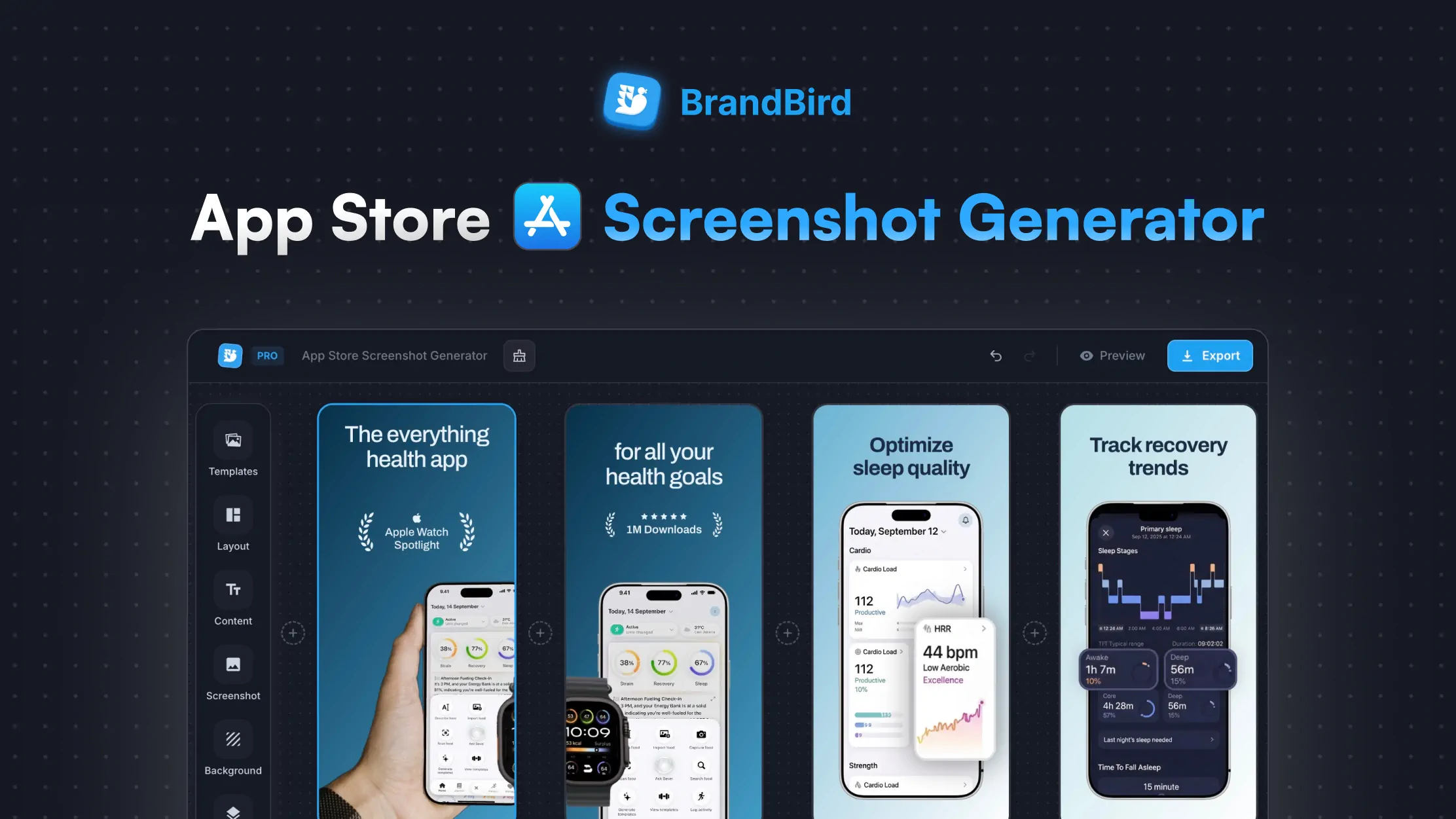
Absolutely. Generate device mockups that match Apple's App Store and Google Play screenshot requirements. Combine them with BrandBird's App Store Screenshot Generator for polished listing graphics with text overlays and branded backgrounds.

Related Tools You Might Like

Better Screenshots Mockups
With Simple Design Tools.

I don't know when it happened but Brandbird is now my all-in-one SaaS & social media design tool.

Wilson

Founder Senja.io