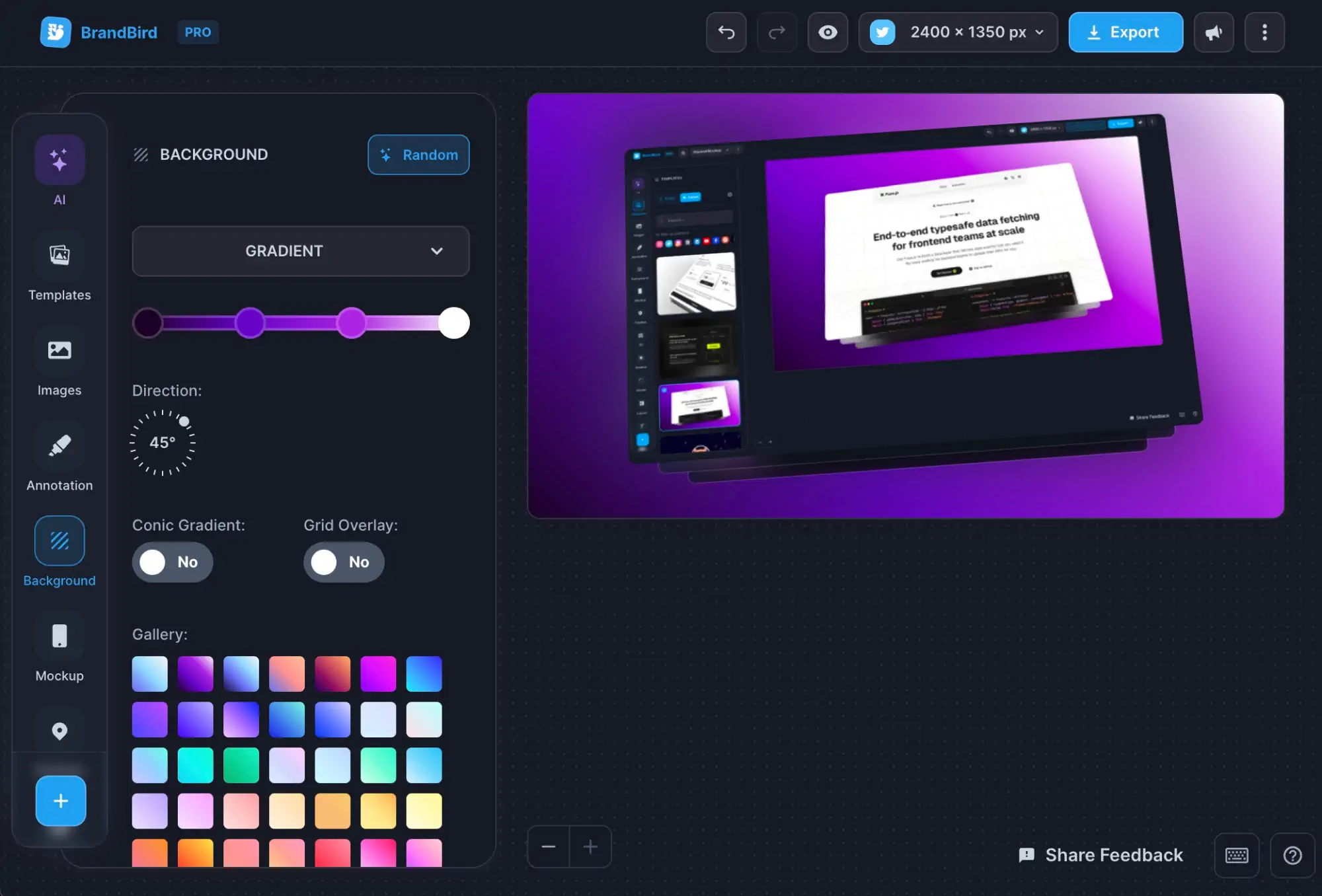
iPhone 16 Mockup Generator
Create stunning iPhone 16, iPhone 16 Plus, iPhone 16 Pro, and iPhone 16 Pro Max mockups with this free online generator.

Create stunning iPhone 16, iPhone 16 Plus, iPhone 16 Pro, and iPhone 16 Pro Max mockups with this free online generator.
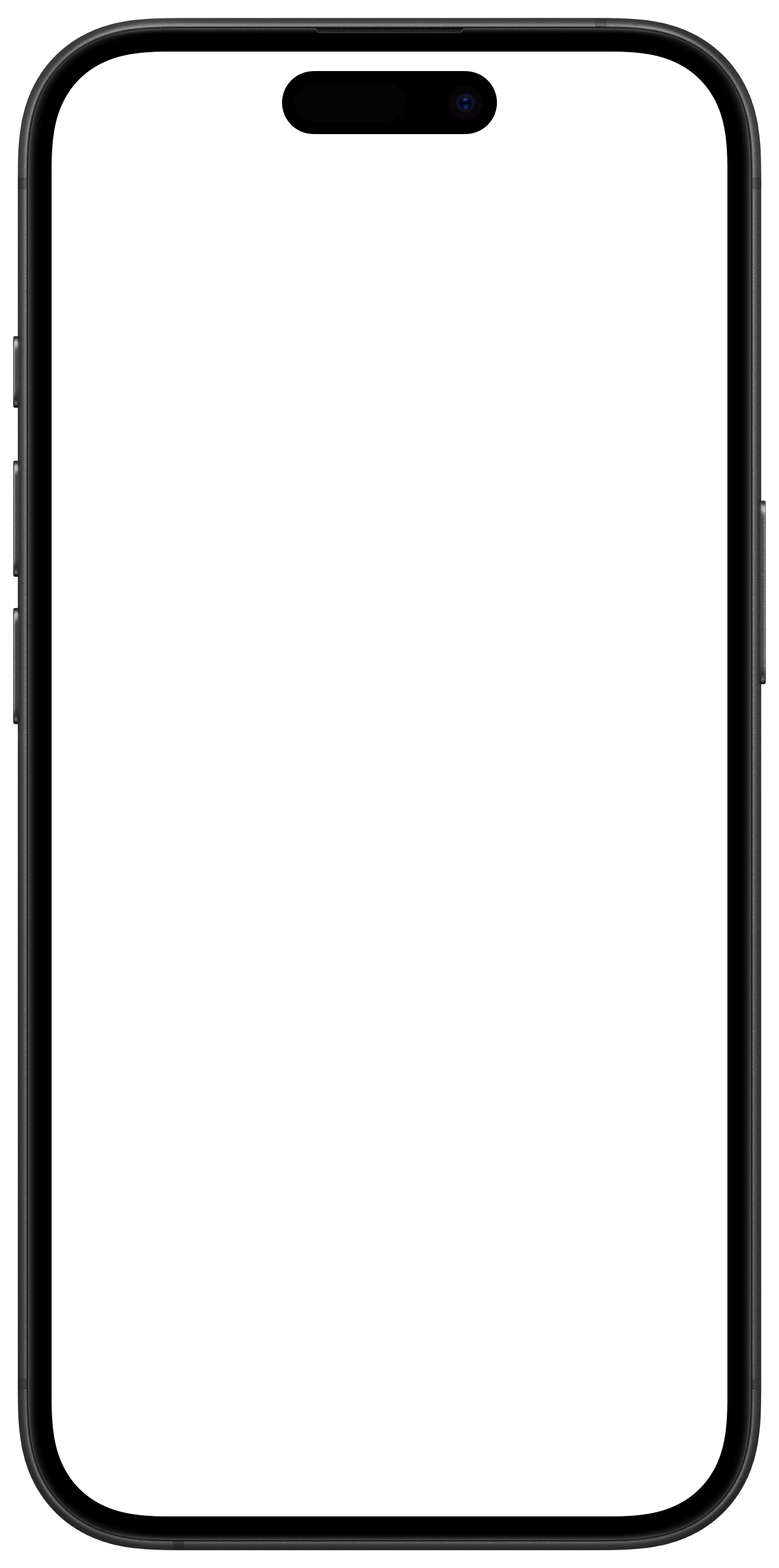
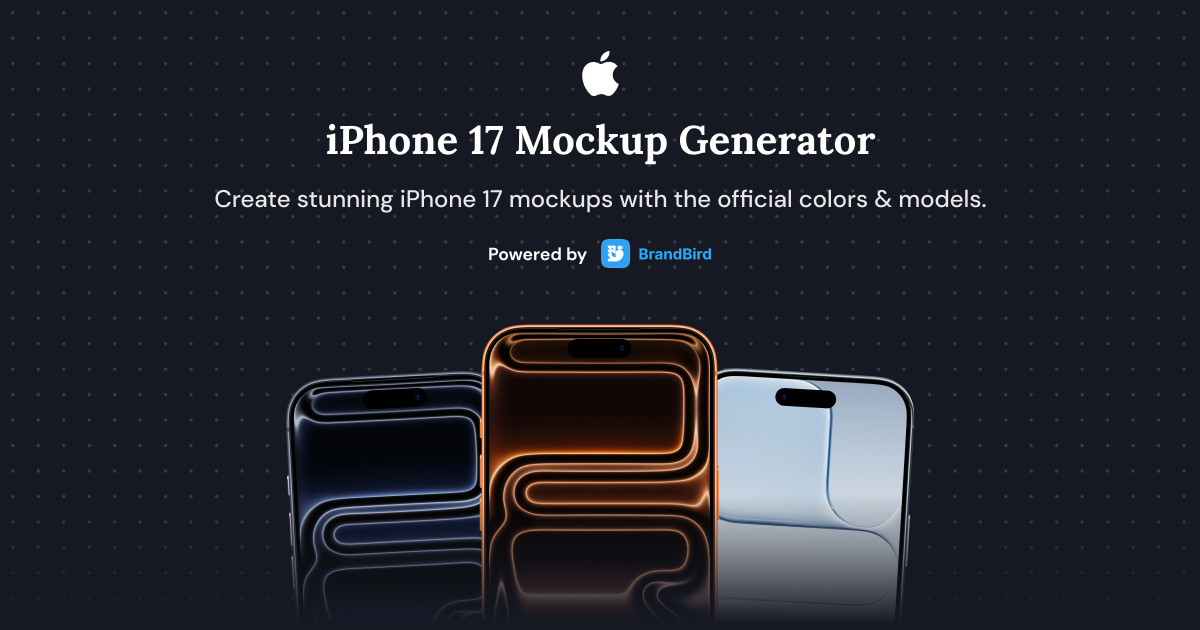
Create stunning iPhone 17, iPhone 17 Air, iPhone 17 Pro, and iPhone 17 Pro Max mockups with this free online generator.
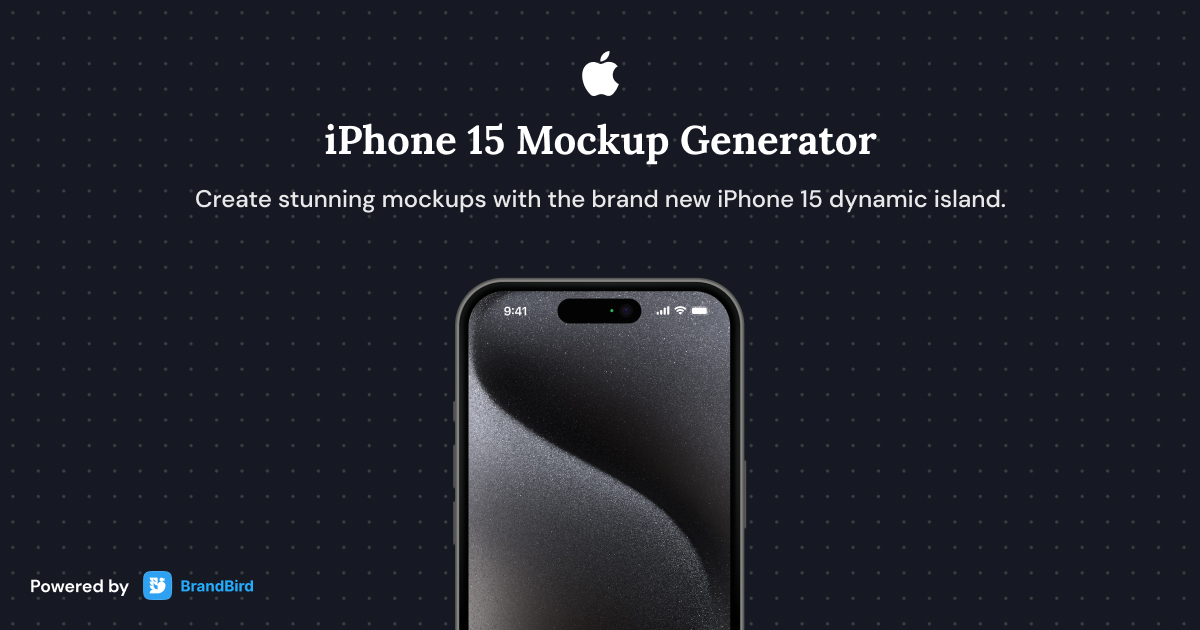
Create stunning iPhone 15, iPhone 15 Plus, iPhone 15 Pro, and iPhone 15 Pro Max mockups with this free online generator.
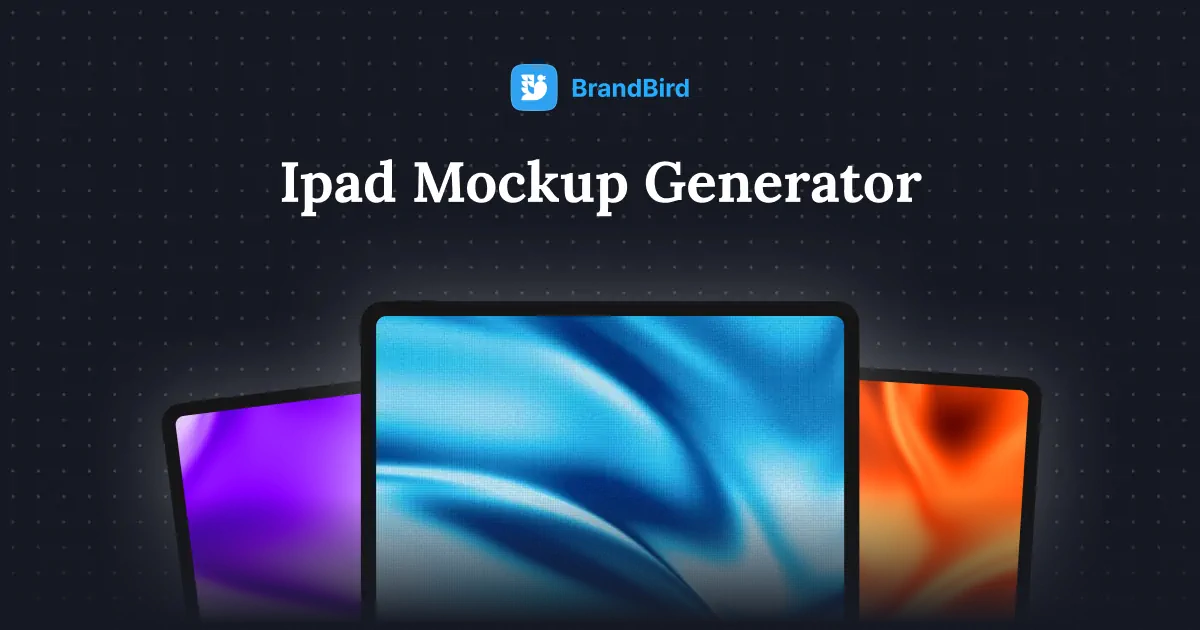
Create beautiful iPad mockups for app screenshots, presentations, and marketing materials with this free online tablet mockup generator.
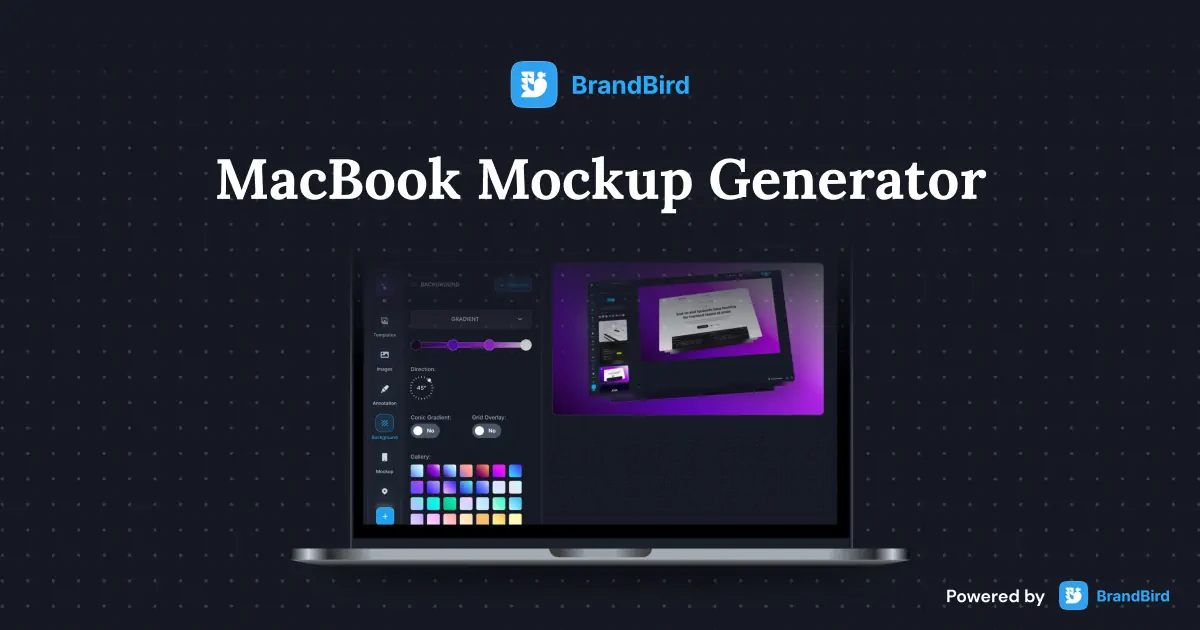
Create stunning MacBook mockups for app screenshots, landing pages, and presentations with this free online laptop mockup generator.
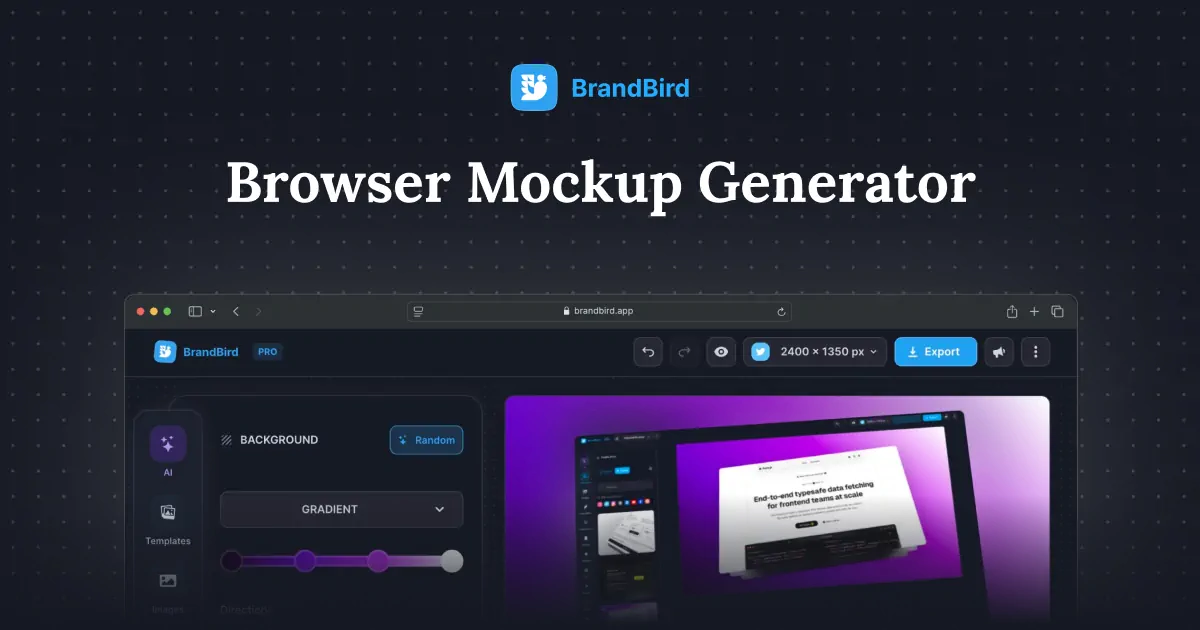
Create professional browser frame mockups for website screenshots, landing pages, and SaaS demos with this free online browser mockup generator.
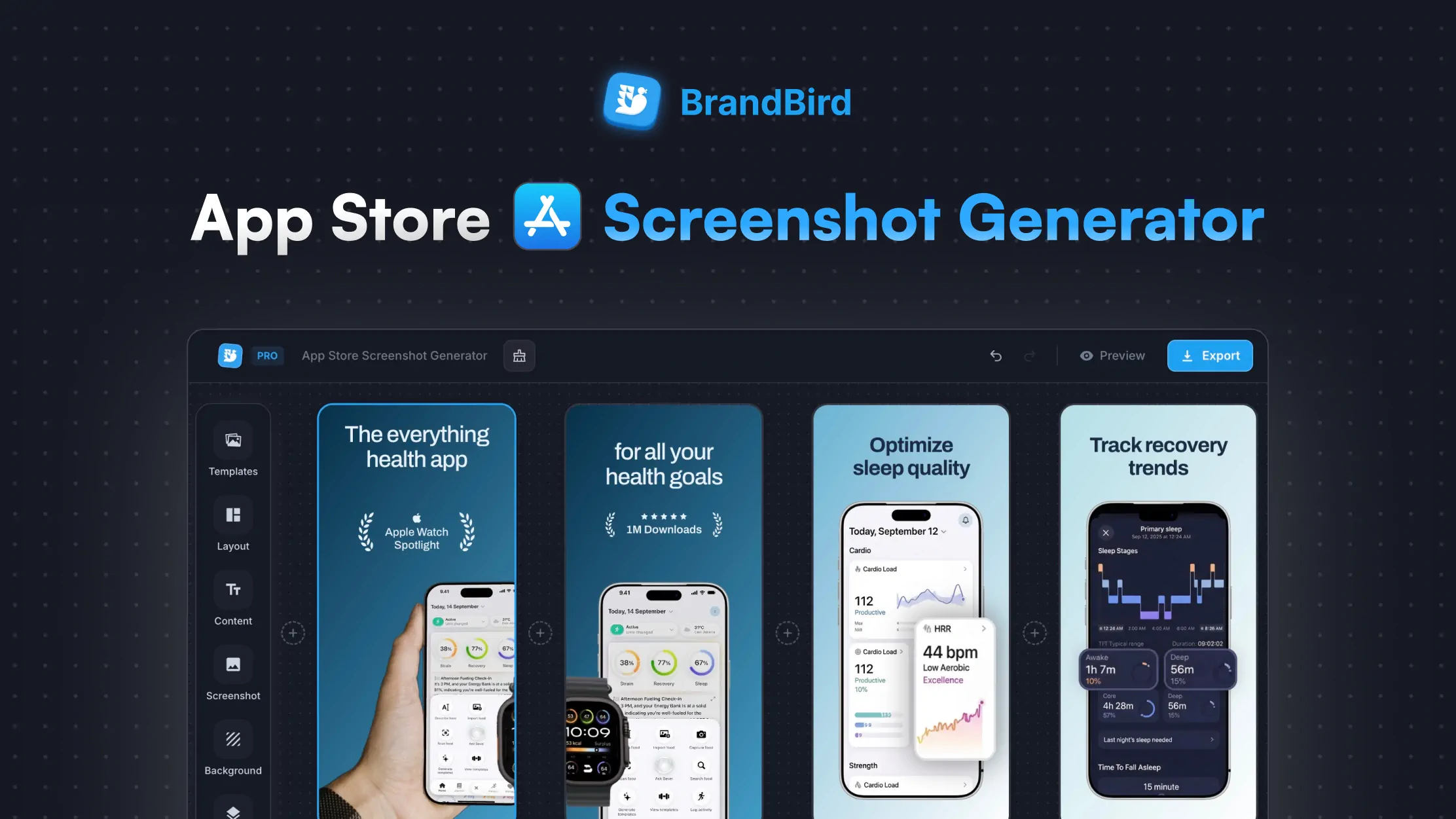
Create stunning App Store screenshots for your iOS app. Add device frames, captions, and backgrounds. Download in every required Apple size.
The iPhone 16 mockup generator is a free online tool to create stunning device mockups for iPhone 16, iPhone 16 Plus, iPhone 16 Pro, and iPhone 16 Pro Max. Perfect for app screenshots, presentations, and marketing materials.
1. Upload your app screenshot or UI design. 2. Select the iPhone 16 model (standard, Plus, Pro, or Pro Max). 3. Customize the background and export your polished mockup.
Yes, the iPhone 16 mockup generator is 100% free. Create as many device mockups as you need without watermarks or sign-ups.
Device mockups are great for App Store listing screenshots, pitch decks, product landing pages, social media posts, design portfolios, blog articles, and client presentations.
The iPhone 16 Pro has a 6.3-inch display at 2622 x 1206 pixels, and the iPhone 16 Pro Max has a 6.9-inch display at 2868 x 1320 pixels. The generator automatically adjusts your screenshot to fit.
Yes. Choose from gradient, solid color, image, or transparent backgrounds. You can also adjust shadows, rotation, and scaling to create the perfect presentation.
Upload your app screenshot, select the iPhone 16 model, choose a vibrant background that aligns with your brand, and export the mockup at the recommended size for your target platform (e.g., 1080x1080 for Instagram, 1200x675 for Twitter).
BrandBird's iPhone 16 mockup generator is a great free alternative to Smartmockups. It provides accurate device frames, customizable backgrounds, and high-quality exports without requiring a paid subscription.
I don't know when it happened but Brandbird is now my all-in-one SaaS & social media design tool.
Founder Senja.io