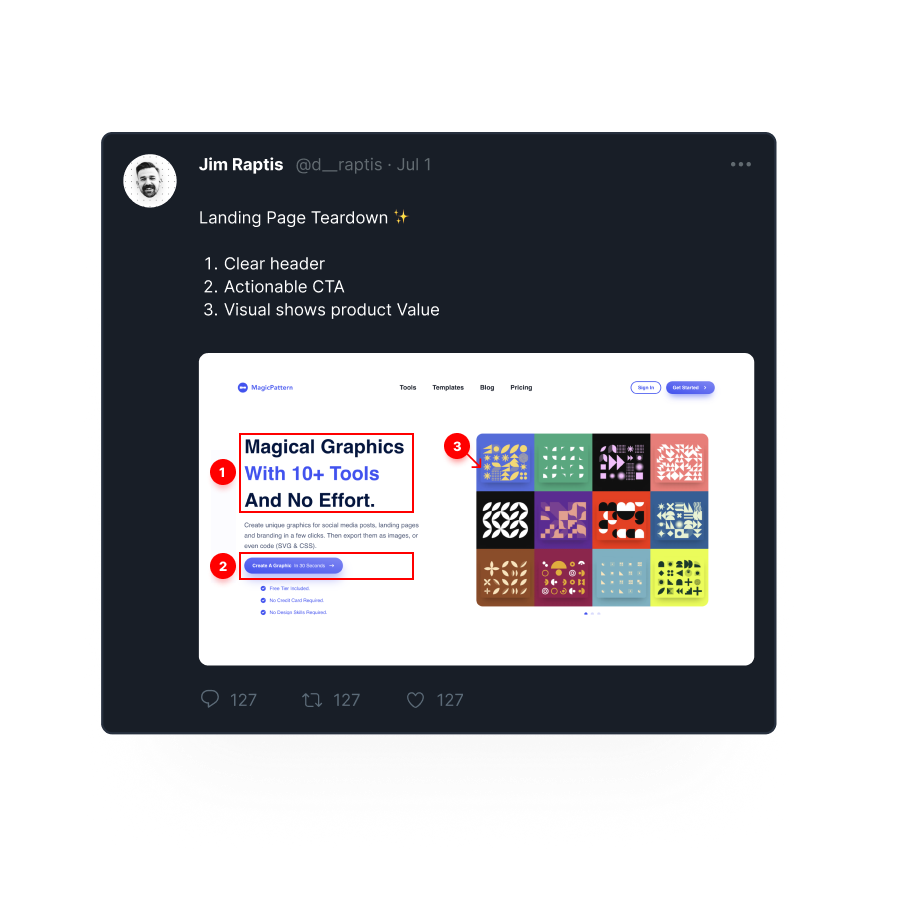
Turn Boring Screenshots into
Beautiful LinkedIn Posts

Brand your LinkedIn account with unique graphics that make your content recognizable to boost your LinkedIn reach

No Credit Card required. Try for free.

Loved by 10.000+ people from modern companies.

Perfect LinkedIn Images

Perfect LinkedIn Images

Automatically format your visuals for perfect display across all LinkedIn post types and profile sections

Unique Branding

Unique Branding

Elevate your LinkedIn presence with customizable templates that reflect your personal or company brand

Design Carousels

Design Carousels

Create scroll-stopping multi-image posts that boost views, comments, and shares on your LinkedIn content

Dead-Simple Annotation

Dead-Simple Annotation

Tell your own story with rich annotation
options with circles, rectangels, arrows,
even numbered lists.

Loved by Creators.

BrandBird is the ultimate screenshot editor for founders, creators, marketters, who value beautiful design.

I don't know when it happened but Brandbird is now my all-in-one SaaS & social media design tool.

Feature-rich enough to create just about everything I need while being simple enough to not get overwhelmed.

Wilson Wilson

Founder Senja.io

Mike Cardona

Automation Influencer - 8k followers

BrandBird helped me speed up my design process when creating graphics for Twitter or landing pages.

Its user-friendly interface and extensive collection of templates and assets allow for efficient and professional-looking designs to be created quickly.
See all testimonials

Frequently Asked Questions

What is the best image size for LinkedIn posts?

The recommended image size for LinkedIn posts is 1200x627 pixels. For carousels, use 1080x1080 or 1080x1350 pixels. BrandBird includes all LinkedIn presets so your images always display perfectly in the feed.

How do I create a LinkedIn carousel with BrandBird?

Upload your screenshots or images, design each slide with BrandBird's editor, and export them as a multi-page PDF or individual images. BrandBird handles the correct dimensions so your carousel looks professional on LinkedIn.

Can BrandBird help grow my LinkedIn engagement?

Yes. LinkedIn posts with custom visuals receive significantly more impressions and engagement. BrandBird helps you create branded, eye-catching graphics that stand out in the LinkedIn feed and encourage likes, comments, and shares.

Does BrandBird support LinkedIn article cover images?

Absolutely. BrandBird supports all LinkedIn image formats including post images, carousel slides, article covers, and profile banners. Choose the right preset and export with one click.

Pricing & Plans

Upgrade your graphics with beautiful screenshots & mockups by default. More than 10k creators, founders, and marketeers already love BrandBird.

Monthly

Annual

Free

$0

Get Started
  • Unlimited Exports

  • Upload Limit

  • Access All Tools

  • Remove Watermark

  • Premium Mockups

  • Save Templates

  • Brand Kits

  • AI Tools

Pro

$15

Per month.

  • All Free Features

  • Unlimited Exports

  • Remove Watermark

  • Premium Mockups

  • Save Templates

  • Brand Kits

  • AI Tools

All payments are proccessed & secured by Stripe
and invoiced under the company name BRANDFLOW L.P.

I don't know when it happened but Brandbird is now my all-in-one SaaS & social media design tool.

Wilson

Founder Senja.io

Twitter impressions and engagements have increased up to 7000% since I started using BrandBird.

Prathkum

DevRel at APILayer

Better Screenshots Mockups
With a Simple Design Tool.

I don't know when it happened but Brandbird is now my all-in-one SaaS & social media design tool.

Wilson

Founder Senja.io