
Mobile Mockup Grid
Display multiple iPhone mockups in a tiled grid pattern. Drag and drop screenshots onto each mockup, customize scale and background, then export.
Click a mockup to replace its screenshot, or drag & drop an image onto it
Remove the watermark
Upgrade to Pro to export watermark-free mockup grids.
Mockup
Screenshots
Background
Export
3 free downloads remaining
How it works
Four simple steps to create stunning mockup grids.
01
Design your grid
Adjust columns, rows, gap, and scale in the Grid settings to design your layout.
02
Add your screenshots
Click on a mockup or drag & drop to replace its screenshot with your own image.
03
Style the background
Pick a background color or gradient that matches your brand.
04
Export & share
Choose an export size preset or enter a custom resolution, then hit Download.
Features
Everything you need to create professional mockup grids.
Drag & Drop Per Mockup
Click or drag images onto individual mockups to showcase different screenshots side by side.
Flexible Grid Controls
Adjust columns, rows, gap, and mockup scale to create the perfect tiled layout for any canvas size.
Custom Backgrounds
Choose from solid color presets, gradient presets, or enter a custom hex color.
High-Resolution Export
Export as PNG or JPG at any resolution — from OG images (1200×630) to 4K (3840×2160).
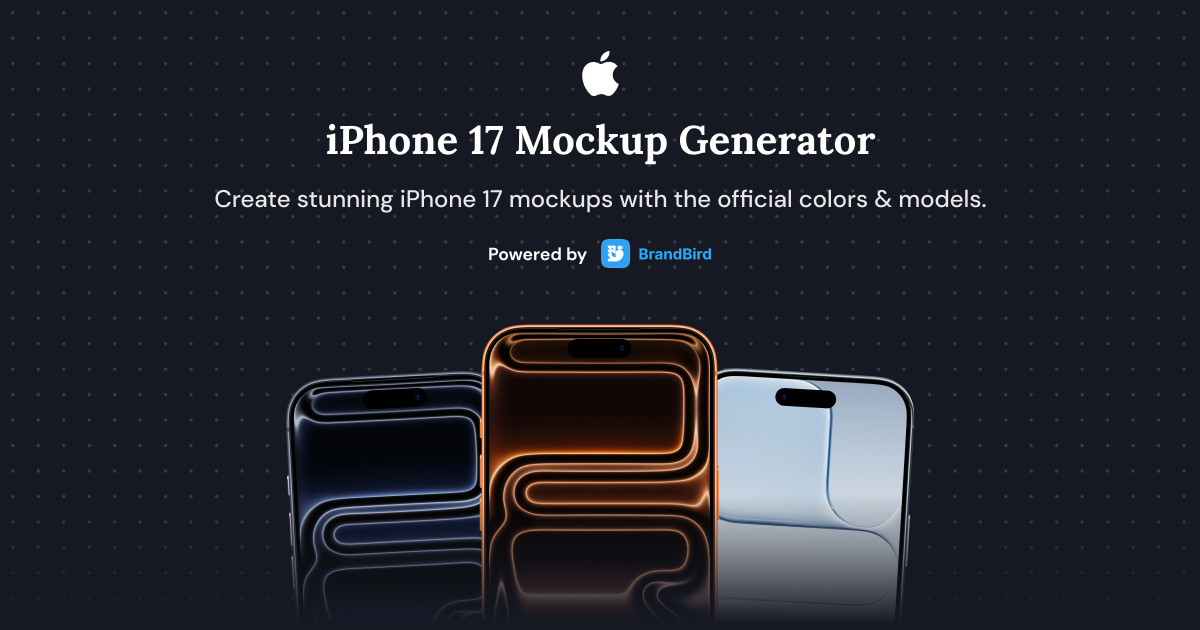
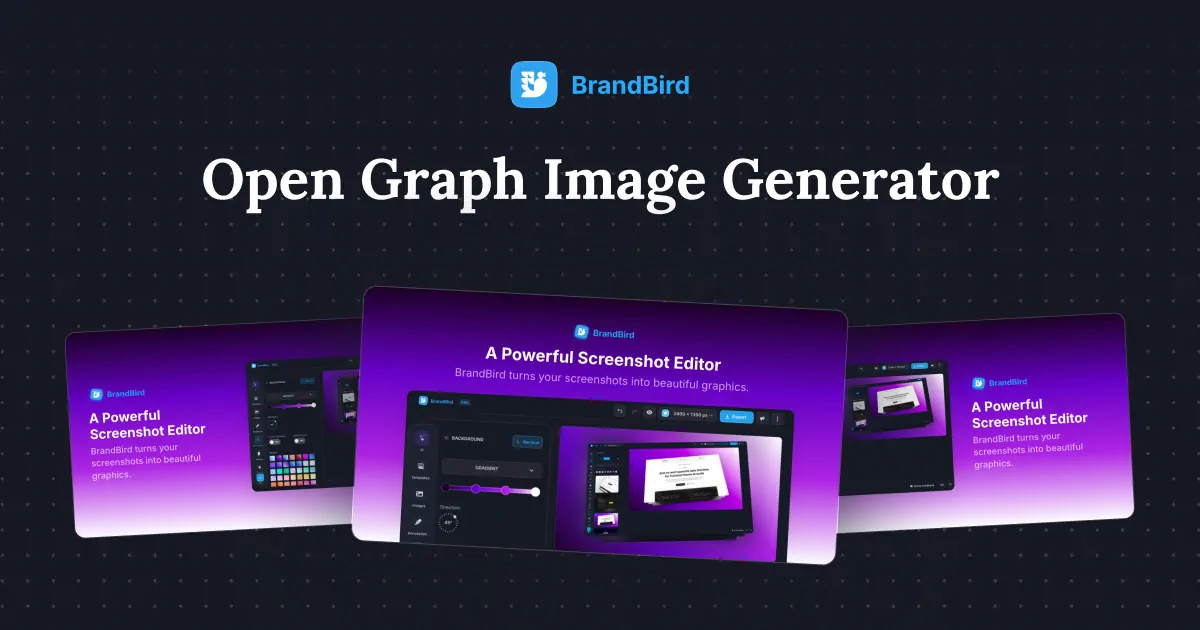
Related Tools You Might Like


I don't know when it happened but Brandbird is now my all-in-one SaaS & social media design tool.
Founder Senja.io
