
LinkedIn Carousel Preview
See how your LinkedIn carousel will look before you publish. Upload a PDF or images, page through the document post, and check phone and desktop. Free, private, and no sign-up required.
Loading...
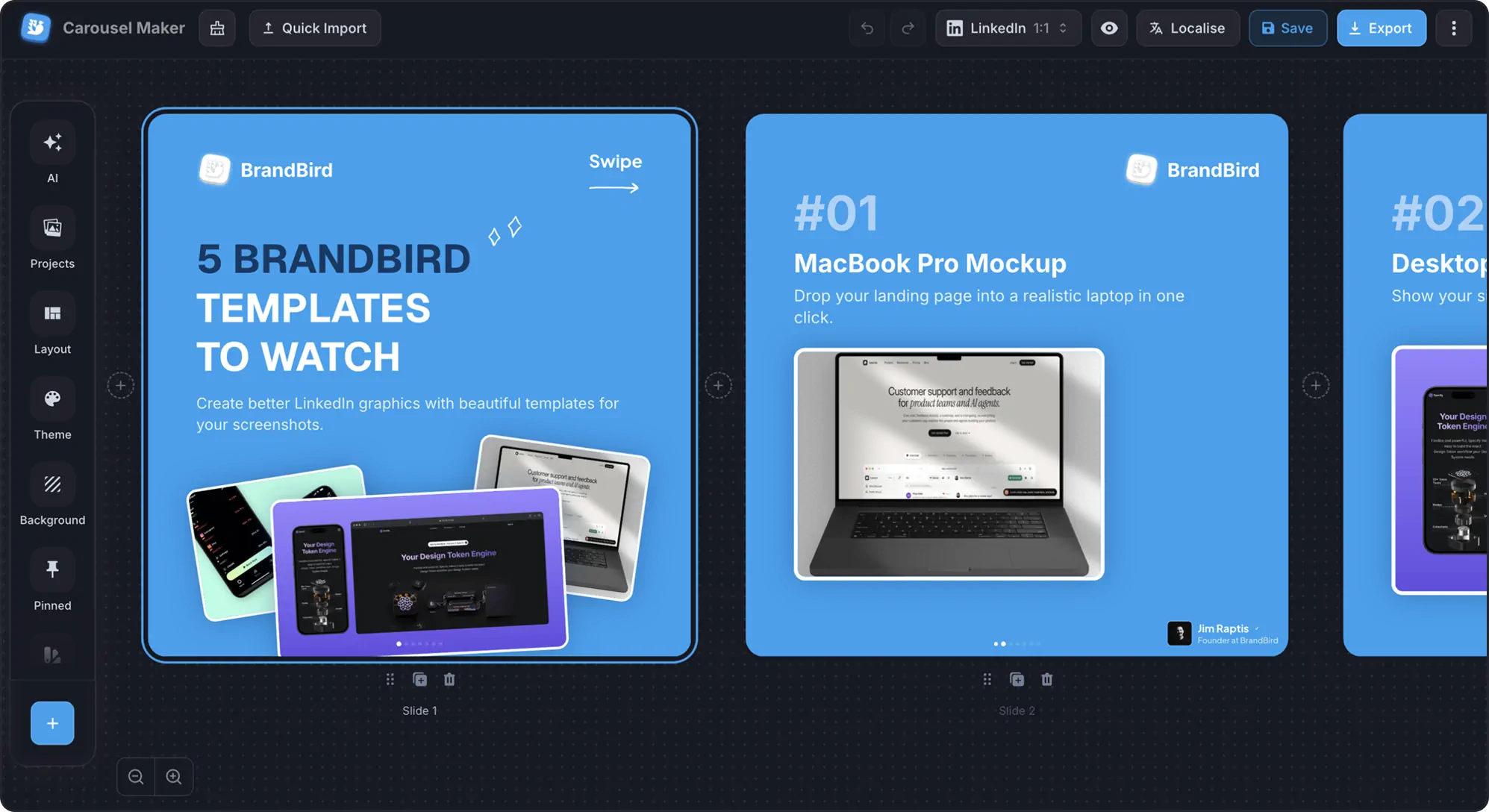
Need to design the carousel too?
Create polished LinkedIn carousels with templates, creator signatures, and one-click PDF export.
How to Preview a LinkedIn Carousel
Step 1
Upload your PDF or slides
Drop a PDF or add images, up to 50 pages.
Step 2
Add post details
Set your name, headline, caption, and title.
Step 3
Page through it
Check the document on phone and desktop feeds.
LinkedIn Carousel Sizes
| Format | Size | Best for |
|---|---|---|
| Portrait (4:5) | 1080 × 1350 px | Most space in the mobile feed |
| Square (1:1) | 1080 × 1080 px | Reliable on mobile and desktop |
| Widescreen (16:9) | 1920 × 1080 px | Slide decks and presentations |