
A free online tool to download and save images from tweets and X (formerly Twitter) posts.
A free online tool to download and save videos from tweets and X (formerly Twitter) posts in high quality.
A free online tool to download and save animated GIFs from tweets and X (formerly Twitter) posts.
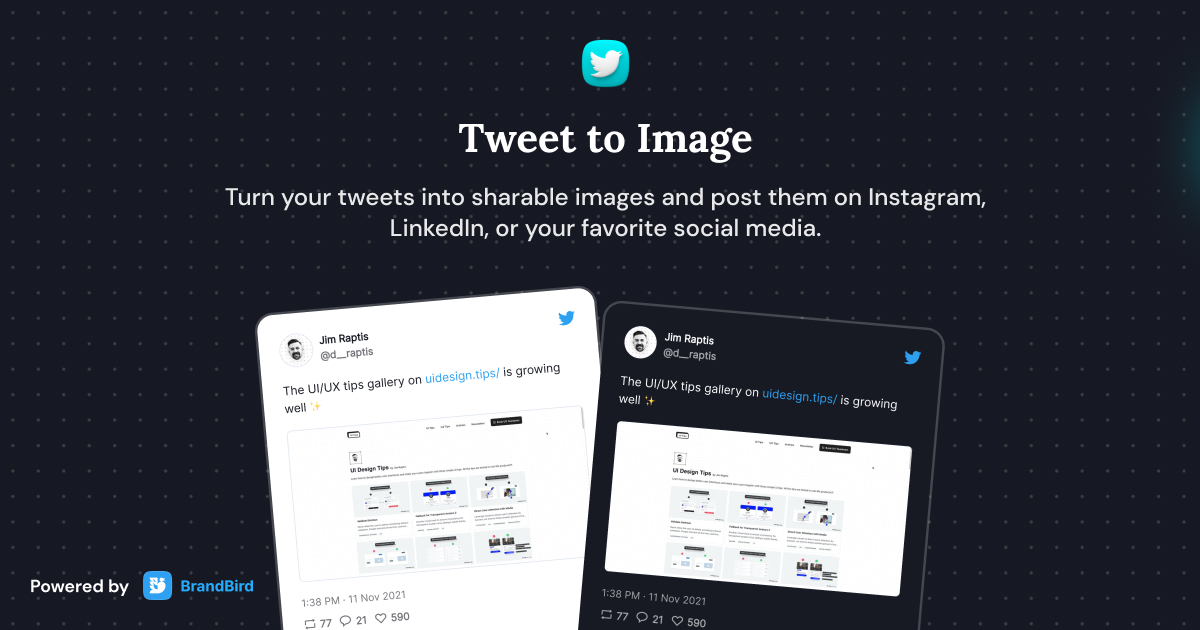
Turn tweets into beautiful sharable images with customizable themes.
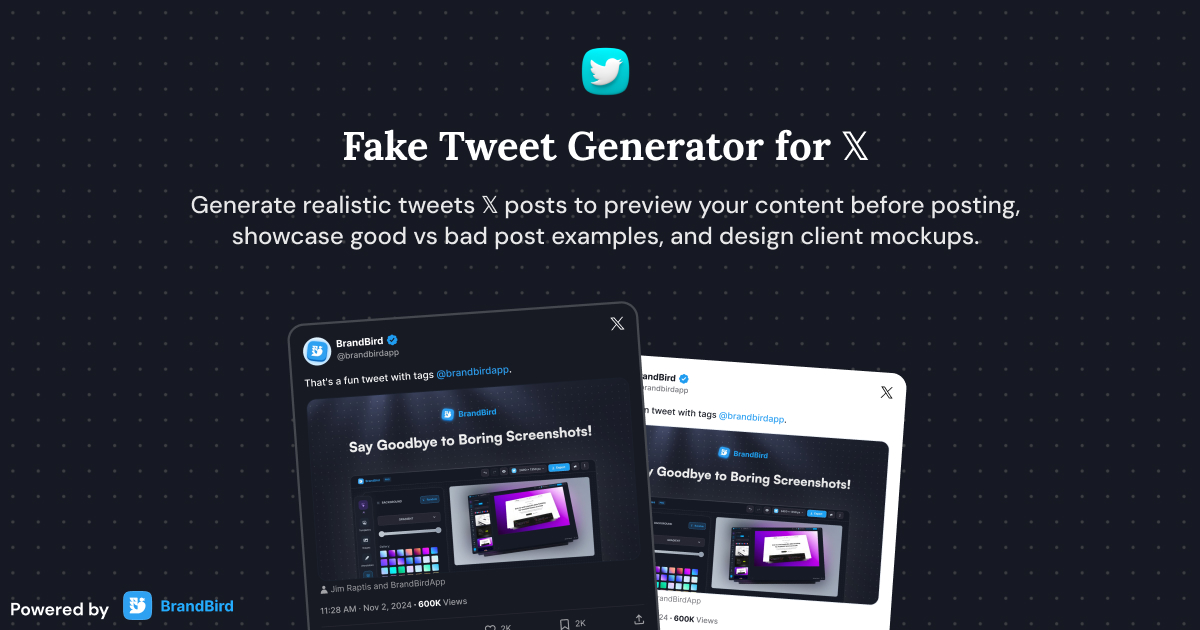
Create realistic Twitter (𝕏) posts instantly and customize all elements of a tweet for presentations and mockups without posting to the actual platform.
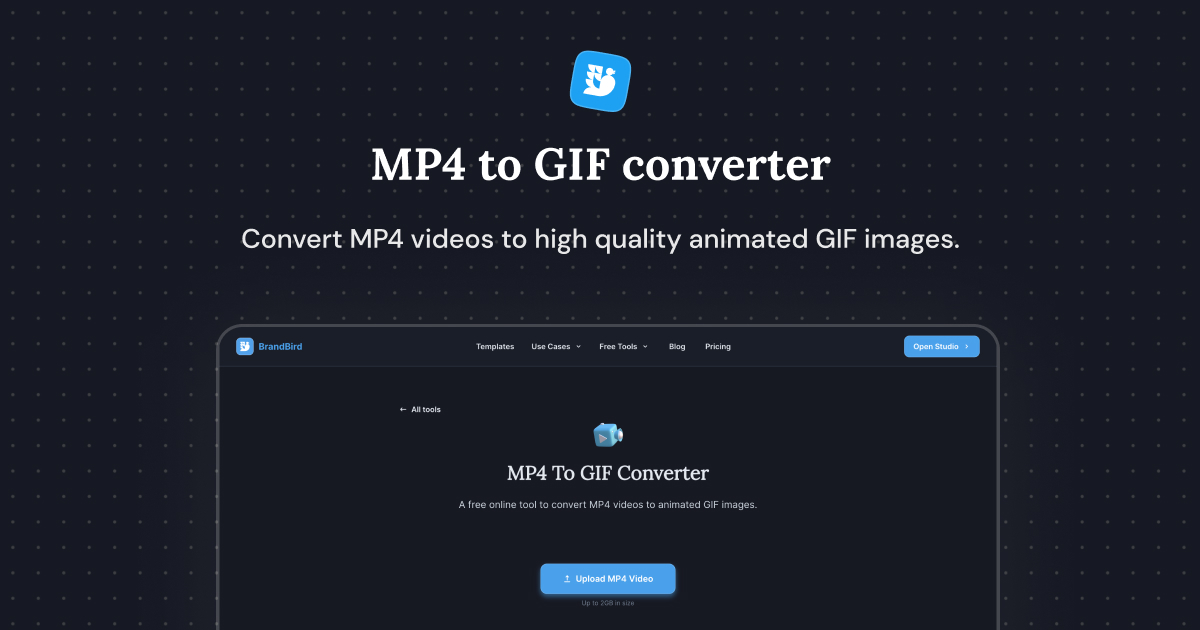
A free online tool to convert MP4 videos to animated GIF images.
I don't know when it happened but Brandbird is now my all-in-one SaaS & social media design tool.
Founder Senja.io

Paste the tweet URL into the downloader, and the tool extracts all images from the tweet. Click download to save each image in its original high quality.
Click on the timestamp of any tweet to open it in a new tab. Copy the URL from your browser's address bar to use with the downloader.
Yes. If a tweet contains multiple images, the tool extracts all of them. Download each image individually in its original resolution.
Yes, it's completely free with no limits. Download as many tweet images as you need without sign-up or watermarks.
The tool downloads images in their original uploaded quality — the highest resolution available on X (formerly Twitter). No compression or quality loss occurs during the download.
For video downloads, use BrandBird's dedicated Twitter Video Downloader tool. It supports MP4 video downloads from any public tweet.
Yes. The tool works with both twitter.com and x.com URLs. Simply paste the link to any public tweet containing images.
No. The downloader only works with public tweets. Protected (private) accounts restrict access to their content, so images cannot be extracted from tweets of private accounts.
