Unique Backgrounds

Add gradient backgrounds, seamless patterns, solid colors, or Unsplash images to make your screenshots stand out.
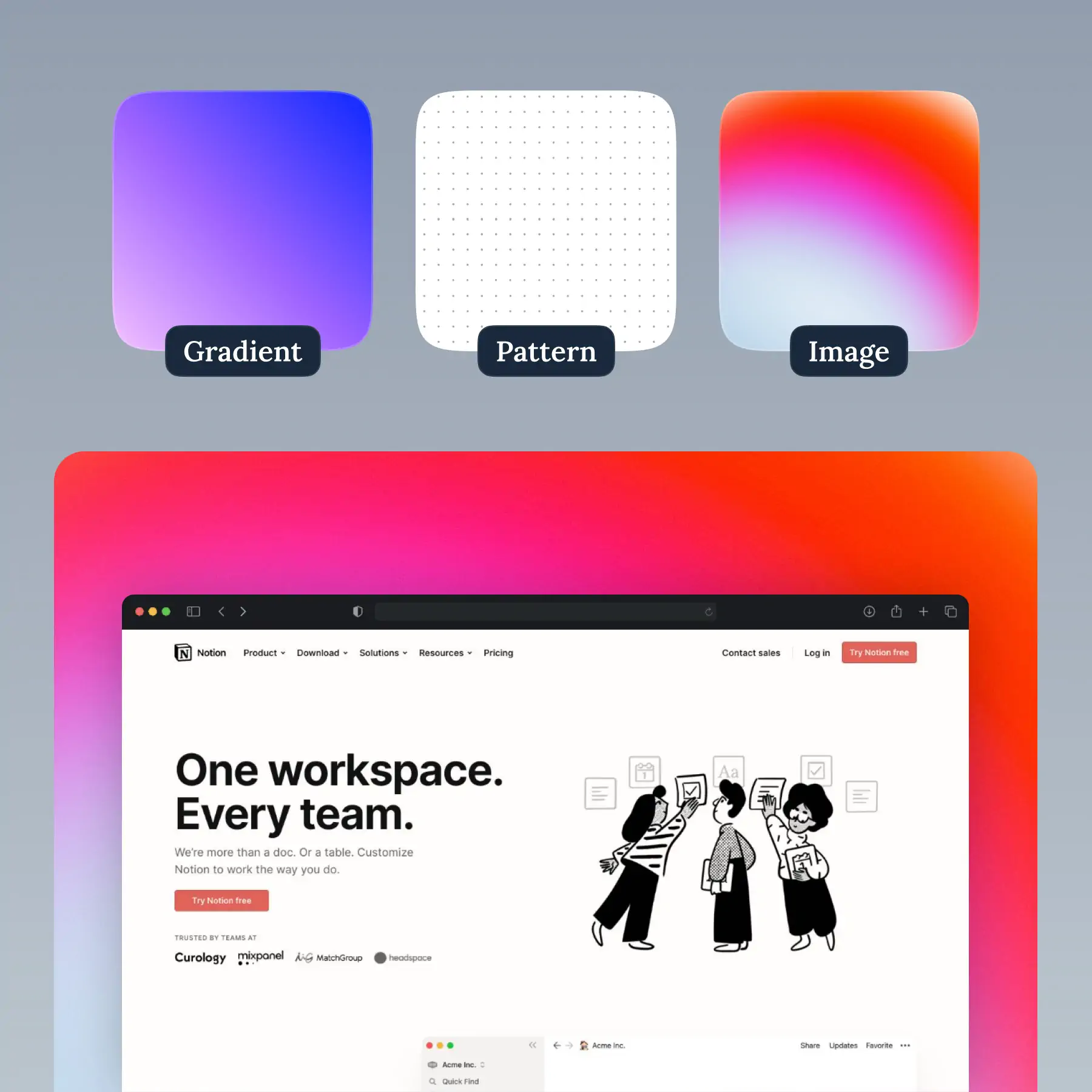
Unique Backgrounds in BrandBird – Add gradient backgrounds, seamless patterns, solid colors, or Unsplash images to make your screenshots stand out.

How It Works

Learn how to create beautiful screenshots with BrandBird.

01

Upload any kind of image, even a boring screenshot.

02

Customize your graphics with easy-to-use presets.

03

Export & Share your beautiful screenshots.

Customize In 2 Clicks!

Apply backgrounds, 3D effect, mockups, and many more, with a single click.

GIVE IT A TRY...
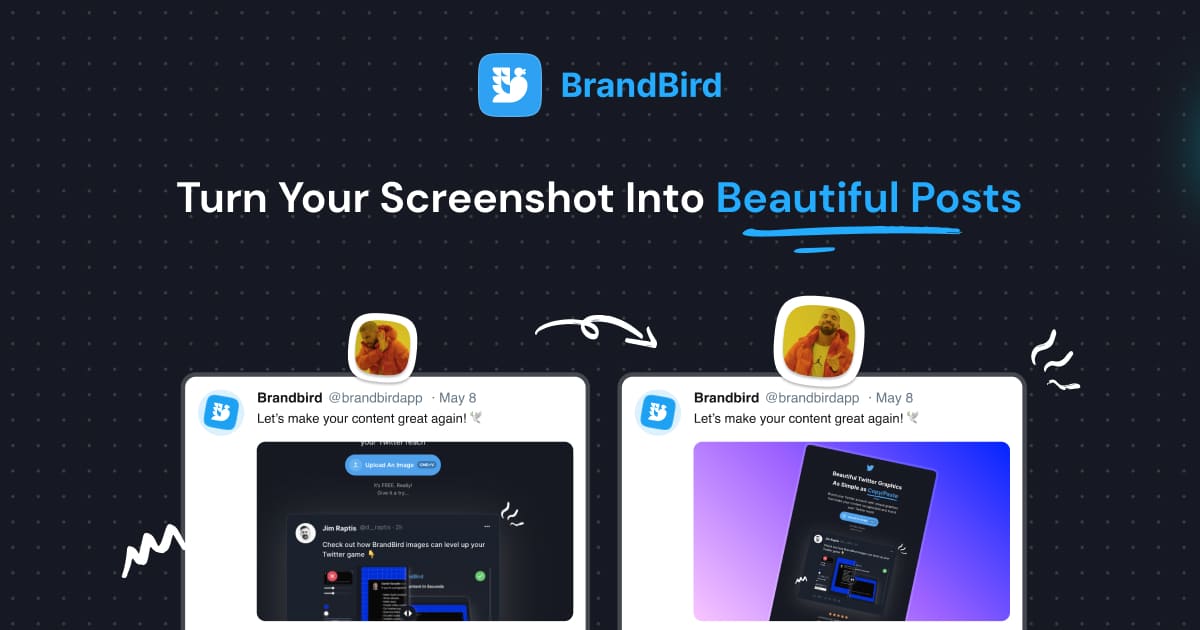
Upgrade your Twitter branding!

Instantly brand your screenshots to make your content recognizable & increase your engagement.

Custom Background

Use solid color, gradients, patterns, or images.

Tilt Your Image

Wow your audience with 3D effects.

BrandBird

@brandbirdapp · 2h

Brandbird.app will become your favorite design tool for Twitter graphics!
500

1k

4k

Frequently Asked Questions

What background options does BrandBird offer?

BrandBird offers gradient backgrounds, seamless patterns, solid colors, blurred image backgrounds, and integration with Unsplash for high-quality photo backgrounds. Each option is customizable to match your brand.

How do I add a gradient background to my screenshot?

In the BrandBird editor, open the Background panel and choose from hundreds of hand-picked gradients. Click any gradient to apply it instantly. You can also create custom gradients with your brand colors.

Can I use my own background image?

Yes. Upload any image as a custom background, or use the blurred background effect that takes your main image and applies it as a blurred backdrop — which creates a cohesive, professional look.

What are seamless pattern backgrounds?

Seamless patterns are repeating designs (dots, lines, geometric shapes, etc.) that tile perfectly across the canvas. They add visual texture without distracting from your main screenshot content.

How do backgrounds improve my social media graphics?

A well-chosen background makes your screenshot pop in social media feeds. Gradients and patterns add visual interest that plain white or transparent backgrounds lack, leading to more engagement and clicks.

Better Screenshots Mockups
With a Simple Design Tool.

I don't know when it happened but Brandbird is now my all-in-one SaaS & social media design tool.

Wilson

Founder Senja.io