WebP Export

Export optimized WebP images at half the file size — faster page loads and better web performance without quality loss.
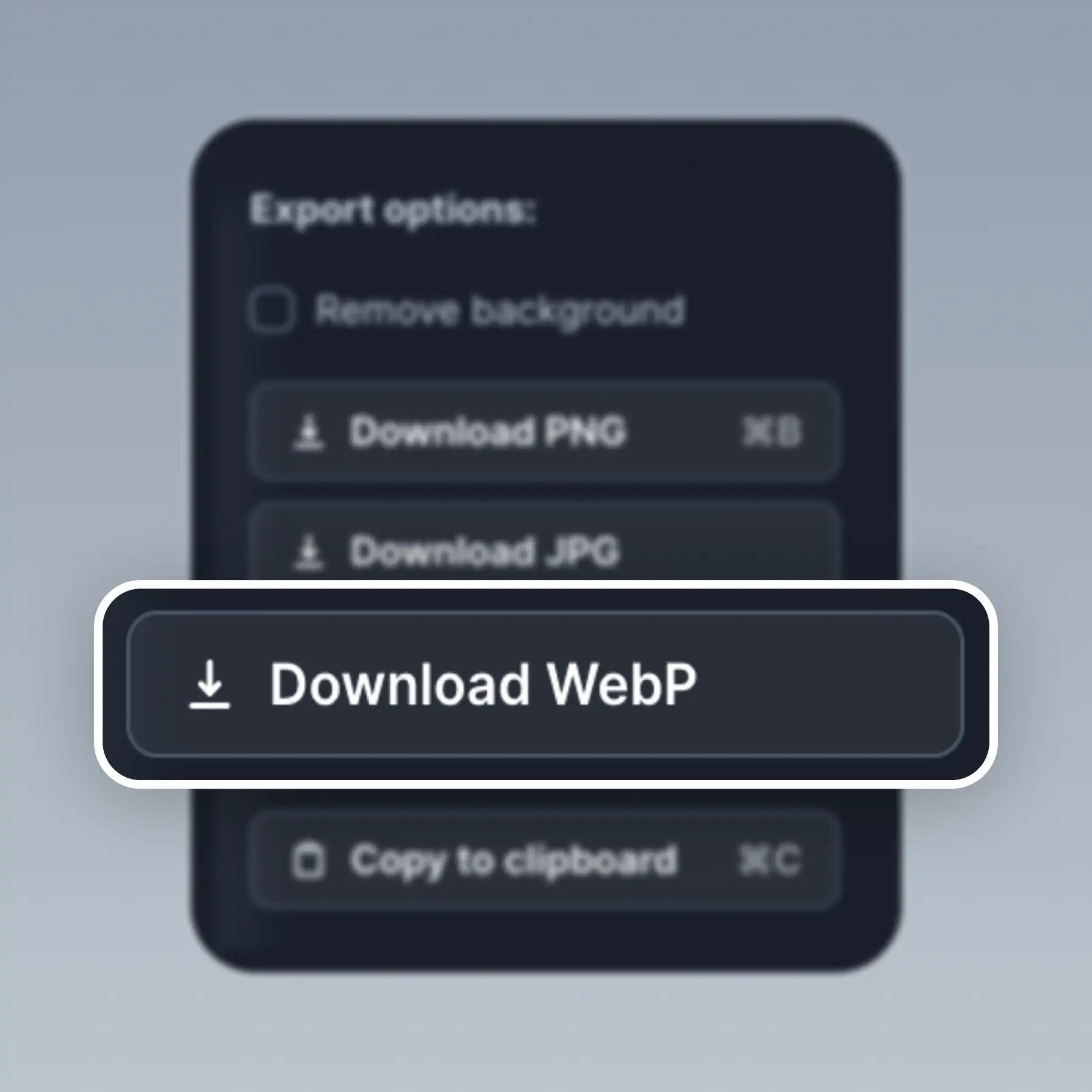
WebP Export in BrandBird – Export optimized WebP images at half the file size — faster page loads and better web performance without quality loss.

How It Works

Learn how to create beautiful screenshots with BrandBird.

01

Upload any kind of image, even a boring screenshot.

02

Customize your graphics with easy-to-use presets.

03

Export & Share your beautiful screenshots.

Customize In 2 Clicks!

Apply backgrounds, 3D effect, mockups, and many more, with a single click.

GIVE IT A TRY...
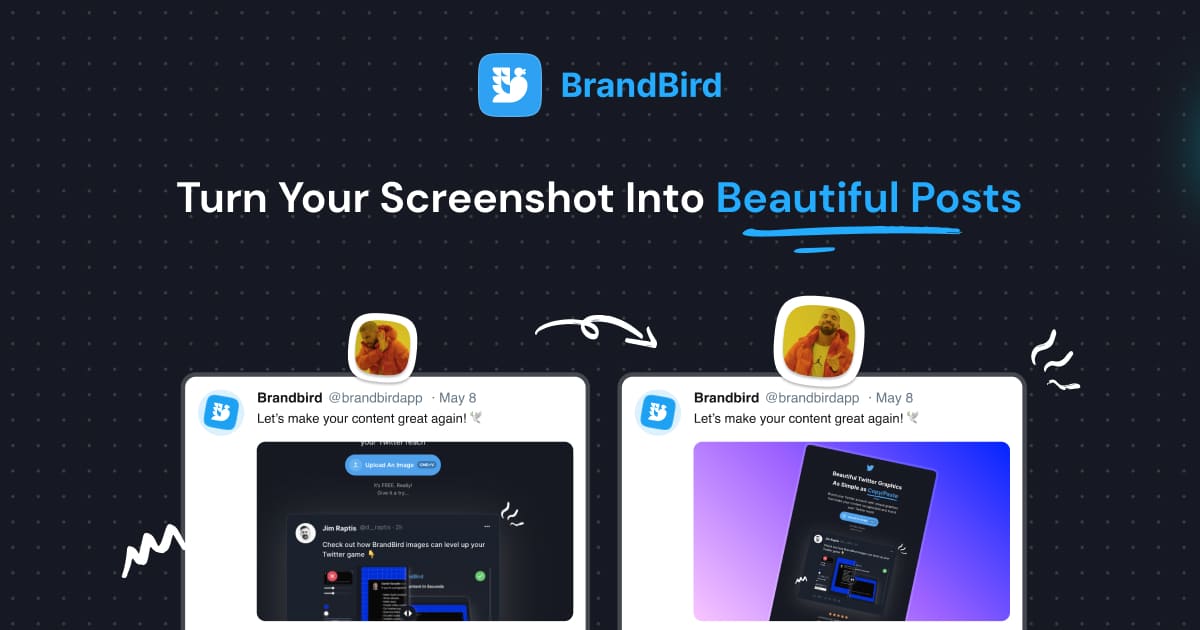
Upgrade your Twitter branding!

Instantly brand your screenshots to make your content recognizable & increase your engagement.

Custom Background

Use solid color, gradients, patterns, or images.

Tilt Your Image

Wow your audience with 3D effects.

BrandBird

@brandbirdapp · 2h

Brandbird.app will become your favorite design tool for Twitter graphics!
500

1k

4k

Frequently Asked Questions

What is WebP export in BrandBird?

WebP export lets you save your graphics in Google's WebP format, which offers 25–50% smaller file sizes compared to PNG and JPEG — with virtually no visible quality loss. Ideal for web performance.

Why should I export in WebP instead of PNG or JPEG?

WebP files load faster on web pages, reduce bandwidth usage, and improve Core Web Vitals scores. All modern browsers support WebP, making it the best format for landing pages, blogs, and documentation graphics.

What export formats does BrandBird support?

BrandBird supports PNG (lossless, best for text-heavy graphics), JPEG (smaller files, great for photos), and WebP (best balance of quality and file size for web). Choose the format that fits your use case.

Does WebP support transparency?

Yes. WebP supports alpha transparency just like PNG, but at a fraction of the file size. Use WebP when you need transparent graphics for web pages, overlays, or compositing.

How do I export in WebP from BrandBird?

Click the Export button in BrandBird Studio and select WebP from the format dropdown. Adjust the quality slider if needed, then download. The file is ready to upload to your website or CMS.

Better Screenshots Mockups
With a Simple Design Tool.

I don't know when it happened but Brandbird is now my all-in-one SaaS & social media design tool.

Wilson

Founder Senja.io