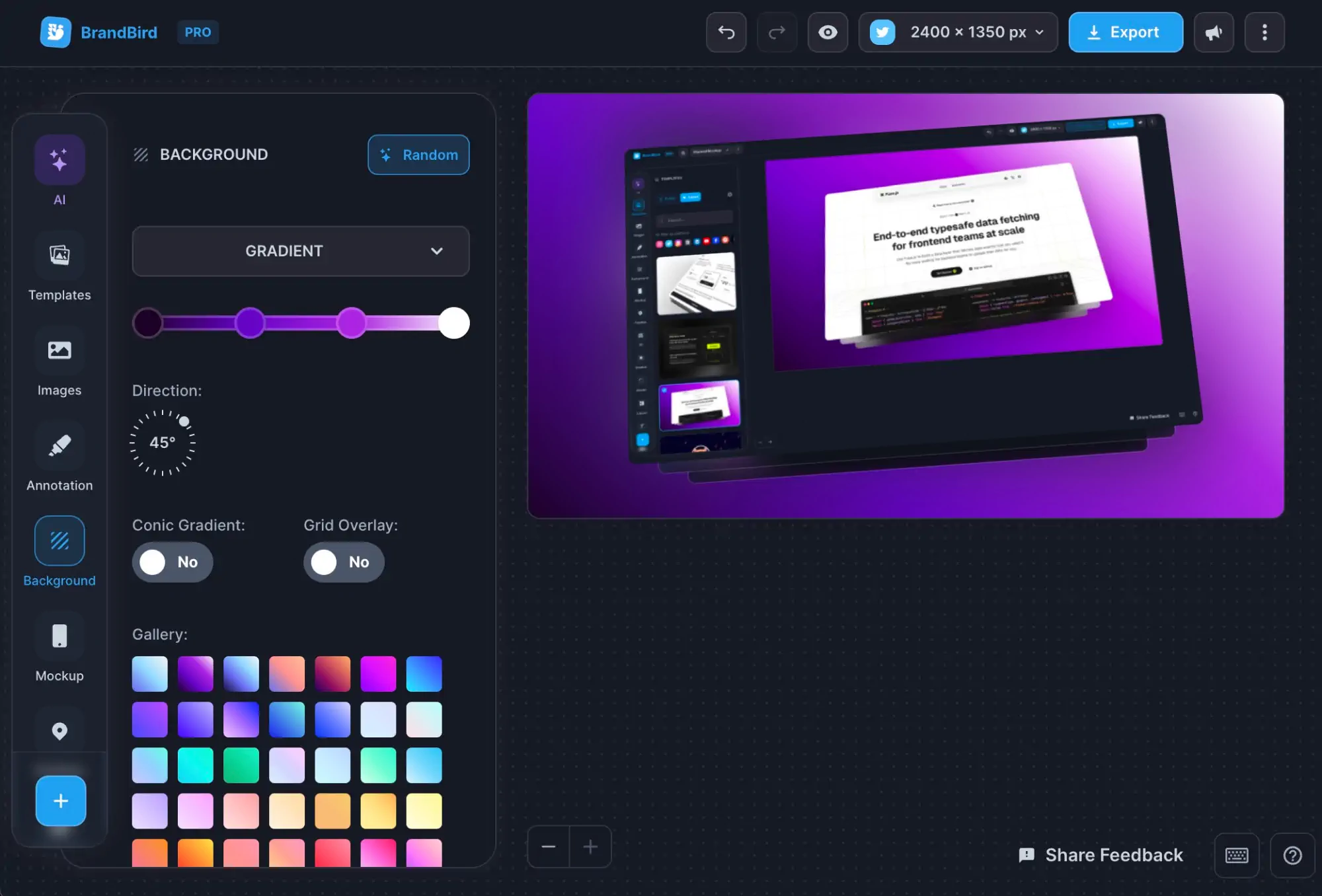
3D Effects
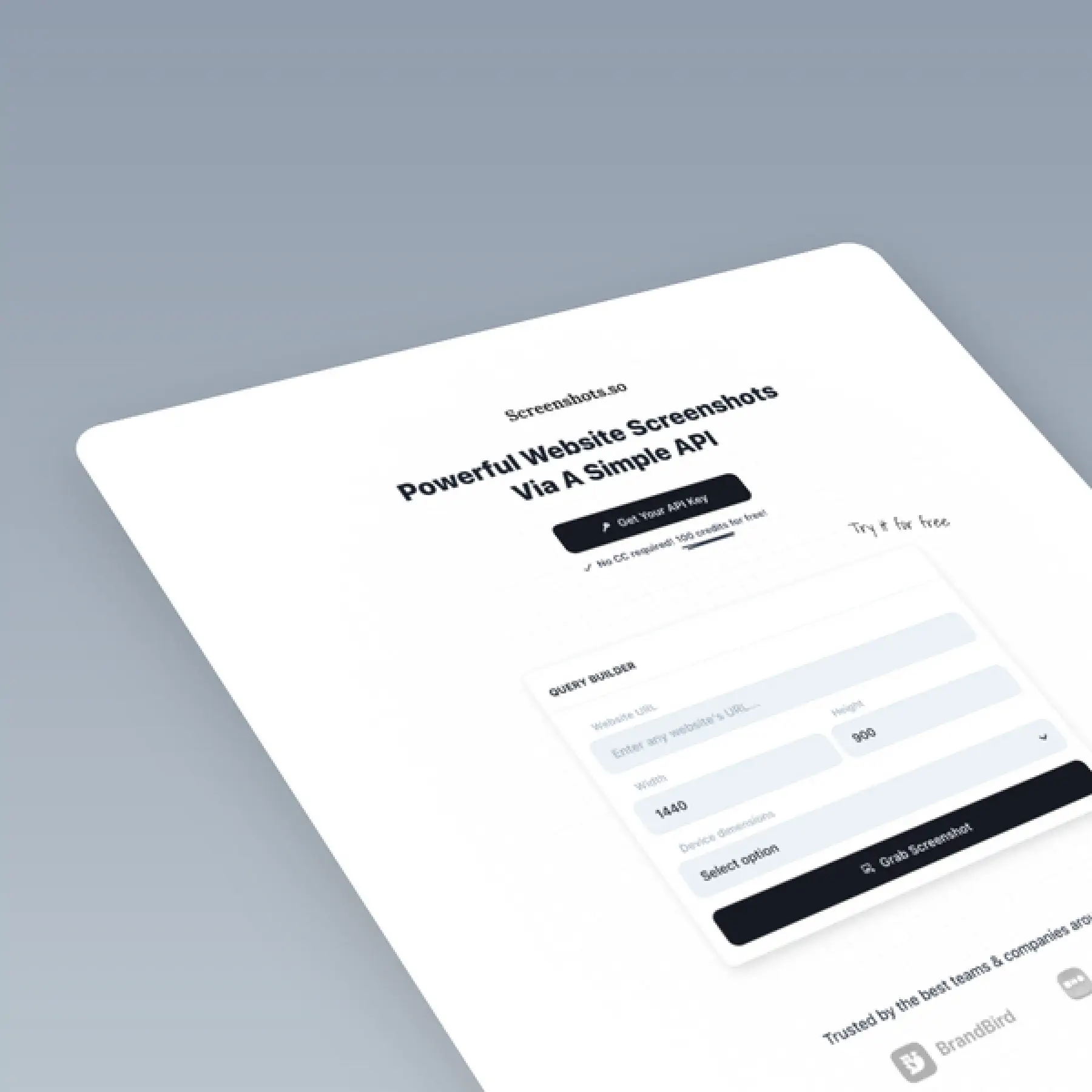
Apply 3D perspective transforms to turn flat screenshots into eye-catching visuals for marketing and social media.
How It Works
Learn how to create beautiful screenshots with BrandBird.

01
Upload any kind of image, even a boring screenshot.

02
Customize your graphics with easy-to-use presets.

03
Export & Share your beautiful screenshots.

Customize In 2 Clicks!
Apply backgrounds, 3D effect, mockups, and many more, with a single click.
GIVE IT A TRY...

Upgrade your Twitter branding!
Instantly brand your screenshots to make your content recognizable & increase your engagement.
Custom Background
Use solid color, gradients, patterns, or images.
Tilt Your Image
Wow your audience with 3D effects.
BrandBird
@brandbirdapp · 2h
Brandbird.app will become your favorite design tool for Twitter graphics!
500
1k
4k
Frequently Asked Questions
What are 3D effects in BrandBird?
BrandBird's 3D effects let you rotate any screenshot or image along the X, Y, and Z axes to create perspective transforms. This turns flat screenshots into eye-catching, dynamic visuals perfect for marketing and social media.
How do I apply a 3D transform to my screenshot?
Upload your image to BrandBird Studio, then use the 3D rotation controls to adjust the perspective angle. You can drag the sliders or type exact degree values for precise control over the tilt and rotation.
Can I combine 3D effects with device mockups?
Yes. Apply a device mockup (iPhone, MacBook, browser frame) to your screenshot first, then add 3D perspective transforms. The combination creates stunning product visuals that stand out on landing pages and social media.
What types of graphics look best with 3D effects?
3D effects work especially well for product hero images, landing page visuals, app store screenshots, social media posts, and marketing banners. They add depth and visual interest that flat screenshots lack.
Do 3D transforms affect image quality?
No. BrandBird renders 3D transforms at full resolution, so your exported graphics remain crisp and high-quality regardless of the rotation angle. Export in PNG or WebP for the best results.