Social Media Sizes
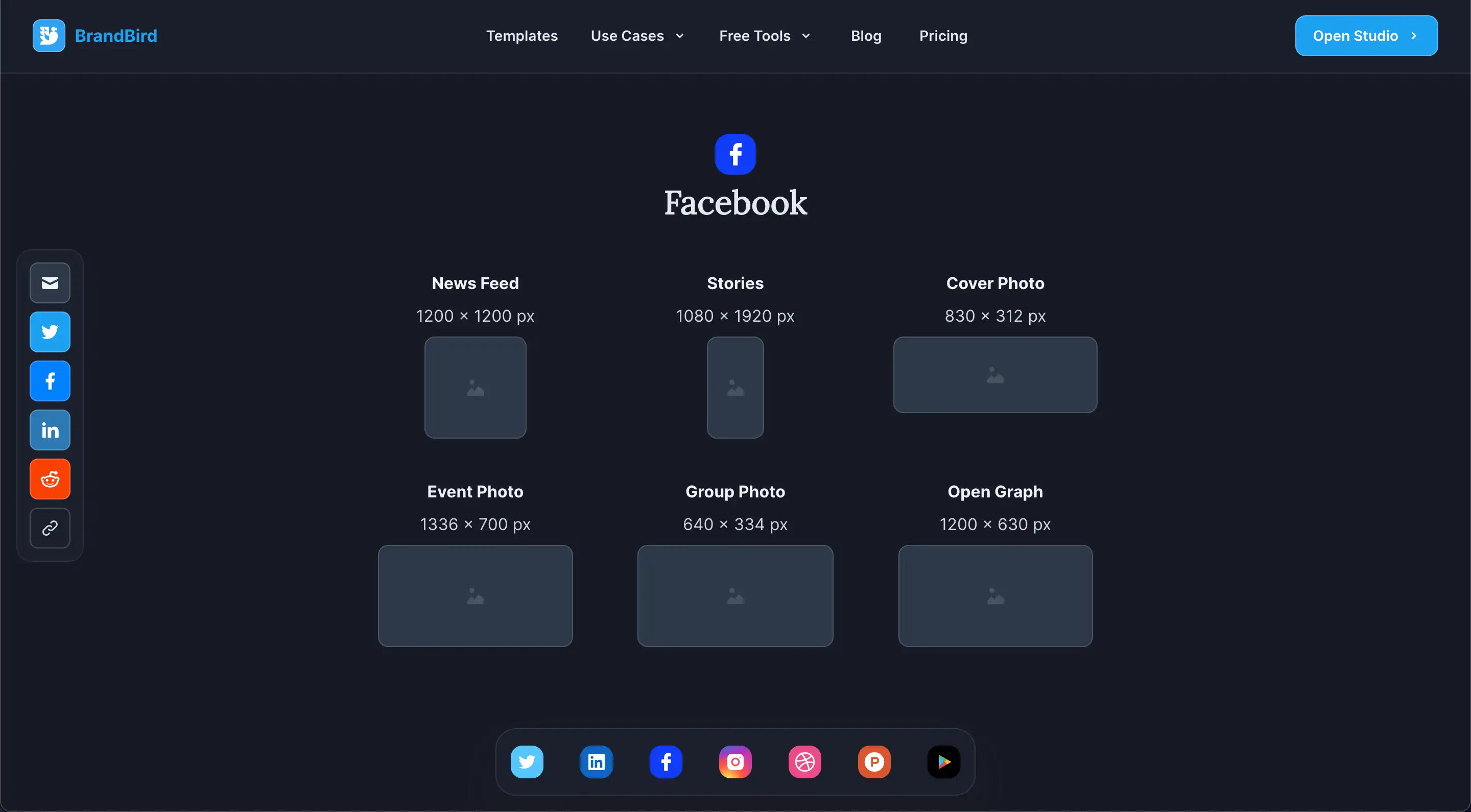
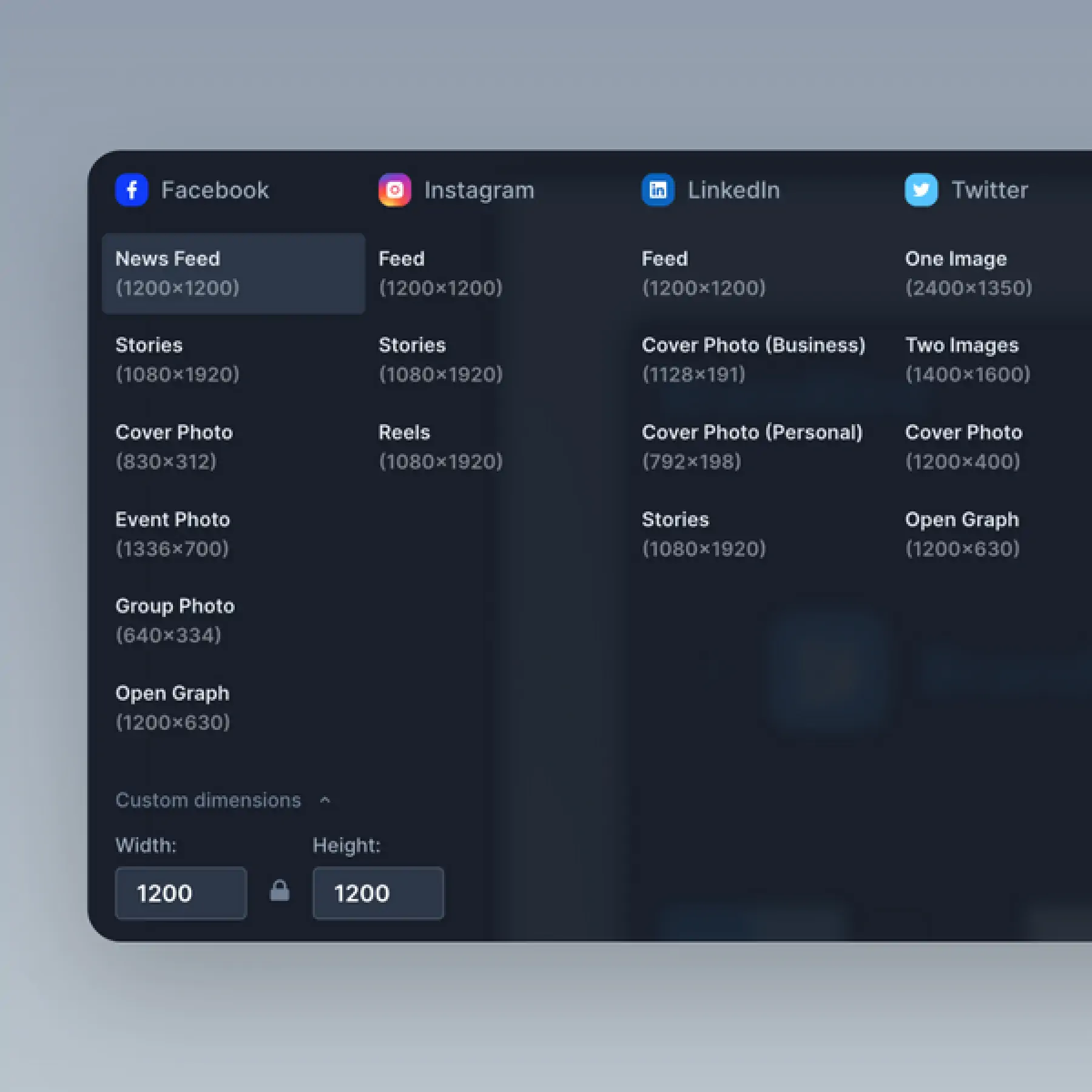
One-click resize to official dimensions for Twitter, Instagram, Facebook, LinkedIn, Dribbble, and Product Hunt posts.
How It Works
Learn how to create beautiful screenshots with BrandBird.

01
Upload any kind of image, even a boring screenshot.

02
Customize your graphics with easy-to-use presets.

03
Export & Share your beautiful screenshots.

Customize In 2 Clicks!
Apply backgrounds, 3D effect, mockups, and many more, with a single click.
GIVE IT A TRY...
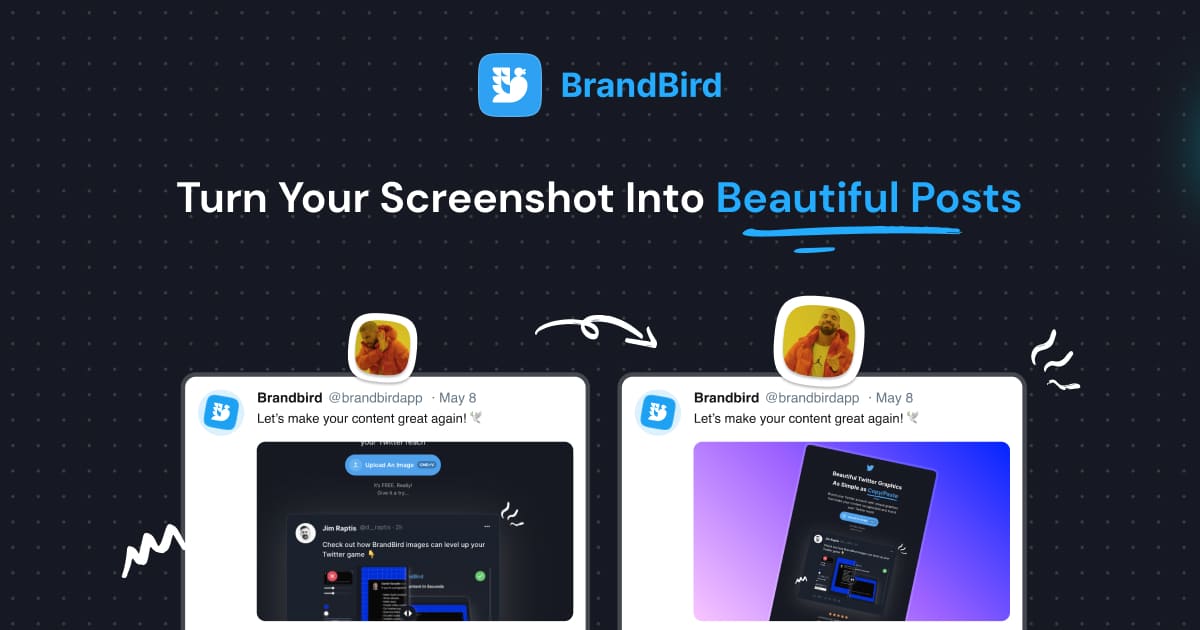
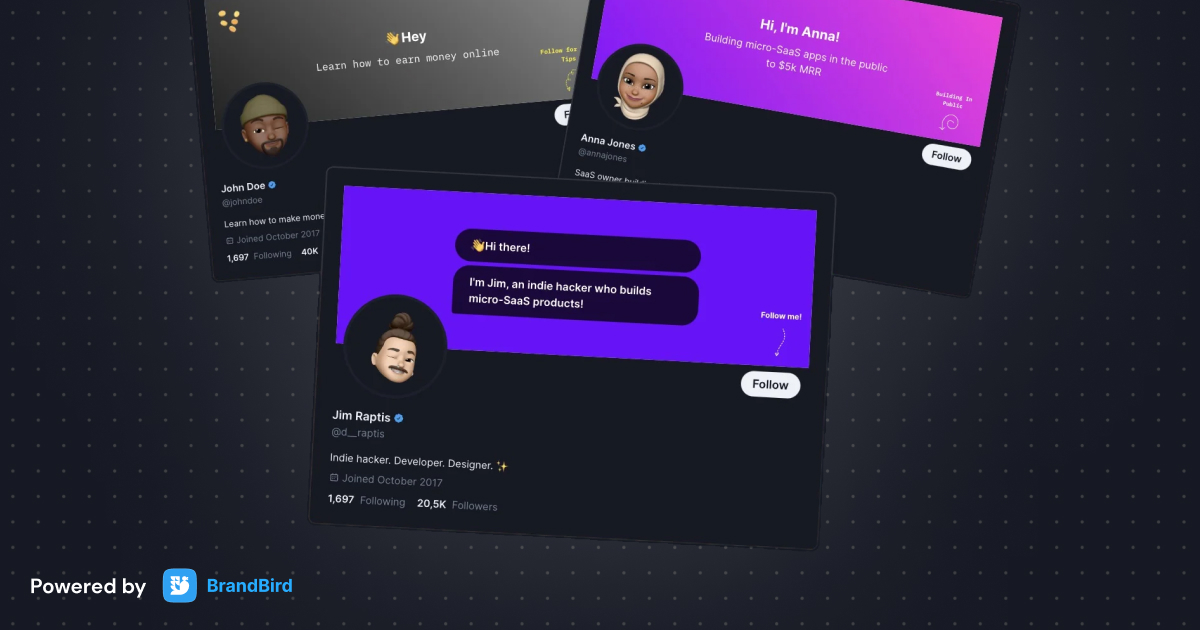
Upgrade your Twitter branding!
Instantly brand your screenshots to make your content recognizable & increase your engagement.
Custom Background
Use solid color, gradients, patterns, or images.
Tilt Your Image
Wow your audience with 3D effects.
BrandBird
@brandbirdapp · 2h
Brandbird.app will become your favorite design tool for Twitter graphics!
500
1k
4k
Frequently Asked Questions
What are Social Media Size Presets?
Size Presets are one-click canvas dimensions optimized for specific social media platforms. BrandBird includes presets for Twitter (X), Instagram, LinkedIn, Facebook, Dribbble, Product Hunt, and more.
What image sizes does BrandBird support for Twitter (X)?
BrandBird includes Twitter presets for single image posts (1600×900), header images (1500×500), and profile photos. The presets ensure your graphics display perfectly without cropping.
Can I create custom size presets?
Yes. Beyond the built-in presets, you can set any custom dimensions for your canvas. This is useful for email headers, blog featured images, presentations, or any non-standard size you need regularly.
How does Magic Resize work?
Magic Resize lets you switch between size presets instantly. Your content automatically adapts to the new dimensions, so you can repurpose a single design for Twitter, Instagram, LinkedIn, and more without starting over.
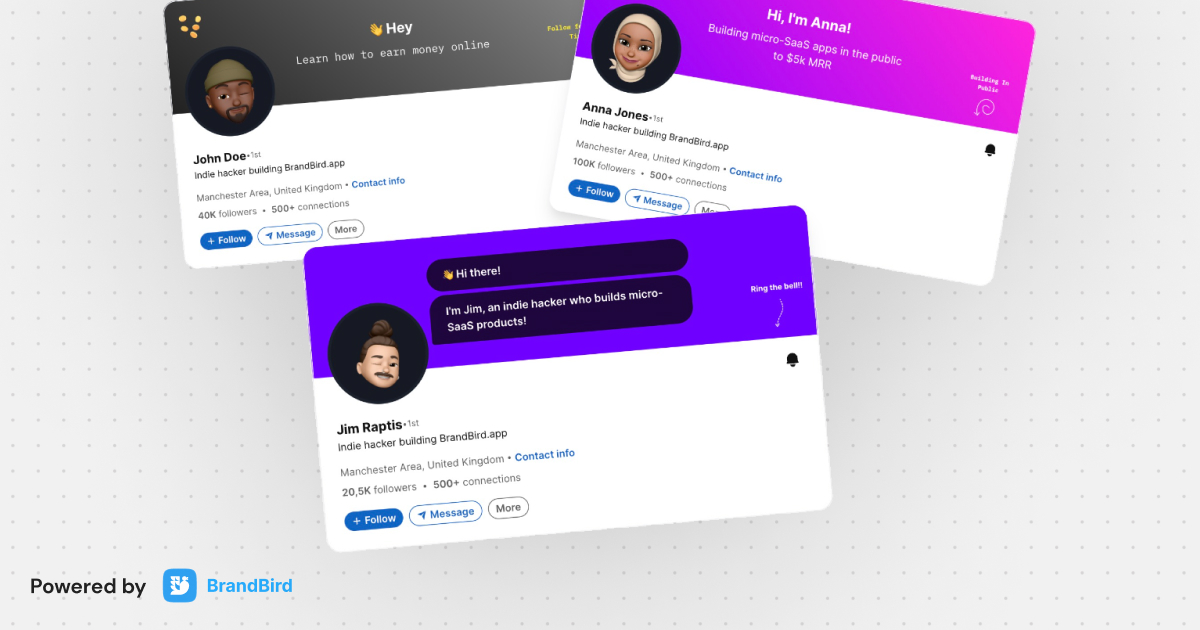
What is the recommended image size for LinkedIn posts?
LinkedIn recommends 1200×627 pixels for feed posts. BrandBird's LinkedIn preset creates this exact dimension, ensuring your product screenshots and marketing visuals display perfectly in the LinkedIn feed.