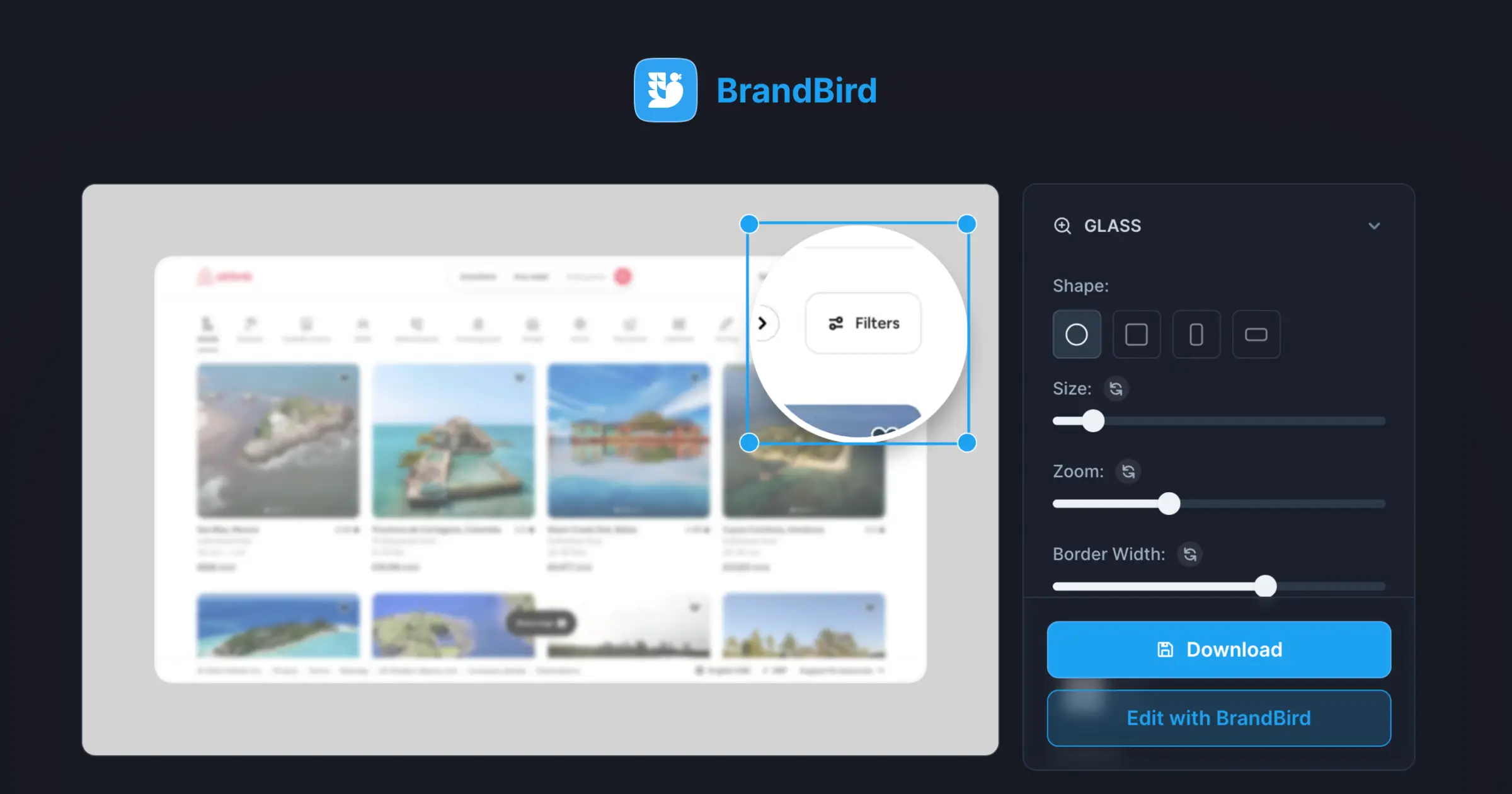
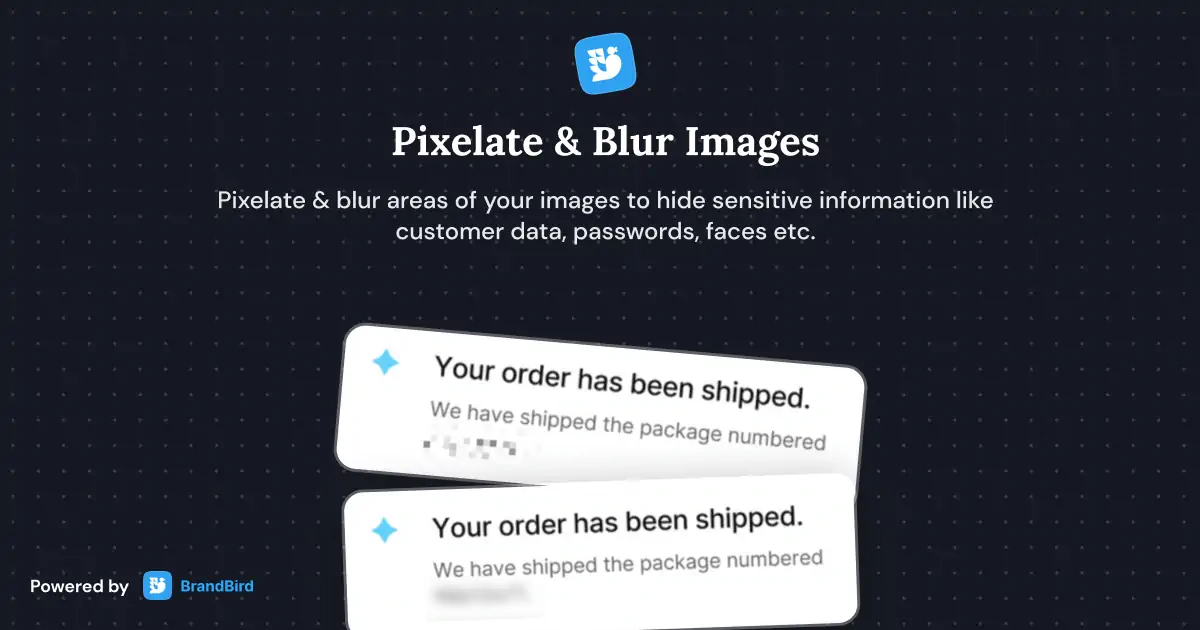
Annotation Layers
Annotate screenshots with text labels, arrows, emojis, numbered steps, and shapes — perfect for product tutorials and guides.

How It Works
Learn how to create beautiful screenshots with BrandBird.

01
Upload any kind of image, even a boring screenshot.

02
Customize your graphics with easy-to-use presets.

03
Export & Share your beautiful screenshots.

Customize In 2 Clicks!
Apply backgrounds, 3D effect, mockups, and many more, with a single click.
GIVE IT A TRY...
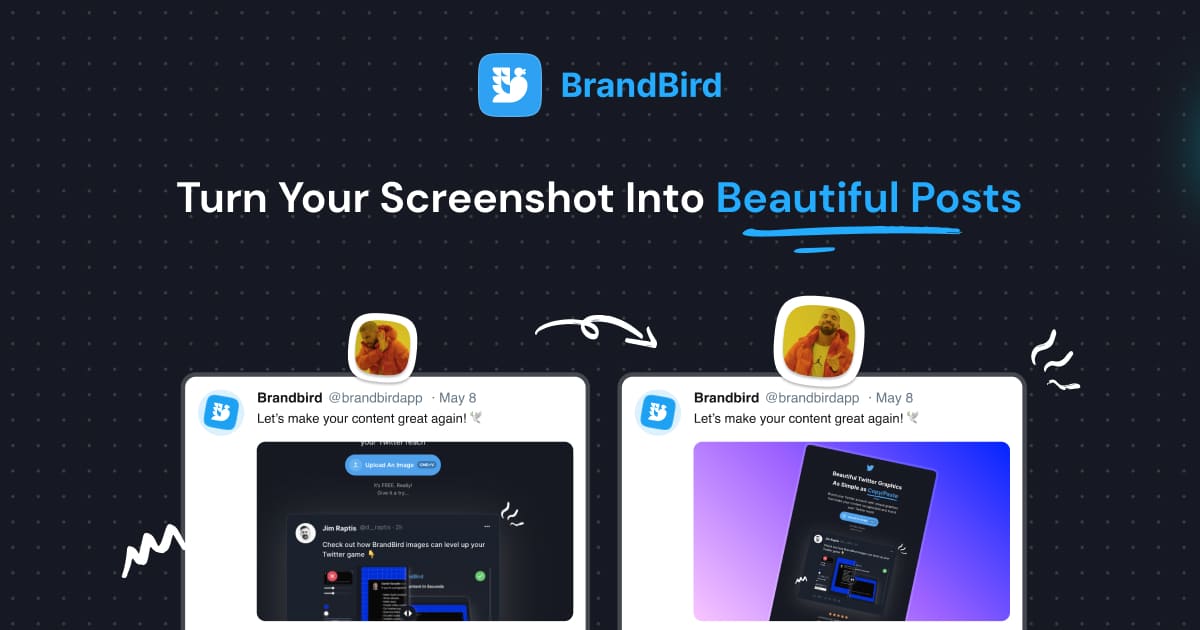
Upgrade your Twitter branding!
Instantly brand your screenshots to make your content recognizable & increase your engagement.
Custom Background
Use solid color, gradients, patterns, or images.
Tilt Your Image
Wow your audience with 3D effects.
BrandBird
@brandbirdapp · 2h
Brandbird.app will become your favorite design tool for Twitter graphics!
500
1k
4k
Frequently Asked Questions
What are Annotation Layers in BrandBird?
Annotation Layers let you add text labels, arrows, emojis, numbered steps, rectangles, and hand-drawn highlights directly on your screenshots. They're perfect for product tutorials, feature explanations, and step-by-step guides.
What annotation tools does BrandBird include?
BrandBird provides arrows, text callouts, numbered step markers, emoji overlays, bounding boxes, spotlight effects, badge counters, and freeform highlights — all customizable with your brand colors.
How do I annotate a screenshot in BrandBird?
Upload your image, open the Annotation panel, and select the tool you need (arrow, text, shape, etc.). Click on the canvas to place the annotation, then customize its style, color, and position.
Can I use annotations for product onboarding graphics?
Absolutely. Numbered step markers, arrows, and text callouts are ideal for creating onboarding guides, help documentation, and tutorial images that walk users through your product's features.
Do annotations support custom colors and fonts?
Yes. All annotation elements can be styled with custom colors, sizes, and fonts. Use your Brand Kit colors to keep annotations consistent with your visual identity across all graphics.