Shadow Presets
Add professional drop shadows to your screenshots with one-click presets. Elevate any image instantly.
How It Works
Learn how to create beautiful screenshots with BrandBird.

01
Upload any kind of image, even a boring screenshot.

02
Customize your graphics with easy-to-use presets.

03
Export & Share your beautiful screenshots.

Customize In 2 Clicks!
Apply backgrounds, 3D effect, mockups, and many more, with a single click.
GIVE IT A TRY...

Upgrade your Twitter branding!
Instantly brand your screenshots to make your content recognizable & increase your engagement.
Custom Background
Use solid color, gradients, patterns, or images.
Tilt Your Image
Wow your audience with 3D effects.
BrandBird
@brandbirdapp · 2h
Brandbird.app will become your favorite design tool for Twitter graphics!
500
1k
4k
Frequently Asked Questions
What are Shadow Presets in BrandBird?
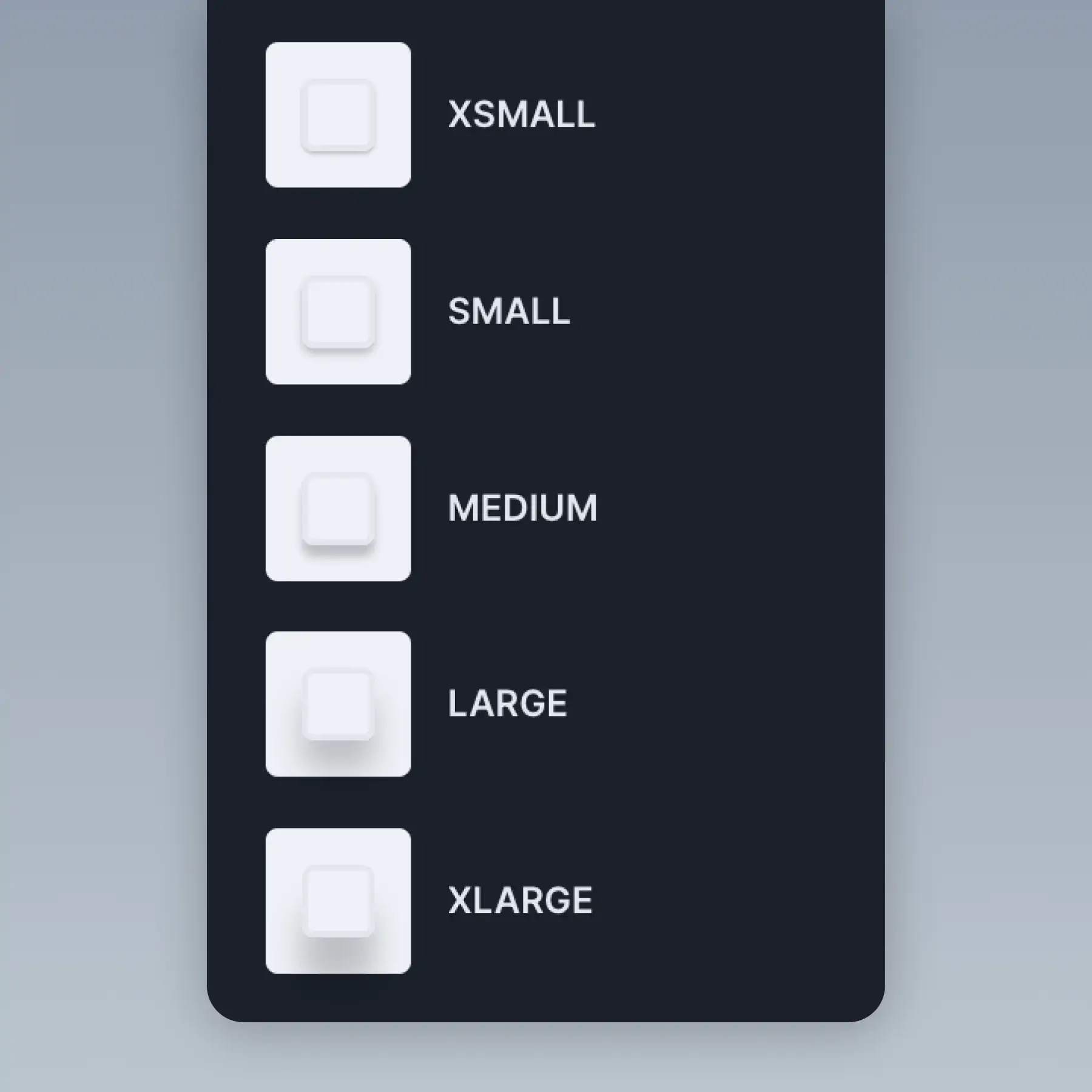
Shadow Presets are one-click drop shadow effects you can apply to your screenshots. They add depth and dimension to flat images, making them look more polished and professional instantly.
How do I add a shadow to my screenshot?
In the BrandBird editor, select the shadow option from the effects panel. Choose from preset shadow styles — soft, medium, or dramatic — or customize the blur, spread, offset, and color to match your design.
Can I customize shadow color and intensity?
Yes. BrandBird lets you adjust shadow blur radius, spread, horizontal and vertical offset, opacity, and color. Create subtle elevation effects or bold, dramatic shadows to match your brand style.
Do shadows work with device mockups and 3D effects?
Yes. Shadows combine seamlessly with mockups and 3D transforms. A shadow on a rotated, device-framed screenshot creates a realistic floating effect that looks stunning on landing pages and presentations.
What types of graphics benefit most from shadow effects?
Product screenshots, app previews, landing page hero images, and social media cards all benefit from shadows. The added depth draws attention to your image and separates it from the background.