
Use Cases for BrandBird
BrandBird is a powerful tool for creating and managing your visual content.
Here are some of the most common use cases for BrandBird Studio.

Build in Public
Design captivating graphics for your daily social media updates on Twitter, LinkedIn, and Facebook.

Email Marketing
Create high-performing graphics for newsletters and product updates in a few minutes, literally.

Changelog
Create changelog graphics effortless for your product or service with advance annotation & highlight tools.

Landing Pages
Attention-grabbing graphics for your landing pages, to convert your visitors into leads.
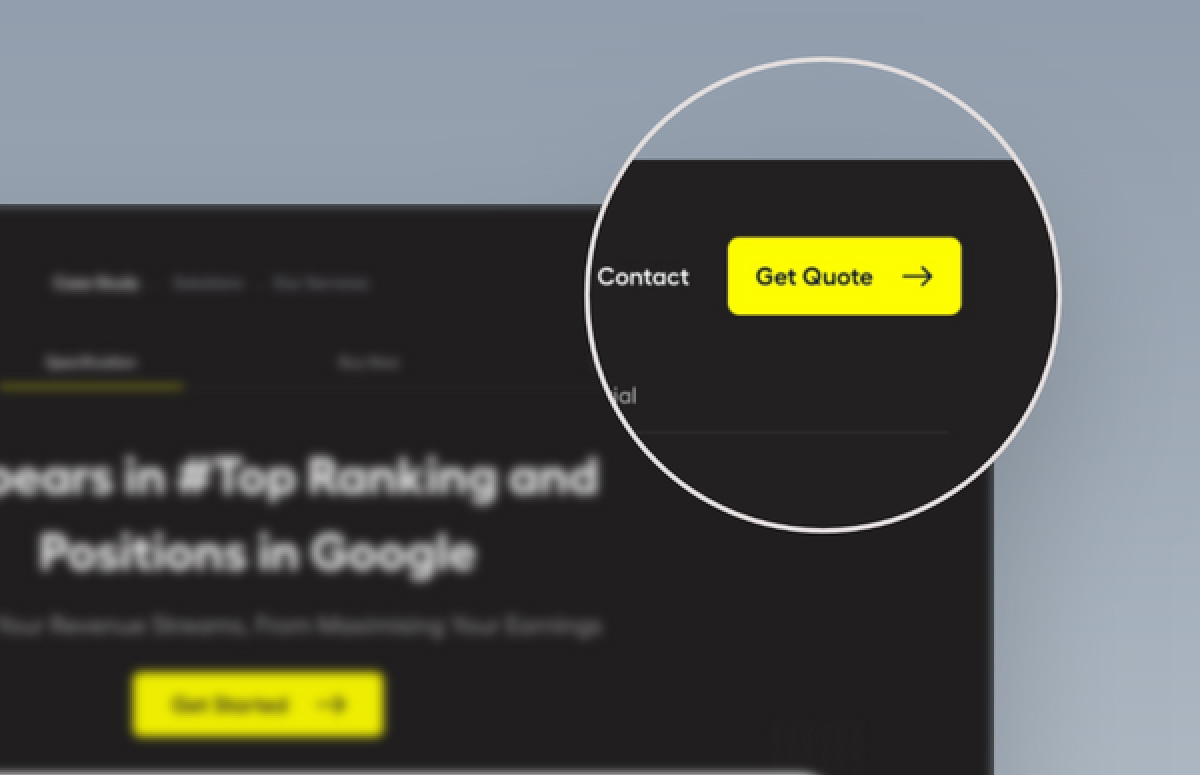
Annotation & Highlight
Create beautiful sharable graphics for blog posts or support tickets, to highlight important points and make your content more engaging.

Blog Posts
Create beautiful graphics for your blog posts, to highlight important points and make your content more engaging.

Product Hunt Graphics
Design eye-catching launch graphics for your Product Hunt audience and earn the top spots of the day and week.
How It Works
Learn how to create beautiful screenshots with BrandBird.

01
Upload any kind of image, even a boring screenshot.

02
Customize your graphics with easy-to-use presets.

03
Export & Share your beautiful screenshots.

Customize In 2 Clicks!
Apply backgrounds, 3D effect, mockups, and many more, with a single click.
GIVE IT A TRY...
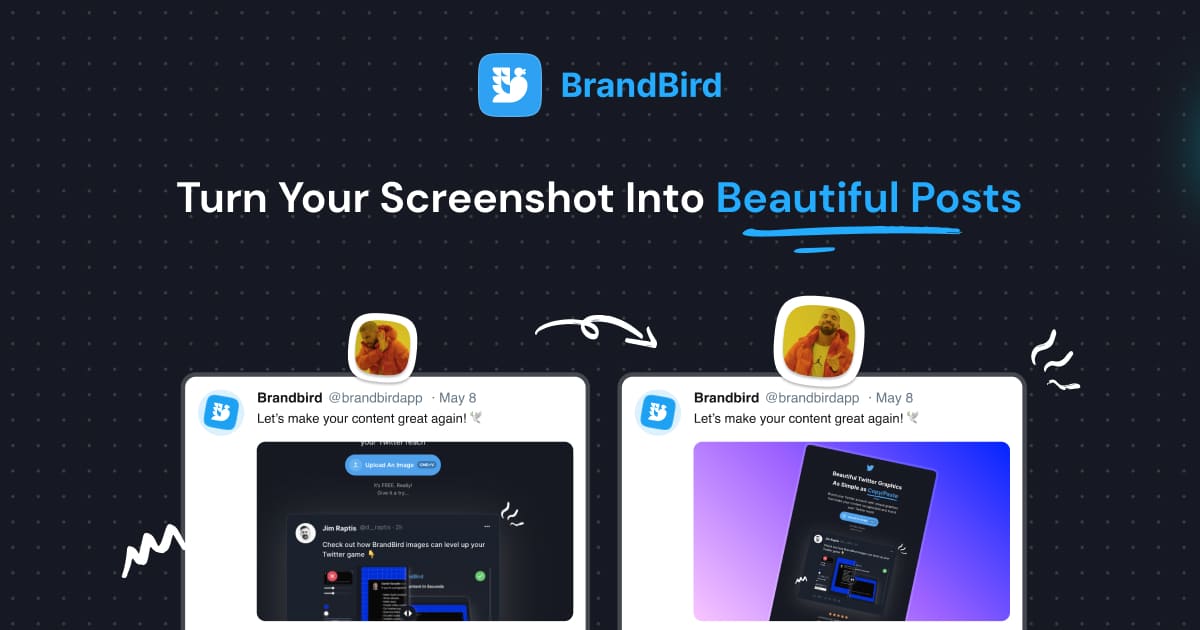
Upgrade your Twitter branding!
Instantly brand your screenshots to make your content recognizable & increase your engagement.
Custom Background
Use solid color, gradients, patterns, or images.
Tilt Your Image
Wow your audience with 3D effects.
BrandBird
@brandbirdapp ยท 2h
Brandbird.app will become your favorite design tool for Twitter graphics!
500
1k
4k
Frequently Asked Questions
What is BrandBird used for?
BrandBird is an online image editor used to create beautiful screenshots, social media graphics, and marketing visuals. Common use cases include Building in Public content, email newsletter graphics, changelog announcements, landing page visuals, blog post images, and Product Hunt launch assets.
Who uses BrandBird?
BrandBird is used by SaaS founders, indie hackers, content creators, marketers, product managers, and designers who need to create professional-looking visuals from product screenshots quickly and without complex design tools.
What types of marketing graphics can I create with BrandBird?
You can create social media posts, email newsletter images, changelog graphics, landing page hero images, blog post headers and featured images, Product Hunt launch galleries, OG images, and annotated product screenshots.
How does BrandBird compare to hiring a designer?
BrandBird lets you create professional-quality graphics in minutes at a fraction of the cost of hiring a designer. Its purpose-built templates, brand kit, and one-click effects make it easy for non-designers to produce stunning visuals independently.
Can I use BrandBird for social media content creation?
Absolutely. BrandBird is optimized for creating social media graphics for Twitter (X), LinkedIn, Instagram, Product Hunt, and more. Built-in size presets ensure your images display perfectly on every platform.
Is BrandBird suitable for teams and agencies?
Yes. BrandBird offers team features including shared brand kits, saved templates, and collaborative workspaces so your entire team can create on-brand graphics consistently.
How fast can I create a marketing graphic with BrandBird?
Most users create a polished, branded graphic in under 60 seconds. Upload your screenshot, pick a background, apply optional effects and annotations, and export โ it's that fast. Templates make it even quicker.
Do I need design skills to use BrandBird?
No design skills required. BrandBird's intuitive editor, pre-made templates, and one-click effects are designed so anyone can create professional-looking visuals. If you can take a screenshot, you can use BrandBird.

