Product Hunt Graphics

Design eye-catching launch graphics for your Product Hunt audience and earn the top spots of the day and week.

Why founders love BrandBird

1

More upvotes

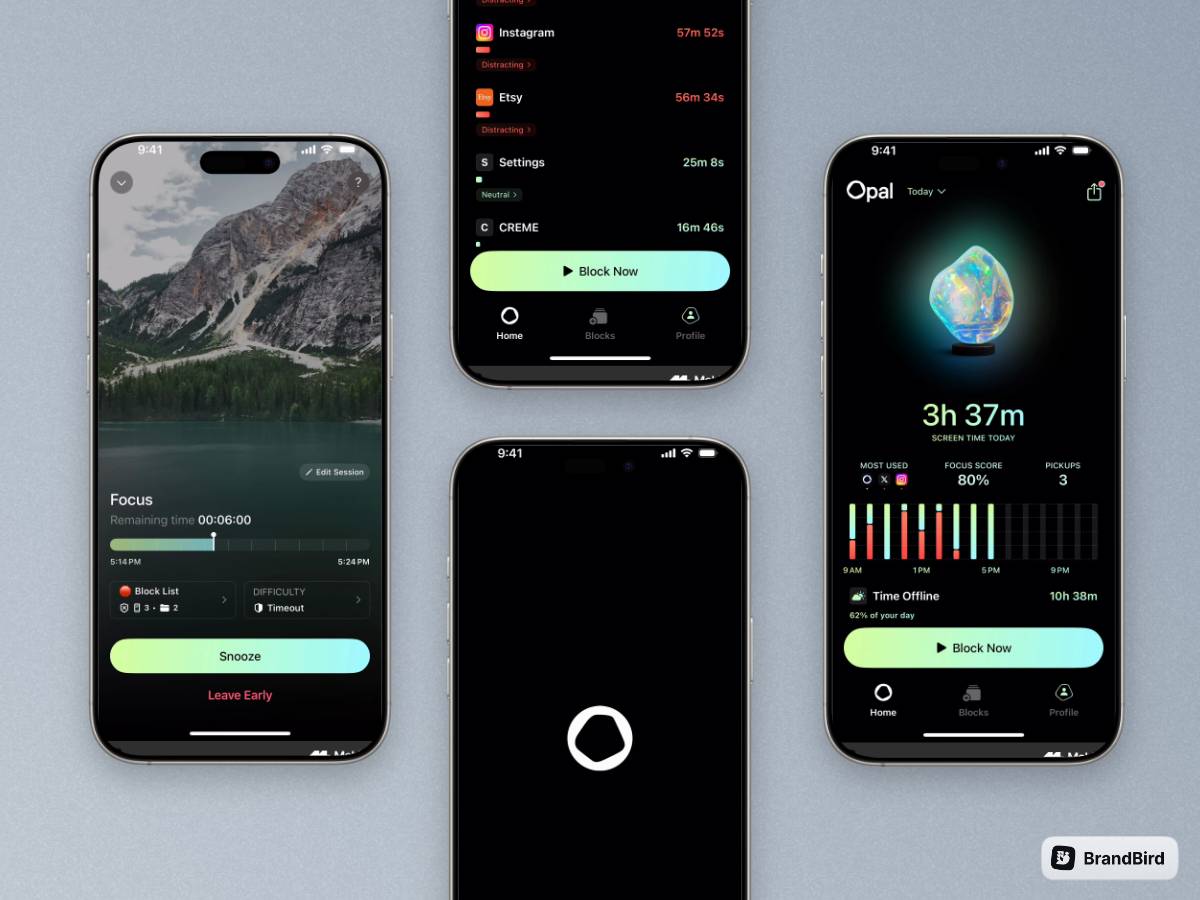
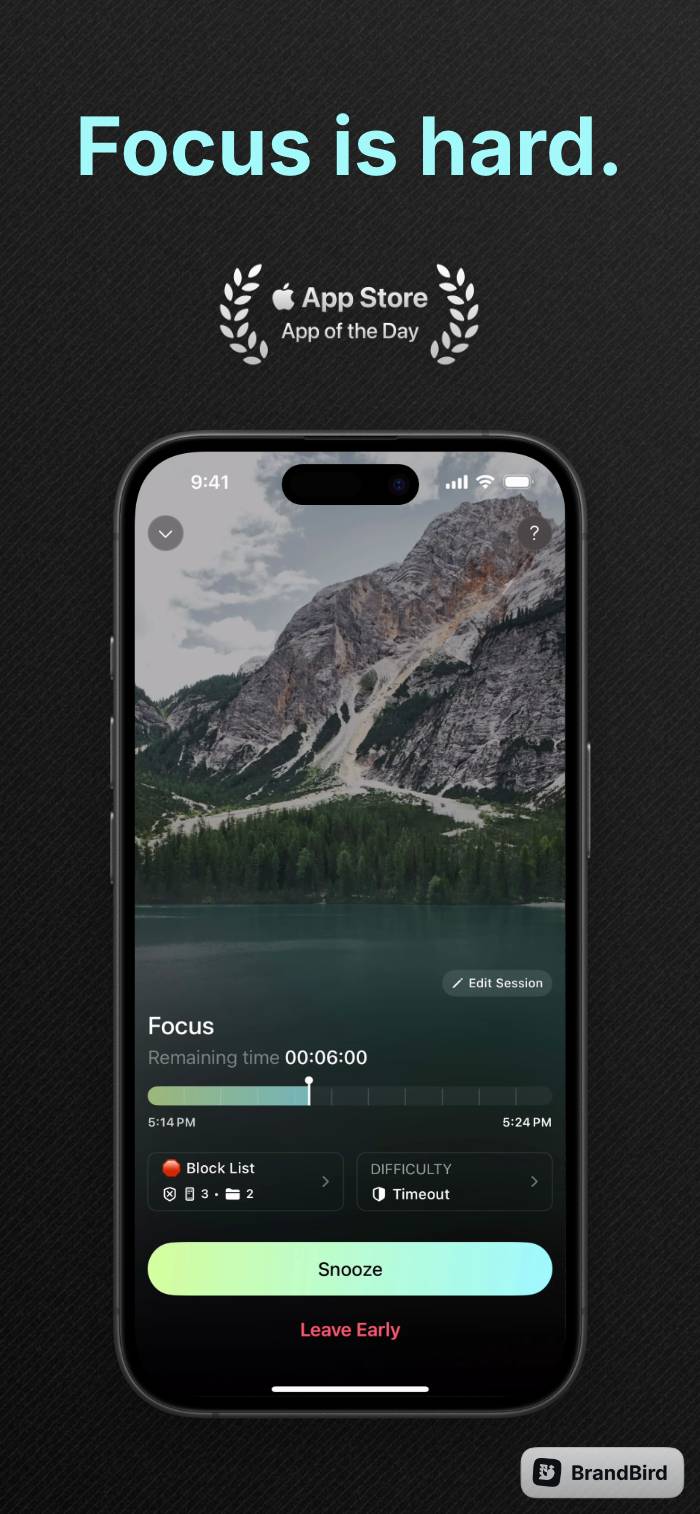
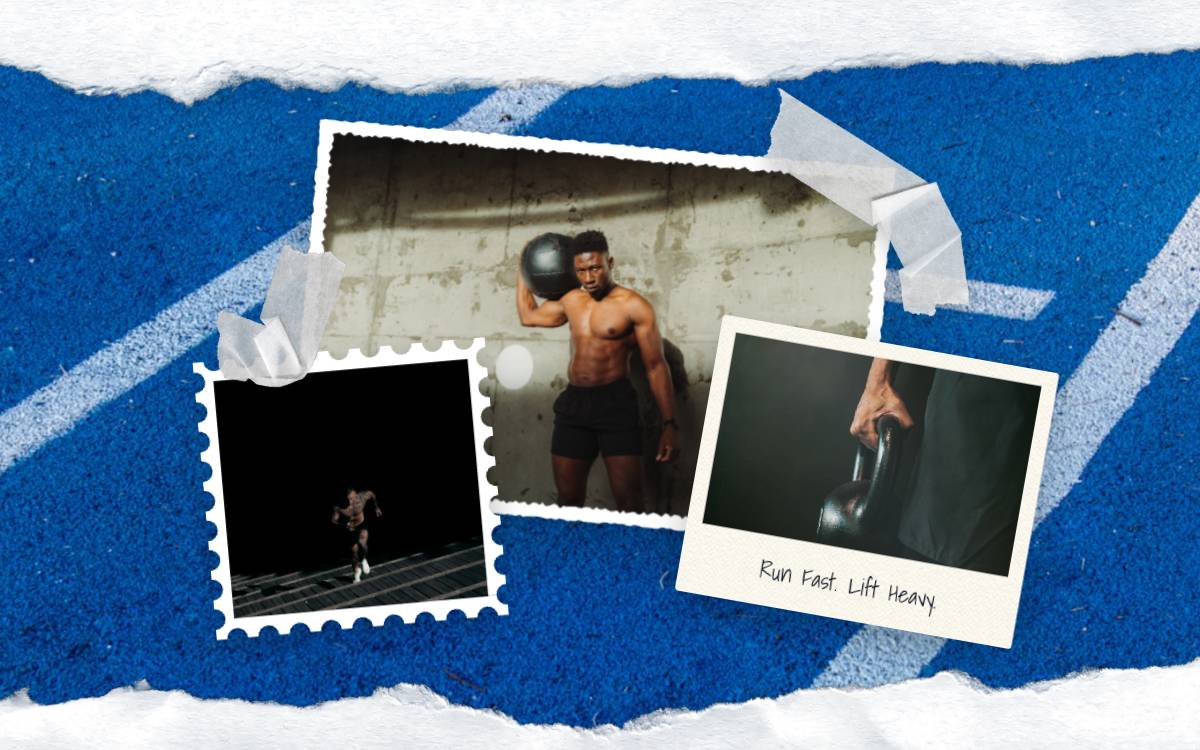
Create professional-looking images for your Product Hunt launch that showcase your product's key features and benefits by remixing thousnads of pre-made templates.

Design your 1st image
2

Boost your reach

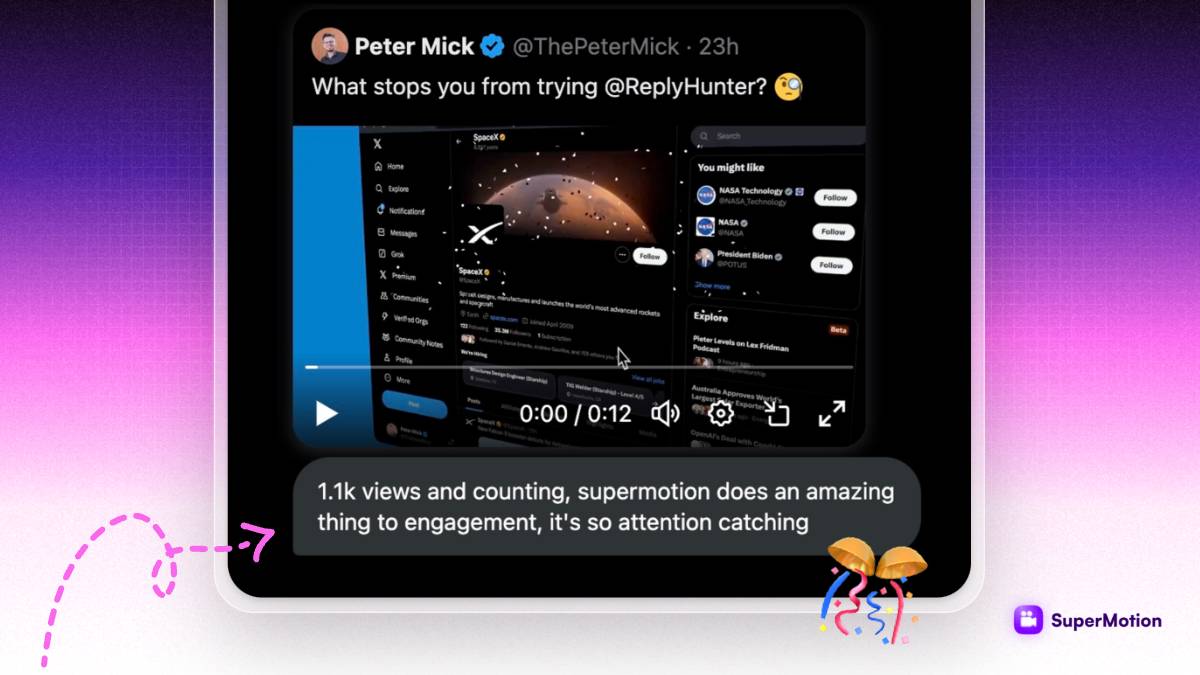
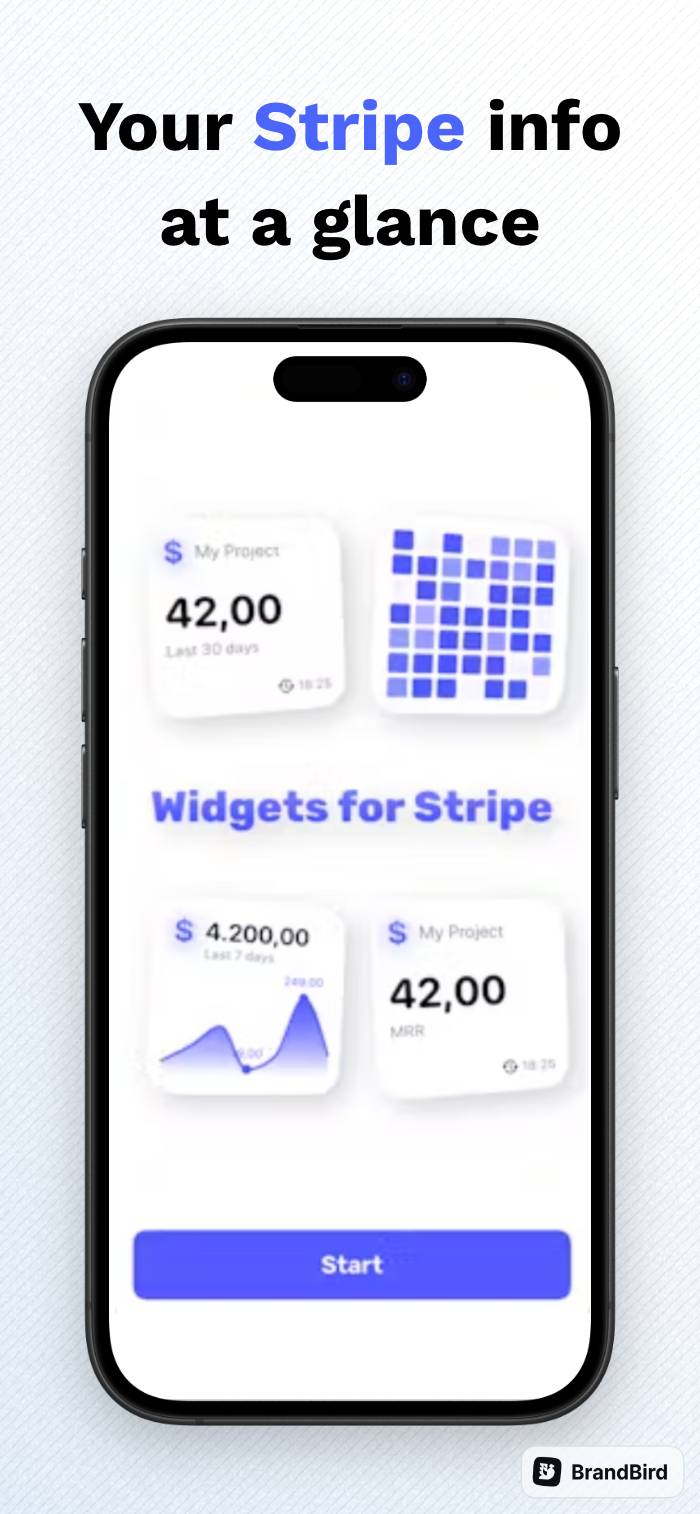
Social media is a key marketing channel for many Product Hunt launches, and BrandBird can help you create the perfect graphics for your social media posts.

Design your 1st image
3

Blog post graphics

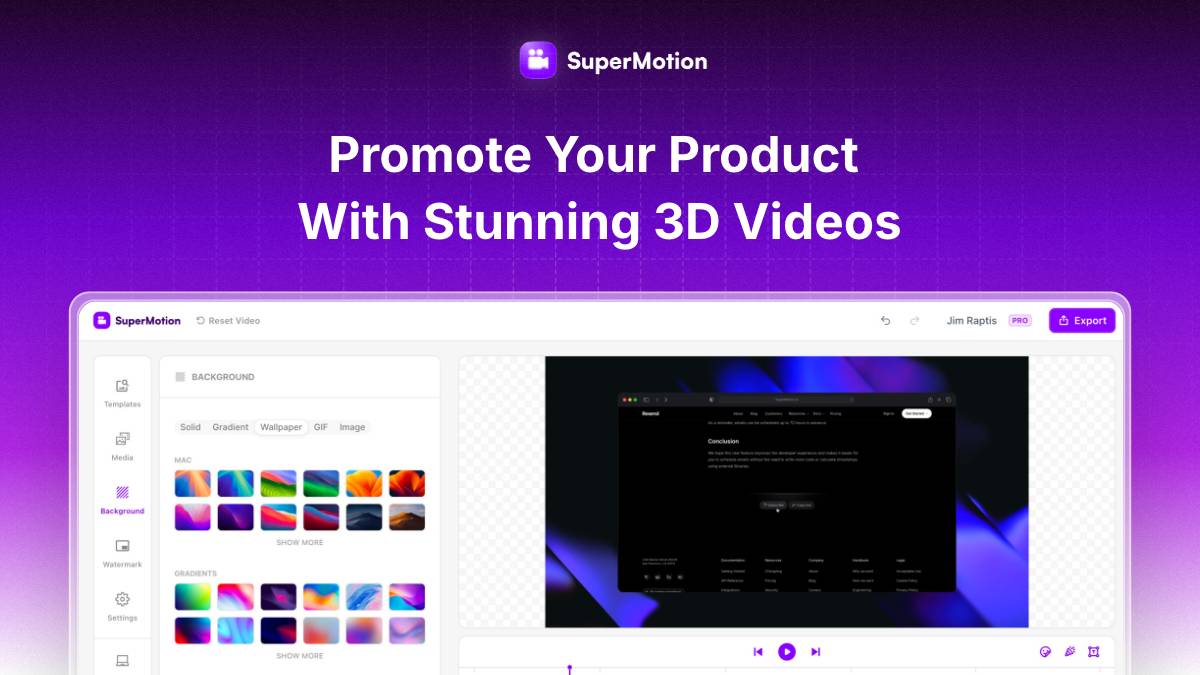
Product Hunt launches often go hand-in-hand with blog posts that provide more in-depth information about the product. BrandBird can help you create graphics that accompany your blog post and make it more engaging and visually appealing.

Design your 1st image
4

Open Graph (OG) images

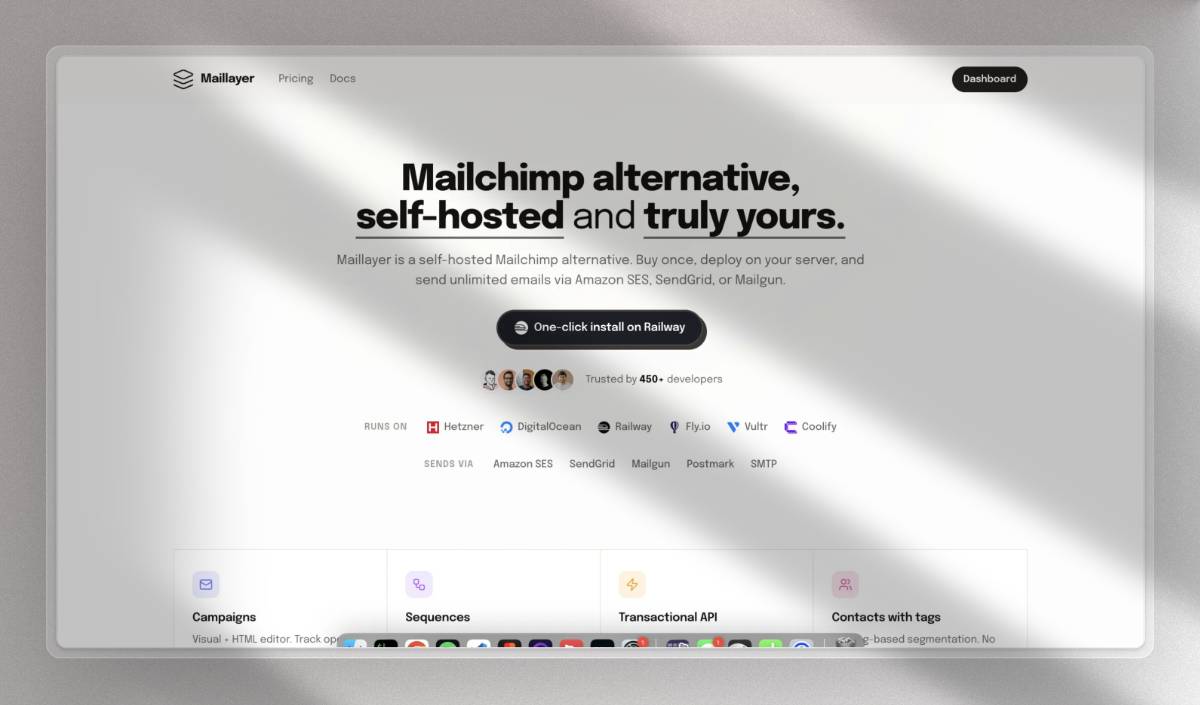
Quickly create stunning & converting Open Graph (OG) images that will be visible when users share your product on social media.

Design your 1st image

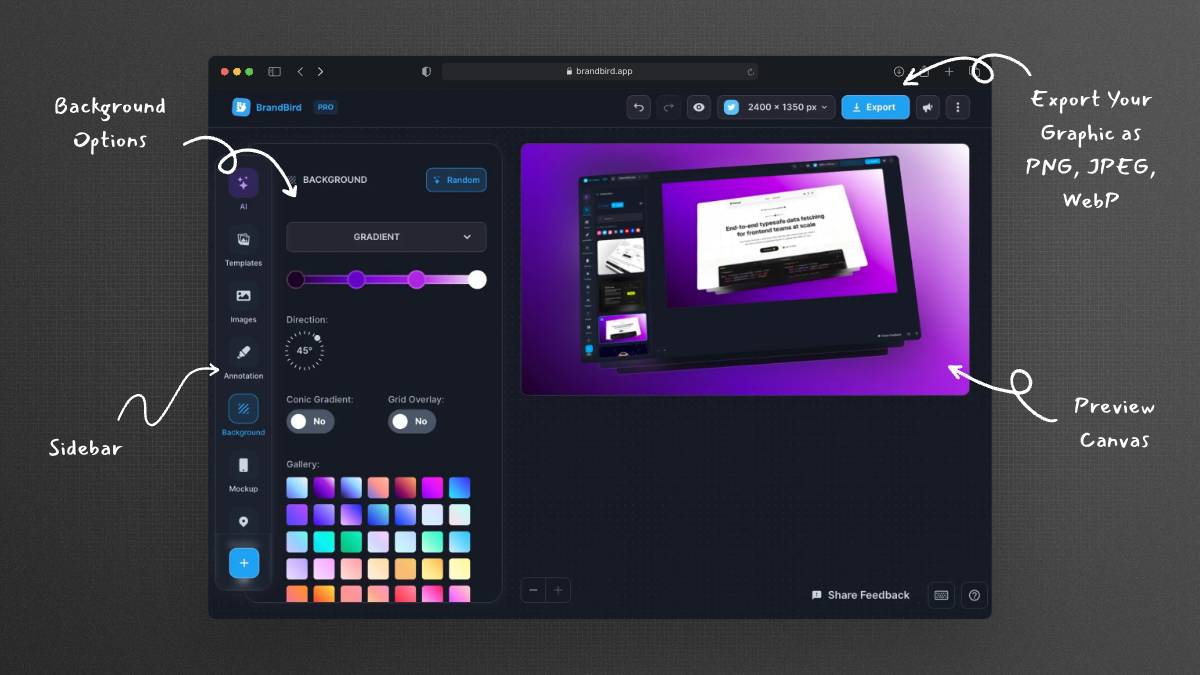
Turn your screenshots into beautiful posts

Ready-to-use templates

Frequently Asked Questions

How can BrandBird help with my Product Hunt launch?

BrandBird helps you create professional gallery images, thumbnail graphics, social media announcement posts, and blog header images for your Product Hunt launch — all featuring your product screenshots with stunning visual treatments.

What graphics do I need for a successful Product Hunt launch?

A successful Product Hunt launch typically needs: a gallery of 5–8 product screenshots, a thumbnail/logo image, social media announcement graphics for Twitter and LinkedIn, an OG image, and optionally a blog post header image. BrandBird can create all of them.

What is the best image size for Product Hunt gallery images?

Product Hunt recommends gallery images at 1270×760 pixels (5:3 ratio). BrandBird's custom export feature lets you set exact dimensions, and you can use 3D transforms and branded backgrounds to make your product screenshots stand out in the gallery.

How do beautiful graphics increase Product Hunt upvotes?

First impressions matter on Product Hunt. Professional-looking gallery images showcase your product's quality, make visitors more confident in your product, and encourage them to upvote. Polished visuals often correlate with higher rankings on launch day.

Can I create Product Hunt launch social media posts with BrandBird?

Yes. BrandBird includes social media size presets for Twitter, LinkedIn, and other platforms. Create eye-catching launch announcement graphics that drive traffic from your social media audience to your Product Hunt listing.

How do I create consistent branding for my Product Hunt launch?

Use BrandBird's Brand Kit to save your brand colors, fonts, and logo. Apply them across all your launch graphics — gallery images, social posts, and blog headers — to present a unified, professional brand image throughout your launch.

What makes a great Product Hunt thumbnail?

A great Product Hunt thumbnail is clean, recognizable, and communicates your product's purpose at a glance. Use BrandBird to create a polished product screenshot with a short tagline, your logo, and a gradient background that pops on the Product Hunt homepage.

Should I use templates for my Product Hunt launch graphics?

BrandBird offers hundreds of pre-made templates that you can remix with your own screenshots and branding. Starting from a template saves time and ensures professional results, especially if you're launching on a tight timeline.

Better Screenshots Mockups
With a Simple Design Tool.

I don't know when it happened but Brandbird is now my all-in-one SaaS & social media design tool.

Wilson

Founder Senja.io