Changelog

Create changelog graphics effortless for your product or service with advance annotation & highlight tools.

Why founders love BrandBird

1

Grab user attention

Beautiful graphics grab the user's attention and make your SaaS product changelog announcements more engaging.

Design your 1st image
2

Boost feature adoption

Engaging graphics encourage users to read your changelog announcements more closely, and even prompt them to try out the new features and updates in your product.

Design your 1st image
3

Simplify complex features

Using visual elements makes it easier for new users to understand complex features of your SaaS product and how it works.

Design your 1st image
4

Increase credibility

High-quality graphics give your changelog announcements a professional look and feel, which enhances the credibility of the information you are presenting.
Design your 1st image

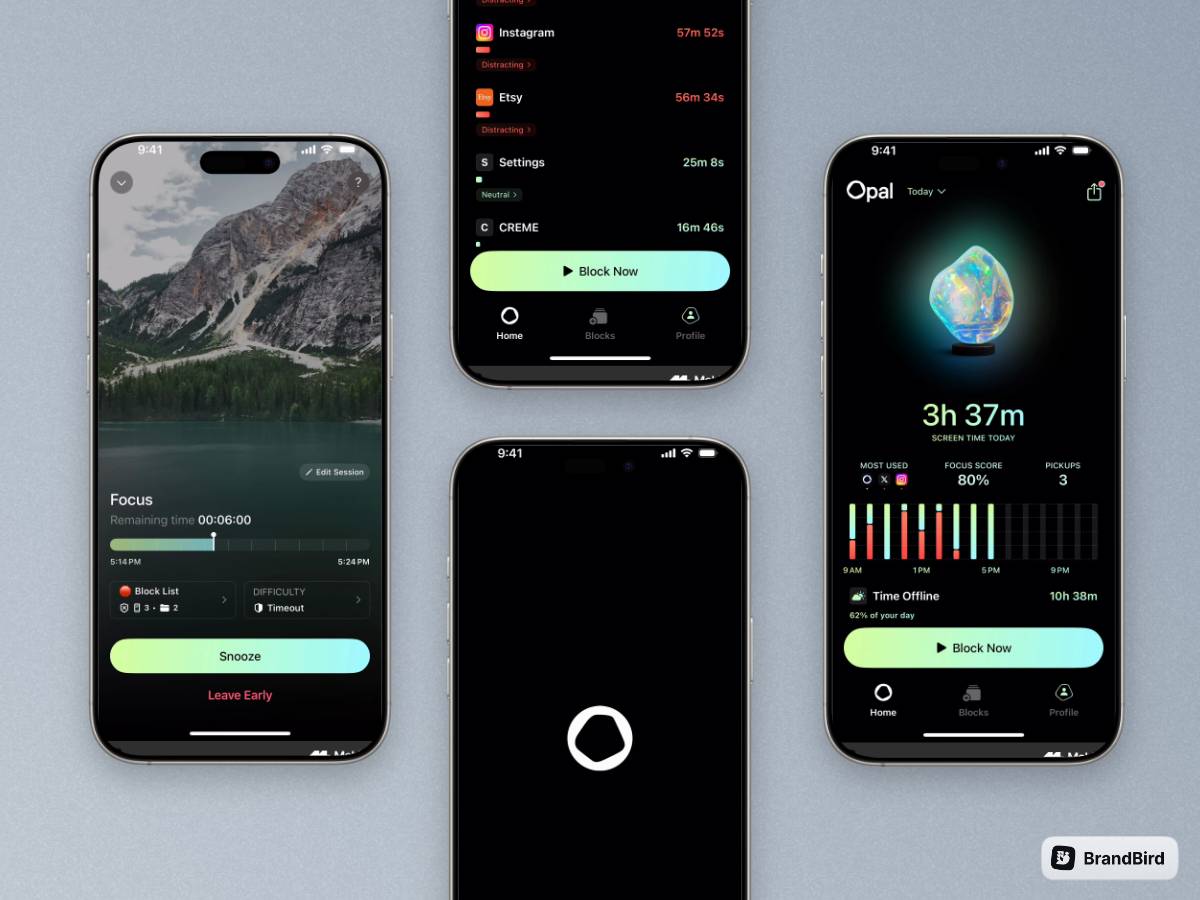
Turn your screenshots into beautiful posts

Ready-to-use templates

Frequently Asked Questions

What is a changelog and why do SaaS products need one?

A changelog is a record of all notable changes, updates, and bug fixes made to a product. SaaS companies use changelogs to keep users informed about new features, improvements, and fixes — which drives feature adoption, reduces support tickets, and builds trust.

How can BrandBird improve my changelog graphics?

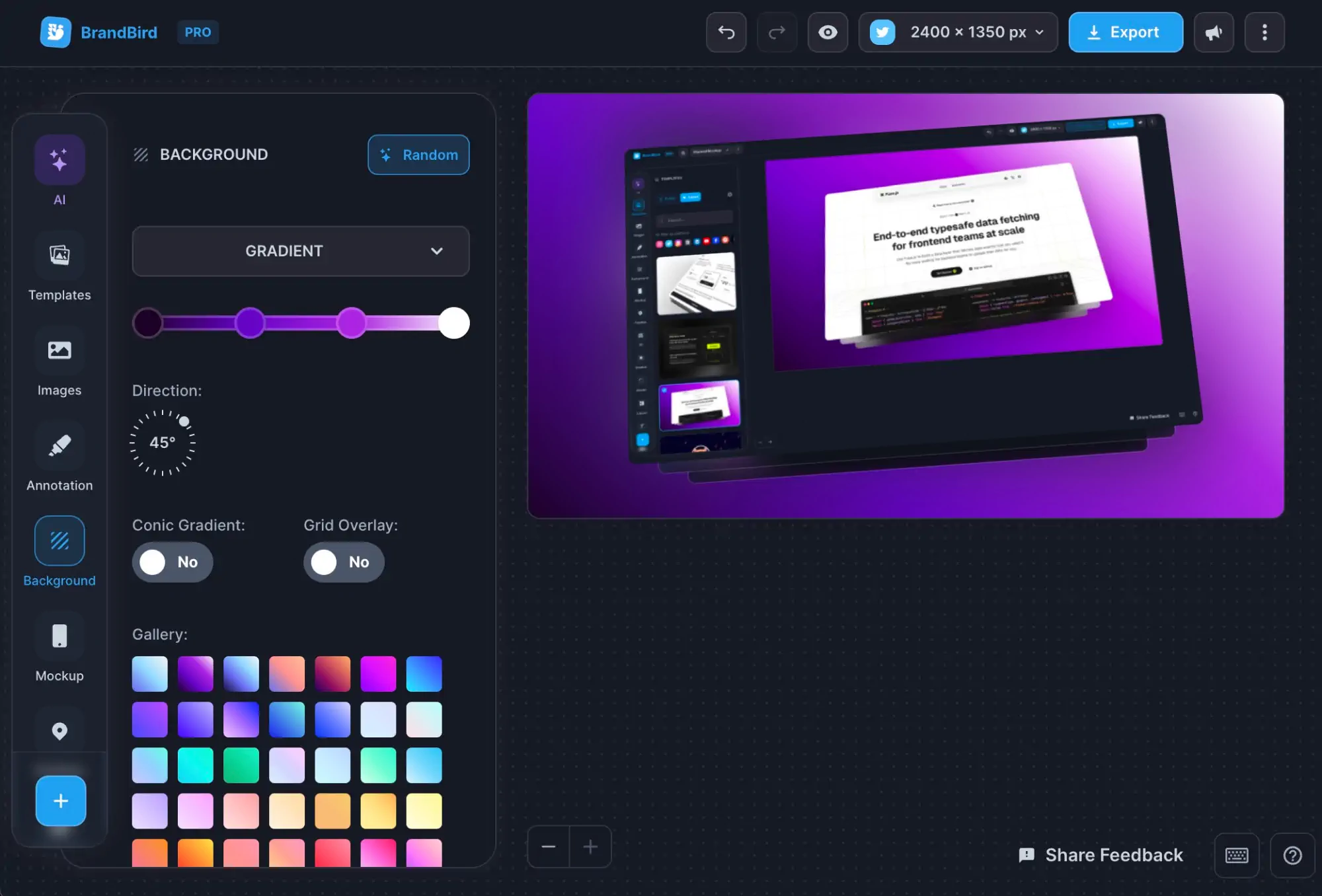
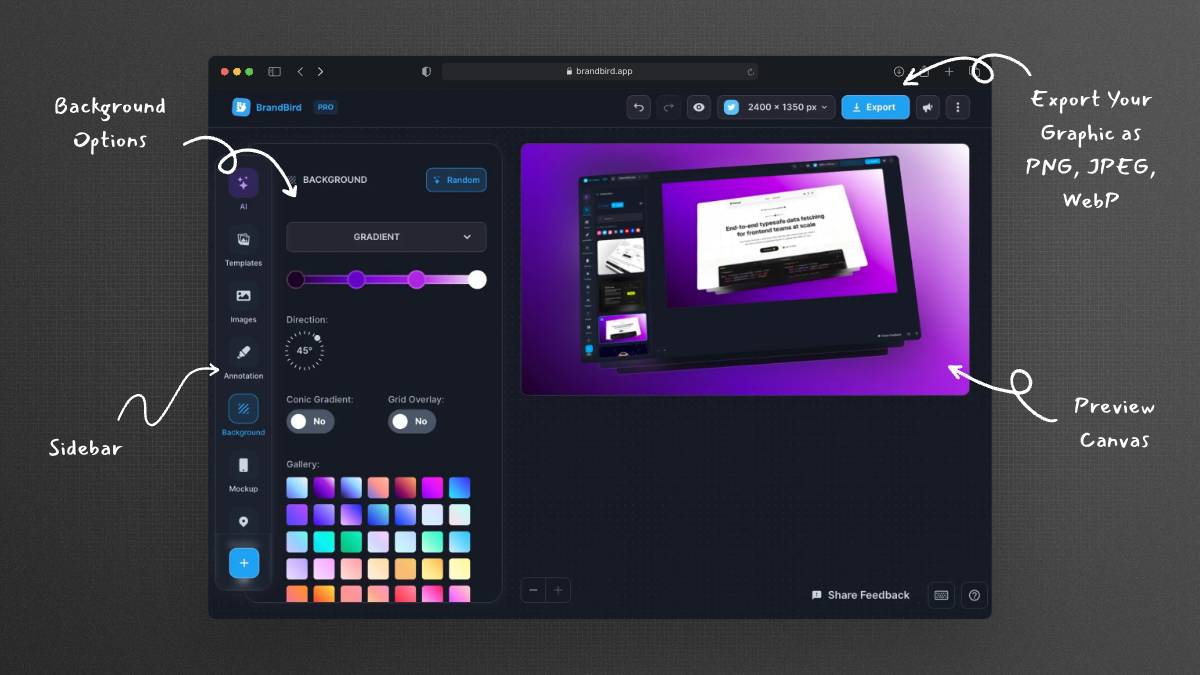
BrandBird lets you create polished, annotated screenshots that clearly highlight what's new in each release. Add arrows, callouts, zoom effects, and branded backgrounds to make your changelog entries visually engaging and easy to understand.

What types of graphics work best for changelog announcements?

The most effective changelog graphics include annotated screenshots showing the new feature, before-and-after comparisons, step-by-step visual guides, and hero images with the feature title overlaid on a product screenshot.

How do graphics boost changelog engagement and feature adoption?

Visual changelog entries get significantly more engagement than text-only updates. Graphics help users quickly understand what changed, encourage them to try new features, and make your product updates shareable on social media.

Can I use BrandBird to create changelog images for tools like Canny or LaunchNotes?

Yes. BrandBird exports in standard PNG, JPEG, and WebP formats that work with any changelog platform including Canny, LaunchNotes, Changelogfy, Headway, and custom-built solutions. Simply export and upload.

What is the best way to highlight new features in a screenshot?

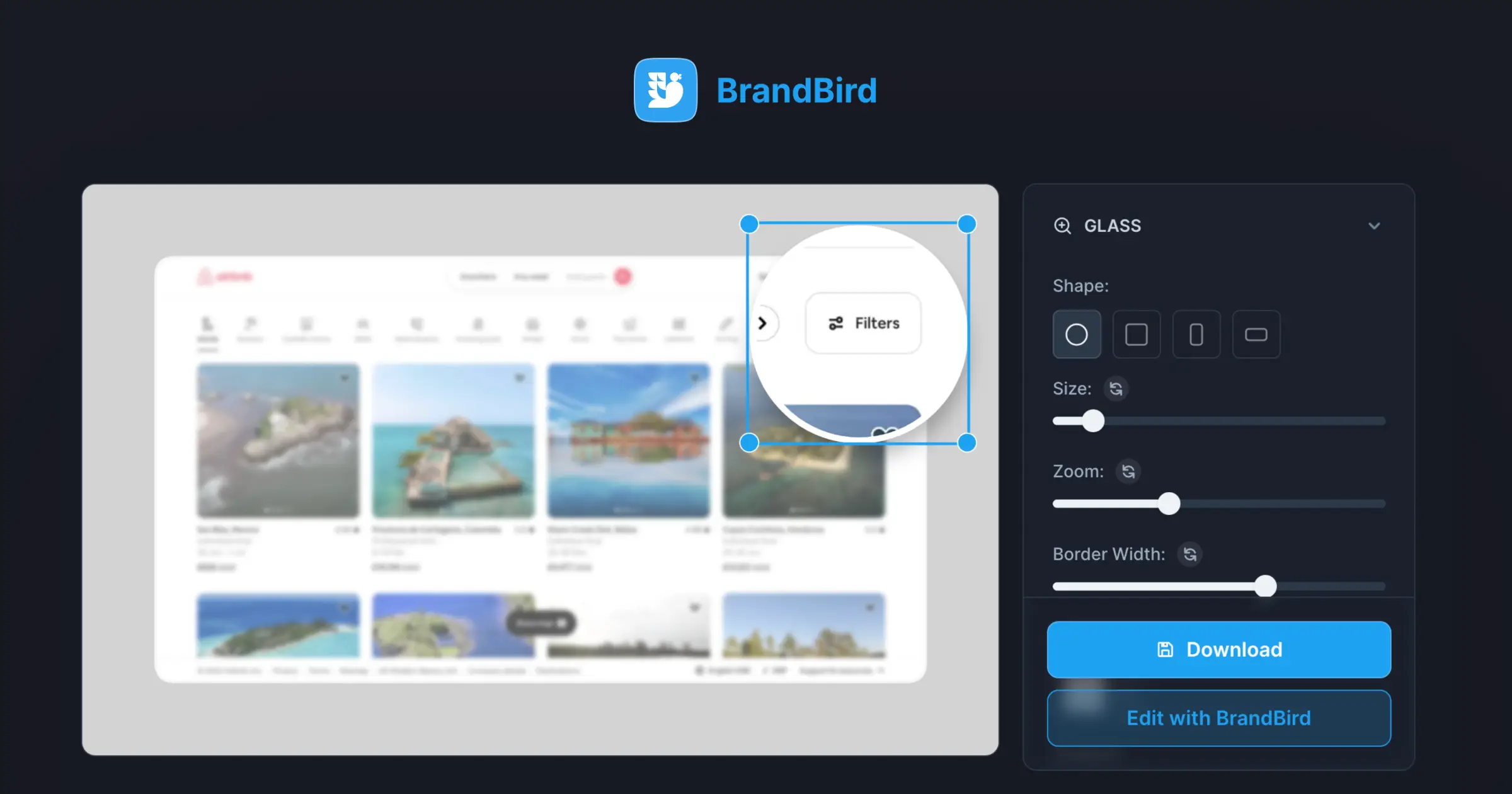
Use BrandBird's annotation tools to add magnifier effects, arrows, numbered callouts, and highlight overlays to draw attention to the new or updated area of your product UI. The Highlight Product Feature tool is specifically designed for this.

How often should I publish changelog updates with graphics?

Best practice is to publish visual changelog updates for every significant feature release or improvement — typically weekly or bi-weekly. Consistency in publishing builds user trust and keeps your audience engaged with your product development.

Can I share changelog graphics on social media?

Absolutely. BrandBird's social media size presets let you export changelog graphics optimized for Twitter, LinkedIn, and other platforms. Sharing product updates on social media increases visibility and drives traffic back to your product.

Better Screenshots Mockups
With a Simple Design Tool.

I don't know when it happened but Brandbird is now my all-in-one SaaS & social media design tool.

Wilson

Founder Senja.io