Email Marketing

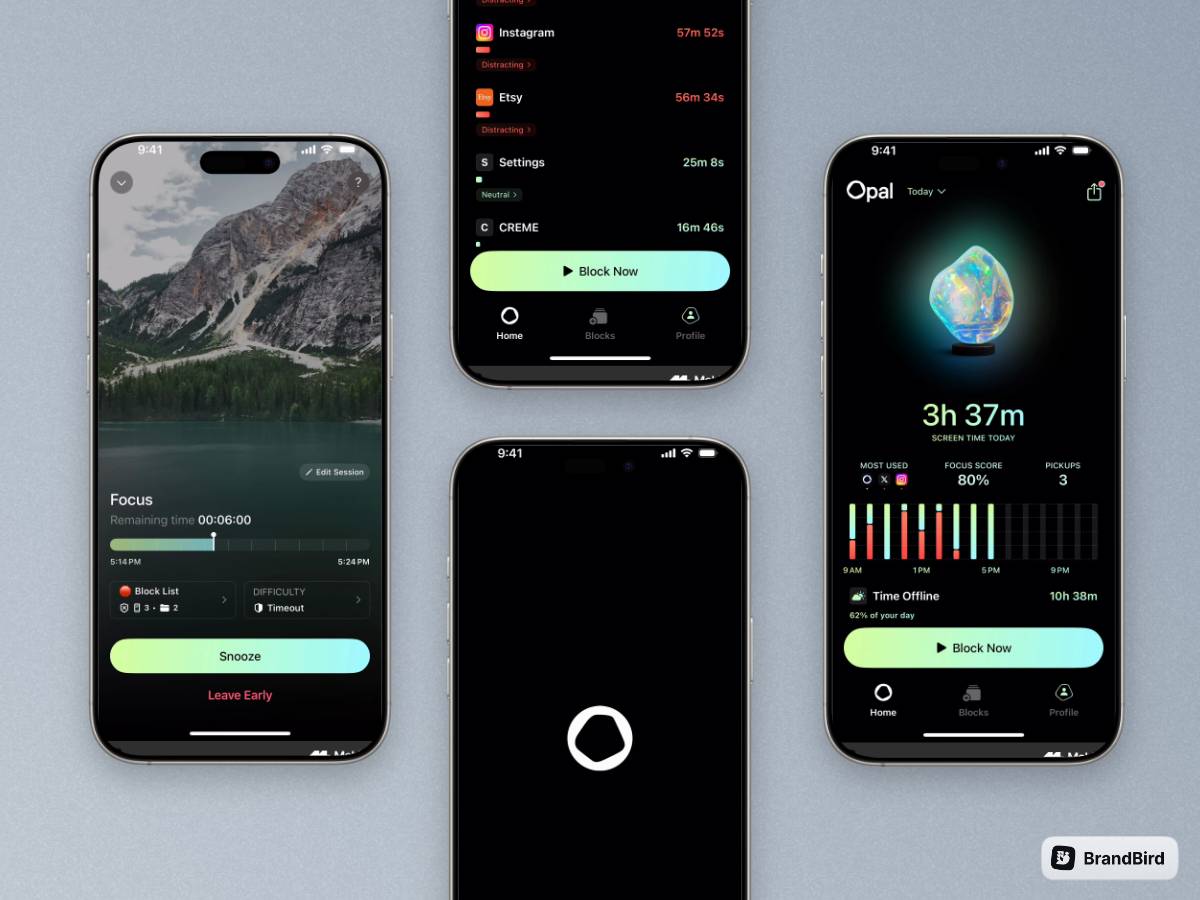
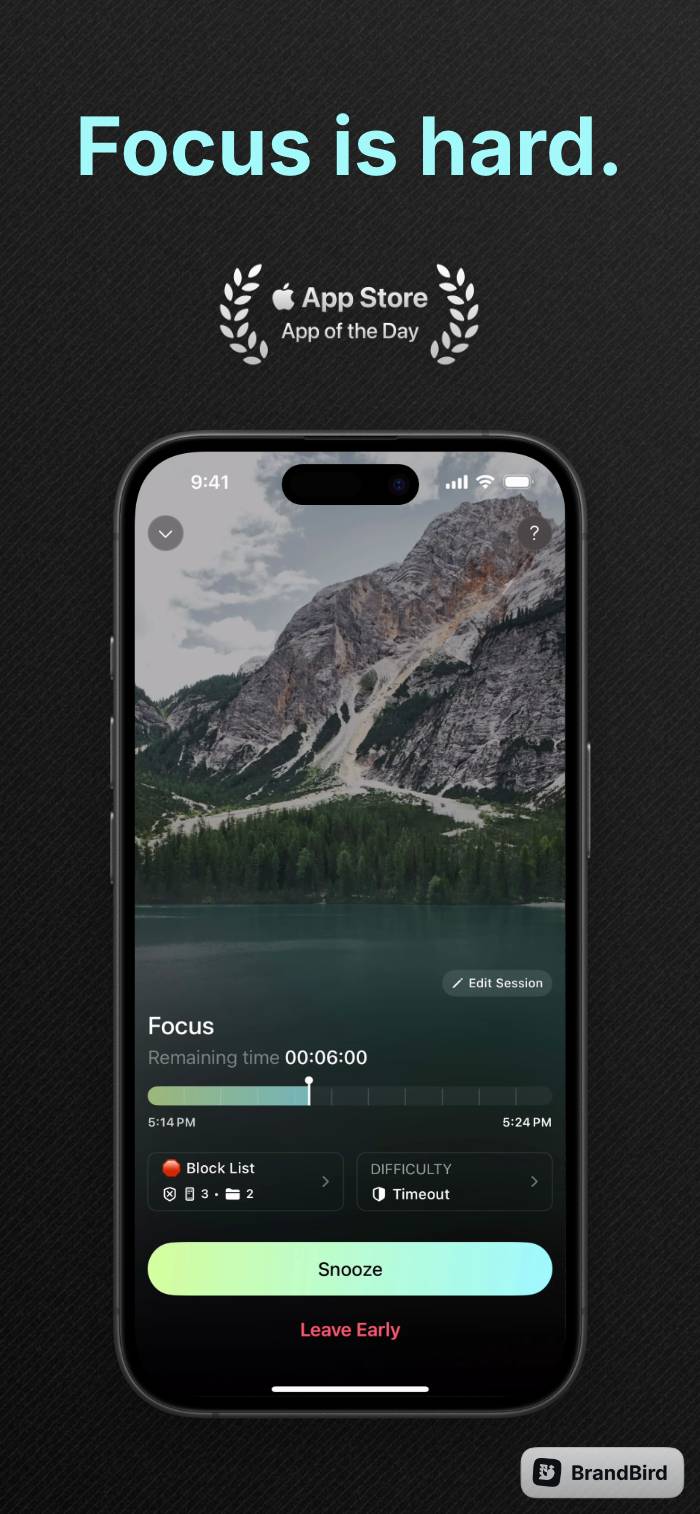
Create high-performing graphics for newsletters and product updates in a few minutes, literally.

Why marketeers love BrandBird

1

Send clear emails

Clarify complex information and ideas with beautiful graphics, and make it easy for the reader to understand and retain the email information.

Design your 1st image
2

Improve emails deliverability

Graphics reduce the amount of text in an email, which is crucial for improving email deliverability. Many email providers block or filter out emails with high amounts of text as spam.

Design your 1st image
3

Enhance your newsletter branding

Email marketing and newsletters with beautiful graphics are more appealing and professional to recipients. Senders also reinforce their brand identity.

Design your 1st image
4

Increase conversion rates & CTR

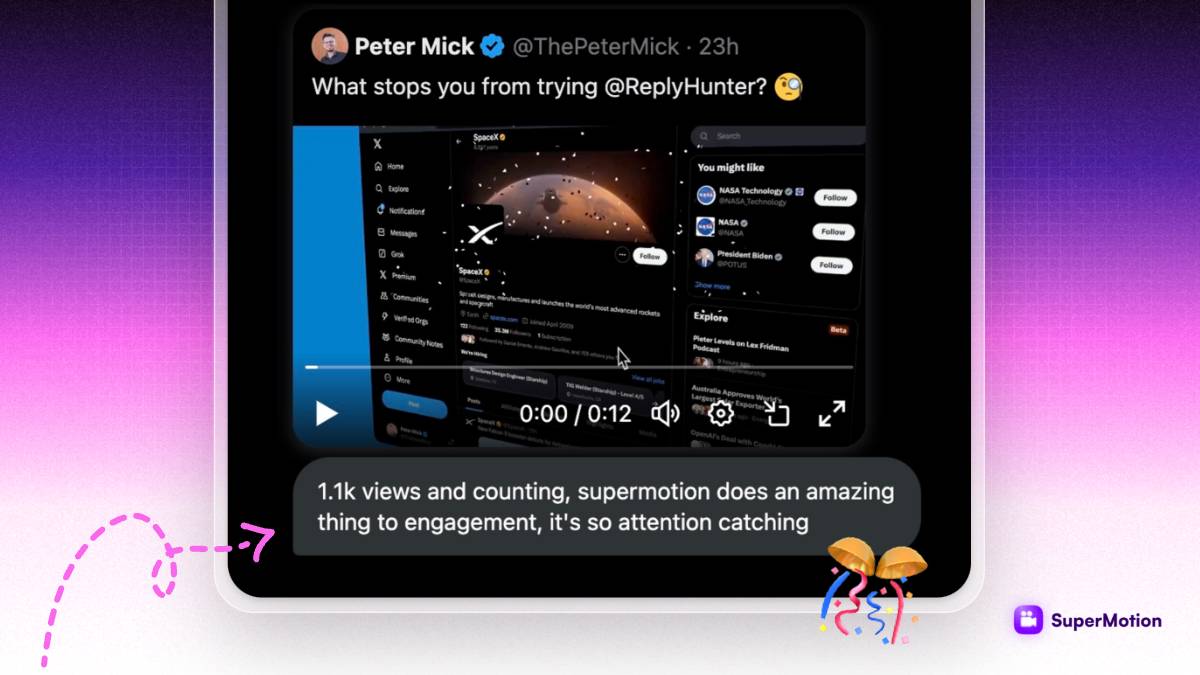
Readers engage in content more if graphics are used to break up text. Click-through rates and conversions increase as a result of increased engagement and interaction with the email or newsletter.
Design your 1st image

Turn your screenshots into beautiful posts

Ready-to-use templates

Frequently Asked Questions

How can BrandBird improve my email marketing graphics?

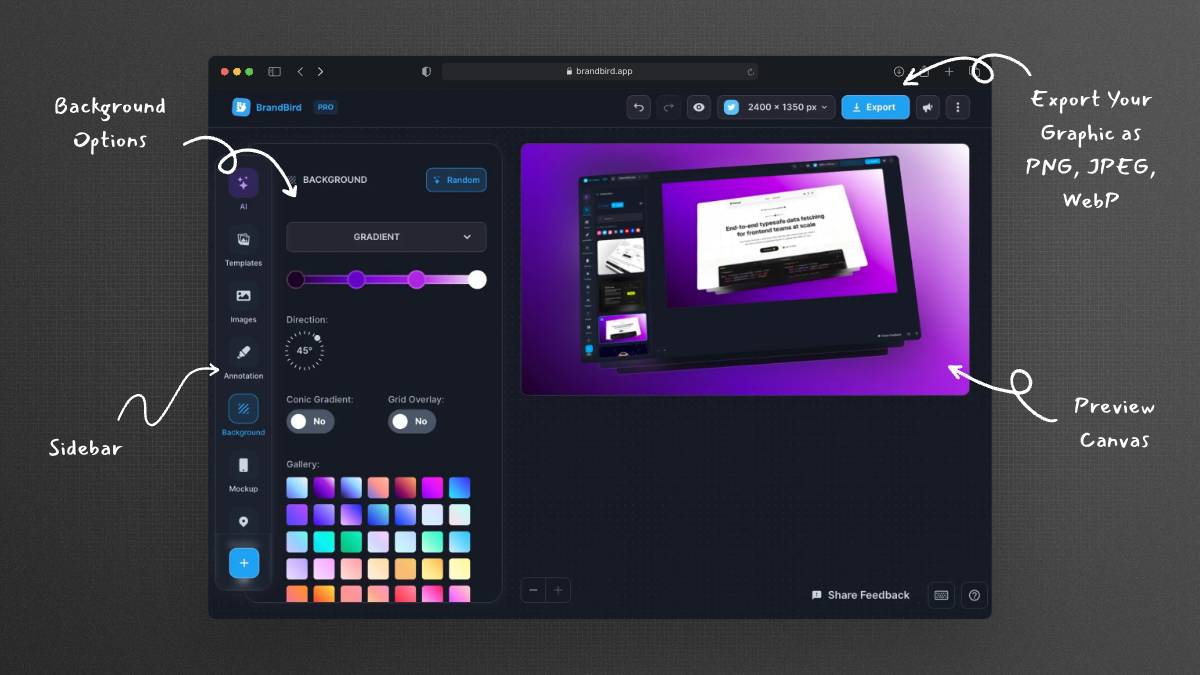
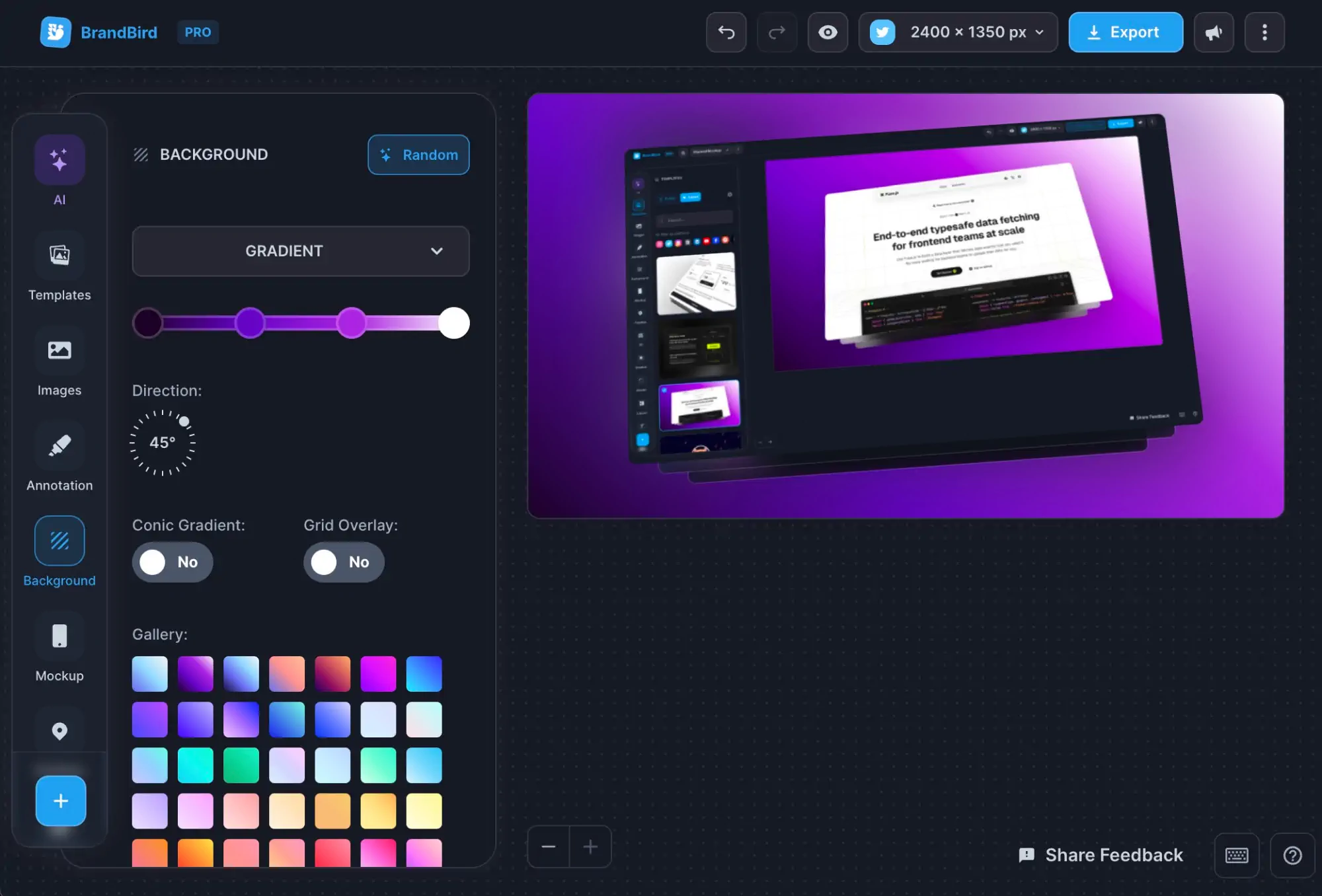
BrandBird lets you create eye-catching email graphics, feature announcement images, and product screenshots with beautiful backgrounds and annotations — all without needing a professional designer. Better visuals lead to higher open rates and click-through rates.

What are the best image sizes for email newsletters?

The recommended width for email images is 600–700 pixels to ensure compatibility across all email clients. BrandBird's custom export options let you specify exact dimensions so your graphics display perfectly in Gmail, Outlook, Apple Mail, and other clients.

How do graphics improve email deliverability?

Strategic use of graphics can reduce the amount of raw text in your emails, which helps avoid spam filters. Well-formatted emails with a balanced text-to-image ratio also look more professional and are more likely to be opened and read.

Can I create product update emails with BrandBird?

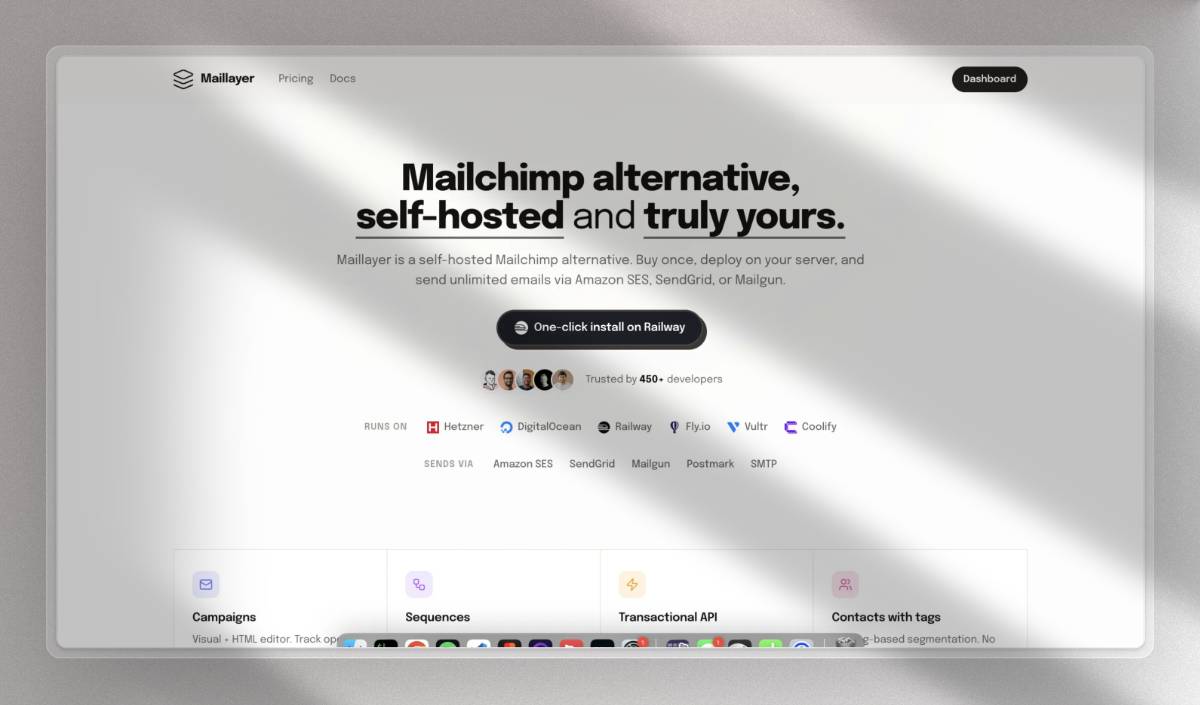
Yes. BrandBird is perfect for creating changelog and product update email graphics. Upload your product screenshot, add annotations to highlight new features, apply your brand colors, and export a polished image ready for your newsletter.

What types of email graphics can I create with BrandBird?

You can create newsletter header images, product feature showcases, before-and-after comparisons, step-by-step tutorial graphics, customer testimonial cards, promotional banners, and email signature graphics.

How do beautiful email graphics increase click-through rates?

Visually appealing graphics capture the reader's attention and guide them toward your call-to-action. Annotated screenshots showing exactly what users will find help reduce friction and increase the likelihood of clicks.

Can I maintain consistent branding across my email campaigns?

Absolutely. BrandBird's Brand Kit lets you save your colors, fonts, and logo so every email graphic matches your brand identity. This consistency builds recognition and trust with your subscribers over time.

Is BrandBird better than Canva for email marketing graphics?

BrandBird is specifically optimized for screenshot beautification and product imagery, making it faster and more intuitive for creating email graphics that showcase your product. Canva is a general-purpose design tool that requires more manual setup for similar results.

Better Screenshots Mockups
With a Simple Design Tool.

I don't know when it happened but Brandbird is now my all-in-one SaaS & social media design tool.

Wilson

Founder Senja.io