Blog Posts

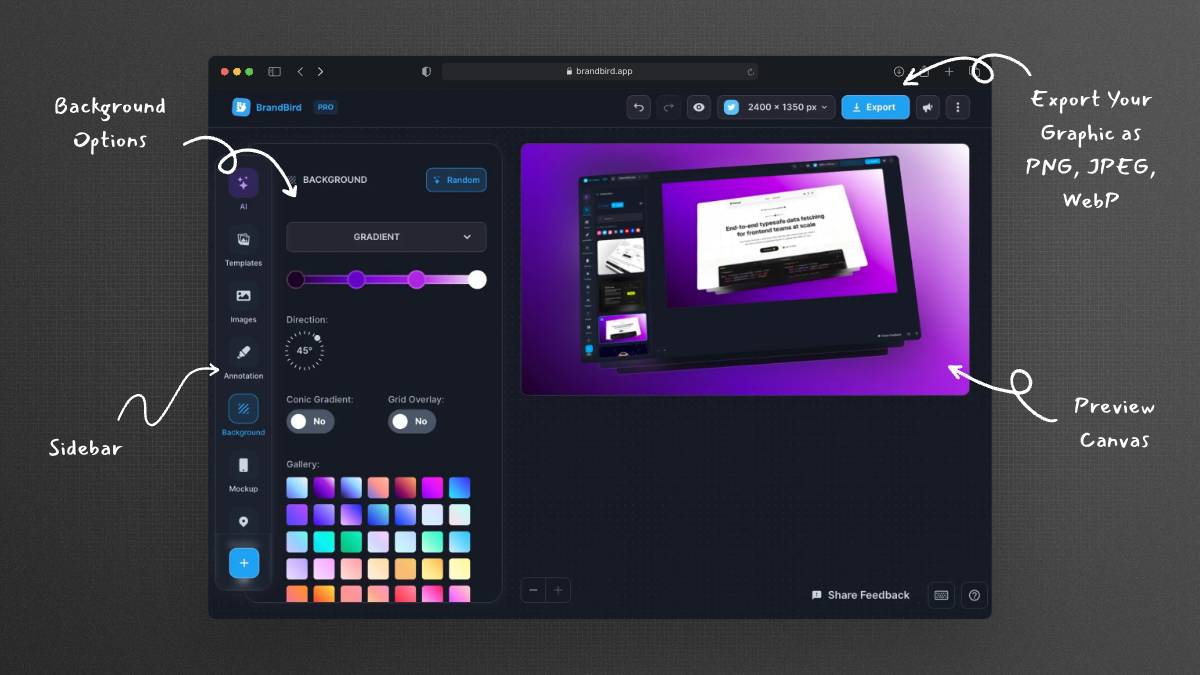
Create beautiful graphics for your blog posts, to highlight important points and make your content more engaging.

Why writers love BrandBird
1

Boost engagement

Beautiful graphics & cover images grab the attention of readers and encourage them to read the content of the blog post and icrease the time on site.

Design your 1st image
2

Improve shareability

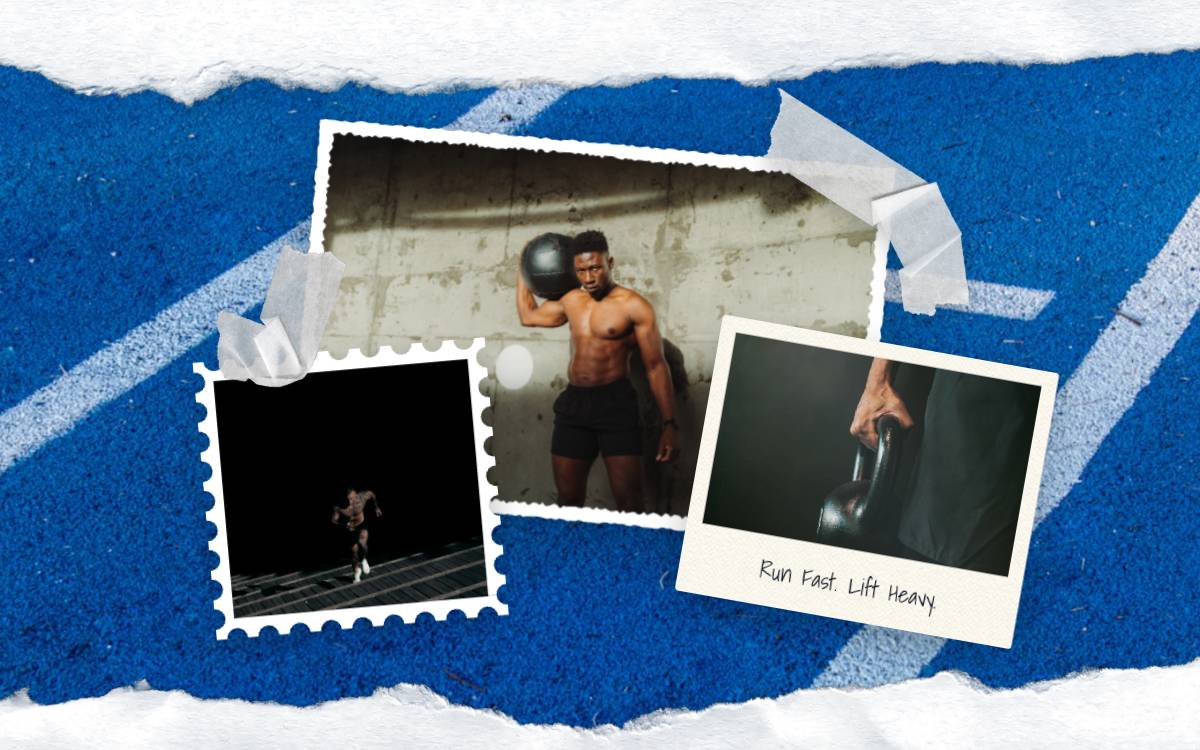
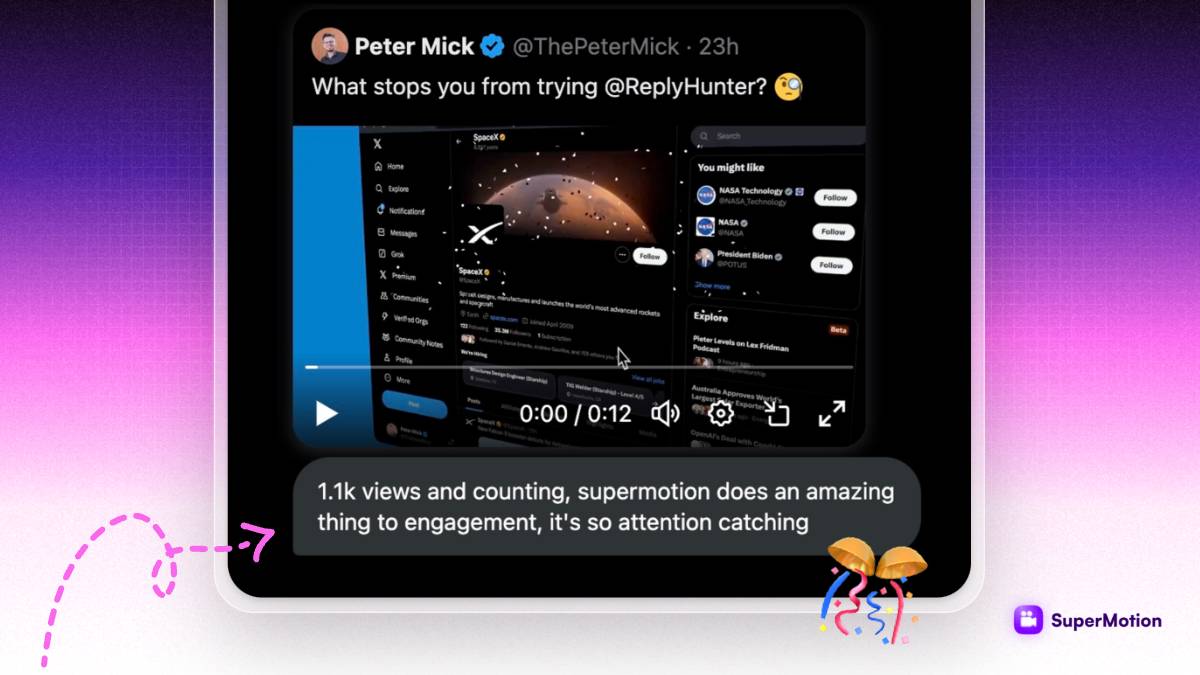
Eye-catching graphics are more likely to be shared on social media platforms, increasing the reach and visibility of the blog post.

Design your 1st image
3

Increase brand awareness

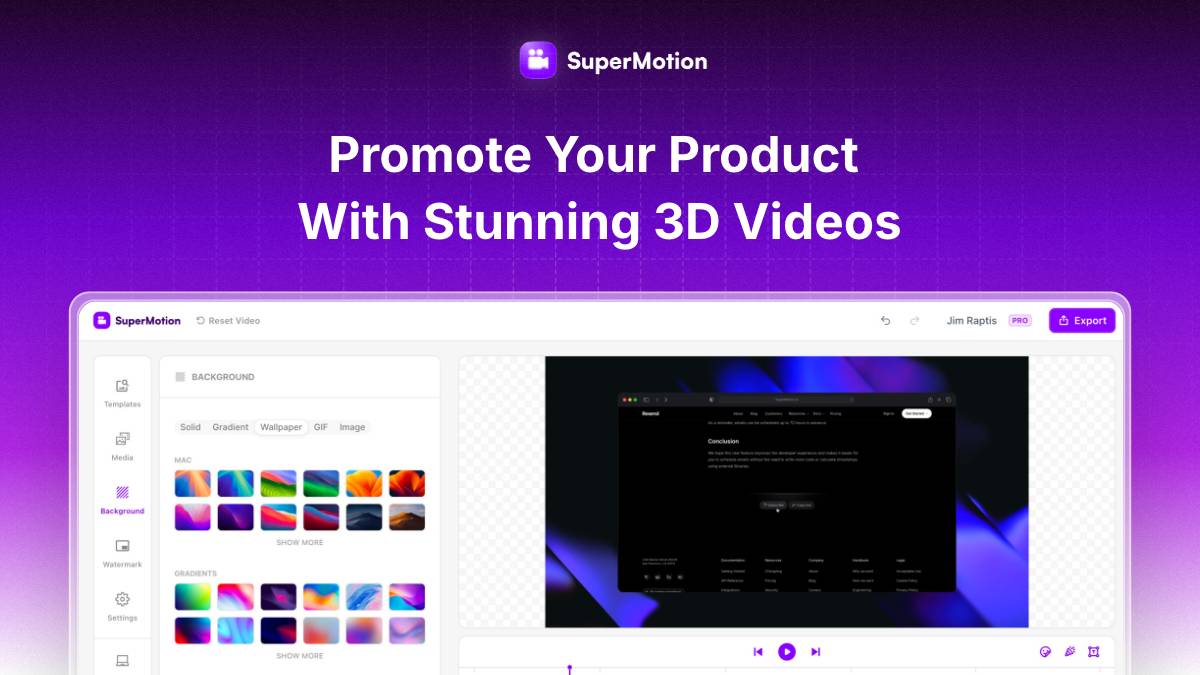
Using consistent, high-quality graphics help establish a strong visual identity for your brand as a writer and make it more recognizable to readers.

Design your 1st image
4

Be more credible

Well-designed graphics add a professional and polished look to your blog posts, increasing the perceived credibility of the content.

Design your 1st image

Turn your screenshots into beautiful posts

Ready-to-use templates

Frequently Asked Questions

How can BrandBird improve my blog post graphics?

BrandBird helps you create professional blog header images, annotated product screenshots, step-by-step tutorial graphics, and comparison visuals that make your blog posts more engaging, shareable, and visually appealing to readers.

What types of graphics should I include in my blog posts?

Include featured/header images, annotated screenshots to illustrate points, before-and-after comparisons, chart or data visualizations, step-by-step process graphics, pull quote cards, and social sharing images (OG images) for maximum impact.

What is the best image size for blog post featured images?

The most common blog featured image size is 1200×630 pixels (which also works as an Open Graph image). BrandBird's custom export lets you create graphics at any dimension, and social media presets handle OG image sizes automatically.

How do blog graphics improve SEO and search rankings?

Images with proper alt text improve page relevance, increase time on page (reducing bounce rate), and create opportunities for image search traffic. Engaging visuals also increase social shares, which can indirectly boost your domain authority.

Can I create Open Graph (OG) images for blog posts with BrandBird?

Yes. BrandBird makes it easy to create OG images that display when your post is shared on social media. Use the social media size presets to export at 1200×630 pixels — the standard OG image dimension — with your branded background and post title.

How do I create consistent visual branding across all my blog posts?

Use BrandBird's Brand Kit to save your colors, fonts, logo, and watermark. Apply them to every blog graphic to establish a recognizable visual identity that readers associate with your content and brand.

How many images should I use per blog post?

Research suggests one image every 300–500 words for optimal engagement. For a 1500-word blog post, aim for 3–5 graphics. Include at least a featured image and annotated screenshots or process diagrams to break up text and illustrate key points.

Is BrandBird better than stock photo sites for blog graphics?

BrandBird creates unique, branded graphics from your actual product screenshots — which are far more authentic and relevant than generic stock photos. Original visuals build credibility and help your blog stand out from competitors using the same stock images.

Better Screenshots Mockups
With a Simple Design Tool.

I don't know when it happened but Brandbird is now my all-in-one SaaS & social media design tool.

Wilson

Founder Senja.io