
iPhone 15 Mockup Generator
Create stunning iPhone 15, iPhone 15 Plus, iPhone 15 Pro, and iPhone 15 Pro Max mockups with this free online generator.
Create stunning iPhone 15, iPhone 15 Plus, iPhone 15 Pro, and iPhone 15 Pro Max mockups with this free online generator.
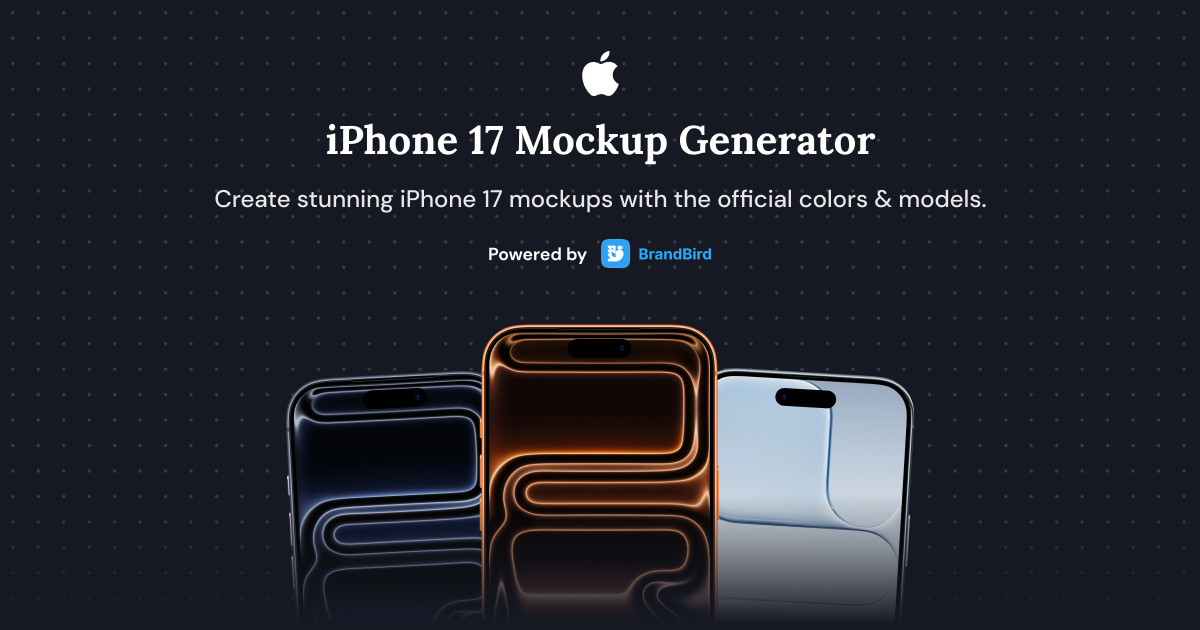
Create stunning iPhone 17, iPhone 17 Air, iPhone 17 Pro, and iPhone 17 Pro Max mockups with this free online generator.
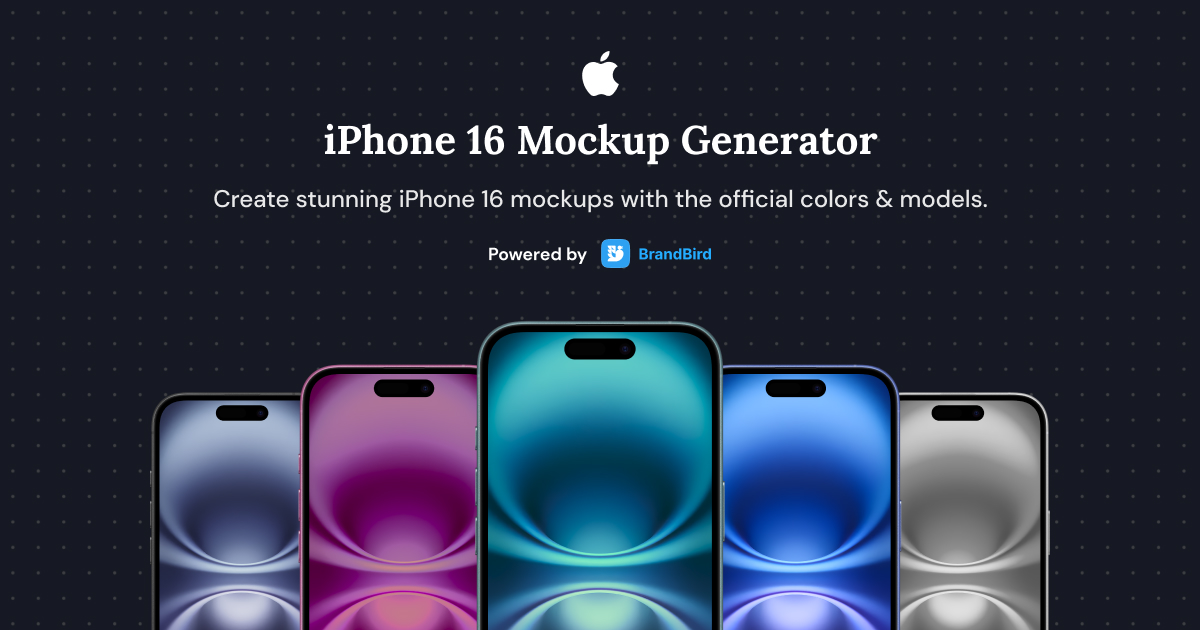
Create stunning iPhone 16, iPhone 16 Plus, iPhone 16 Pro, and iPhone 16 Pro Max mockups with this free online generator.
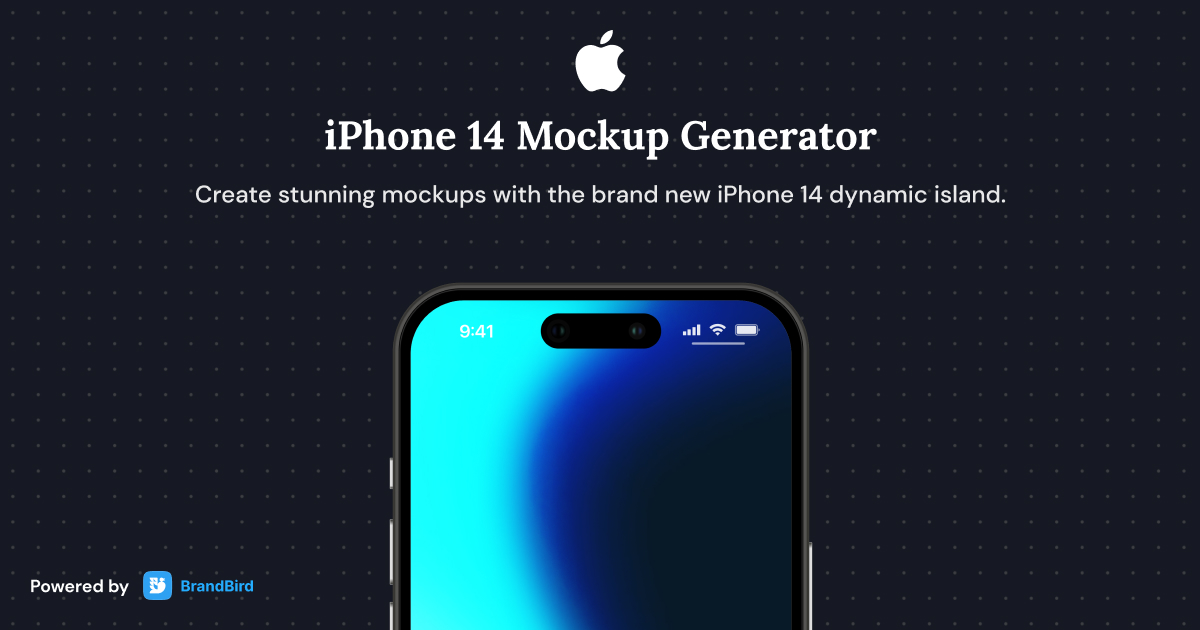
Create stunning iPhone 14, iPhone 14 Plus, iPhone 14 Pro, and iPhone 14 Pro Max mockups with this free online generator.
Create beautiful iPad mockups for app screenshots, presentations, and marketing materials with this free online tablet mockup generator.
Create stunning MacBook mockups for app screenshots, landing pages, and presentations with this free online laptop mockup generator.
The iPhone 15 mockup generator is a free online tool to create realistic device mockups for iPhone 15, iPhone 15 Plus, iPhone 15 Pro, and iPhone 15 Pro Max models.
1. Upload your app screenshot or UI design. 2. Pick the iPhone 15 model you want. 3. Customize the background, shadows, and position, then export your high-resolution mockup.
Yes. The tool is completely free with no watermarks, no sign-up, and unlimited exports.
Use iPhone mockups for App Store screenshots, pitch decks, product marketing pages, social media visuals, Dribbble/Behance portfolios, and client presentations.
The iPhone 15 Pro has a 6.1-inch display at 2556 x 1179 pixels, and the iPhone 15 Pro Max has a 6.7-inch display at 2796 x 1290 pixels.
Absolutely. Generate mockups that match Apple's App Store screenshot requirements. Use multiple frames to showcase different screens of your app in a professional presentation.
BrandBird's iPhone mockup generator lets you create polished app screenshots entirely in your browser. Upload your screen, pick a device frame and background, and export — no Photoshop or design skills needed.
You can export your iPhone 15 mockups in PNG, JPEG, and WebP formats. PNG is recommended for app store submissions and marketing materials that require transparency support.
I don't know when it happened but Brandbird is now my all-in-one SaaS & social media design tool.
Founder Senja.io
