Secure Your Data

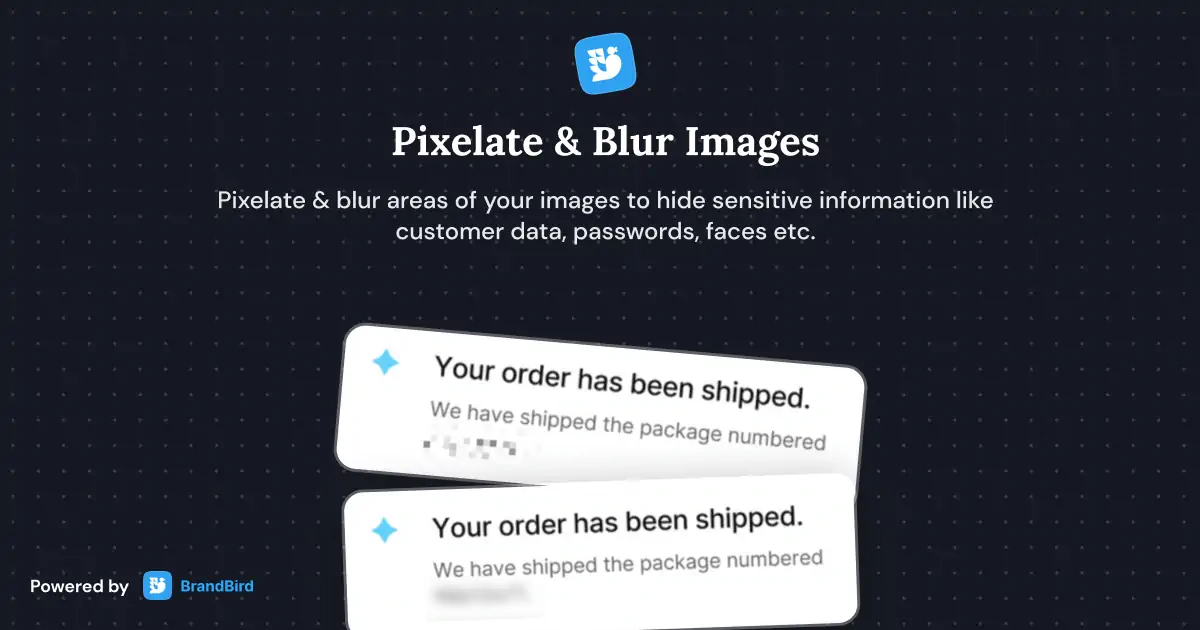
Blur or pixelate sensitive information — redact customer data, revenue numbers, passwords, and personal details before sharing.
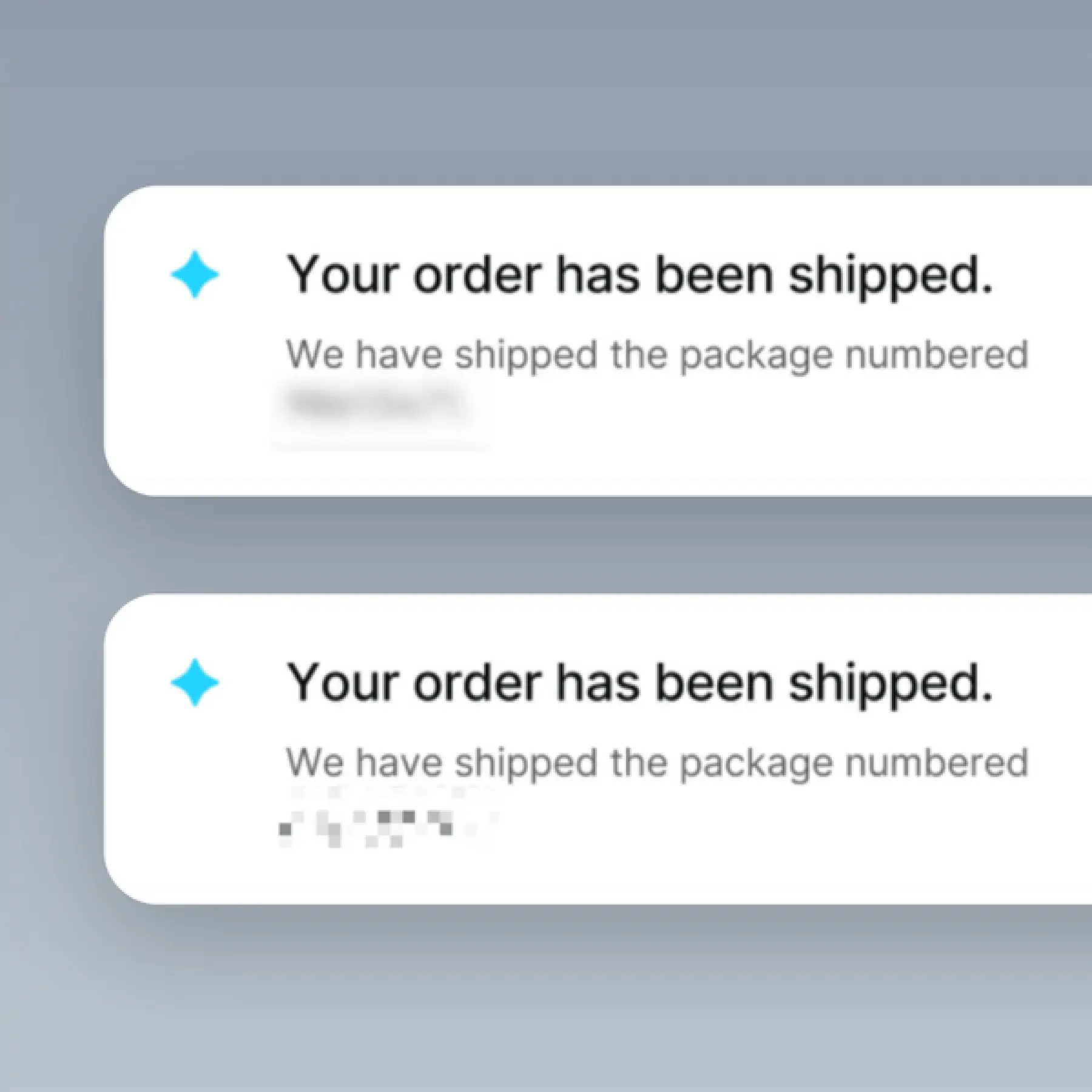
Secure Your Data in BrandBird – Blur or pixelate sensitive information — redact customer data, revenue numbers, passwords, and personal details before sharing.

How It Works

Learn how to create beautiful screenshots with BrandBird.

01

Upload any kind of image, even a boring screenshot.

02

Customize your graphics with easy-to-use presets.

03

Export & Share your beautiful screenshots.

Customize In 2 Clicks!

Apply backgrounds, 3D effect, mockups, and many more, with a single click.

GIVE IT A TRY...
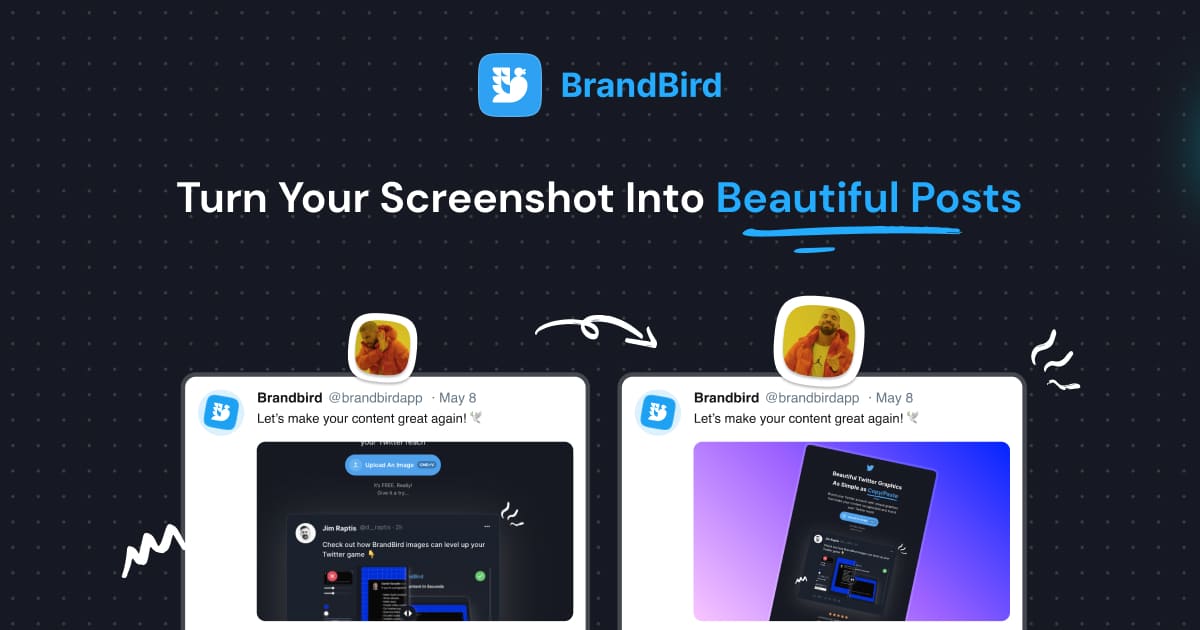
Upgrade your Twitter branding!

Instantly brand your screenshots to make your content recognizable & increase your engagement.

Custom Background

Use solid color, gradients, patterns, or images.

Tilt Your Image

Wow your audience with 3D effects.

BrandBird

@brandbirdapp · 2h

Brandbird.app will become your favorite design tool for Twitter graphics!
500

1k

4k

Frequently Asked Questions

How do I blur sensitive information in BrandBird?

Select the Blur tool in the BrandBird editor, then draw a rectangle over the area you want to redact. Adjust the blur intensity to completely hide or partially obscure sensitive text, numbers, or images.

What types of data should I redact before sharing screenshots?

Always redact customer names, email addresses, phone numbers, API keys, passwords, financial details, and any personally identifiable information (PII) before sharing screenshots publicly or on social media.

Can I pixelate instead of blur?

Yes. BrandBird offers both blur and pixelate effects. Pixelation creates a mosaic effect that completely obscures the underlying content, while blur provides a softer, out-of-focus look. Both effectively protect sensitive data.

Is it safe to share blurred screenshots publicly?

Yes, as long as you export a flattened image (PNG, JPEG, or WebP). The blur and pixelate effects are baked into the exported file, making it impossible to recover the original content from the output image.

Can I blur multiple areas in one screenshot?

Absolutely. Add as many blur or pixelate regions as needed. Each region can have independent settings, so you can redact multiple pieces of sensitive data in a single screenshot before sharing.

Better Screenshots Mockups
With a Simple Design Tool.

I don't know when it happened but Brandbird is now my all-in-one SaaS & social media design tool.

Wilson

Founder Senja.io