Custom Watermarks
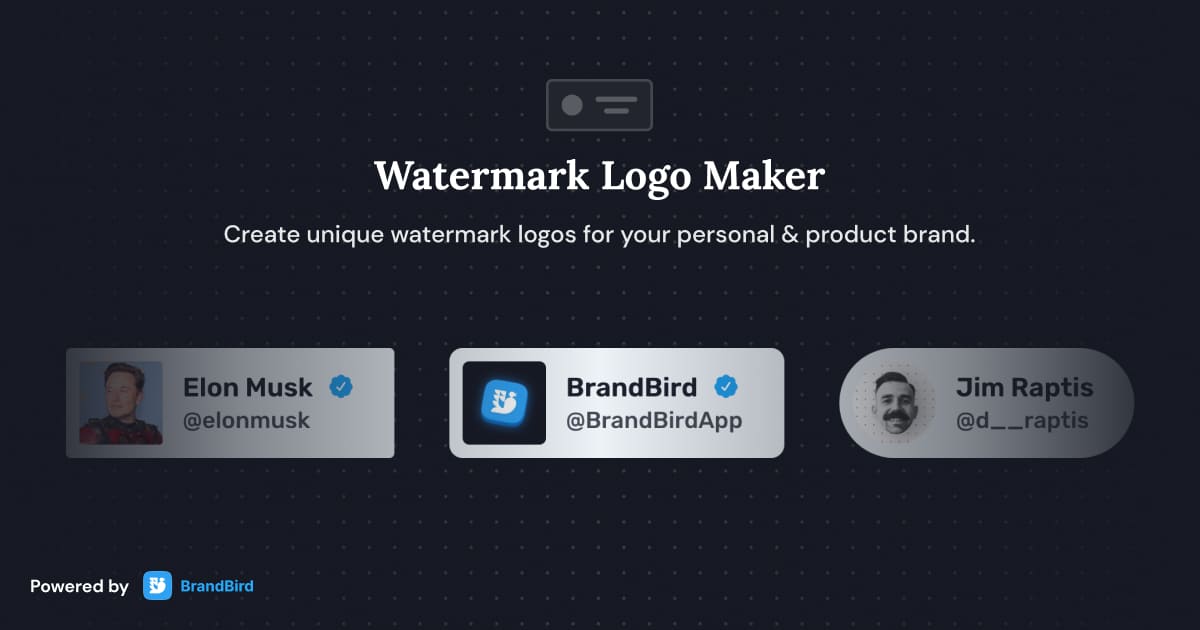
Protect and brand your graphics with custom logo watermarks. Upload your own or create one inside BrandBird.

How It Works
Learn how to create beautiful screenshots with BrandBird.

01
Upload any kind of image, even a boring screenshot.

02
Customize your graphics with easy-to-use presets.

03
Export & Share your beautiful screenshots.

Customize In 2 Clicks!
Apply backgrounds, 3D effect, mockups, and many more, with a single click.
GIVE IT A TRY...
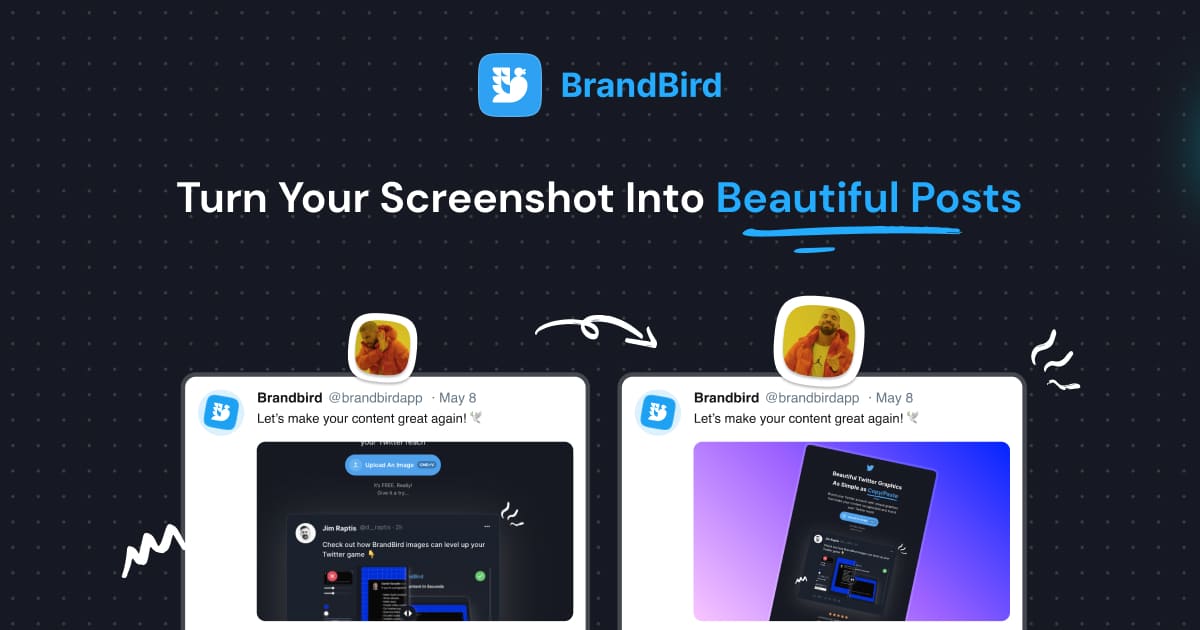
Upgrade your Twitter branding!
Instantly brand your screenshots to make your content recognizable & increase your engagement.
Custom Background
Use solid color, gradients, patterns, or images.
Tilt Your Image
Wow your audience with 3D effects.
BrandBird
@brandbirdapp · 2h
Brandbird.app will become your favorite design tool for Twitter graphics!
500
1k
4k
Frequently Asked Questions
How do I add a watermark in BrandBird?
Open the Watermark panel in BrandBird Studio, upload your logo or create a text watermark, and position it anywhere on the canvas. Save it to your Brand Kit for one-click reuse on future graphics.
Can I customize the watermark position and opacity?
Yes. Drag the watermark to any position, adjust its size, set opacity for subtle branding, and choose whether it appears above or below other layers. Full control over placement and visibility.
What types of watermarks does BrandBird support?
BrandBird supports image-based watermarks (logos, icons, badges) and text watermarks. Upload PNG files with transparency for the cleanest results, or create text watermarks with custom fonts and colors.
Can I save watermarks for reuse?
Absolutely. Save your watermark in your Brand Kit so it's automatically available in every new project. This ensures consistent branding across all your exported graphics.
Should I watermark my social media graphics?
Watermarks protect your original content from unauthorized use and reinforce brand visibility when graphics are shared or reposted. A subtle logo watermark in the corner is standard practice for professional creators.