Keyboard Shortcuts

Speed up your workflow with keyboard shortcuts for undo, export, zoom, layer management, and all common editor actions.
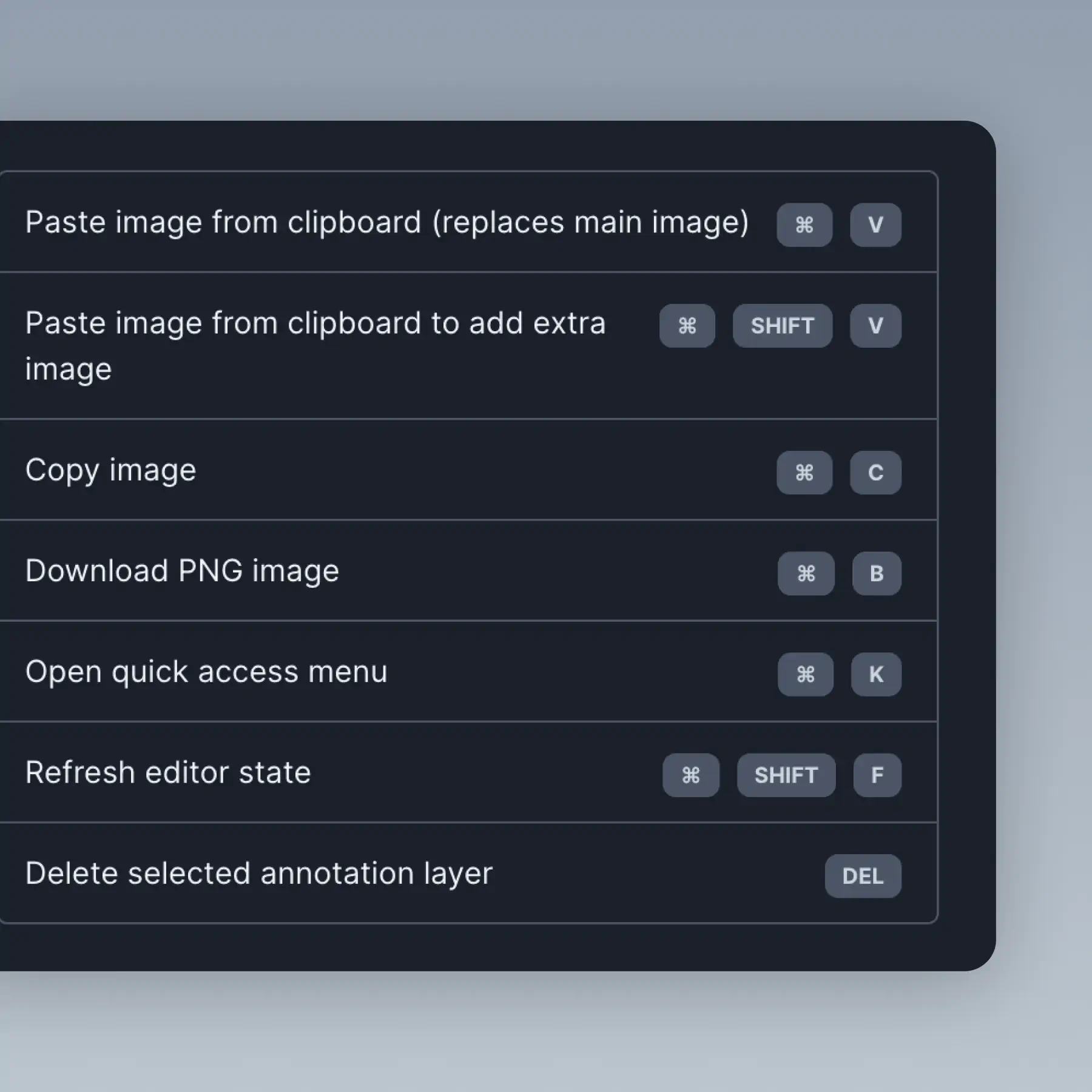
Keyboard Shortcuts in BrandBird – Speed up your workflow with keyboard shortcuts for undo, export, zoom, layer management, and all common editor actions.

How It Works

Learn how to create beautiful screenshots with BrandBird.

01

Upload any kind of image, even a boring screenshot.

02

Customize your graphics with easy-to-use presets.

03

Export & Share your beautiful screenshots.

Customize In 2 Clicks!

Apply backgrounds, 3D effect, mockups, and many more, with a single click.

GIVE IT A TRY...
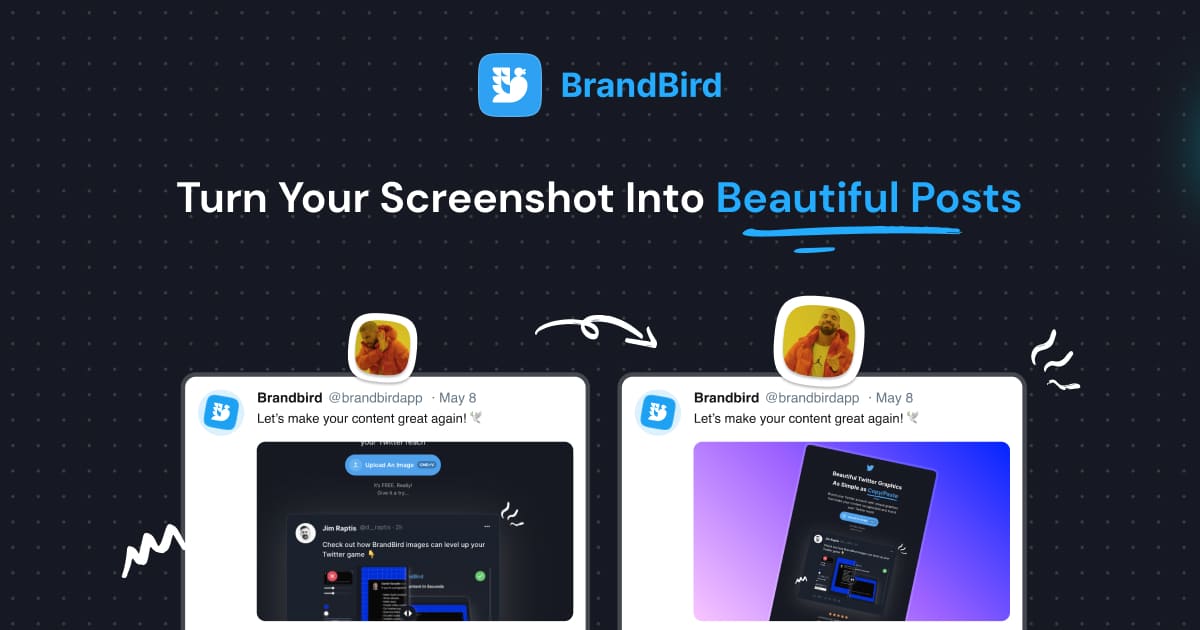
Upgrade your Twitter branding!

Instantly brand your screenshots to make your content recognizable & increase your engagement.

Custom Background

Use solid color, gradients, patterns, or images.

Tilt Your Image

Wow your audience with 3D effects.

BrandBird

@brandbirdapp · 2h

Brandbird.app will become your favorite design tool for Twitter graphics!
500

1k

4k

Frequently Asked Questions

What keyboard shortcuts does BrandBird support?

BrandBird supports shortcuts for undo/redo (⌘+Z/⌘+Shift+Z), copy/paste (⌘+C/⌘+V), export (⌘+E), zoom (⌘+/⌘-), layer management, and the Quick Access Menu (⌘+K). Full list is available in the editor.

How do I view all available keyboard shortcuts?

Open the Quick Access Menu with ⌘+K and type 'shortcuts' to see the full list. Shortcuts follow familiar conventions from popular design tools, so most are intuitive from day one.

Can I use keyboard shortcuts to import and export?

Yes. Press ⌘+V to paste an image from your clipboard, and ⌘+E to export your finished graphic. These two shortcuts alone eliminate the most common click-heavy workflow steps.

Do shortcuts work on Windows and Mac?

Yes. All shortcuts work on both platforms. On Mac, use ⌘ (Command) as the modifier key. On Windows, use Ctrl. The shortcuts are otherwise identical across operating systems.

How do keyboard shortcuts improve my design workflow?

Keyboard shortcuts eliminate mouse movements between panels and menus. Combined with the Quick Access Menu (⌘+K), you can create, customize, and export a graphic without ever leaving the keyboard — dramatically speeding up repetitive tasks.

Better Screenshots Mockups
With a Simple Design Tool.

I don't know when it happened but Brandbird is now my all-in-one SaaS & social media design tool.

Wilson

Founder Senja.io