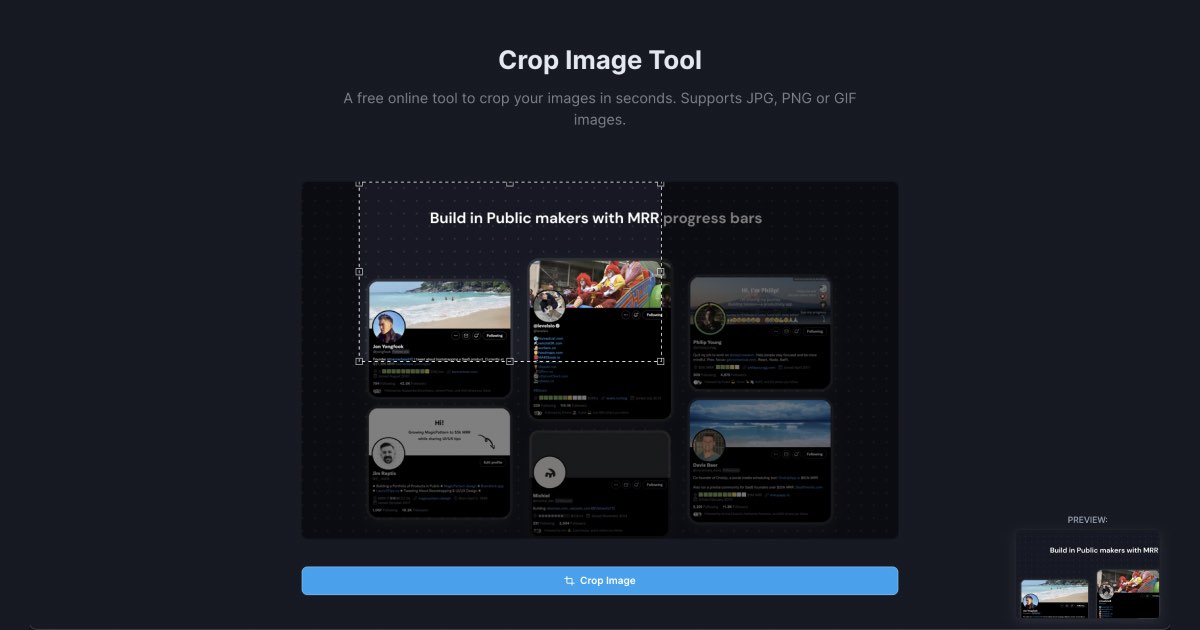
Smart Positioning

Pixel-perfect image alignment with the drag-and-drop position picker. Crop and reposition screenshots effortlessly.
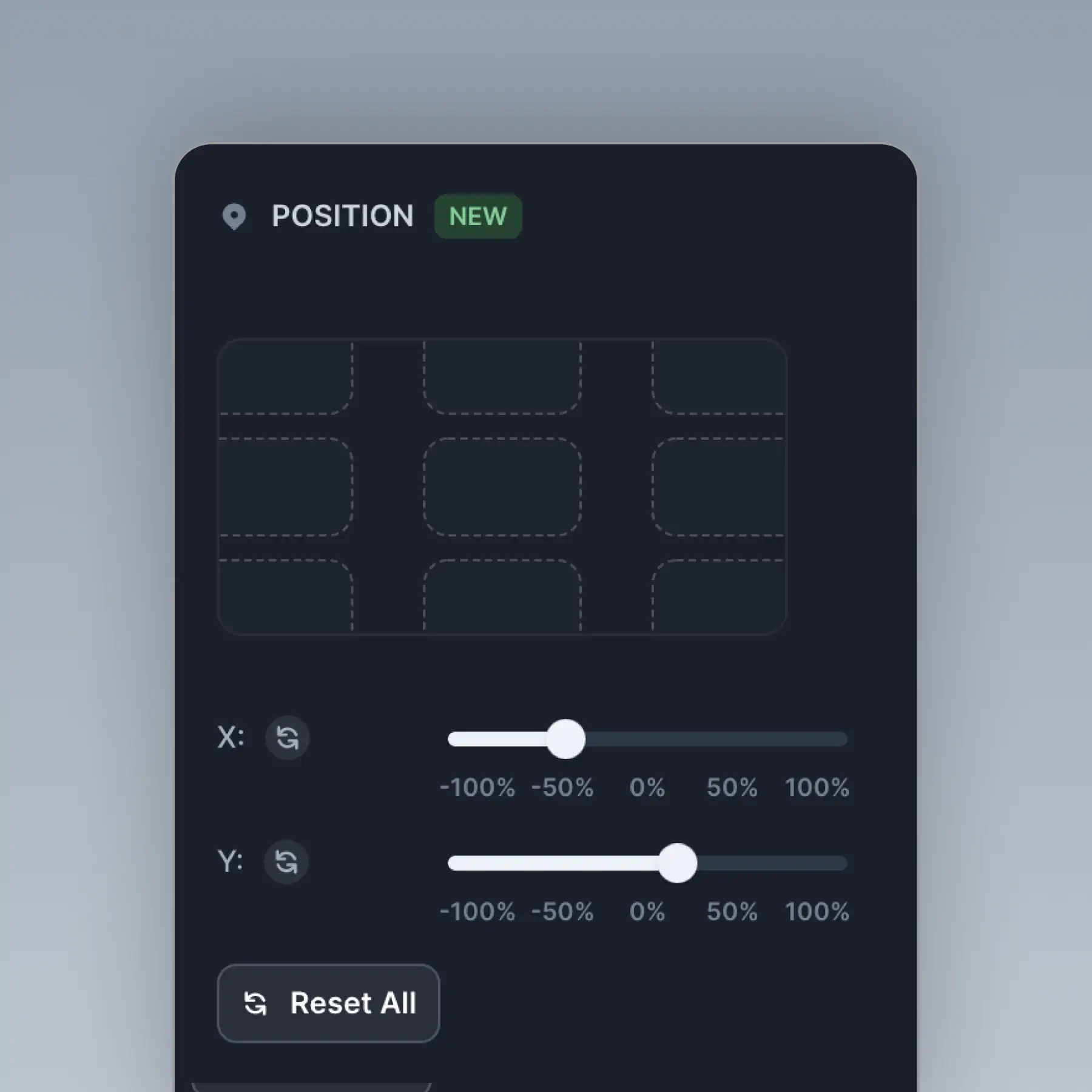
Smart Positioning in BrandBird – Pixel-perfect image alignment with the drag-and-drop position picker. Crop and reposition screenshots effortlessly.

How It Works

Learn how to create beautiful screenshots with BrandBird.

01

Upload any kind of image, even a boring screenshot.

02

Customize your graphics with easy-to-use presets.

03

Export & Share your beautiful screenshots.

Customize In 2 Clicks!

Apply backgrounds, 3D effect, mockups, and many more, with a single click.

GIVE IT A TRY...
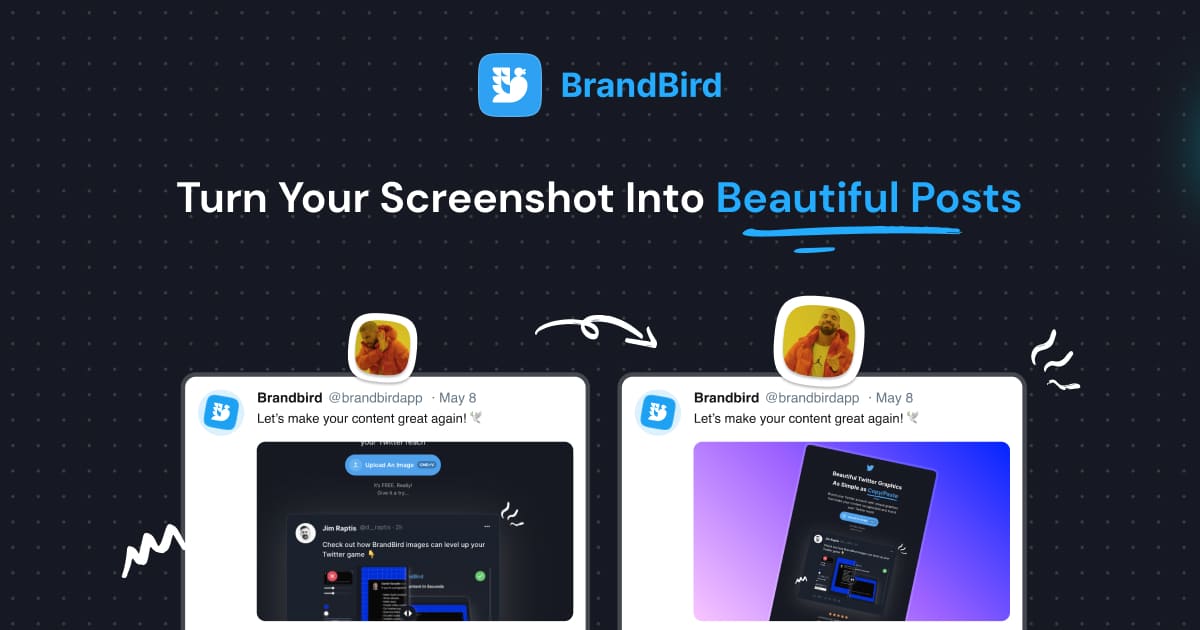
Upgrade your Twitter branding!

Instantly brand your screenshots to make your content recognizable & increase your engagement.

Custom Background

Use solid color, gradients, patterns, or images.

Tilt Your Image

Wow your audience with 3D effects.

BrandBird

@brandbirdapp · 2h

Brandbird.app will become your favorite design tool for Twitter graphics!
500

1k

4k

Frequently Asked Questions

What is Smart Positioning in BrandBird?

Smart Positioning is BrandBird's drag-and-drop tool for pixel-perfect image alignment. It lets you crop, reposition, and align your screenshot within the canvas with precision — no manual math needed.

How do I reposition my image inside the BrandBird canvas?

Click on your image in the editor, then use the position picker or drag it directly to the desired location. BrandBird provides alignment guides and snap points for pixel-perfect placement.

Can I crop my screenshot while repositioning?

Yes. The position picker lets you simultaneously crop and reposition your image. Focus on the most important part of your screenshot by adjusting the visible area and its placement on the canvas.

Does Smart Positioning work with all canvas sizes?

Absolutely. Whether you're creating a Twitter post, Instagram story, or custom-sized graphic, Smart Positioning adapts to any canvas dimension and helps you center or align your content perfectly.

Can I align multiple layers with Smart Positioning?

Yes. When you have multiple layers (images, text, annotations), the positioning tool helps you align each one independently so every element sits exactly where you want it.

Better Screenshots Mockups
With a Simple Design Tool.

I don't know when it happened but Brandbird is now my all-in-one SaaS & social media design tool.

Wilson

Founder Senja.io