Layouts
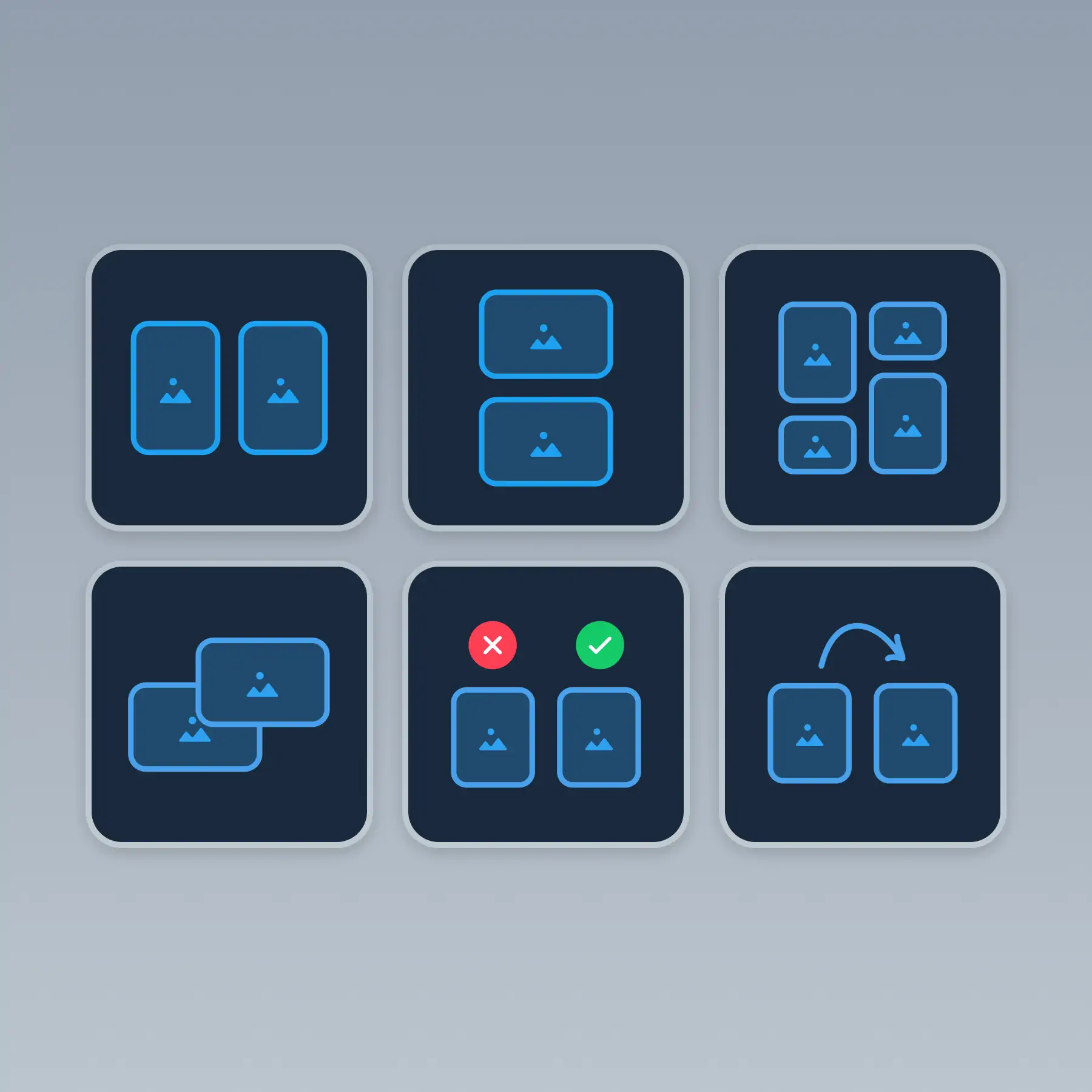
Create before-after comparisons, do-and-don't views, or masonry grids to make your content more engaging.
How It Works
Learn how to create beautiful screenshots with BrandBird.

01
Upload any kind of image, even a boring screenshot.

02
Customize your graphics with easy-to-use presets.

03
Export & Share your beautiful screenshots.

Customize In 2 Clicks!
Apply backgrounds, 3D effect, mockups, and many more, with a single click.
GIVE IT A TRY...

Upgrade your Twitter branding!
Instantly brand your screenshots to make your content recognizable & increase your engagement.
Custom Background
Use solid color, gradients, patterns, or images.
Tilt Your Image
Wow your audience with 3D effects.
BrandBird
@brandbirdapp · 2h
Brandbird.app will become your favorite design tool for Twitter graphics!
500
1k
4k
Frequently Asked Questions
What are Layouts in BrandBird?
Layouts let you arrange multiple images on a single canvas — create before-and-after comparisons, do-and-don't views, feature grids, or masonry layouts. Perfect for showcasing multiple product views or design iterations.
What types of layouts are available?
BrandBird offers side-by-side (2-up), grid (2×2, 3×3), masonry, before-and-after, and stacked layout options. Each layout automatically resizes and arranges your images for a clean, professional result.
How do I create a before-and-after comparison?
Select a side-by-side layout, drop your 'before' image in the left slot and 'after' image in the right slot. BrandBird aligns them automatically, and you can add labels, arrows, or divider lines for clarity.
Can I customize spacing and borders between images?
Yes. Adjust the gap between images, add rounded corners, and apply individual or shared backgrounds. Each image in the layout can also have its own shadow and border settings.
What are the best use cases for multi-image layouts?
Layouts work great for product comparisons, feature showcases, design portfolios, A/B test results, multi-step tutorials, and app store screenshot galleries where you need to show multiple views in one graphic.