Import Websites
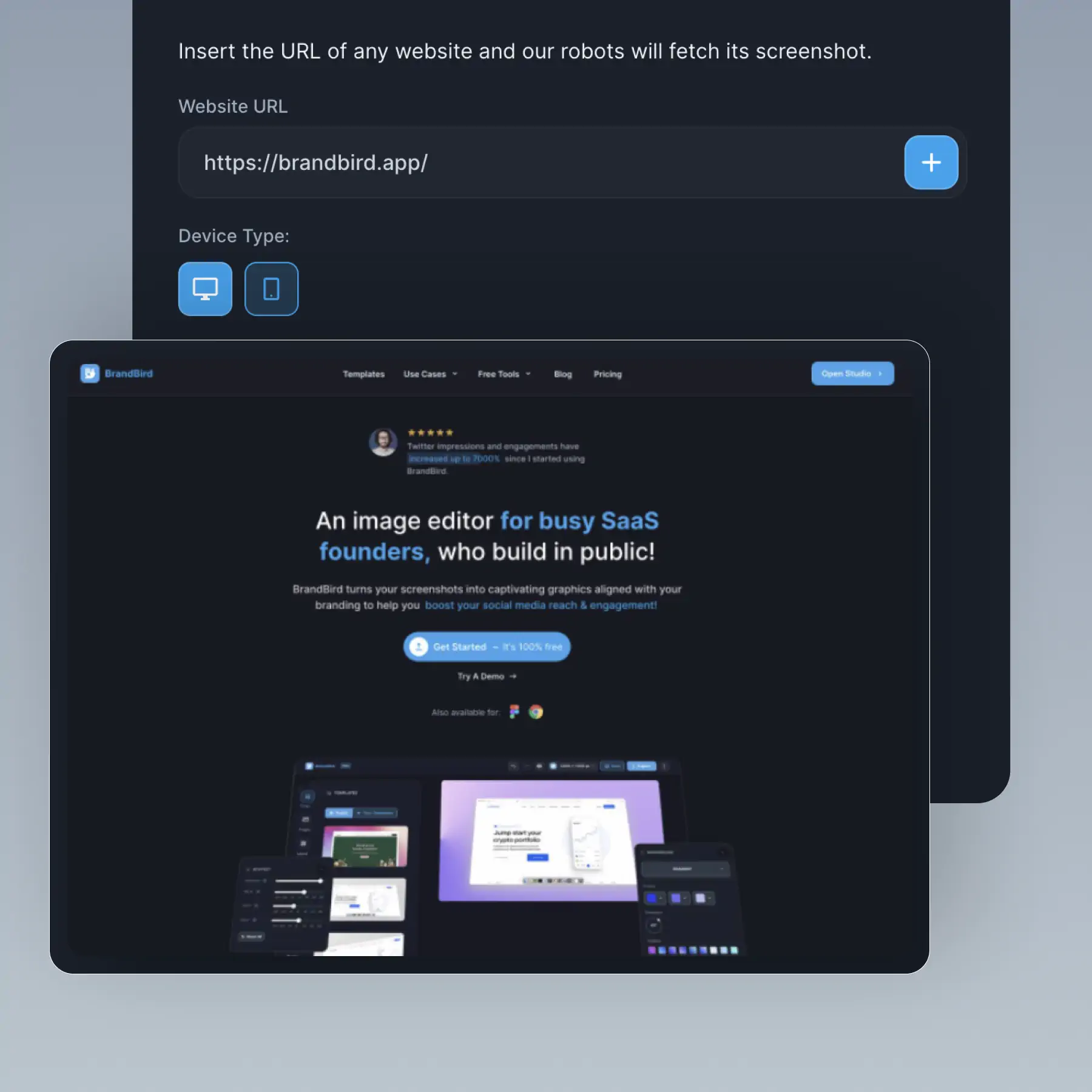
Capture any webpage as a screenshot — choose mobile or desktop view, then import and customize in BrandBird.
How It Works
Learn how to create beautiful screenshots with BrandBird.

01
Upload any kind of image, even a boring screenshot.

02
Customize your graphics with easy-to-use presets.

03
Export & Share your beautiful screenshots.

Customize In 2 Clicks!
Apply backgrounds, 3D effect, mockups, and many more, with a single click.
GIVE IT A TRY...
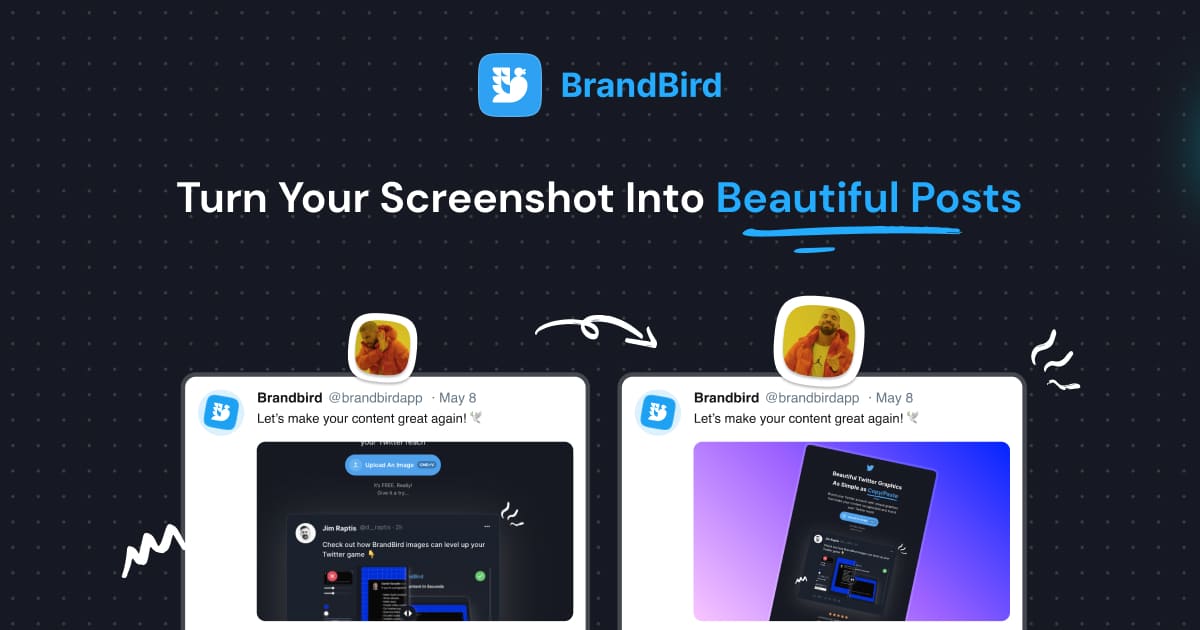
Upgrade your Twitter branding!
Instantly brand your screenshots to make your content recognizable & increase your engagement.
Custom Background
Use solid color, gradients, patterns, or images.
Tilt Your Image
Wow your audience with 3D effects.
BrandBird
@brandbirdapp · 2h
Brandbird.app will become your favorite design tool for Twitter graphics!
500
1k
4k
Frequently Asked Questions
How do I capture a website screenshot with BrandBird?
Enter any URL in BrandBird's website import tool to capture a full screenshot. Choose between mobile and desktop viewport sizes, then customize the result with backgrounds, mockups, and annotations.
Can I choose between mobile and desktop screenshots?
Yes. BrandBird lets you select the viewport size before capturing — choose a desktop (1440px) or mobile (375px) view to match the context of your marketing graphic or presentation.
What types of websites can I screenshot?
BrandBird can capture most publicly accessible web pages — landing pages, dashboards, portfolios, documentation sites, and more. Password-protected or heavily JavaScript-rendered pages may require a manual screenshot upload instead.
Can I edit the website screenshot after importing?
Absolutely. Once imported, the website screenshot becomes a regular image layer in BrandBird. Add annotations, apply 3D effects, wrap it in a browser mockup, or crop to focus on specific sections.
How is this different from a browser screenshot?
BrandBird's import captures a clean, full-page screenshot without browser UI clutter (bookmarks, extensions, tabs). You can then add a clean browser frame mockup for a professional, polished result.