Import Tweets
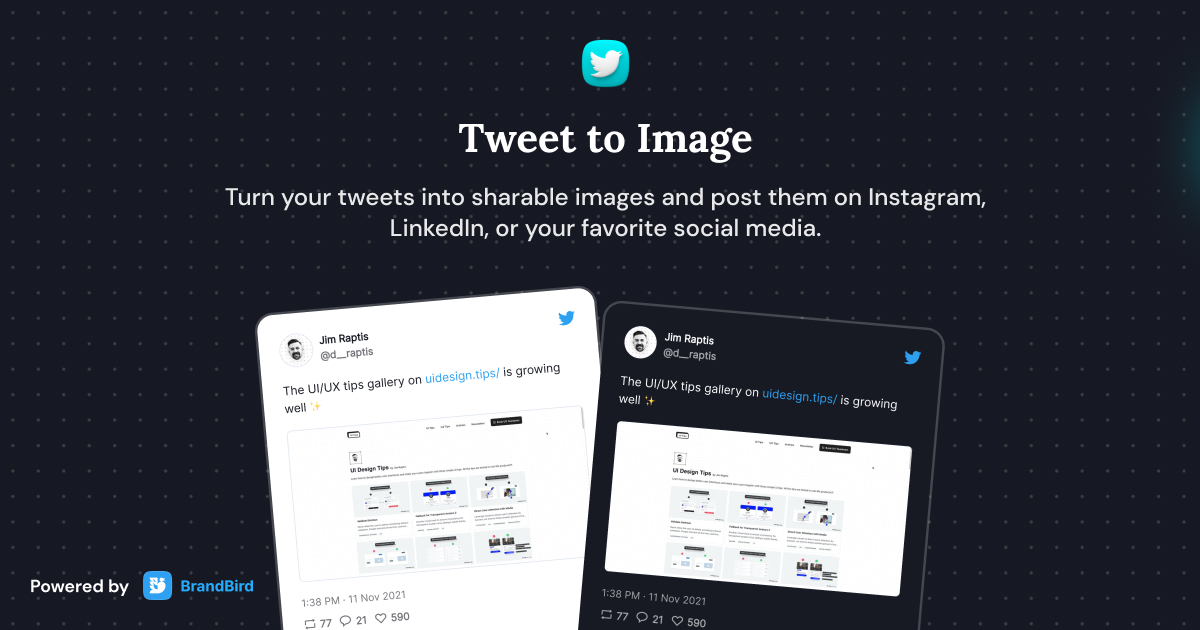
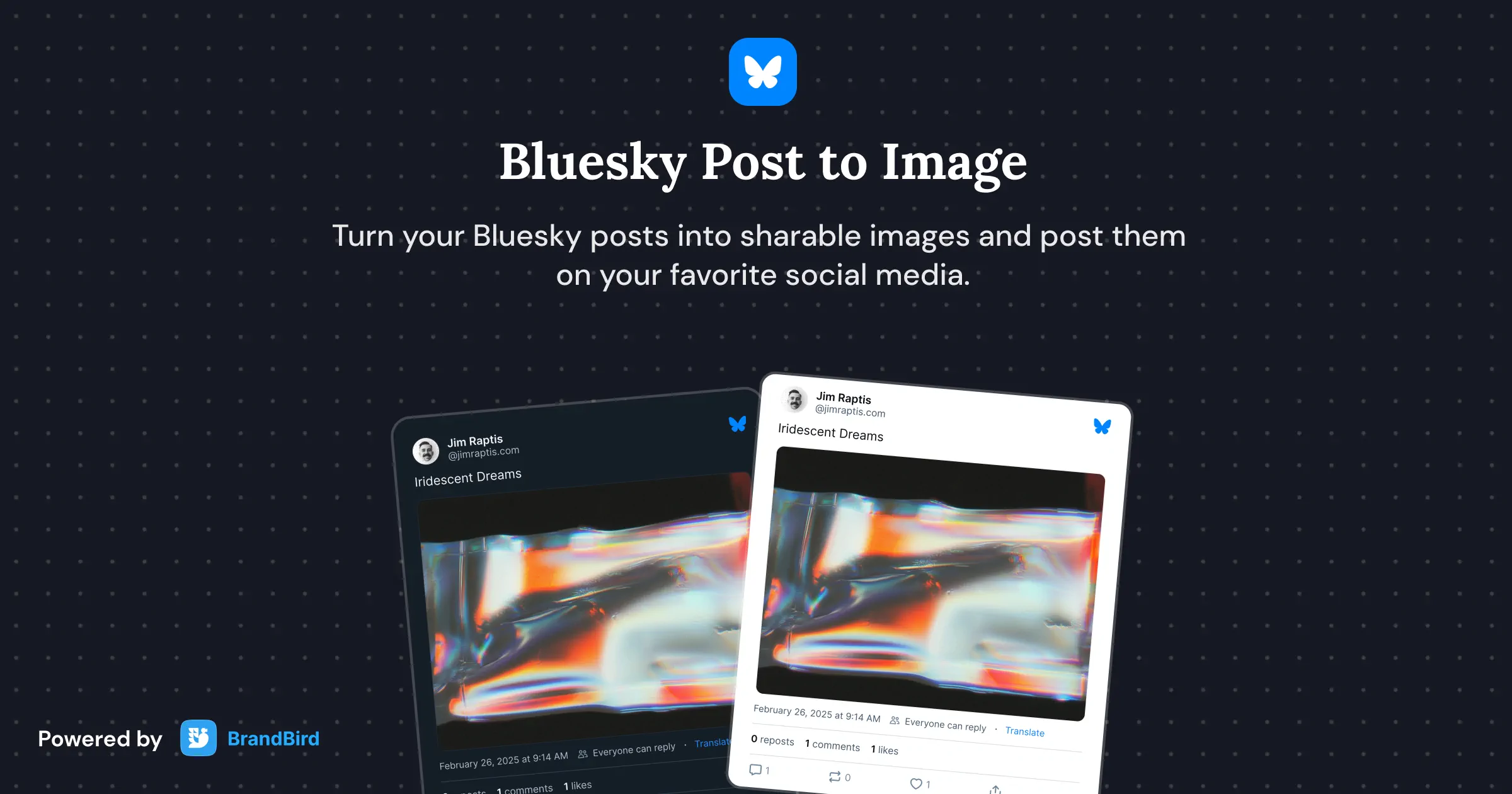
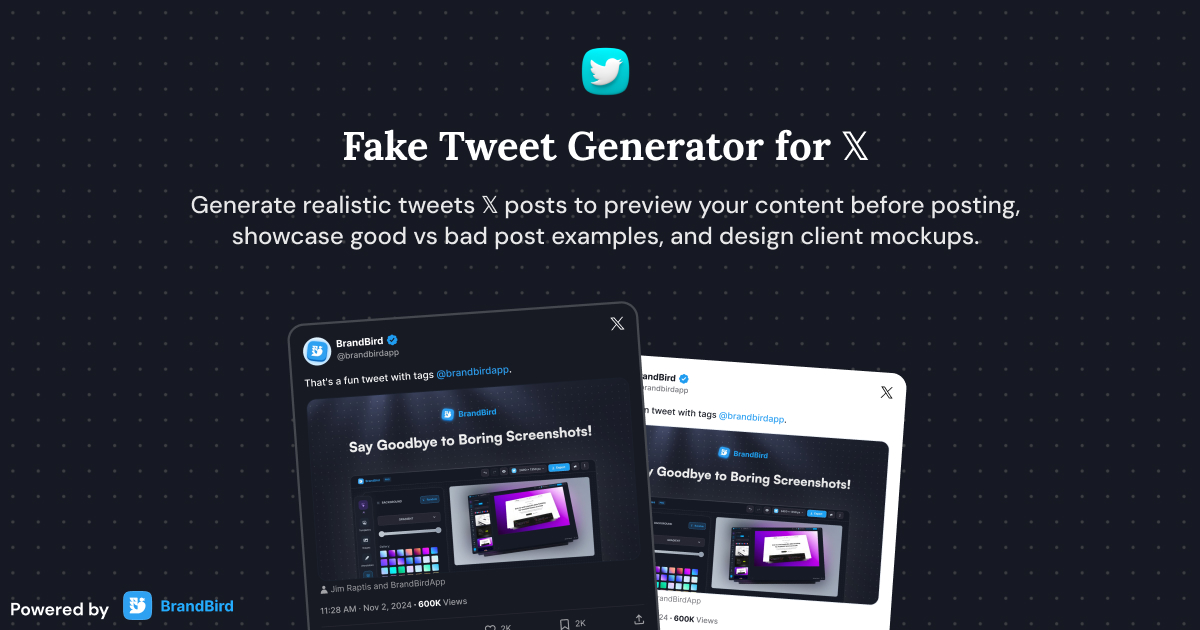
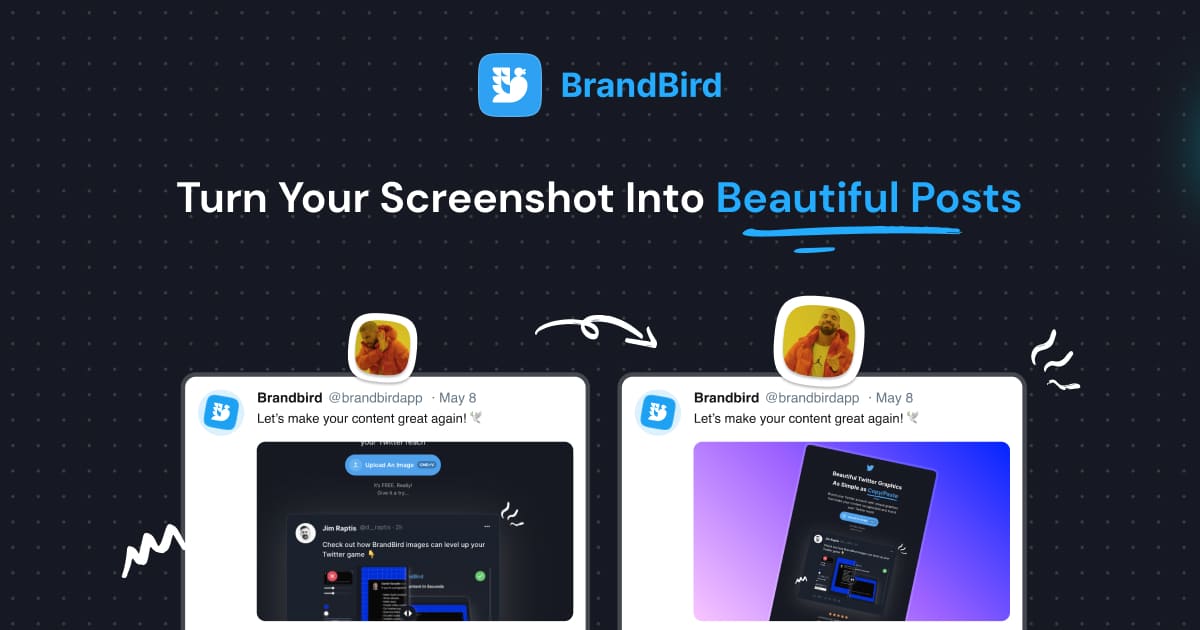
Turn any tweet or X post into a beautiful screenshot. Import by URL and repost to Instagram, LinkedIn, or Facebook.
How It Works
Learn how to create beautiful screenshots with BrandBird.

01
Upload any kind of image, even a boring screenshot.

02
Customize your graphics with easy-to-use presets.

03
Export & Share your beautiful screenshots.

Customize In 2 Clicks!
Apply backgrounds, 3D effect, mockups, and many more, with a single click.
GIVE IT A TRY...
Upgrade your Twitter branding!
Instantly brand your screenshots to make your content recognizable & increase your engagement.
Custom Background
Use solid color, gradients, patterns, or images.
Tilt Your Image
Wow your audience with 3D effects.
BrandBird
@brandbirdapp · 2h
Brandbird.app will become your favorite design tool for Twitter graphics!
500
1k
4k
Frequently Asked Questions
How do I import a tweet into BrandBird?
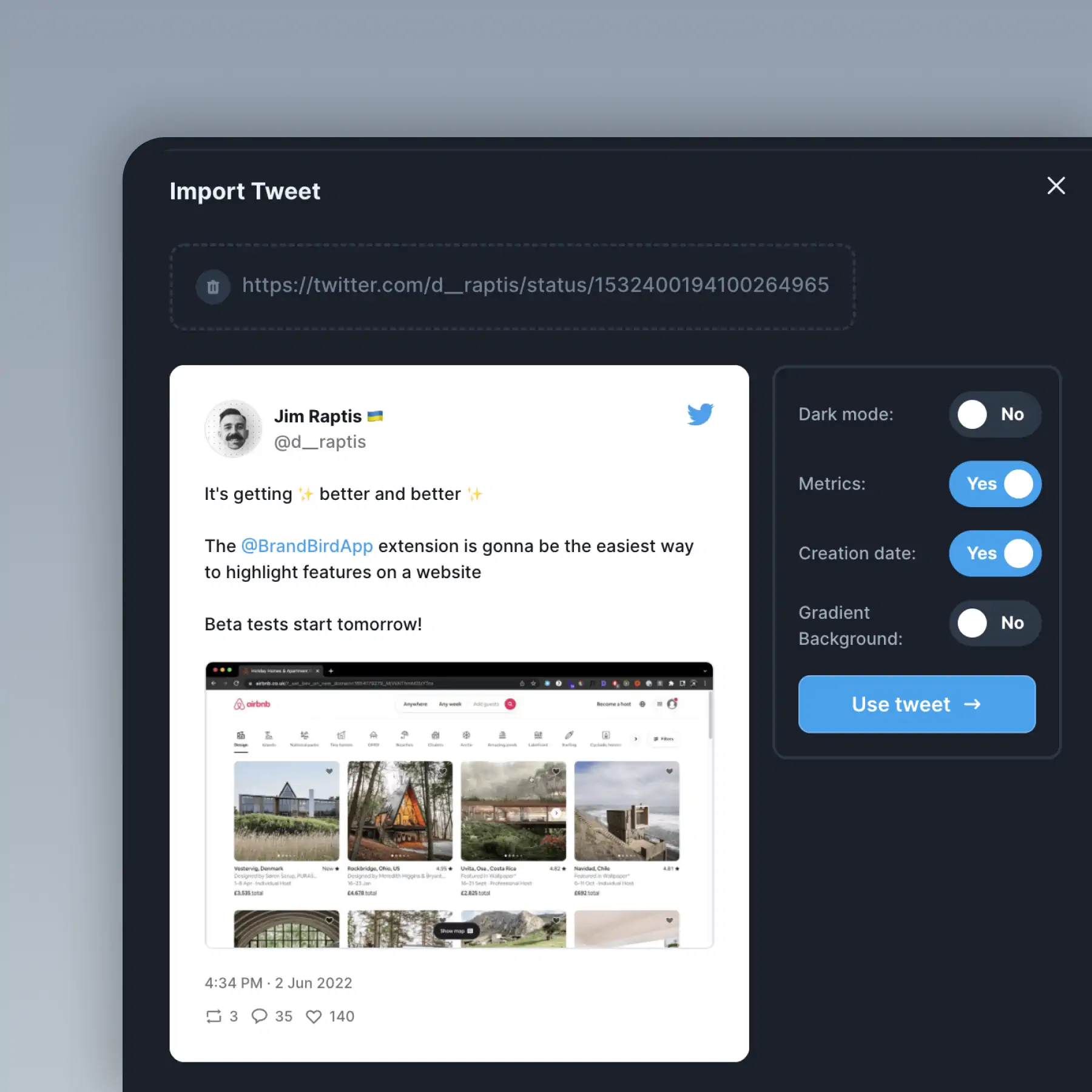
Copy the URL of any tweet (or X post), paste it into BrandBird's import field, and the tweet is rendered as a beautiful screenshot — complete with the author's avatar, text, media, and engagement metrics.
Can I customize the look of imported tweets?
Yes. After importing, apply BrandBird's full suite of effects — gradient backgrounds, 3D transforms, shadows, device mockups, and annotations. Make the tweet screenshot match your brand style perfectly.
Why would I turn tweets into screenshots?
Tweet screenshots let you share X content on platforms that don't support embeds — Instagram, LinkedIn, email newsletters, blog posts, presentations, and landing pages — while preserving the original formatting and engagement proof.
Can I import tweet threads?
BrandBird imports individual tweets by URL. For threads, import each tweet separately and combine them using BrandBird's layout features to create a cohesive thread screenshot graphic.
Do I need a Twitter (X) account to import tweets?
No. BrandBird fetches tweet data directly by URL. You don't need to log in to Twitter or connect any social media account to import and beautify tweet screenshots.