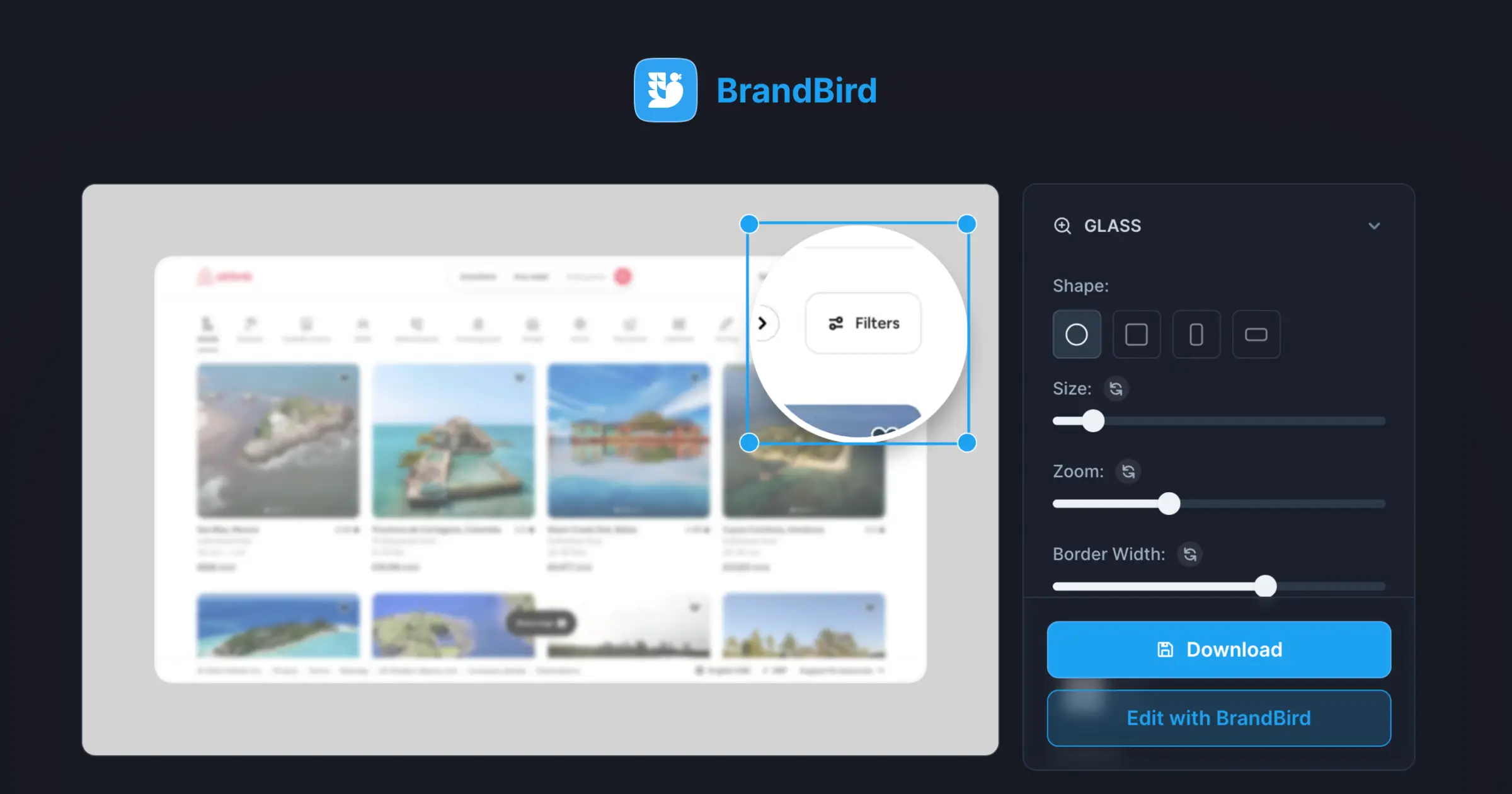
Highlight Features

Zoom into key UI elements and spotlight important features to guide your audience's attention in product demos.
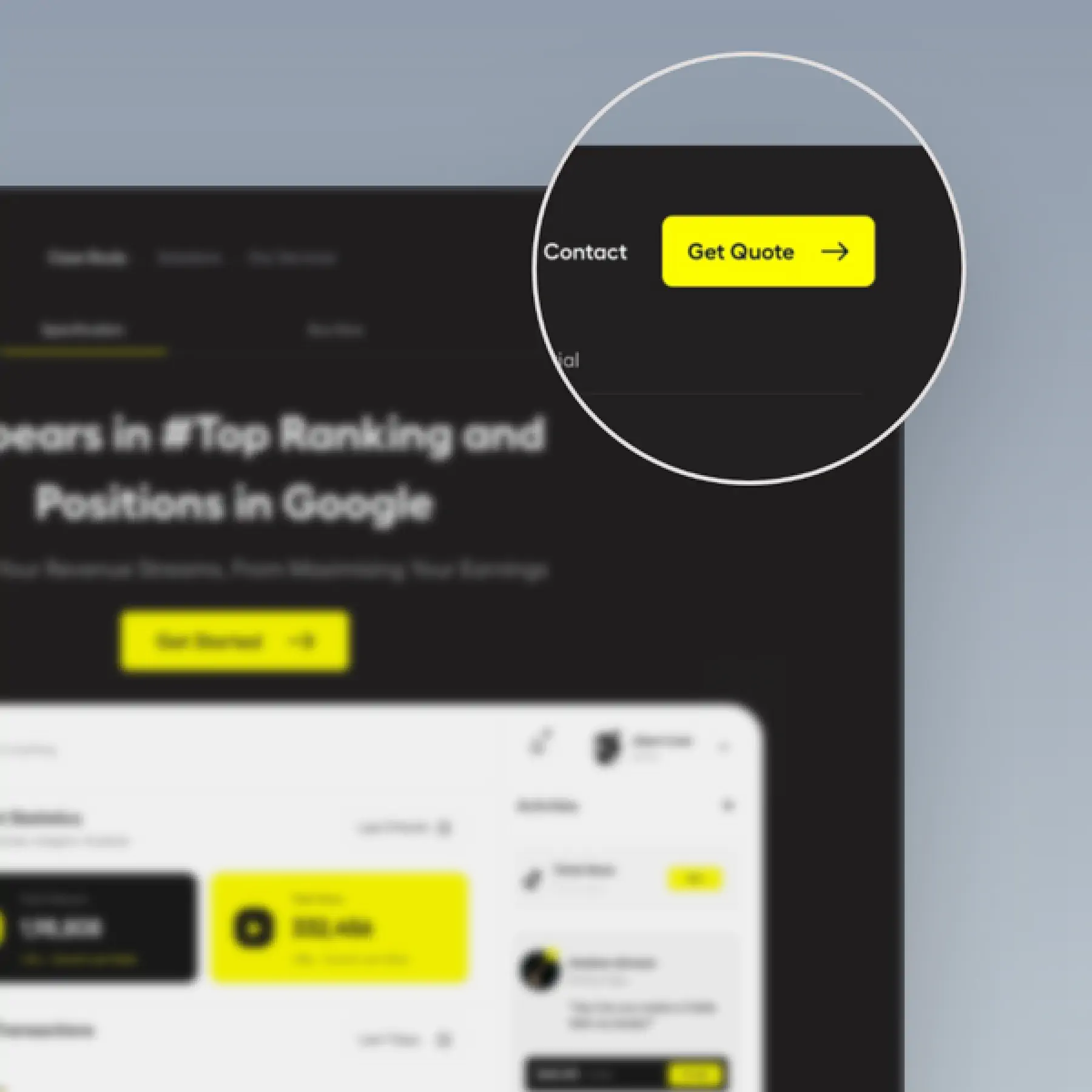
Highlight Features in BrandBird – Zoom into key UI elements and spotlight important features to guide your audience's attention in product demos.

How It Works

Learn how to create beautiful screenshots with BrandBird.

01

Upload any kind of image, even a boring screenshot.

02

Customize your graphics with easy-to-use presets.

03

Export & Share your beautiful screenshots.

Customize In 2 Clicks!

Apply backgrounds, 3D effect, mockups, and many more, with a single click.

GIVE IT A TRY...
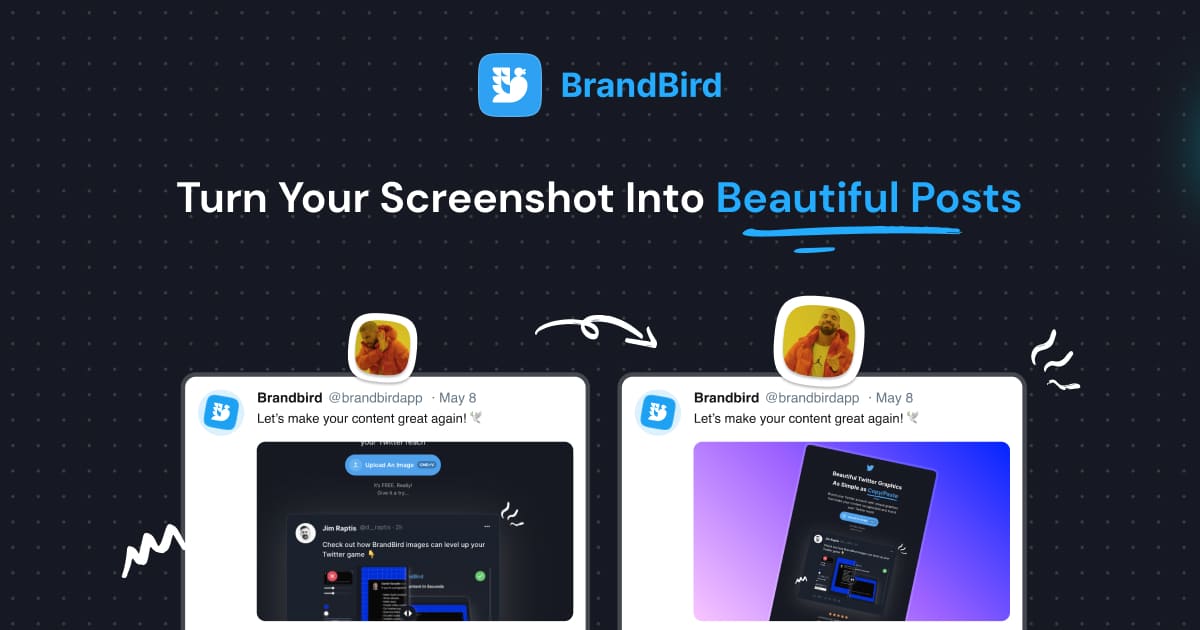
Upgrade your Twitter branding!

Instantly brand your screenshots to make your content recognizable & increase your engagement.

Custom Background

Use solid color, gradients, patterns, or images.

Tilt Your Image

Wow your audience with 3D effects.

BrandBird

@brandbirdapp · 2h

Brandbird.app will become your favorite design tool for Twitter graphics!
500

1k

4k

Frequently Asked Questions

What is the Highlight Feature tool in BrandBird?

The Highlight Feature tool lets you zoom into specific areas of your screenshot to draw the viewer's attention. It creates a magnifier effect that enlarges and spotlights key UI elements or product features.

How do I highlight a specific feature in my screenshot?

Upload your screenshot, select the Highlight tool, and click on the area you want to emphasize. BrandBird creates a zoomed callout that magnifies the selected region while dimming the rest of the image.

When should I use the highlight/zoom effect?

Use it for feature announcements, changelog entries, product demos, app store screenshots, and any time you need to draw attention to a specific detail in a larger screenshot — like a new button, updated UI, or key metric.

Can I customize the highlight appearance?

Yes. Adjust the zoom level, callout size, border color, overlay opacity, and position. Match the highlight style to your brand colors for a cohesive, professional look across all your graphics.

Does the highlight tool work with annotations?

Absolutely. Combine highlights with arrows, text labels, and numbered steps for maximum clarity. The highlight draws attention to the area, while annotations explain what the viewer is looking at.

Better Screenshots Mockups
With a Simple Design Tool.

I don't know when it happened but Brandbird is now my all-in-one SaaS & social media design tool.

Wilson

Founder Senja.io