Chrome Extension

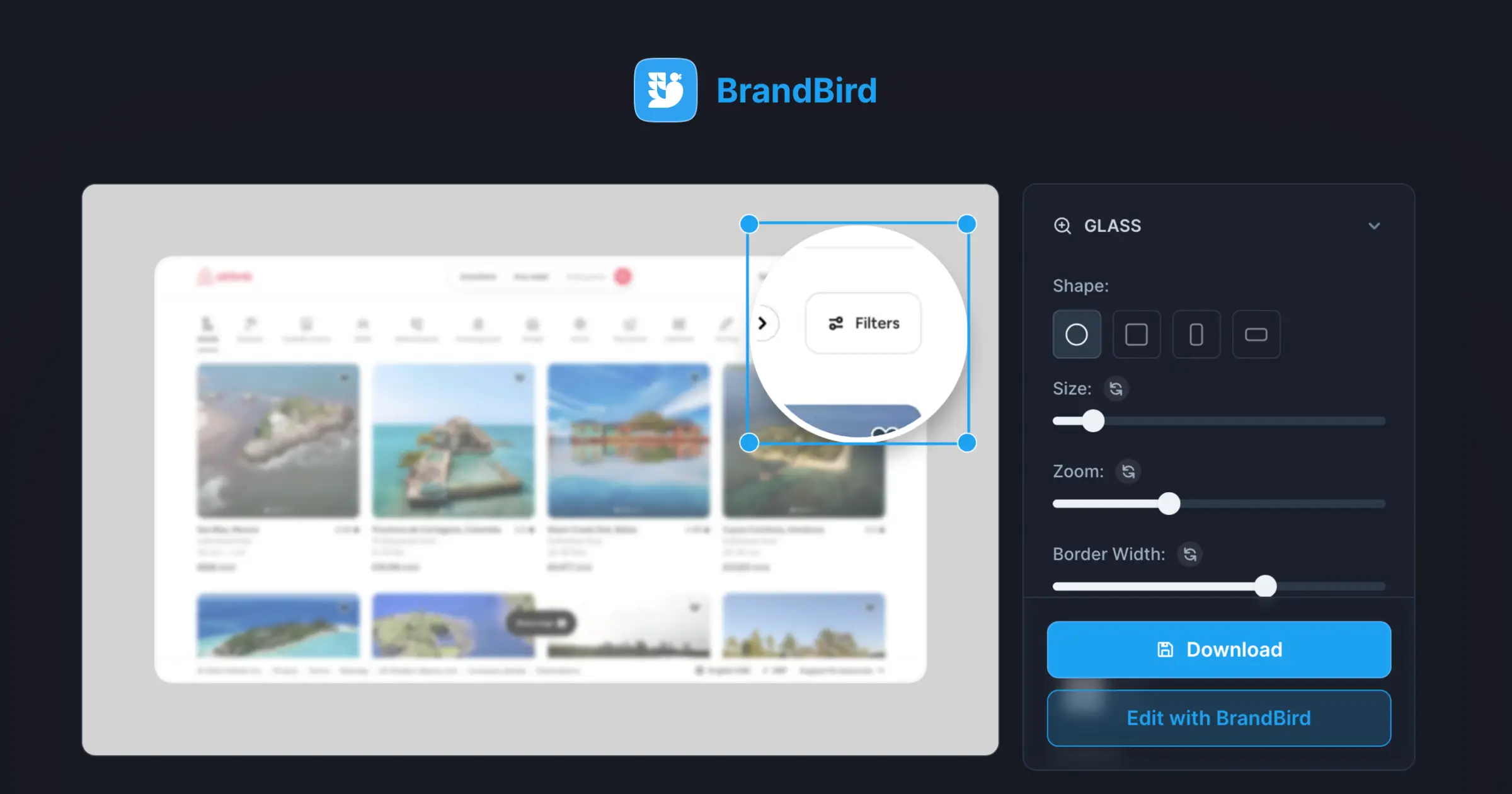
Capture browser tabs, extract page elements, and highlight UI components directly from Chrome into BrandBird.
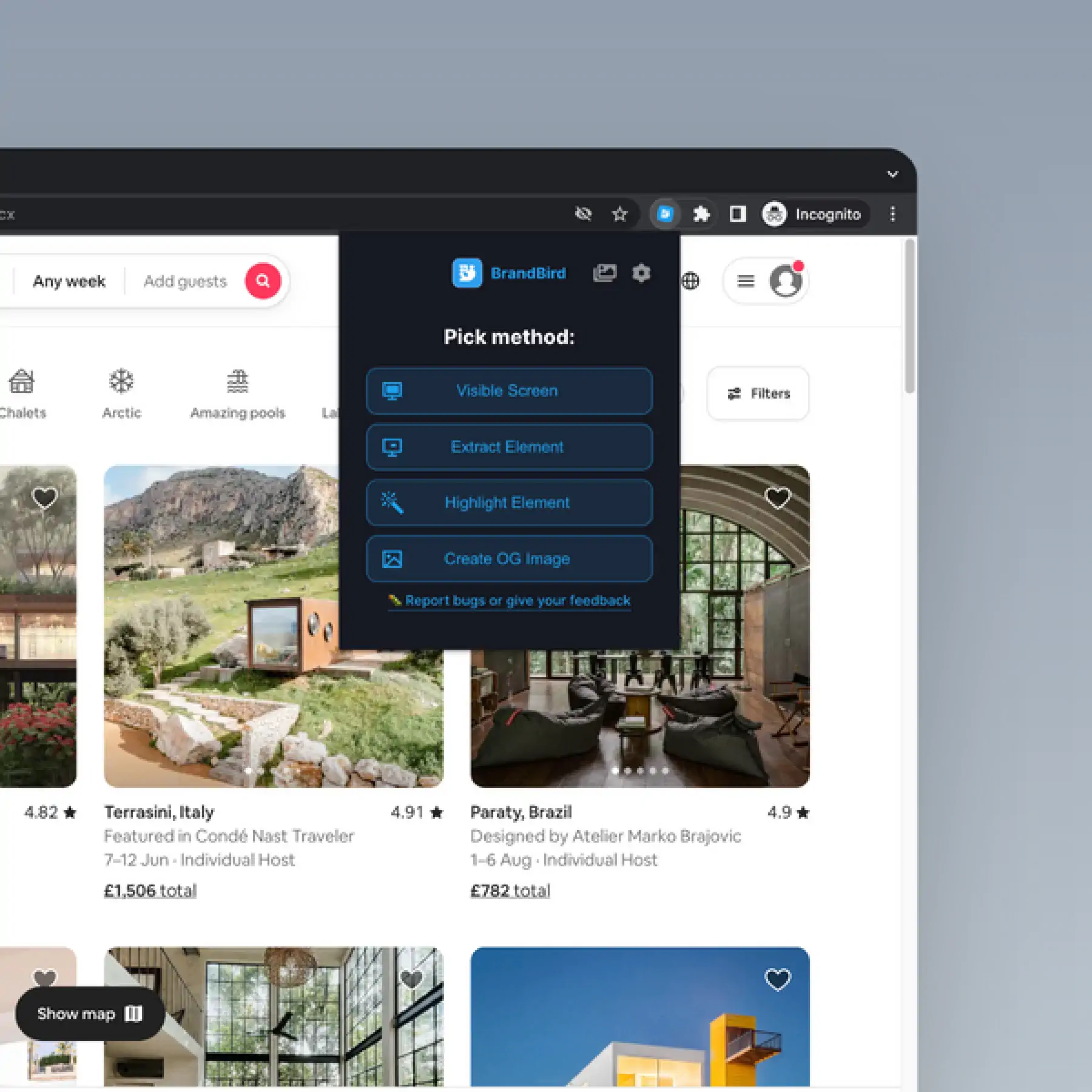
Chrome Extension in BrandBird – Capture browser tabs, extract page elements, and highlight UI components directly from Chrome into BrandBird.

How It Works

Learn how to create beautiful screenshots with BrandBird.

01

Upload any kind of image, even a boring screenshot.

02

Customize your graphics with easy-to-use presets.

03

Export & Share your beautiful screenshots.

Customize In 2 Clicks!

Apply backgrounds, 3D effect, mockups, and many more, with a single click.

GIVE IT A TRY...
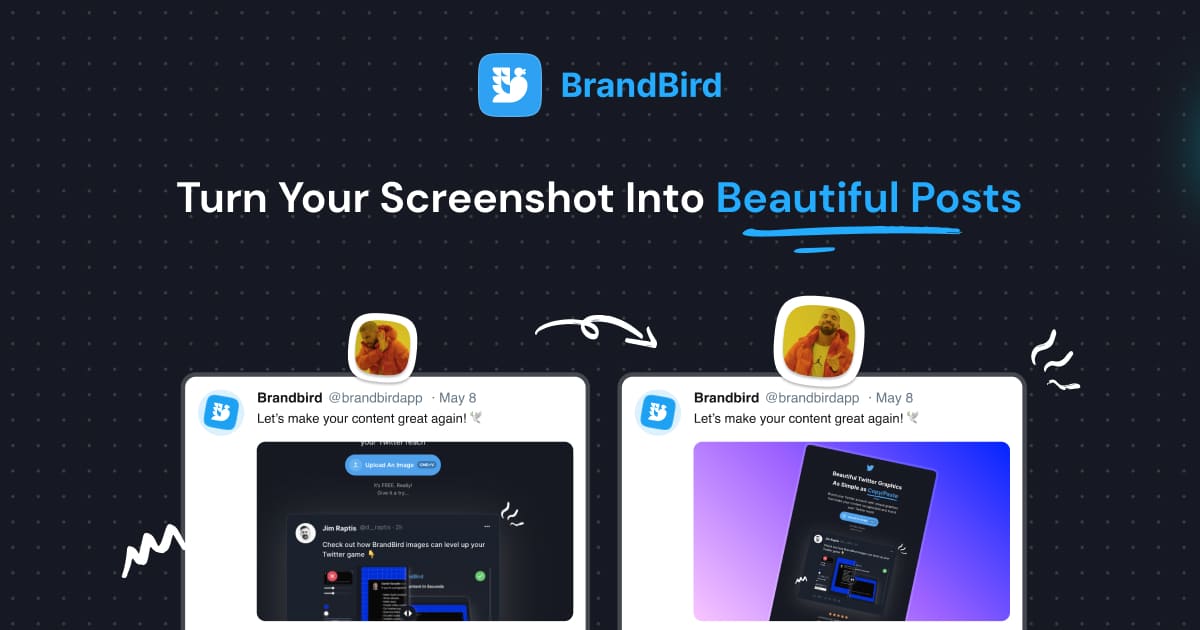
Upgrade your Twitter branding!

Instantly brand your screenshots to make your content recognizable & increase your engagement.

Custom Background

Use solid color, gradients, patterns, or images.

Tilt Your Image

Wow your audience with 3D effects.

BrandBird

@brandbirdapp · 2h

Brandbird.app will become your favorite design tool for Twitter graphics!
500

1k

4k

Frequently Asked Questions

What does the BrandBird Chrome Extension do?

The BrandBird Chrome Extension lets you capture browser tabs, selected page elements, or highlighted UI components directly from your browser and send them straight to BrandBird Studio for editing.

How do I install the BrandBird Chrome Extension?

Visit the Chrome Web Store, search for BrandBird, and click 'Add to Chrome'. Once installed, the BrandBird icon appears in your toolbar. Click it to capture and edit screenshots instantly.

Can I capture specific page elements with the extension?

Yes. The extension lets you select individual HTML elements on the page — buttons, cards, sections, or any UI component — and capture just that element for editing in BrandBird.

Does the extension work with any website?

The Chrome Extension works on most publicly accessible web pages. It captures the visible content in your browser tab, including dynamically loaded content and CSS-styled elements.

Is the Chrome Extension free?

Yes. The BrandBird Chrome Extension is free to install and use. Captured screenshots open in BrandBird Studio where you can apply free or pro features depending on your plan.

Better Screenshots Mockups
With a Simple Design Tool.

I don't know when it happened but Brandbird is now my all-in-one SaaS & social media design tool.

Wilson

Founder Senja.io