
App Store Award Badge Creator
Create beautiful App Store award badges for your app marketing. Star-rating badges, download milestones, best app awards, and more.
Apps We
Love
Related Tools You Might Like
 Pro
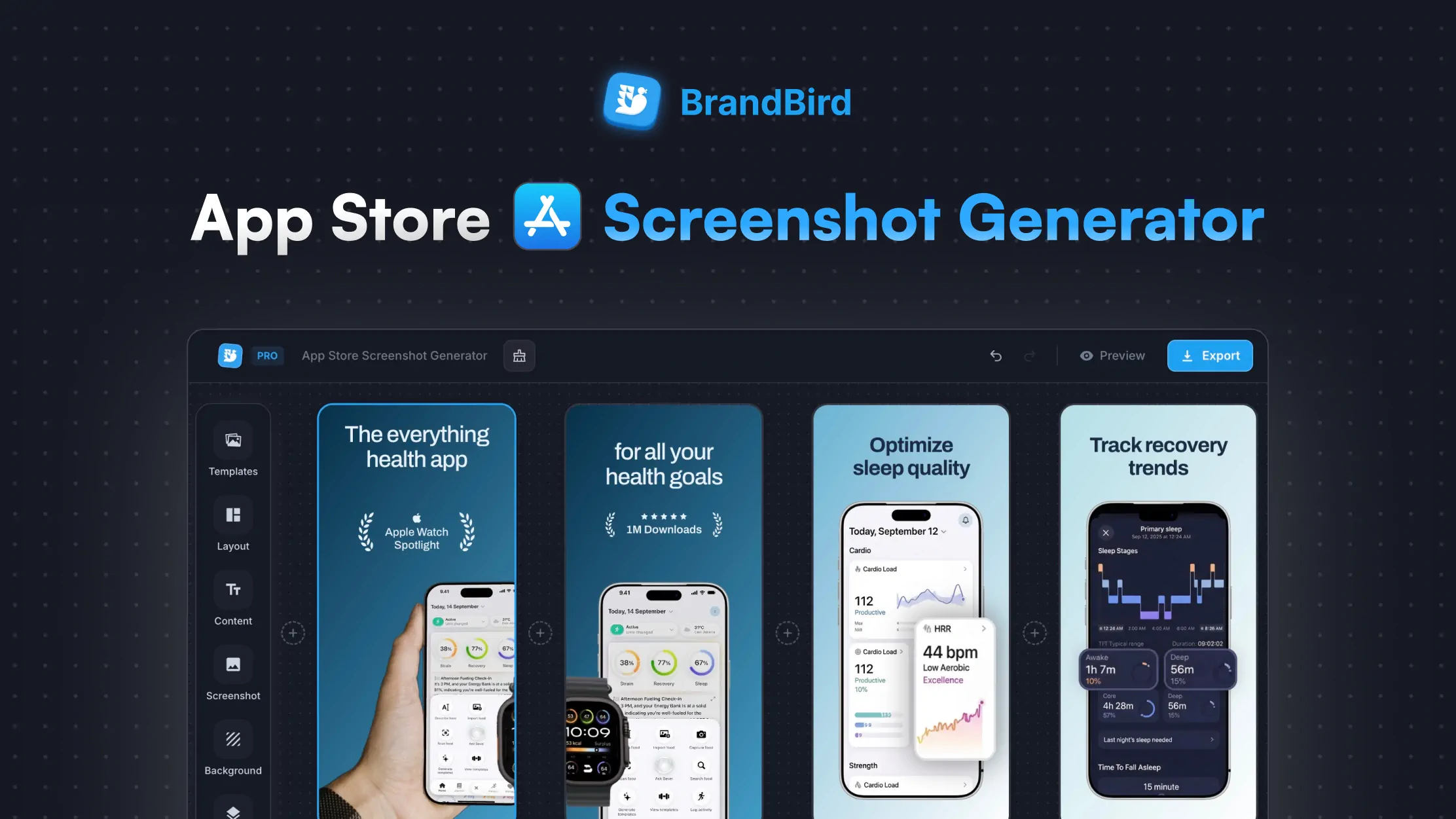
ProApp Store Screenshot Generator
Create stunning App Store screenshots for your iOS app. Add device frames, captions, and backgrounds. Download in every required Apple size.
 Pro
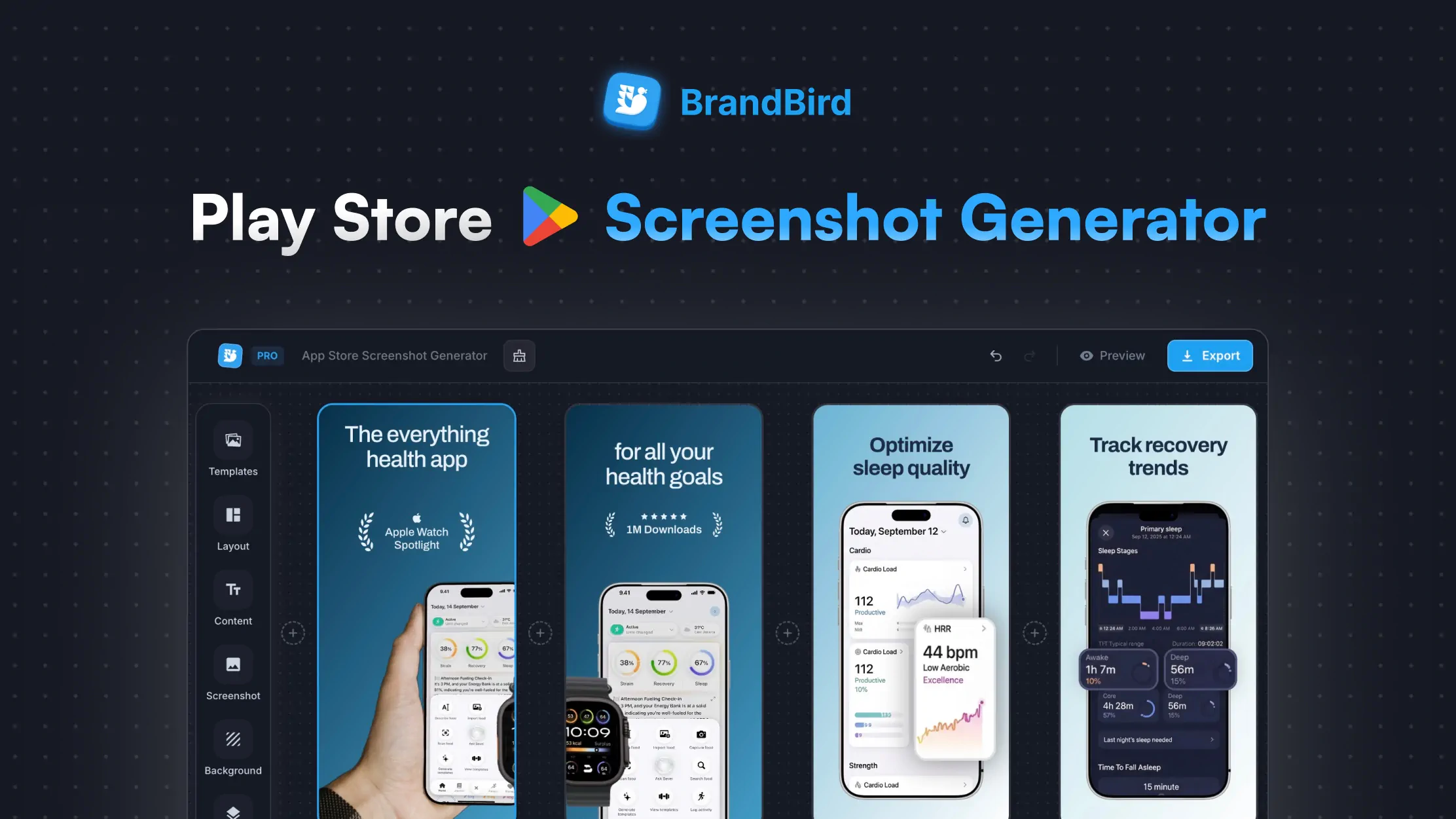
ProPlay Store Screenshot Generator
Create professional Google Play Store screenshots for your Android app. Add device mockups, headlines, and branded backgrounds. Export in every required size.
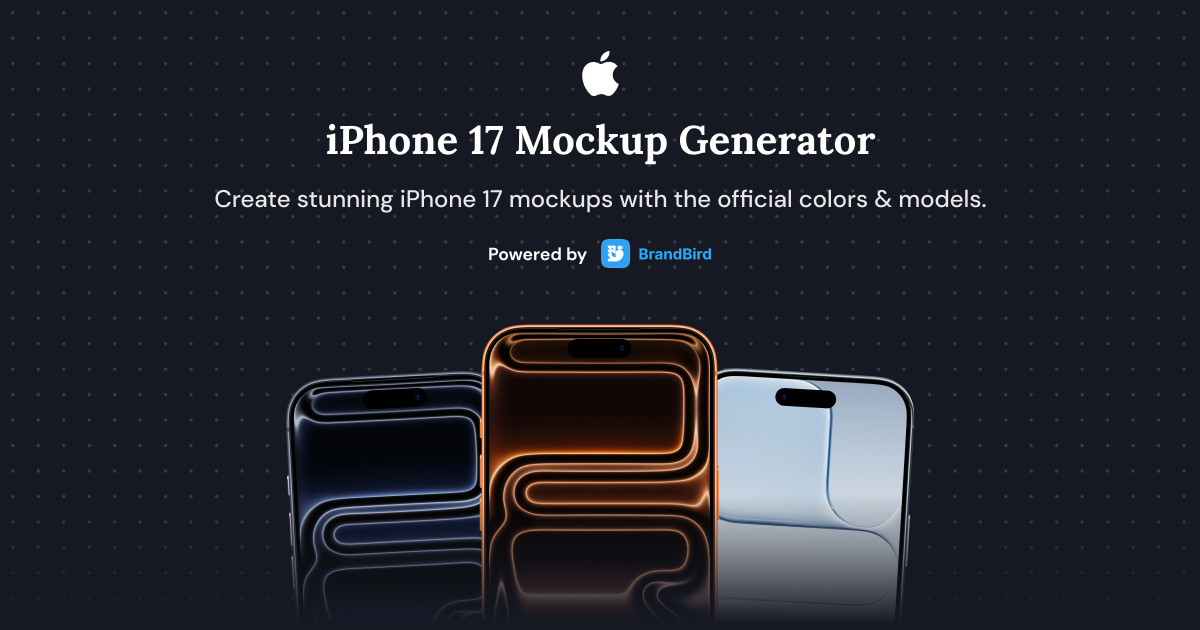
iPhone 17 Mockup Generator
Create stunning iPhone 17, iPhone 17 Air, iPhone 17 Pro, and iPhone 17 Pro Max mockups with this free online generator.
 Pro
ProScreenshot Beautifier
Upload any screenshot and instantly beautify it with backgrounds, shadows, and device frames. No design skills needed.
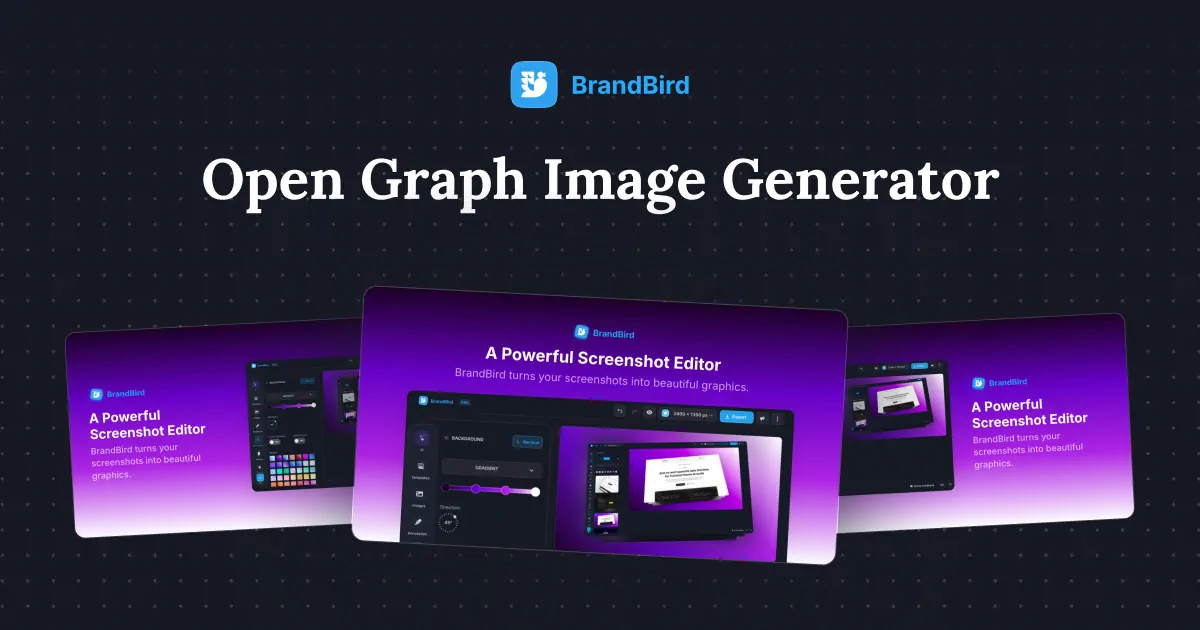
OG Image Generator
Create Open Graph images for link previews on Twitter, LinkedIn, Facebook and more. Customize title, description, logo, and background, then export at 1200×630.
Frequently Asked Questions
The App Store Award Badge Creator is a free online tool that lets you design professional-looking app award badges — including star-rating badges, download milestone badges, best app award badges, and featured app badges — for use in your marketing materials, landing pages, and social media.
You can create five types of badges: featured app badges with the Apple logo, best app award badges, star-rating badges showing scores like 4.7+, download milestone badges displaying numbers like 1M+, and yearly award badges with stars and a title.
Yes. Every badge type has editable text fields. You can change the main copy, numbers, labels, year, and any other visible text directly in the settings panel.
Absolutely. You can customise both the background colour and the text/icon colour using a colour picker or preset swatches to match your app branding.
Badges are exported as high-resolution PNG images at 3× scale, so they look crisp on retina displays and in print — perfect for App Store screenshots and marketing websites.
Yes, the tool is completely free to use with no watermarks or sign-up required.
The tool generates badges based on your custom text and colours. You're responsible for ensuring your usage complies with Apple's trademark and marketing guidelines when referencing official App Store awards.
Choose a badge type in the creator, customise the text and colours to match your brand, then export as a high-resolution PNG. You can place it on your website, landing page, social media posts, or App Store marketing screenshots to highlight your app's recognition.
Yes. The exported PNG badges have transparent backgrounds, so you can overlay them on your App Store or Google Play marketing screenshots in any image editor. Many developers place award badges on their first screenshot to boost credibility and increase downloads.
App award badges — such as best app awards, star-rating badges, and download milestones — are visual trust signals that show your app has been recognised for quality. Adding them to your website, landing page, or app store screenshots increases credibility, improves click-through rates, and can significantly boost app downloads.
Select the rating badge type to create a badge showing your app's star score (e.g. 4.8 with five stars), or choose the downloads badge to showcase a milestone like '1M+ Downloads'. Both are fully customisable with your own numbers, text, and brand colours.
Place your app award badges prominently above the fold or near your call-to-action. A row of badges — combining a best app award, a star-rating badge, and a download milestone — creates a powerful social-proof section. Export each badge at 3× resolution so they stay sharp on retina screens.
The App Store Award Badge Creator handles all the design for you. Pick a badge type, enter your text, choose your colours, and export — no Photoshop or Figma needed. The badges use professional typography and Apple-style layouts, so they look polished instantly.
Star-rating badges and download milestone badges are the most effective for ASO because they provide instant social proof. Pairing a high rating badge (e.g. '4.8 Stars') with a download count badge (e.g. '500K+ Downloads') on your first App Store screenshot can significantly increase tap-through and install rates.
I don't know when it happened but Brandbird is now my all-in-one SaaS & social media design tool.
Founder Senja.io
