A screenshot editor
For 

FoundersMarketeersCreatorsDesigners

who love beautiful graphics!

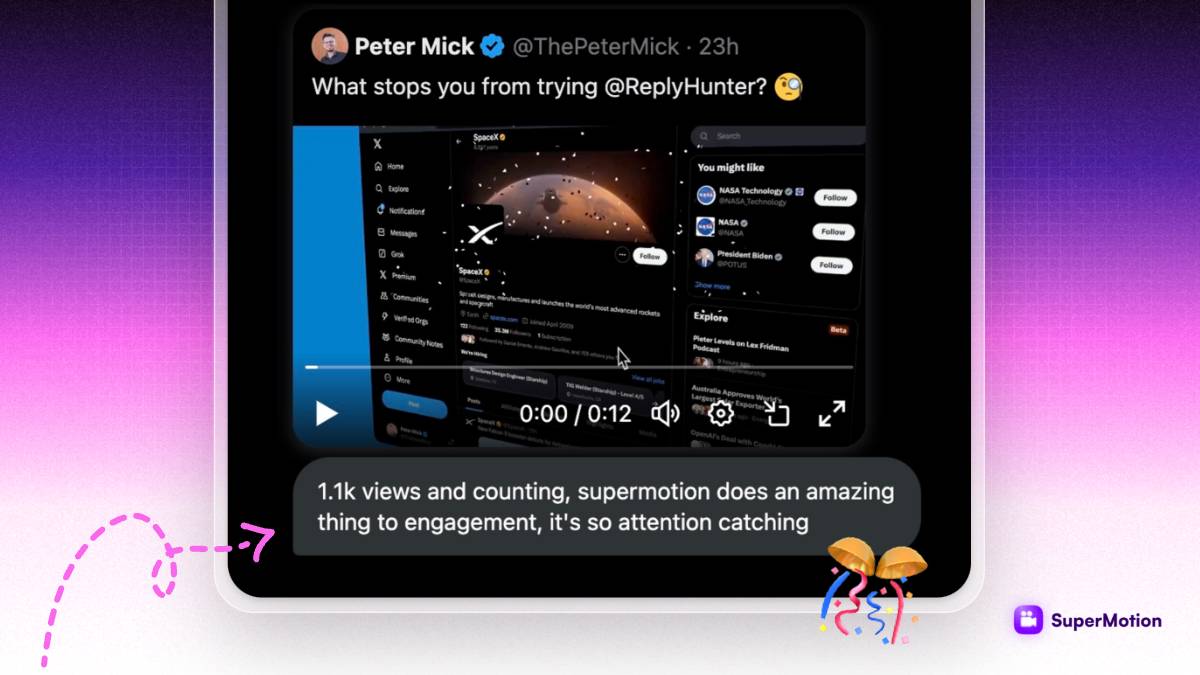
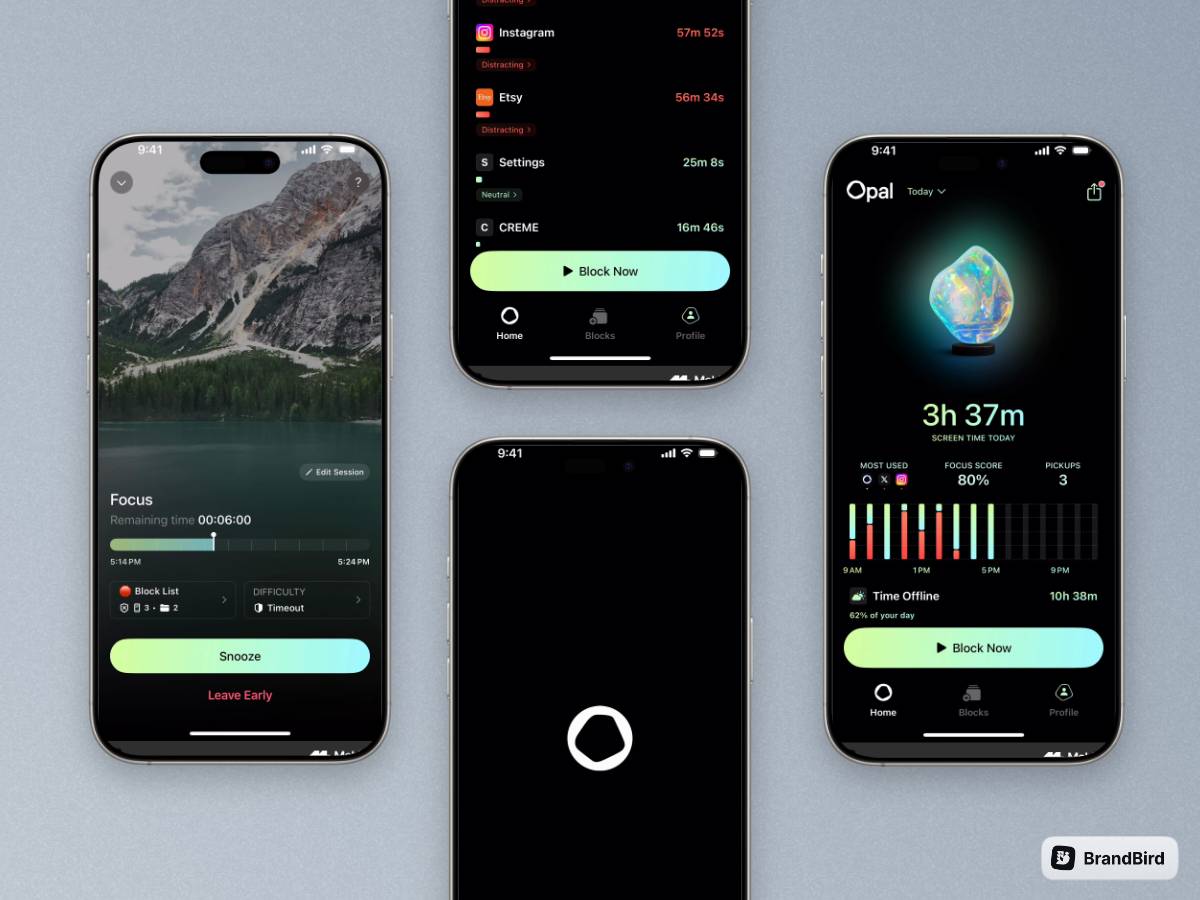
BrandBird turns your screenshots into captivating graphics for social media posts, landing pages, changelog pages, newsletters.

Available extensions for:

BrandBird integartion with undefinedBrandBird integartion with undefined

Loved by 10.000+ people from modern companies.

I don't know when it happened but Brandbird is now my all-in-one SaaS & social media design tool.

Wilson

Founder Senja.io

Twitter impressions and engagements have increased up to 7000% since I started using BrandBird.

Prathkum

DevRel at APILayer

How It Works

Learn how to create beautiful screenshots with BrandBird.

01

Upload any kind of image, even a boring screenshot.

02

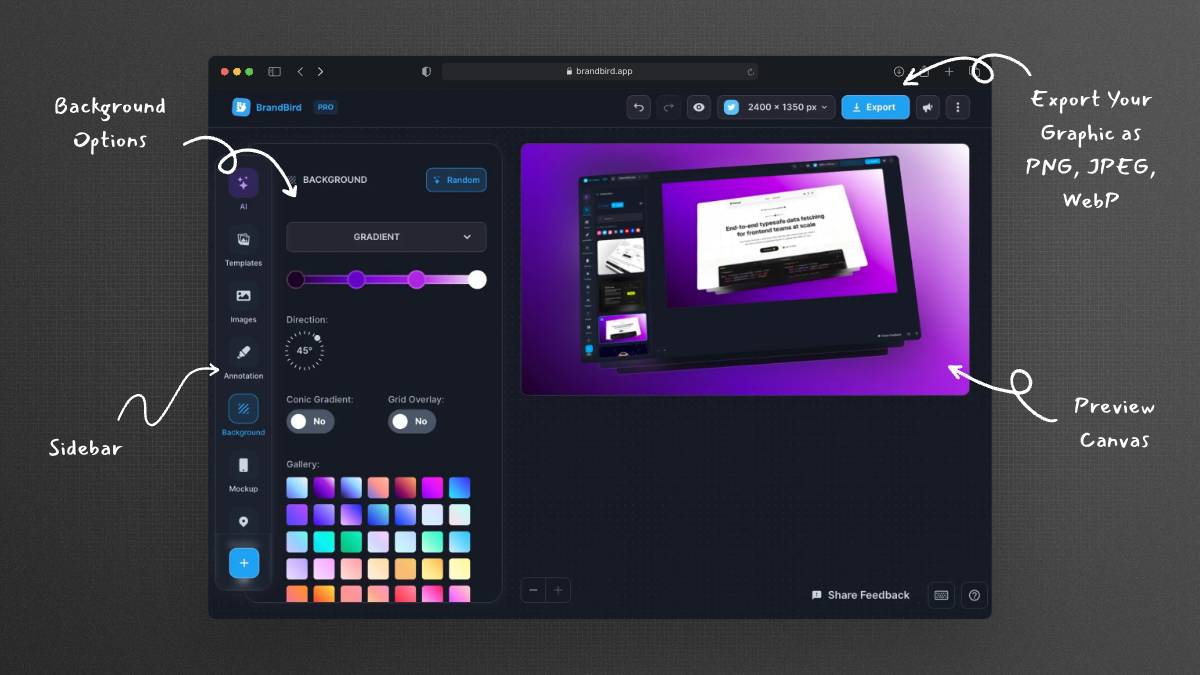
Customize your graphics with easy-to-use presets.

03

Export & Share your beautiful screenshots.

Customize In 2 Clicks!

Apply backgrounds, 3D effect, mockups, and many more, with a single click.

GIVE IT A TRY...
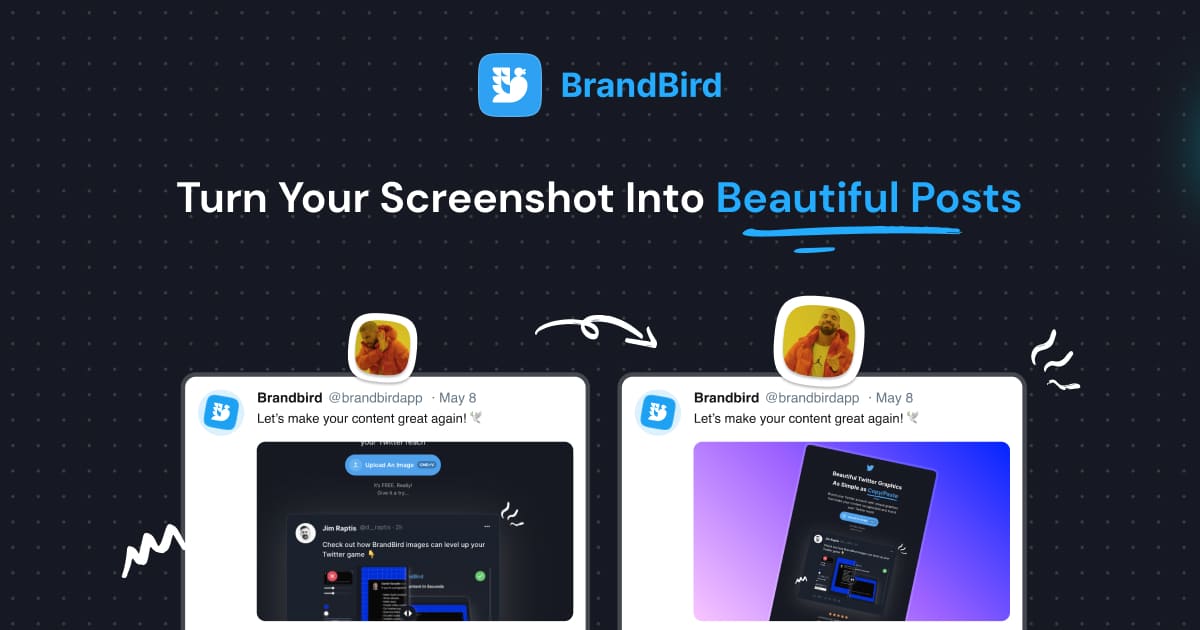
Upgrade your Twitter branding!

Instantly brand your screenshots to make your content recognizable & increase your engagement.

Custom Background

Use solid color, gradients, patterns, or images.

Tilt Your Image

Wow your audience with 3D effects.

BrandBird

@brandbirdapp · 2h

Brandbird.app will become your favorite design tool for Twitter graphics!
500

1k

4k

Turn your screenshots into beautiful posts

Ready-to-use templates

Meet Our Features

Easy-to-use. Yet Powerful.
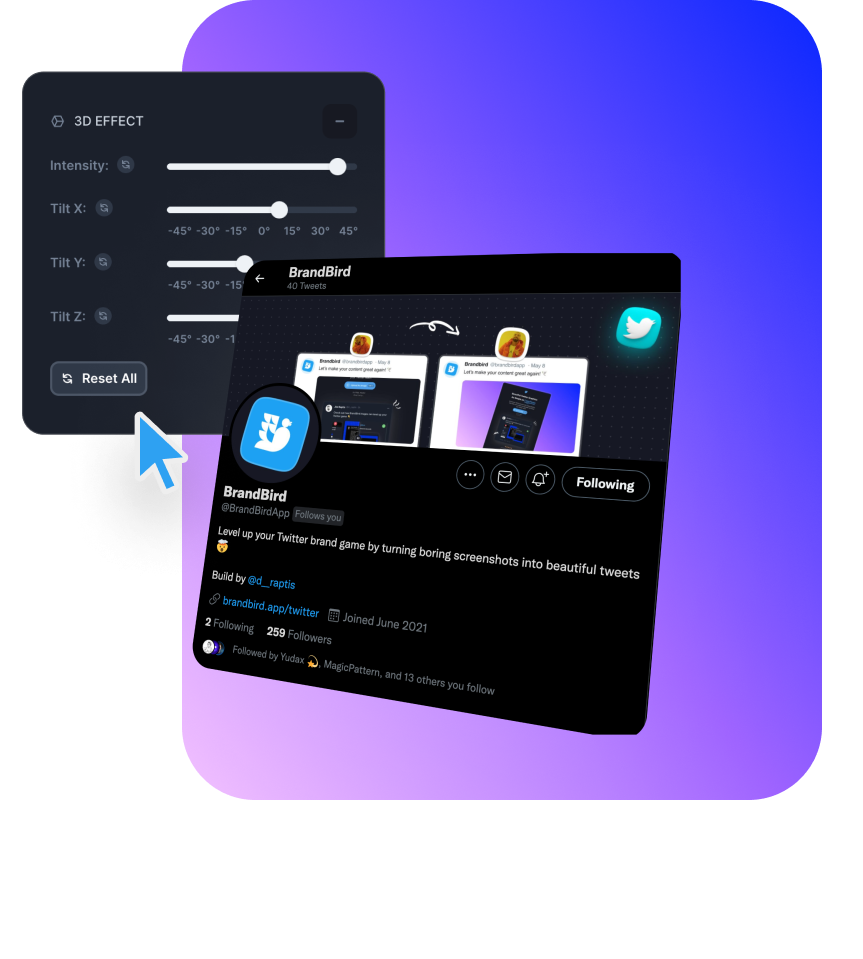
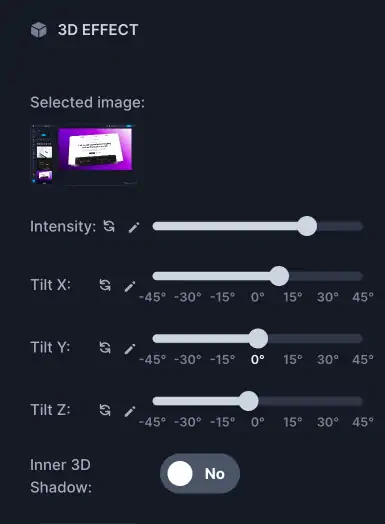
3D Effects

Rotate your image in the three dimensional space to create stunning 3D effects

Annotation

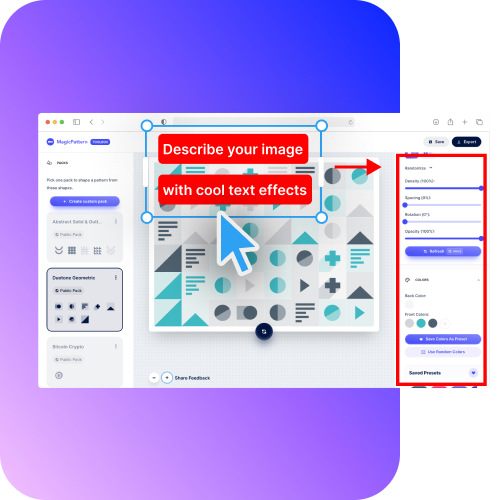
Annotate your image to highlight features, and make your point clear. Add arrows, emojis, headings, rectangles, and more.

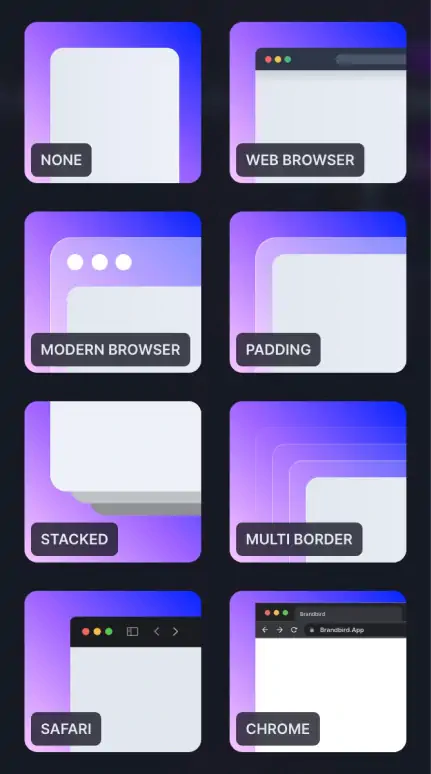
Mockups

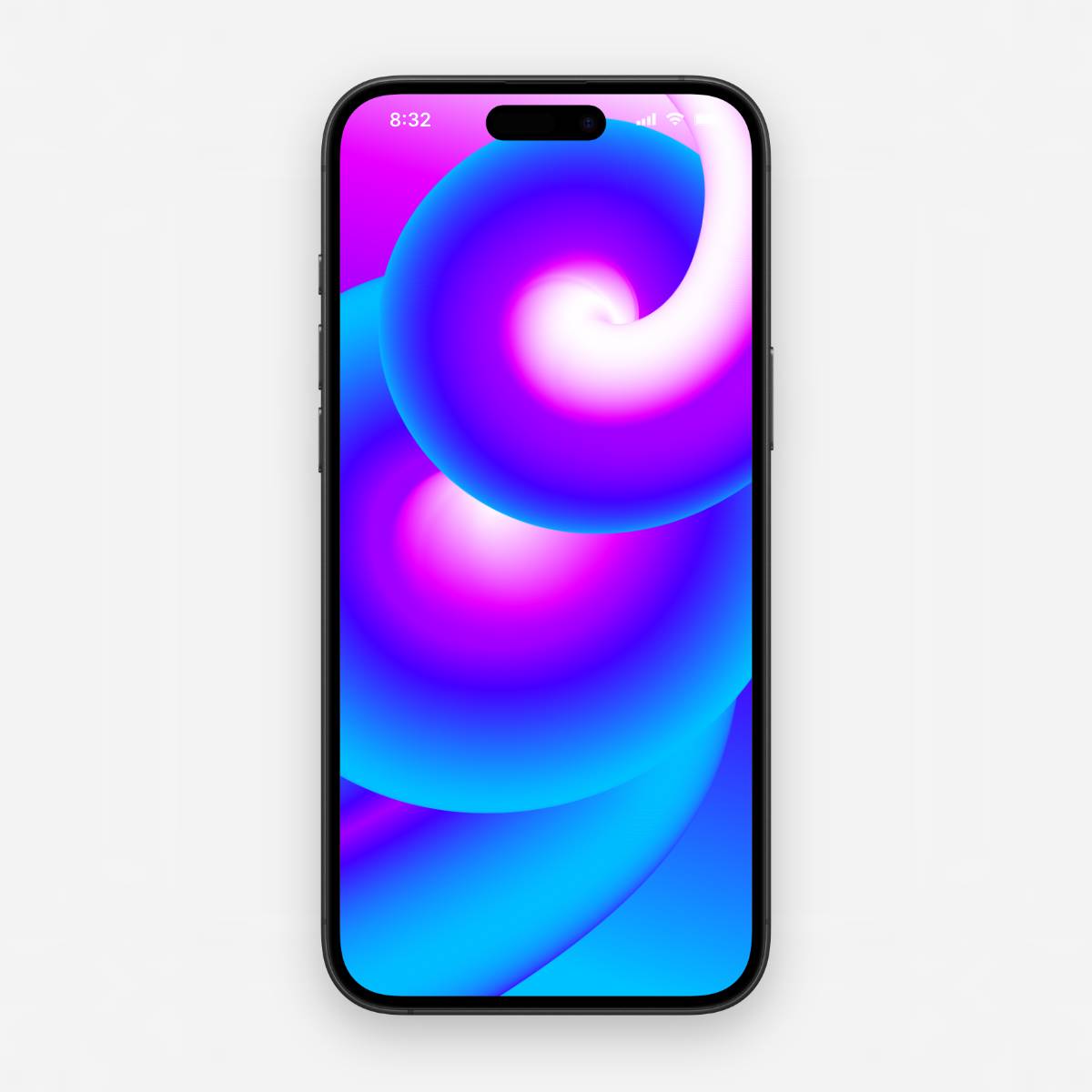
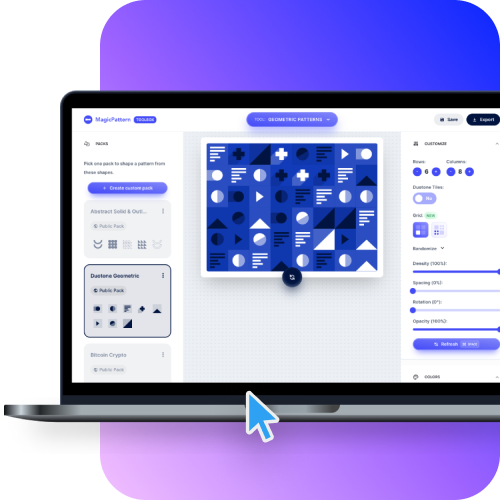
Wrap your images on real device mockups to make your work look even more professional.

Watermarks

Keep your visual content on-brand with consistent watermarks for your graphics. Create, upload and save them on our app.

Loved by Creators.

BrandBird is the ultimate screenshot editor for founders, creators, marketters, who value beautiful design.

I don't know when it happened but Brandbird is now my all-in-one SaaS & social media design tool.

Feature-rich enough to create just about everything I need while being simple enough to not get overwhelmed.

Wilson Wilson

Founder Senja.io

BrandBird app exceeded my expectations for creating a stunning 2024 portfolio.

It's user-friendly, lightning-fast, and offers sleek, modern mockups with abundant creative options. Crafting a standout showcase for my work has never been this enjoyable and efficient.

Mike Cardona

Automation Influencer - 8k followers

BrandBird helped me speed up my design process when creating graphics for Twitter or landing pages.

Its user-friendly interface and extensive collection of templates and assets allow for efficient and professional-looking designs to be created quickly.
BrandBird has been a game-changer for my social media content creation.

It saves me hours of design work and ensures my posts always look polished.

It's specifically built for social media content, which shows in every feature.

Sokratis Vidros

Founder at Feather

See all testimonials

About BrandBird

Hi fellow creator!

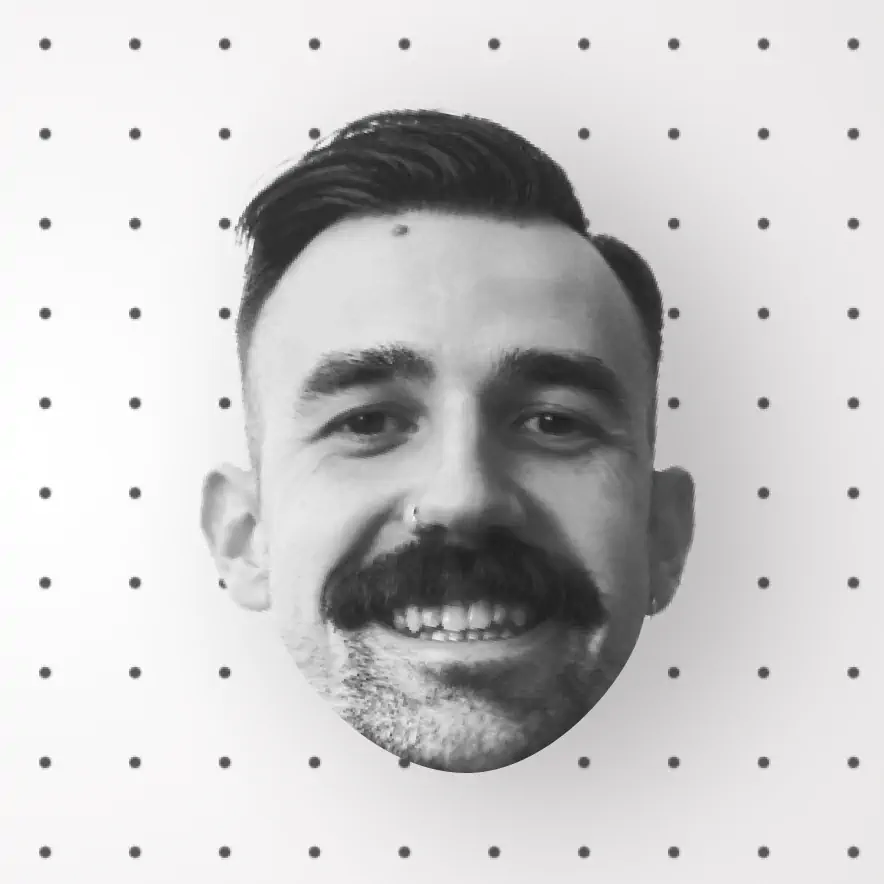
I'm Jim, the founder, designer & engineer behind BrandBird.

For many years, I was struggling to create engaging visuals for my products updates, social media content, and newsletters as a SaaS founder and content creator. The visual creation process felt tedius. Even though I was a professional designer.

I started wondering, how does it feel for a non-designer? It must be a horrible experience!

That's why I built BrandBird. My mission is to help SaaS founders create beautiful graphics with minimal effort even if they have zero design skills!

Jim Raptis,

BrandBird founder

Signature of Jim Raptis, MagicPattern Founder & CEO
Jim Raptis, BrandBird Founder & CEO

👋

Better Screenshots Mockups
With a Simple Design Tool.

I don't know when it happened but Brandbird is now my all-in-one SaaS & social media design tool.

Wilson

Founder Senja.io

Frequently Asked Questions

What is BrandBird Studio?

BrandBird Studio is a powerful online image editor designed for creators and marketers. It lets you create stunning screenshot mockups, social media graphics, and marketing visuals with beautiful backgrounds, 3D transforms, annotations, and more — all from your browser.

How do I create a beautiful screenshot mockup with BrandBird?

Upload your screenshot to BrandBird Studio, pick a background style (gradient, solid, image, or pattern), apply optional 3D transforms and shadows, add annotations and branding, then export your polished image in PNG, JPEG, or WebP format.

Is BrandBird Studio free to use?

BrandBird Studio offers a free tier with core editing features. For access to premium backgrounds, advanced export options, and the full toolkit, you can upgrade to Pro.

Which social media platforms does BrandBird Studio support?

BrandBird Studio supports all major platforms including X (formely Twitter), LinkedIn, Instagram, Facebook, Product Hunt, and more. You can export in the correct dimensions for any platform using built-in social media size presets.

Can I use BrandBird Studio to design images for my blog or landing page?

Yes. BrandBird Studio is ideal for creating hero images, feature showcases, blog post headers, and product screenshots for websites and landing pages. The custom-size export makes it easy to match any dimension.

What is the best tool to create screenshot mockups online?

BrandBird Studio is one of the best online screenshot mockup tools. It combines a drag-and-drop editor with professional-grade features like 3D perspective, gradient backgrounds, device frames, annotations, and brand kits — no design skills required.

Does BrandBird Studio work on mobile devices?

BrandBird Studio is optimized for desktop browsers. While it can be accessed on tablets, the full editing experience is best on a laptop or desktop for precise control over your designs.

How is BrandBird different from Canva or Figma?

BrandBird is purpose-built for screenshot beautification and social media visuals, so it has specialized features like one-click 3D mockups, smart annotations, background removal, and built-in social media presets. Canva and Figma are general-purpose design tools that require more manual setup for similar results.